An alternative to AI headshots
A real photograph, with a photographer’s help.
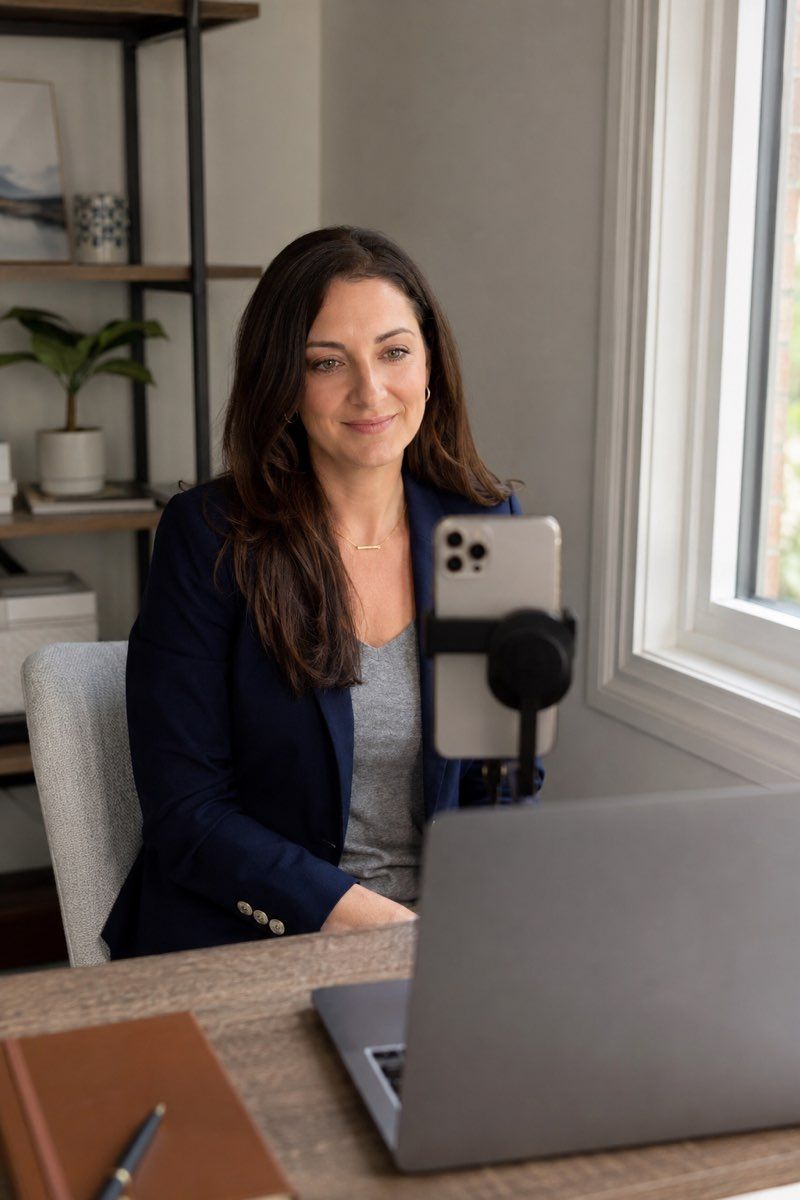
If you’d like a photo taken during a session, we can meet you remotely. A photographer helps with the setup and takes the pictures with you.
We guide your light, camera position and expression. After you choose a photo, we naturally retouch it for your profile, website or company materials.
One person is $180; 3–9 people are $100 each, and two people need a custom quote. For 10 or more, introductory pricing starts at $80* per person, confirmed in writing. An individual appointment takes about 25 to 45 minutes. Retouched files arrive within two business days of selection. See what a remote headshot session costs and includes.
Choose the process you prefer
An AI service makes an image from photos you supply. A live remote session makes a photograph of you at the appointment.
Think about where you’ll use the picture and how closely it should match your current appearance. Also check the time involved, file quality and usage rights.
Here’s what the two approaches involve, so you can choose with those needs in mind.
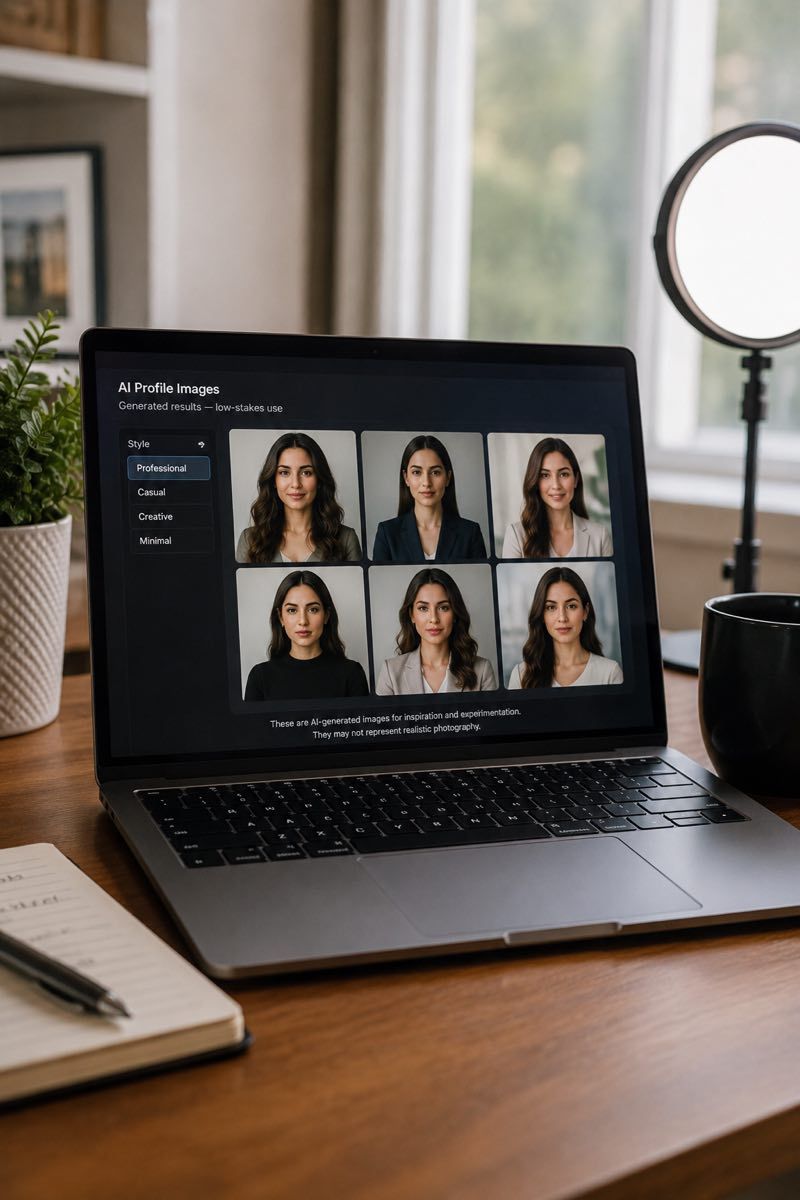
When you’re exploring generated images
A generated image may be useful for trying styles or making a temporary picture. Review it closely before deciding where to use it.
Examples to consider:
- Casual community profiles
- Side projects and early personal websites
- Temporary profile photos before a real session is booked
- Internal design mockups that will not go public
- Social media experiments
- Low-stakes personal portfolio tests
The service works from input photos you upload. Check its terms and make sure the finished image suits the intended use.
Review again if you move that image from a mockup to a public profile.
When you want a current photograph
A current photo can help people recognize you when you meet. A live appointment also gives you help with the light and expression.
You might want a photo for:
- LinkedIn profiles connected to hiring, sales, recruiting, or fundraising
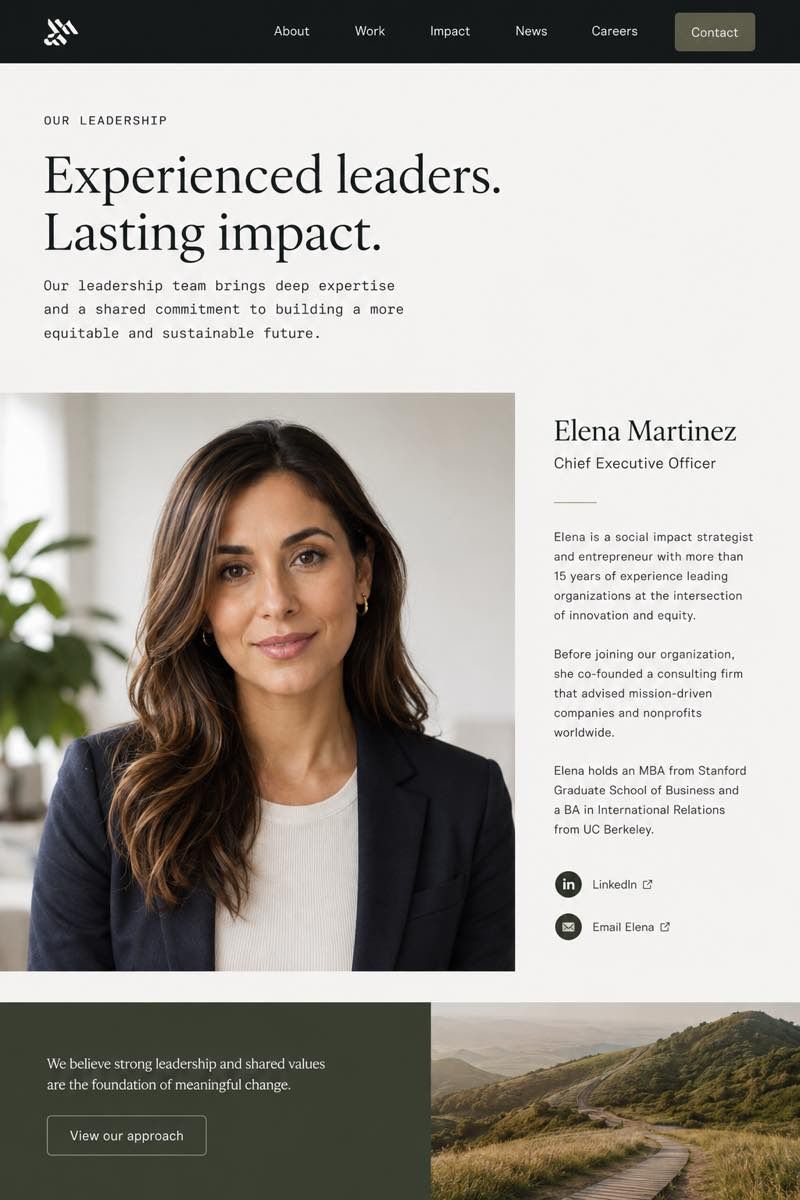
- Company websites, team pages, and leadership bios
- Press kits, speaker pages, and marketing materials
- Investor updates, board pages, and pitch decks
- Client-facing roles in finance, law, healthcare or consulting
- Distributed teams that need consistent headshots across locations
- Any situation where someone may later meet the person in real life
With a generated image, look carefully at the face, hair and expression before using it publicly. Decide whether the likeness feels right to you.
Side by side
How the pictures are made
A live session starts with you in front of the camera. An AI service starts with photos you upload. Both may produce a finished-looking image, but the steps and level of guidance differ.
| Dimension | Real remote headshots | AI headshots |
|---|---|---|
| Source | A photograph taken in your appointment | An image made from photos you supply |
| Likeness | Your face and expression during the shoot | Check the finished likeness against your real appearance |
| Direction | A live photographer helps with the setup and pose | The service uses your supplied photos |
| Control | Try changes to light and pose while taking the pictures | Changes depend on the tool’s options |
| Team consistency | Agree a shared background, crop and finish | Check that the team’s results match one another |
| Best use | Work profiles, company pages and press bios | Trying styles or making a temporary picture |
| Speed | Scheduled session with edited delivery | Timing varies by service |
| What to plan for | Allow time for a live appointment | Review the final likeness before using it |
How AI headshot generators usually work
An AI headshot service generally asks for existing portraits or selfies, then uses them to generate images in different styles.
The input photos and the service’s options affect what comes back. Review the results and usage terms rather than choosing by appearance alone.
In our session, a photographer can help you move the light, change the angle or relax your shoulders before the picture is taken.
Comparing a particular tool
A result that suits one person may not suit another. Look at recent examples and check what input photos, files and rights the service requires.
Some services also use the term “virtual headshots.” Read our guide to virtual headshots. Check whether the service takes a photograph, edits an upload or generates an image.
If you prefer help while the photo is taken, a live session may suit you. Our side-by-side comparisons of Aragon AI, HeadshotPro and BetterPic explain the options for those services.
Check that the picture feels like you
Before using any profile image, compare it with your current appearance. Pay attention to the features people will recognize when they meet you.
Details to look at:
- Eye shape and spacing
- Jawline and chin structure
- Ear placement
- Hair color and hair texture
- Skin tone and skin texture
- Subtle facial features
- Whether the expression feels familiar
During a live shoot, your own features and expression are recorded by the camera. We edit color, crop and small distractions while keeping those details recognizable.
Get help while the picture is taken
Your photographer can see the frame and suggest an adjustment while you’re there.
We help find softer light, position the camera and try a comfortable pose. You can see what changes as we take more photos.
It’s hard to judge those details while you’re in front of the camera. We work through them together.
A better starting photograph gives the editing team more to work with.
Choosing photos for a team
For a team page, decide how the backgrounds and crops should fit together before colleagues choose their photos.
When photos are made separately, the finish may vary from person to person. Review the set together to see whether it suits your page.
We agree a shared photo brief, send preparation guidance and photograph each colleague remotely. The editing team checks the selected photos together.
For team sessions, see remote team headshots and our corporate headshot service.
Photos for leadership and public use
Share the places your portrait will appear, such as the company website, press materials or a speaker page. That helps us plan the crop and expression.
A private remote session gives you time with a photographer to make a current portrait and choose the picture you prefer.
For leadership use, see executive headshots.
What happens in your appointment
You meet a photographer live using the link and instructions sent for your appointment.
The steps are:
- Ask about an appointment time.
- Receive confirmation and preparation notes.
- Follow the joining instructions sent for your appointment.
- At the scheduled time, you join from your phone.
- Meet your photographer and check the setup together.
- Try a few poses and expressions while we take photos.
- Choose from the photographs according to your package.
- Receive naturally retouched files for the uses you agreed.
Your photographer stays with you during the shoot and helps you find a comfortable frame and expression. We then finish your selected photo for its agreed uses.
Elina directs the session. She has been running remote appointments for three years; the Match Production team handles the editing.
For full process detail, see how it works. For editing expectations, see retouching standards.
How we edit a real photograph
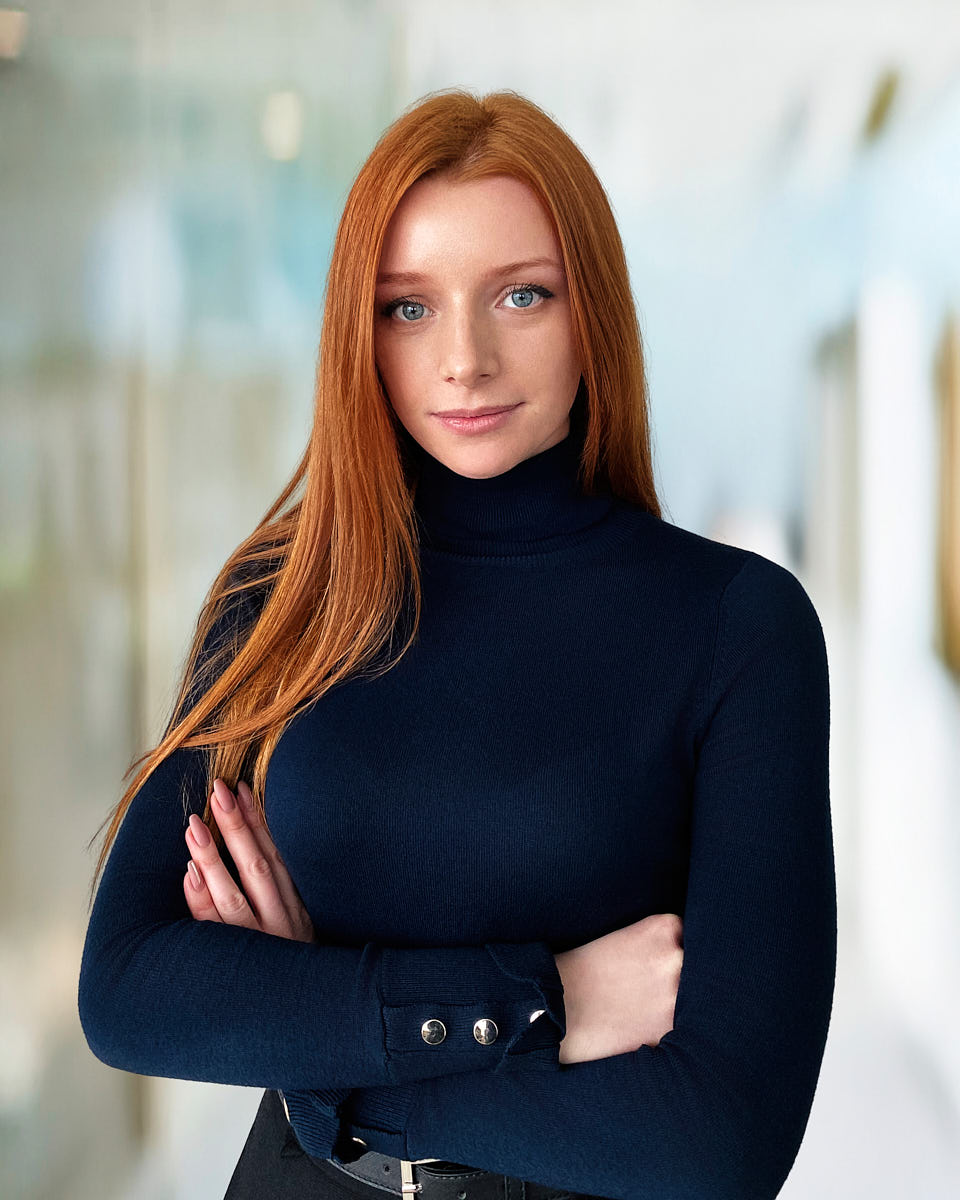
Our editing begins with the photograph you selected from your session.
We balance color and light, tidy small distractions and prepare the crop and background. Your own features and expression remain.
A generated image is made from input data. Its likeness needs to be reviewed separately from how finished it looks.
We finish the real photo taken in your appointment.
Decide what you need from the picture
A generated image can have a professional-looking style. Check whether its likeness, files and usage terms fit what you need.
Look at the face and expression as well as the lighting and background. For a team, review how the pictures fit together.
If you’d prefer a photograph taken with a photographer’s help, our remote session is one option.
Choose the right path
Find the session for your needs
For more detail on individual services, read our comparisons: the Aragon AI alternative for profile photos, the HeadshotPro alternative for teams, the BetterPic alternative for finished-image options, Snappr alternative for in-person bookings, and the Capturely alternative for photography and editing.
Portfolio
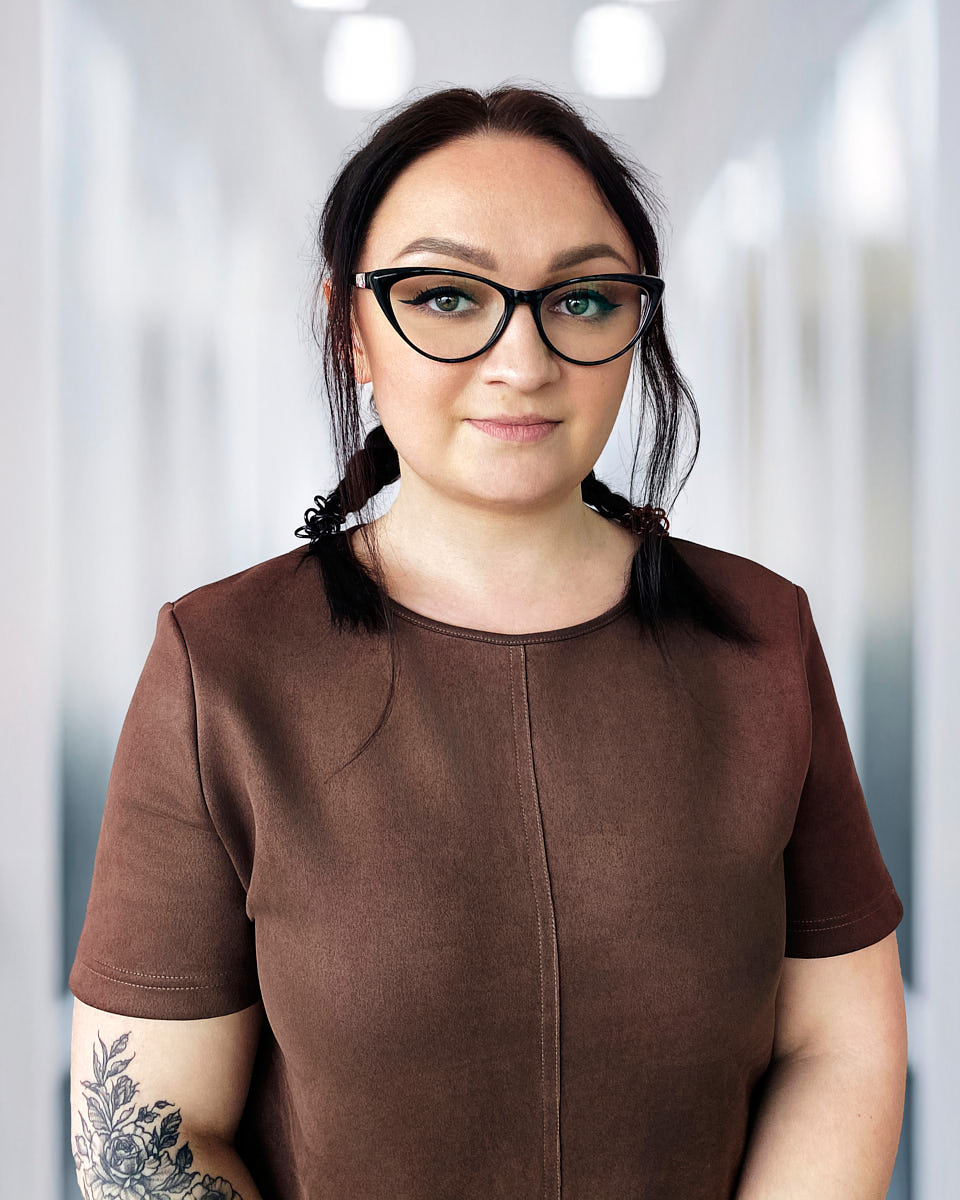
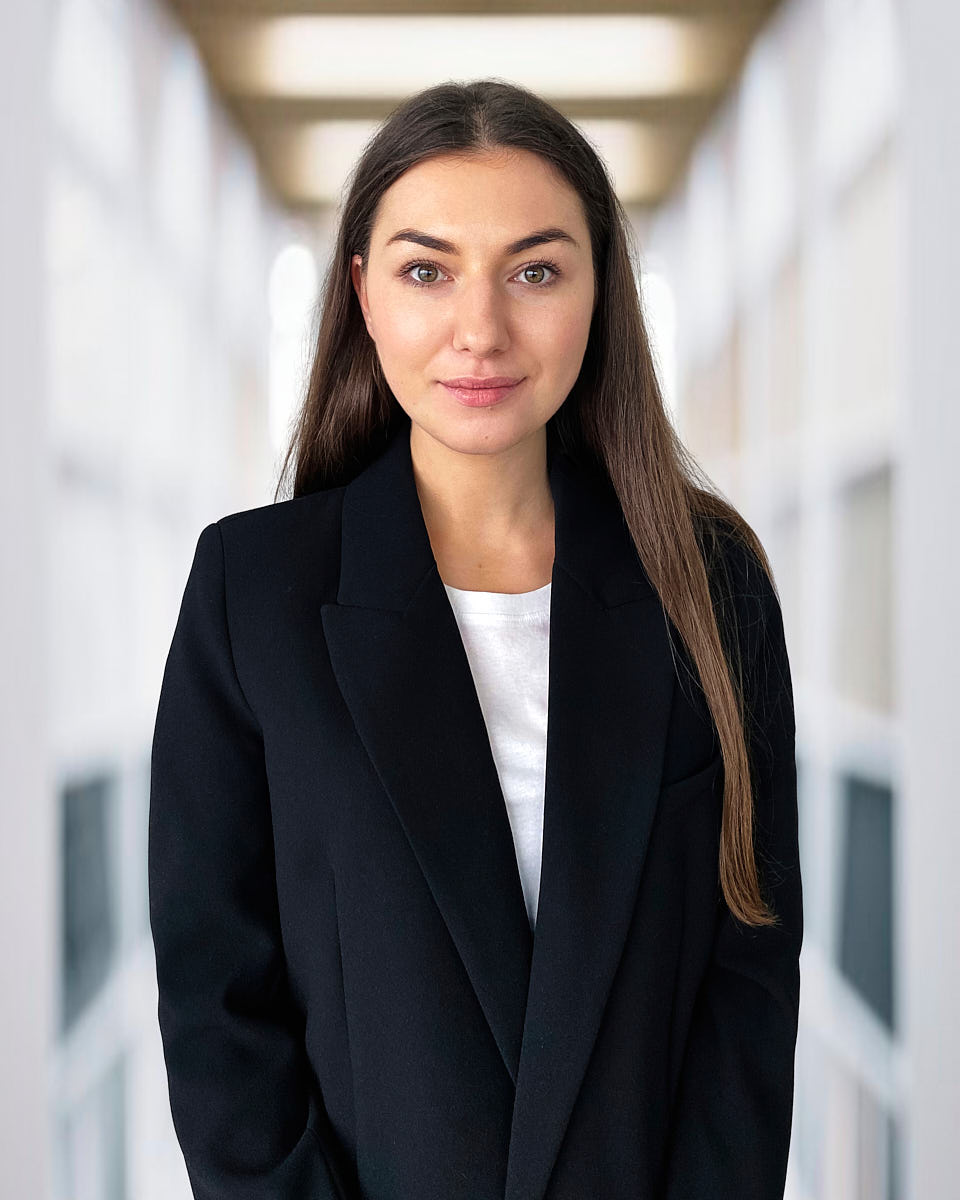
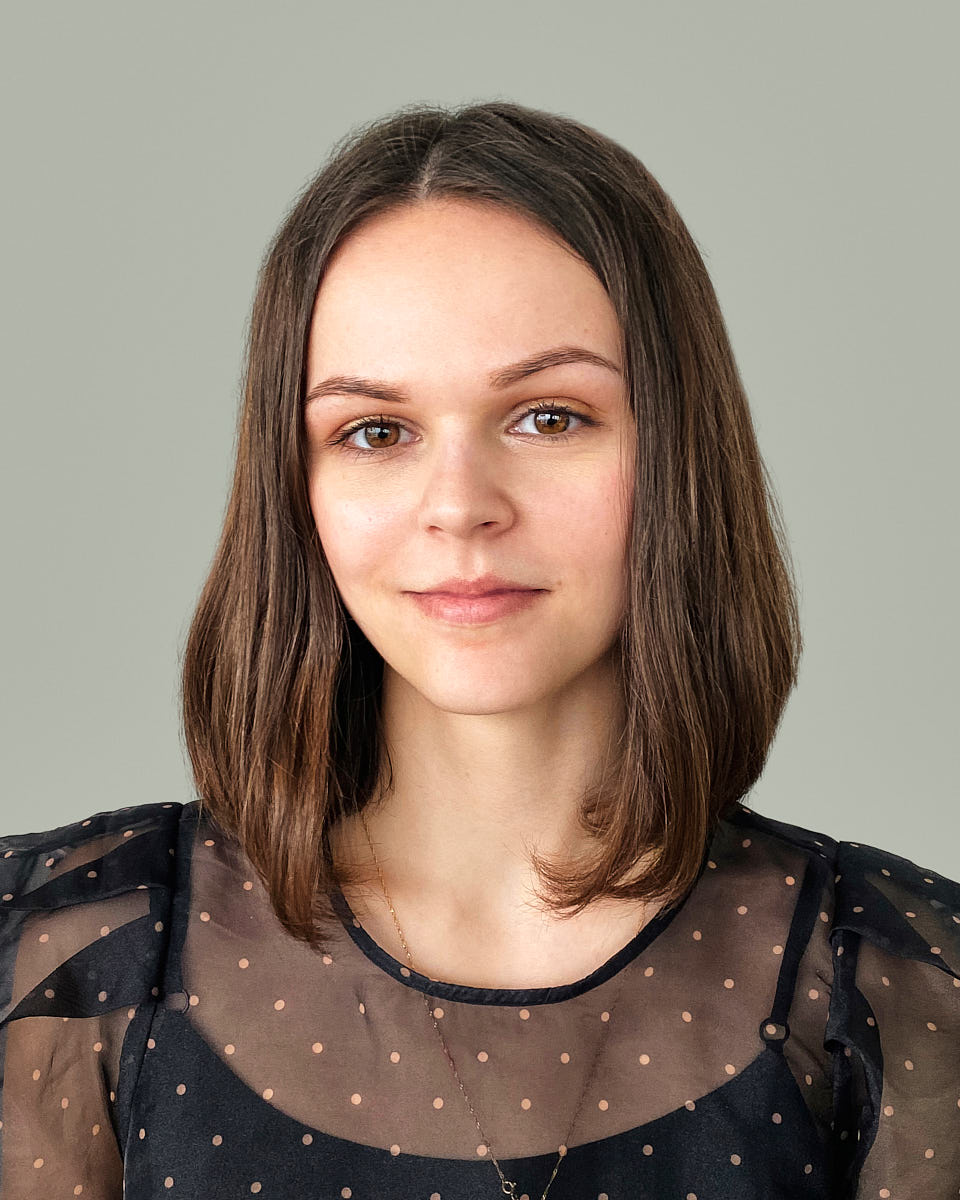
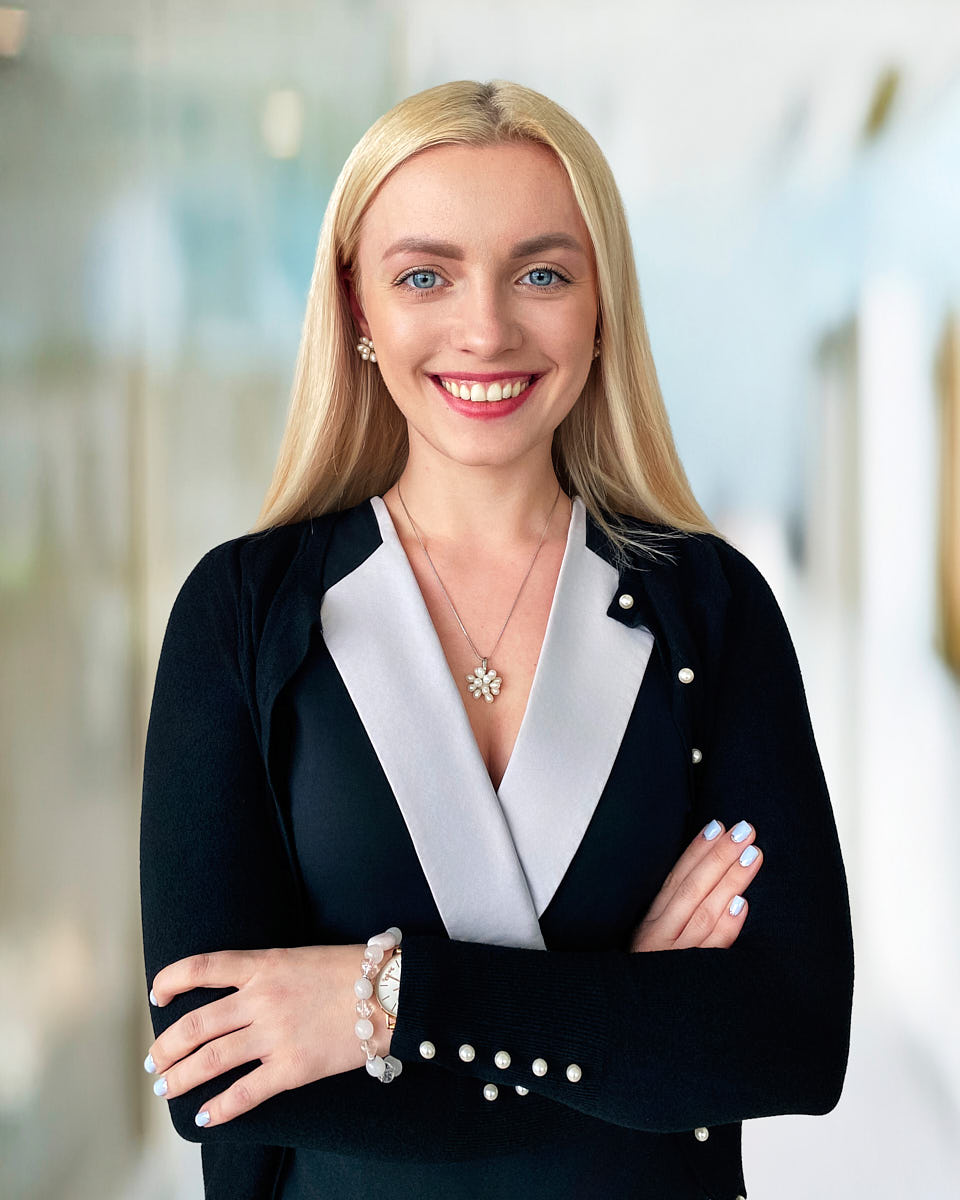
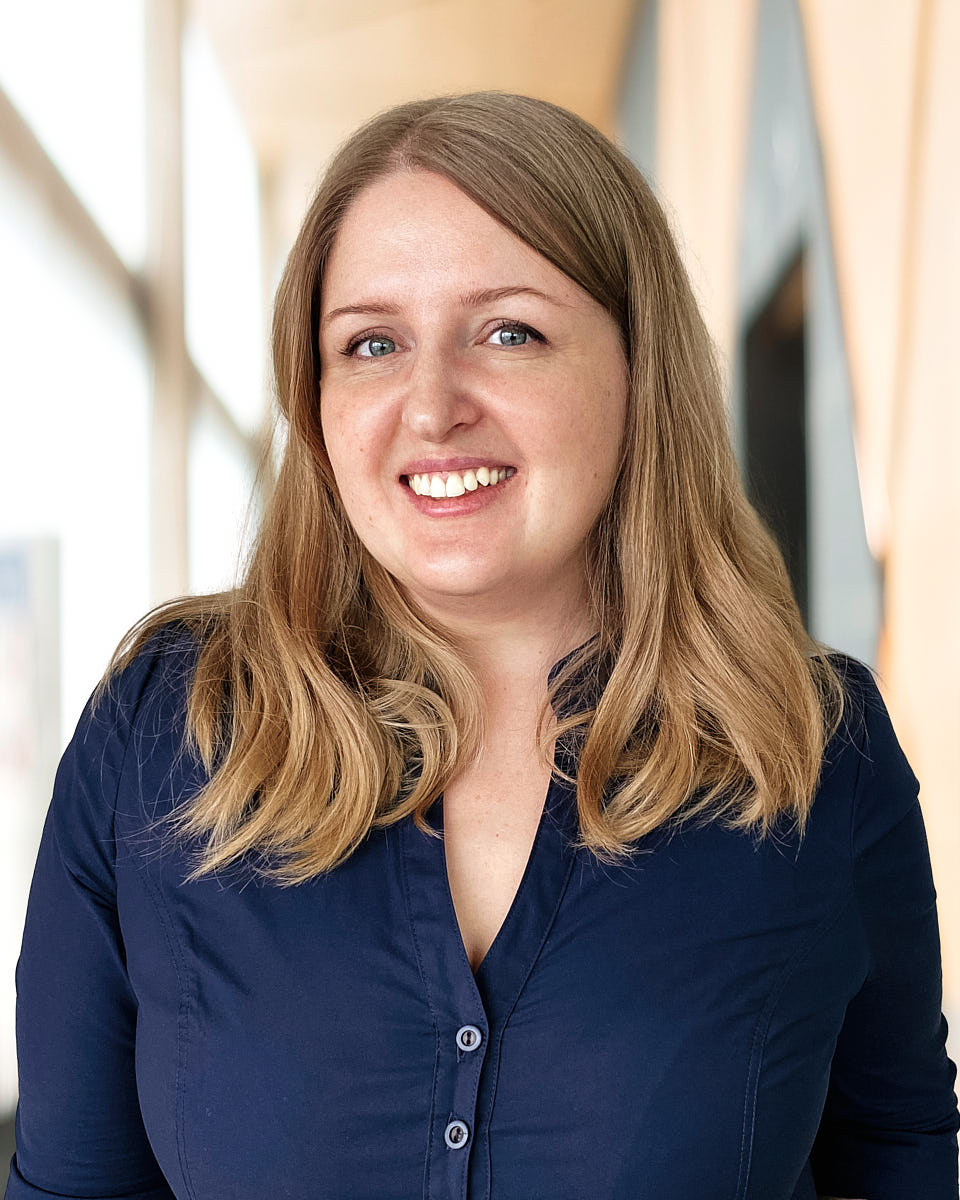
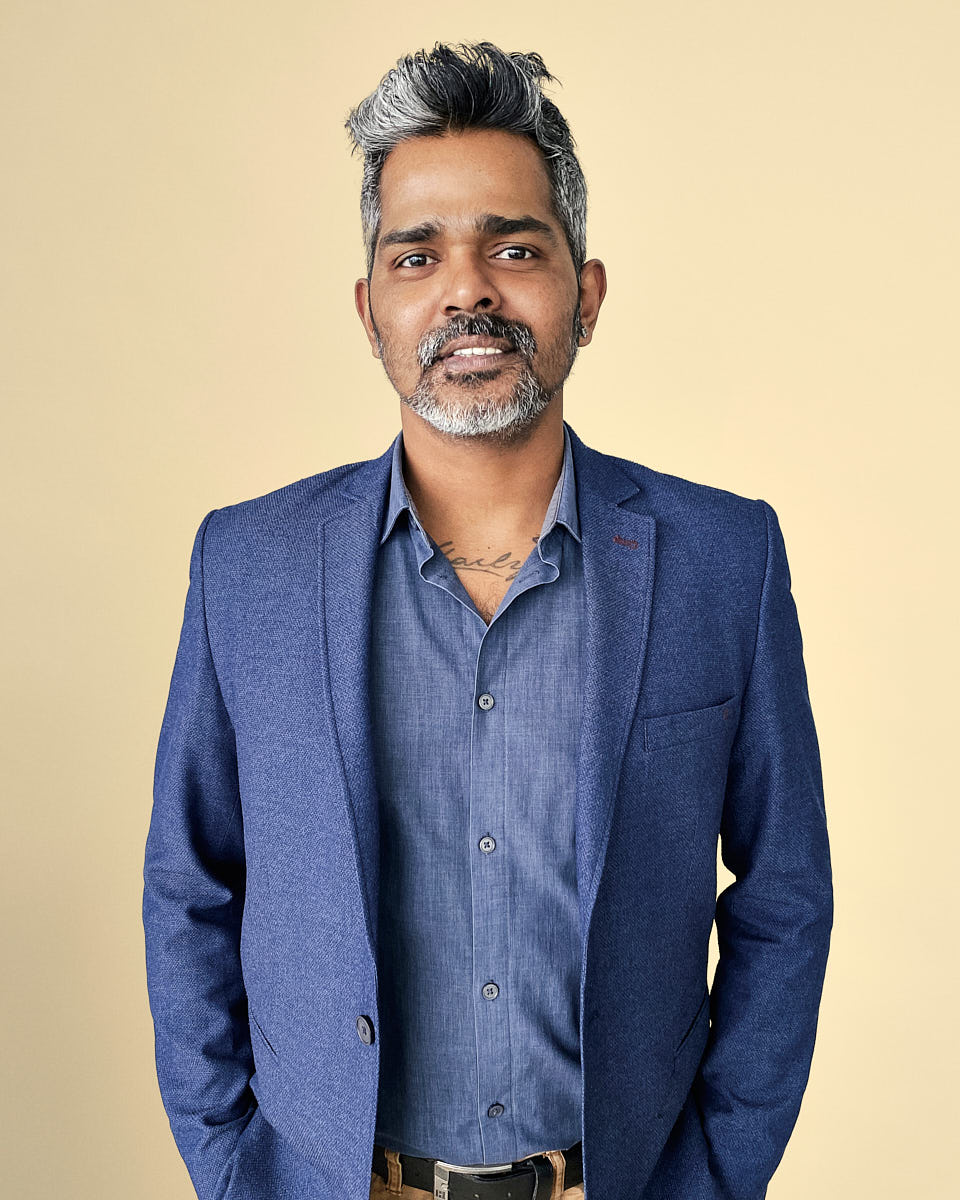
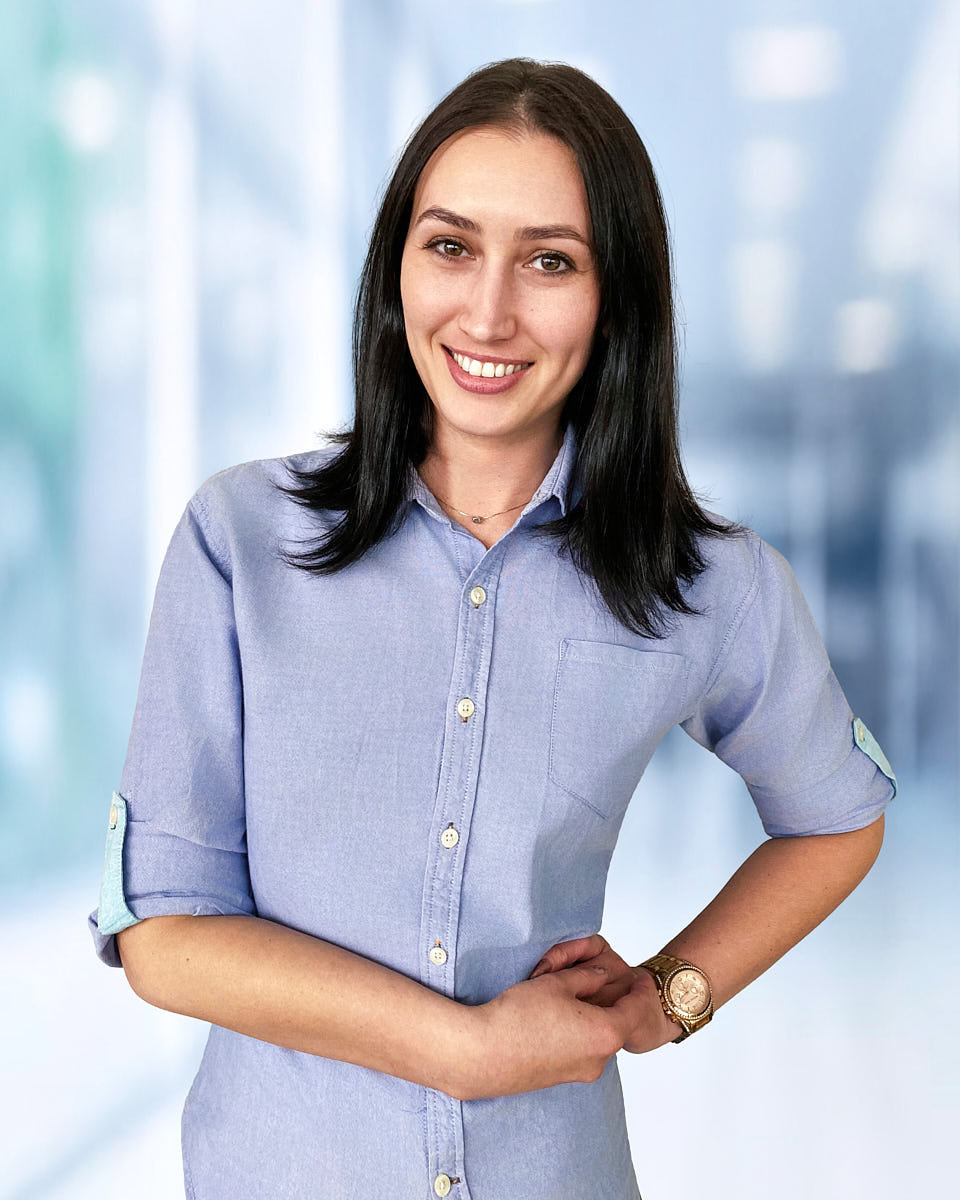
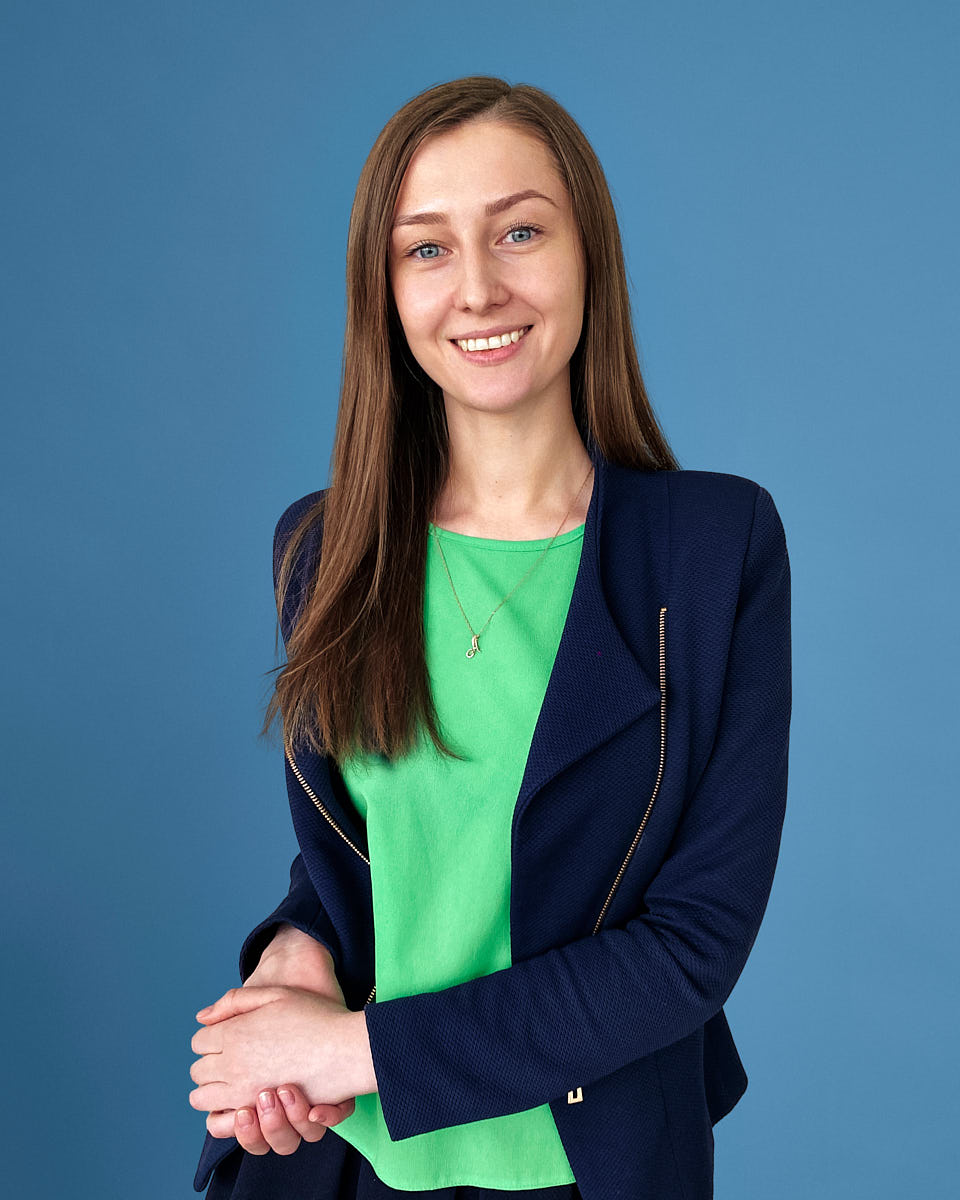
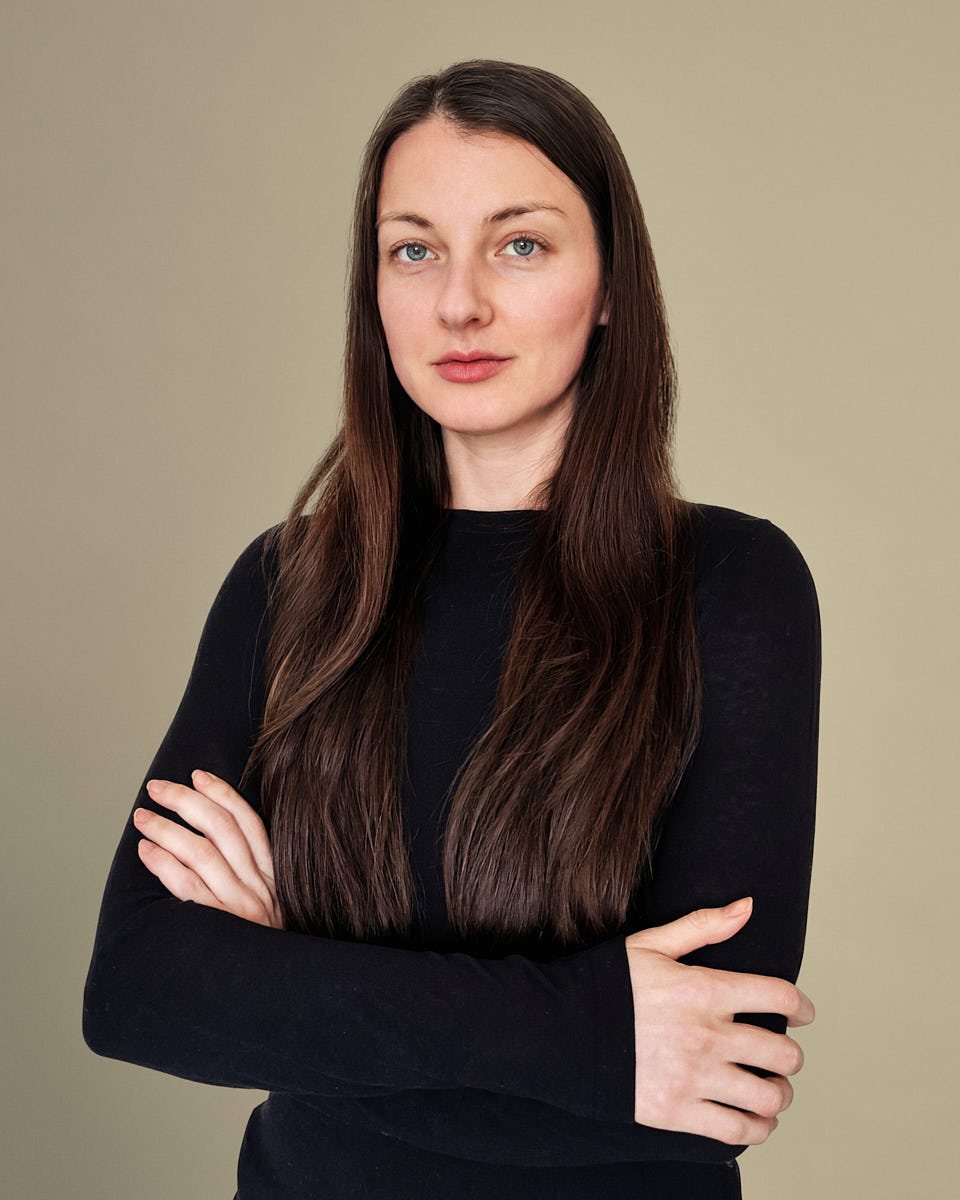
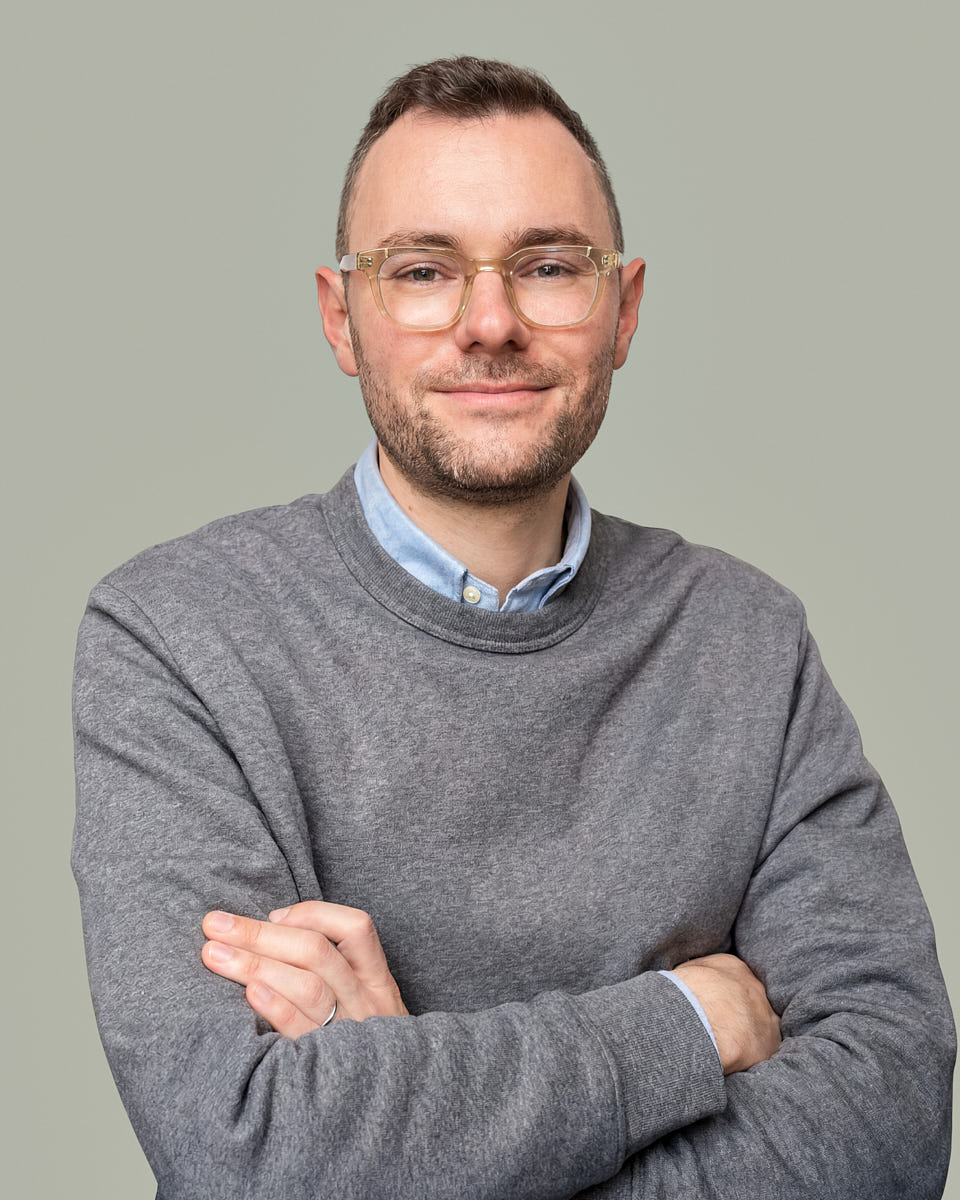
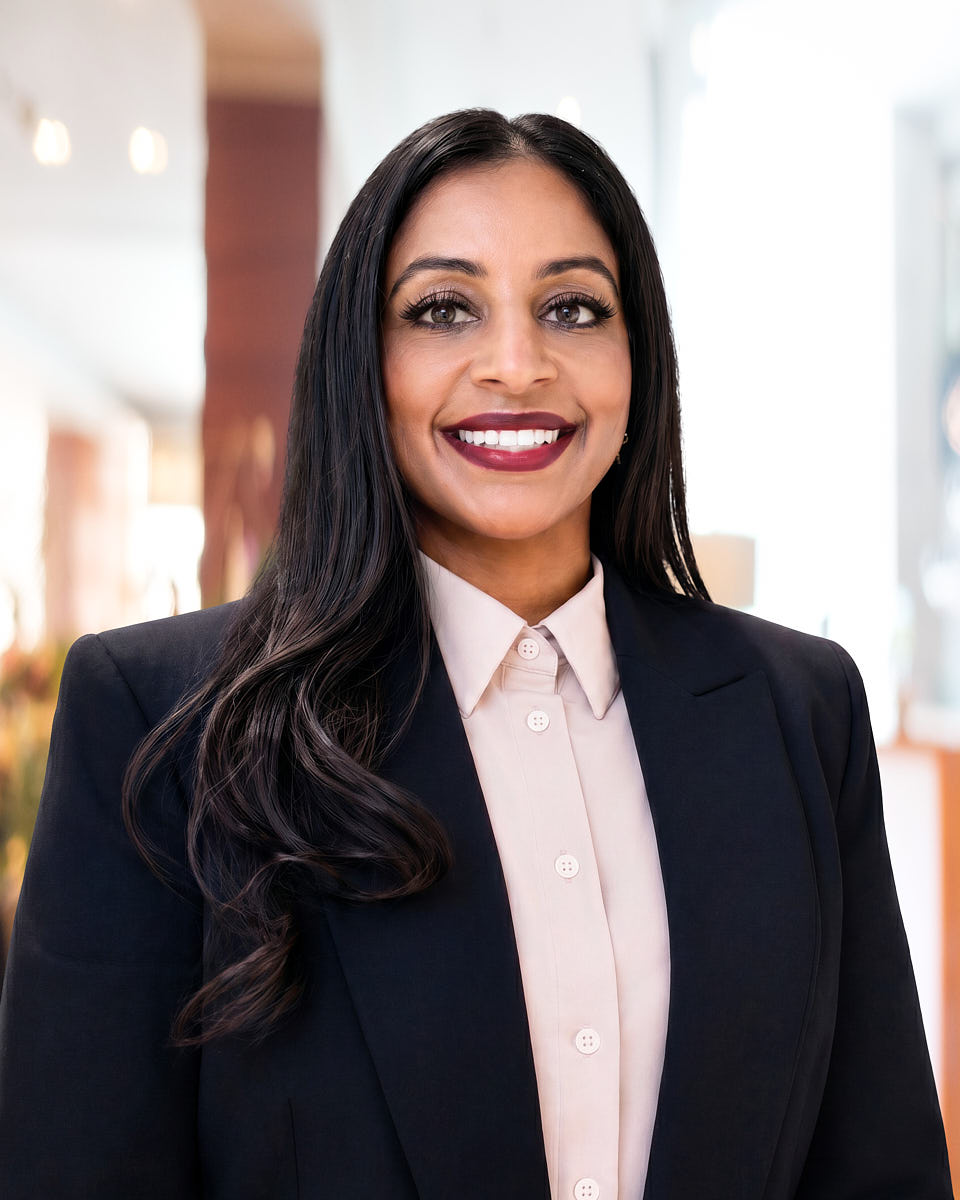
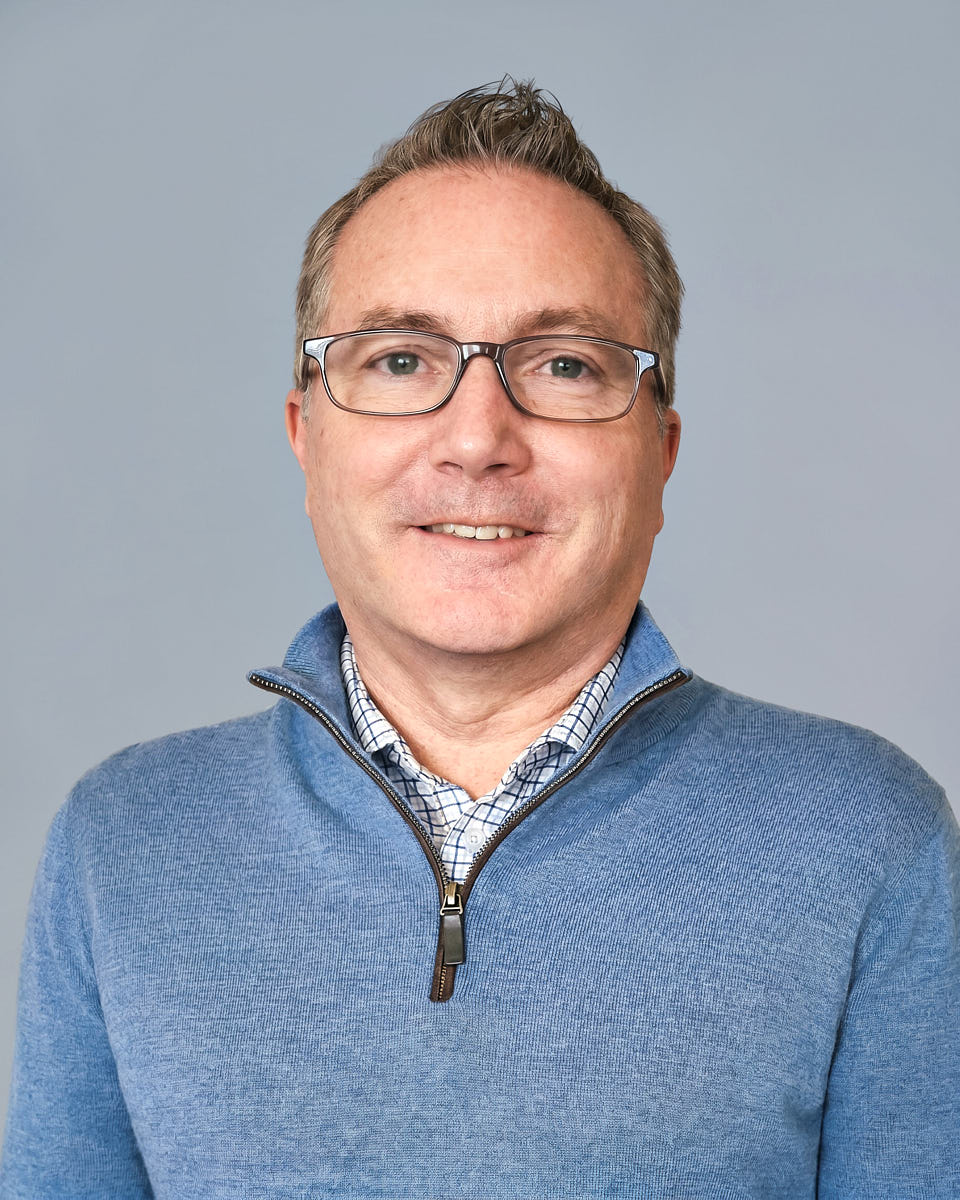
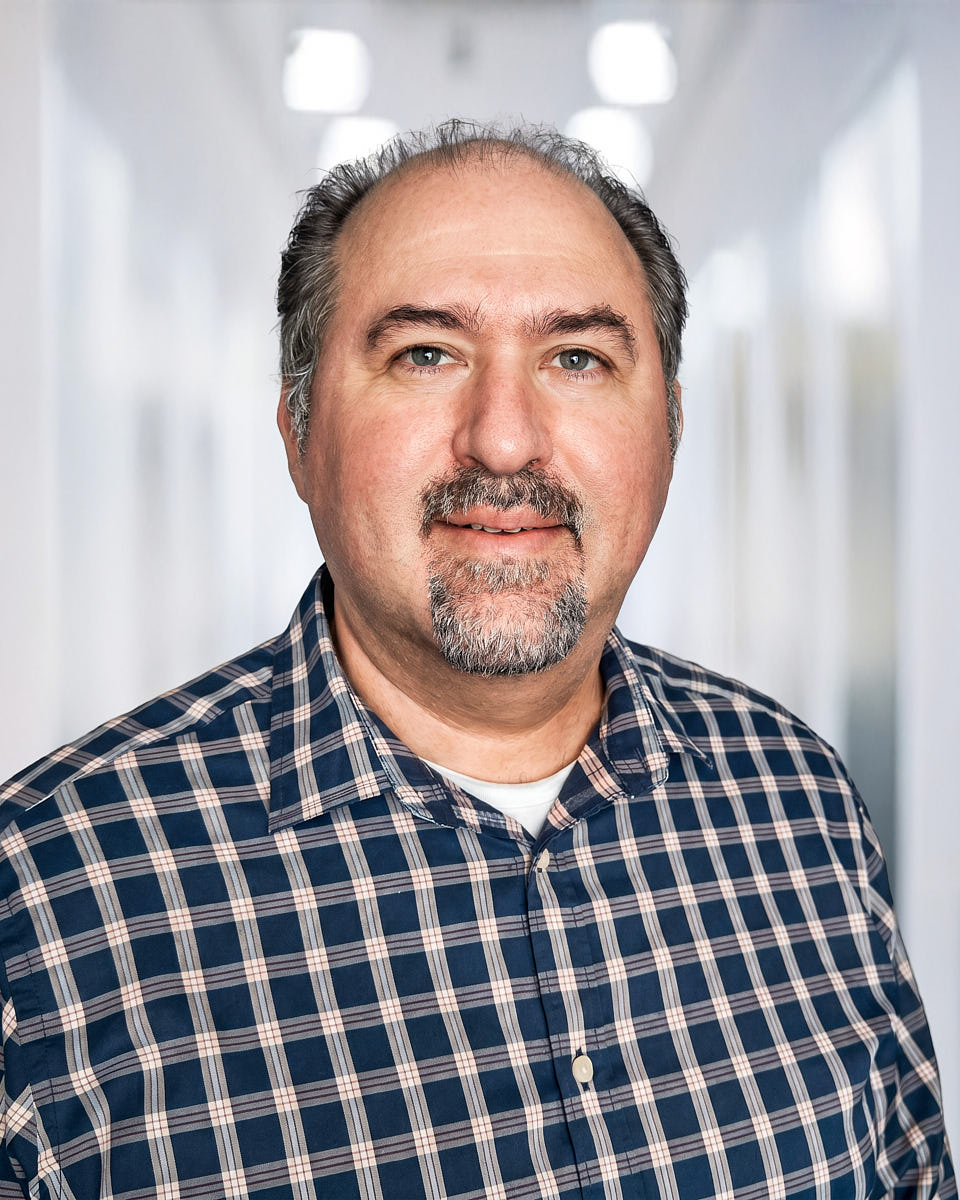
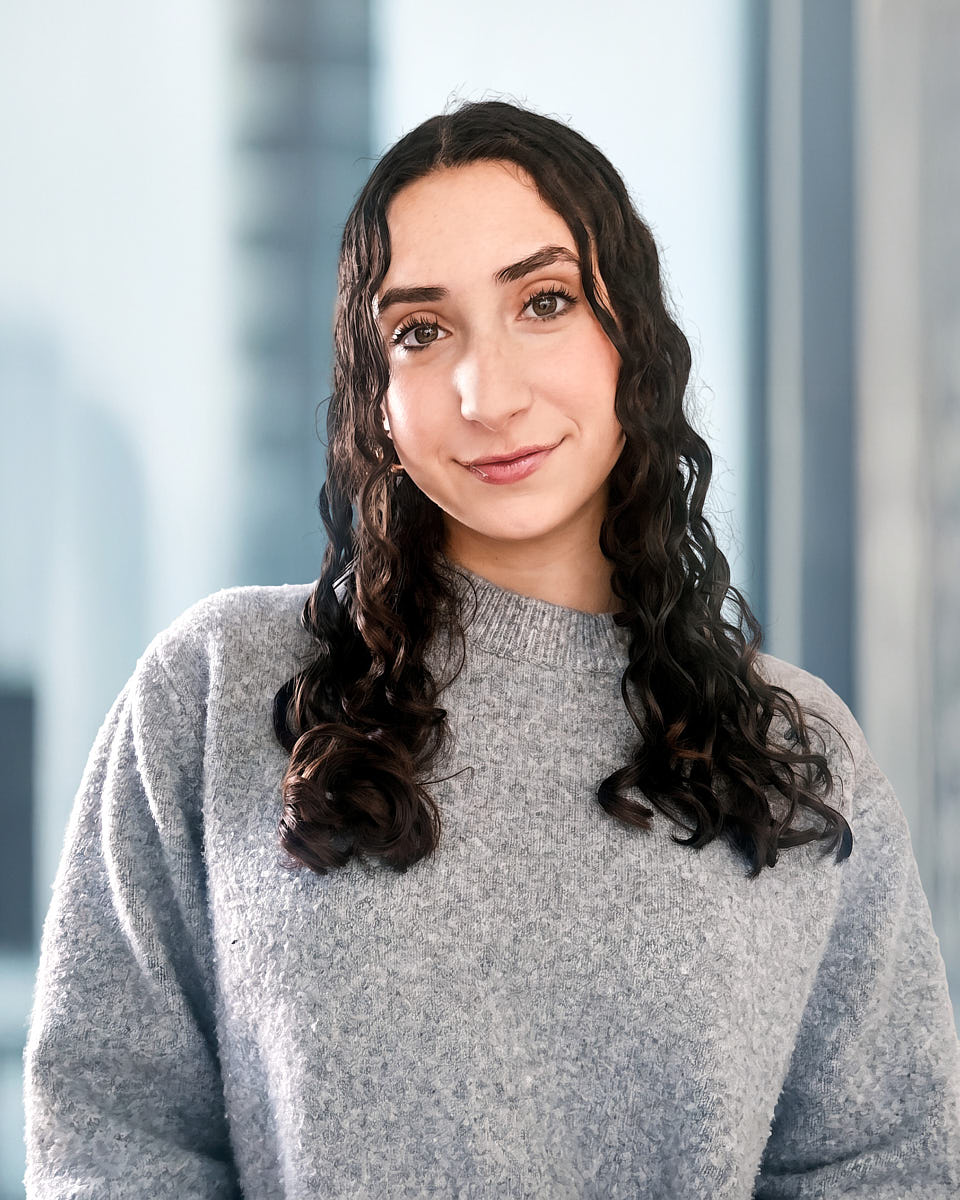
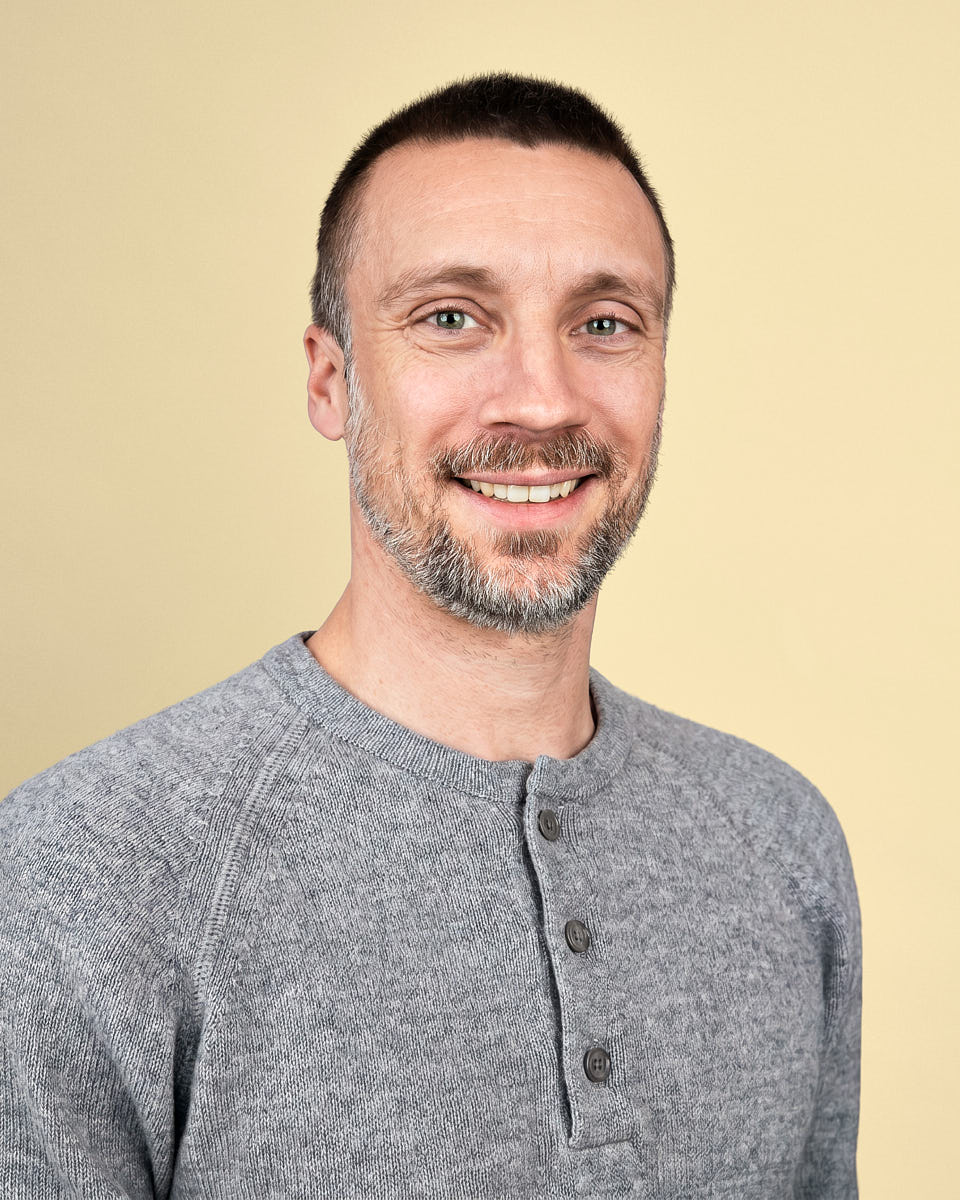
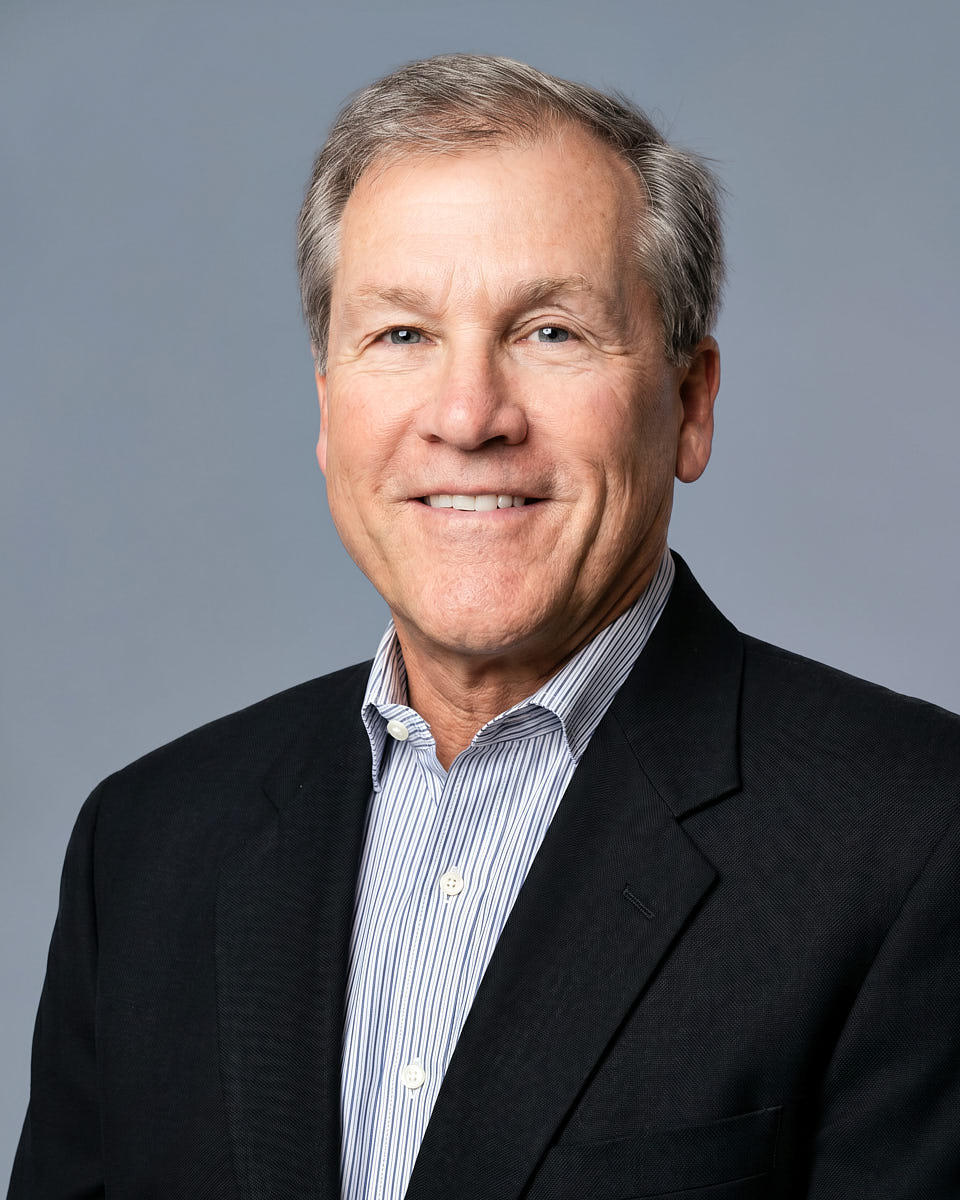
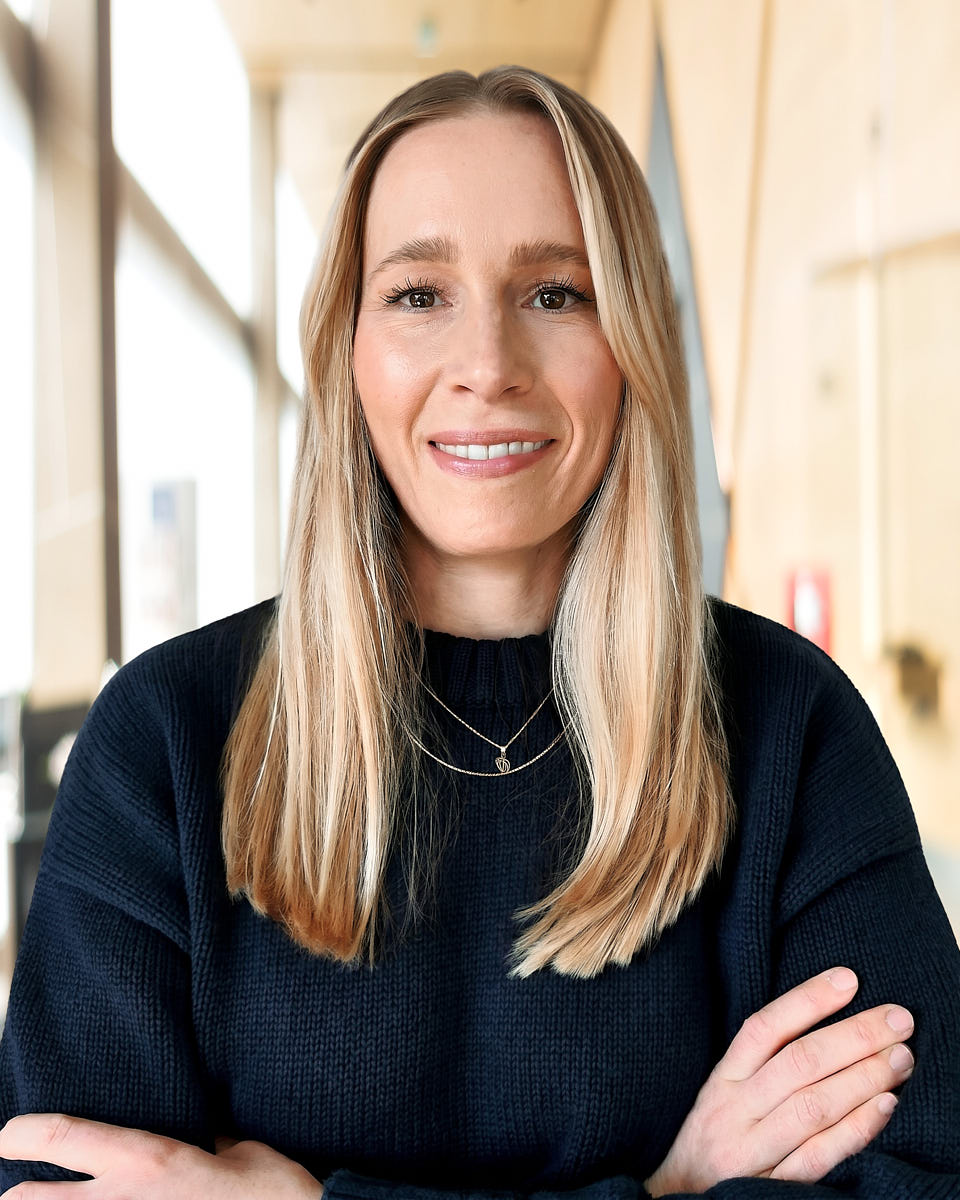
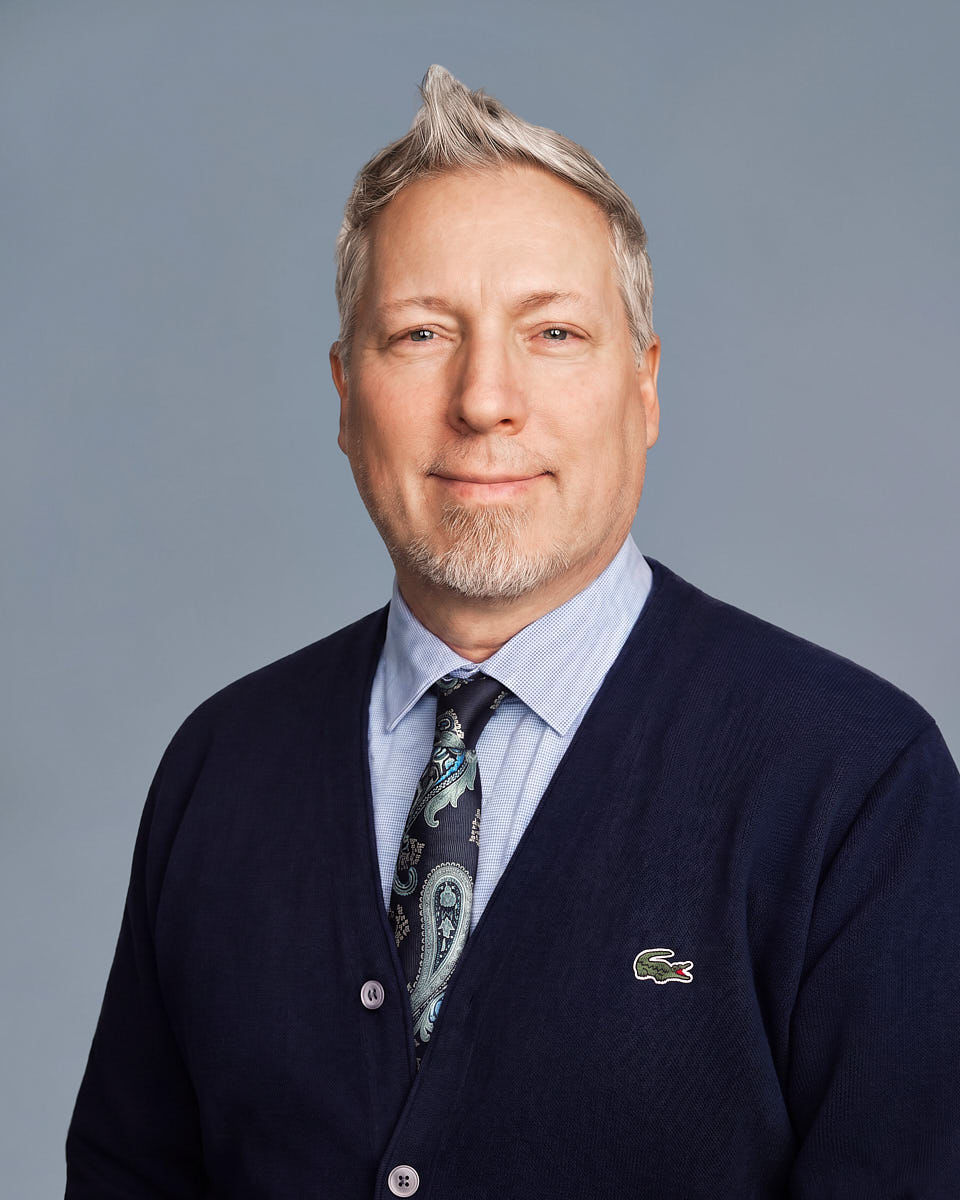
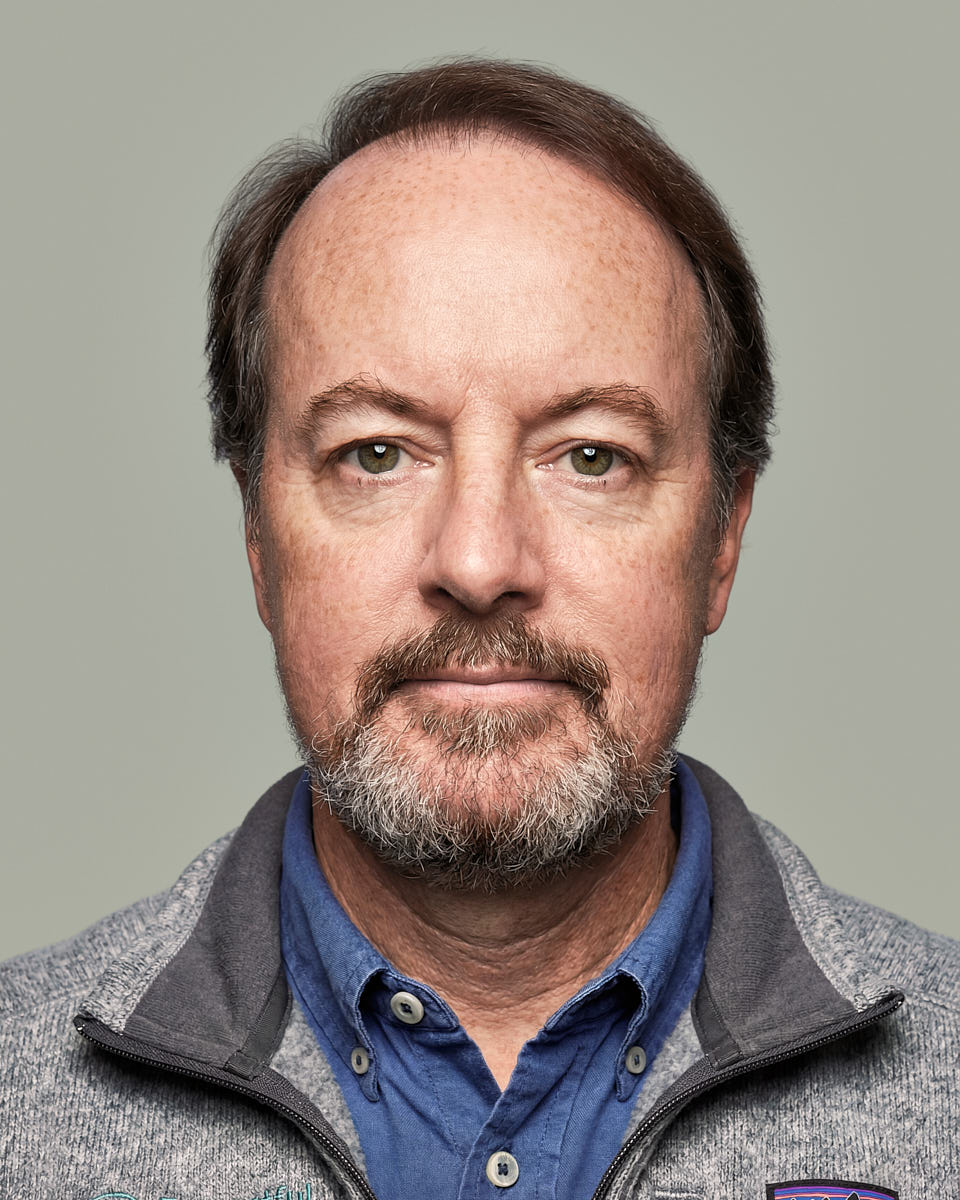
Photos taken in live remote sessions
Browse real portraits finished by our editing team. The examples show different backgrounds, lighting and expressions you can choose.
Common questions
Questions about AI vs real headshots
Are AI headshots ever the right choice?
An AI image may suit a casual profile, mockup or temporary picture. Check the finished likeness and the service’s usage terms against the way you plan to use it.
How is a live session different from a generated headshot?
You meet a photographer remotely and take the pictures together. We help with the light, camera position and expression, then naturally retouch the photo you choose.
What should I check in a generated portrait?
The service creates an image from the photos you provide. Look closely at the finished face, hair and expression; the likeness can vary with the inputs and tool.
Can I use a free AI headshot for work?
Before using any generated image for work, check the likeness, download quality and usage terms. Free services may have limits, and those details vary by provider.
How do you take and edit my photo?
Your final headshot starts with a real photograph taken during the appointment. We use editing tools to finish color and detail while preserving your actual features and expression.
Can our whole team take live sessions?
Yes. We agree the team’s look first, then each colleague has a session with a photographer. We edit the chosen photos together so the background, crop and finish match.
Your next step
Choose how you’d like to make your photo
If you’re exploring an AI service, review its likeness, files and terms before using the image.
If you’d like a real photograph with live guidance, ask about a personal or team session.