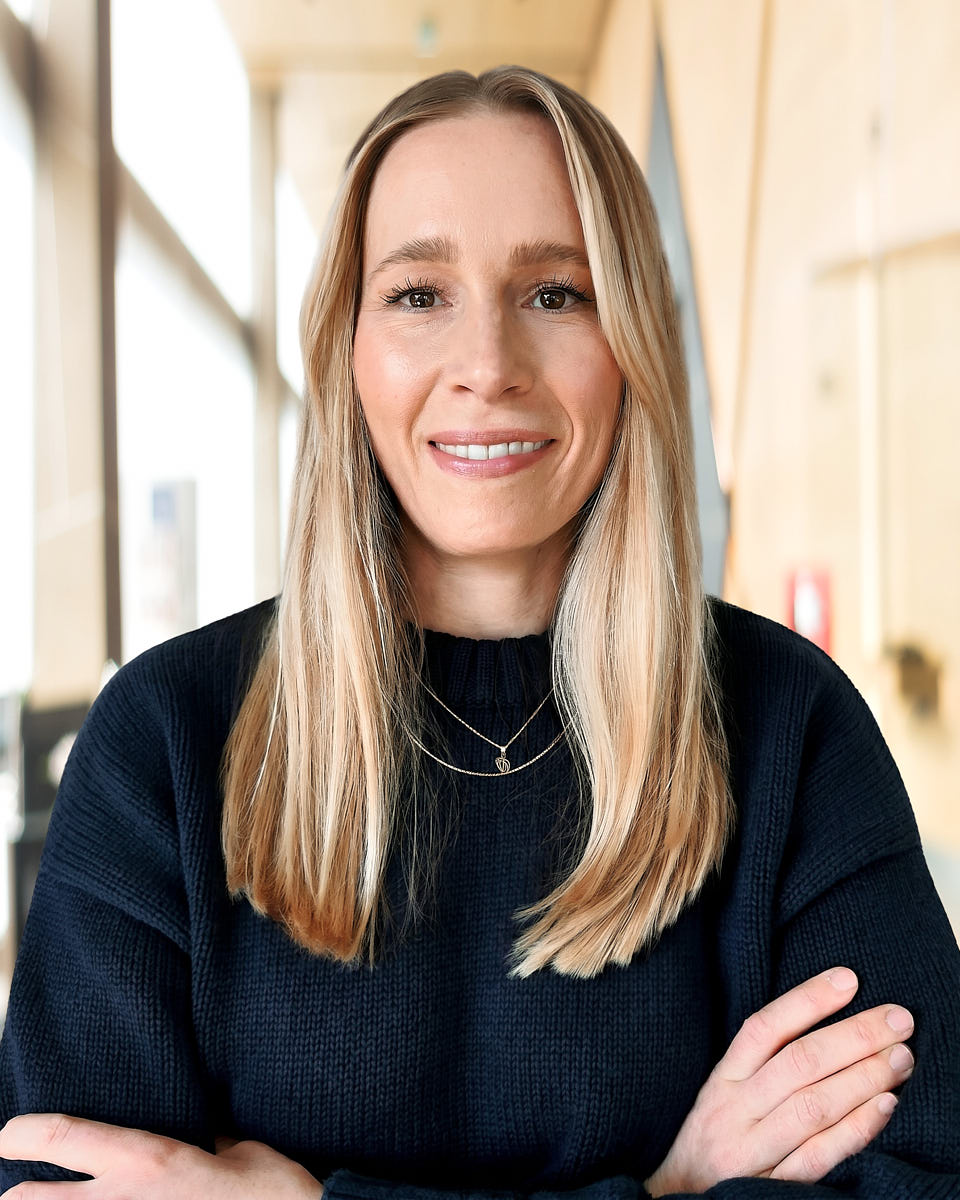
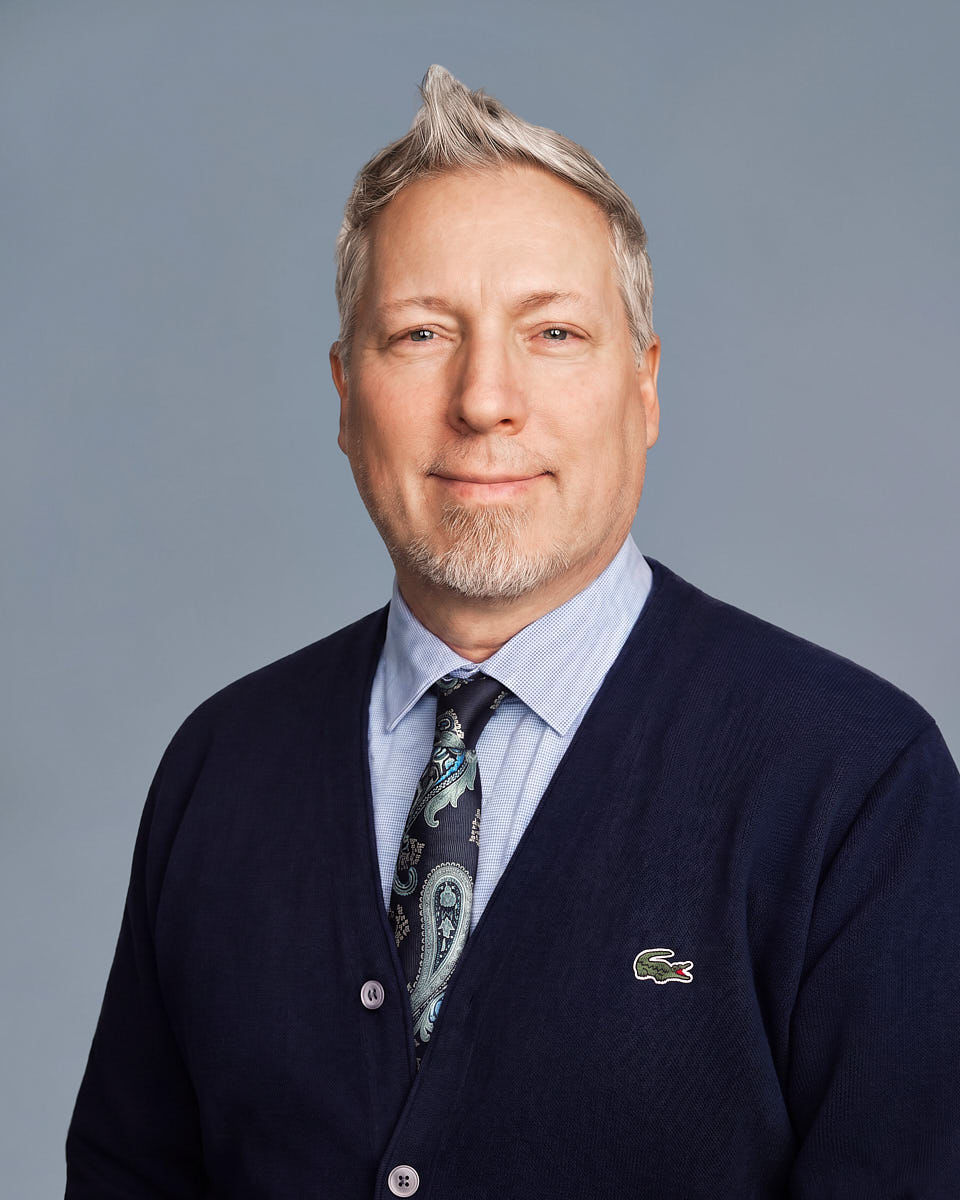
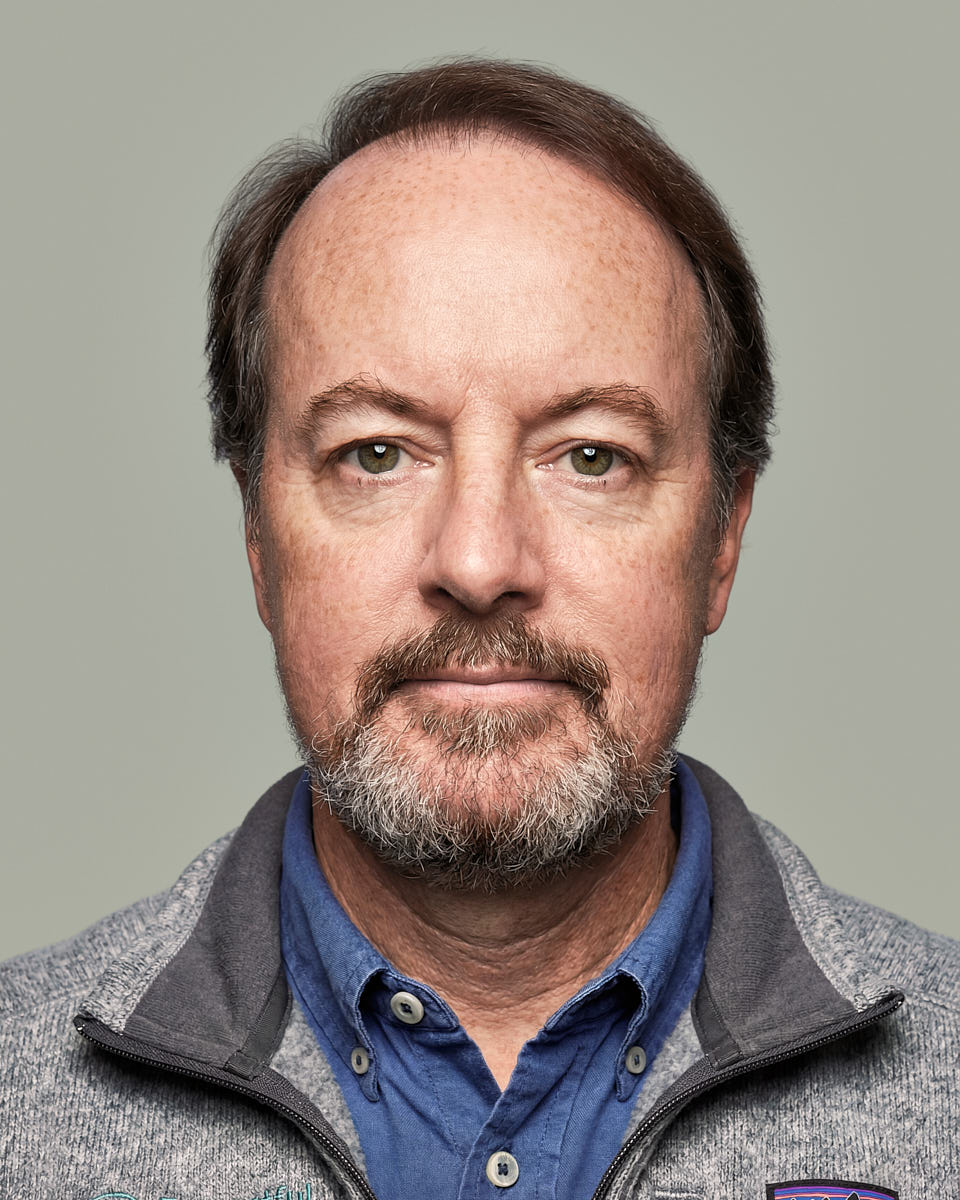
Remote headshots · A real shoot, not AI

Studio-quality headshots, without the studio.

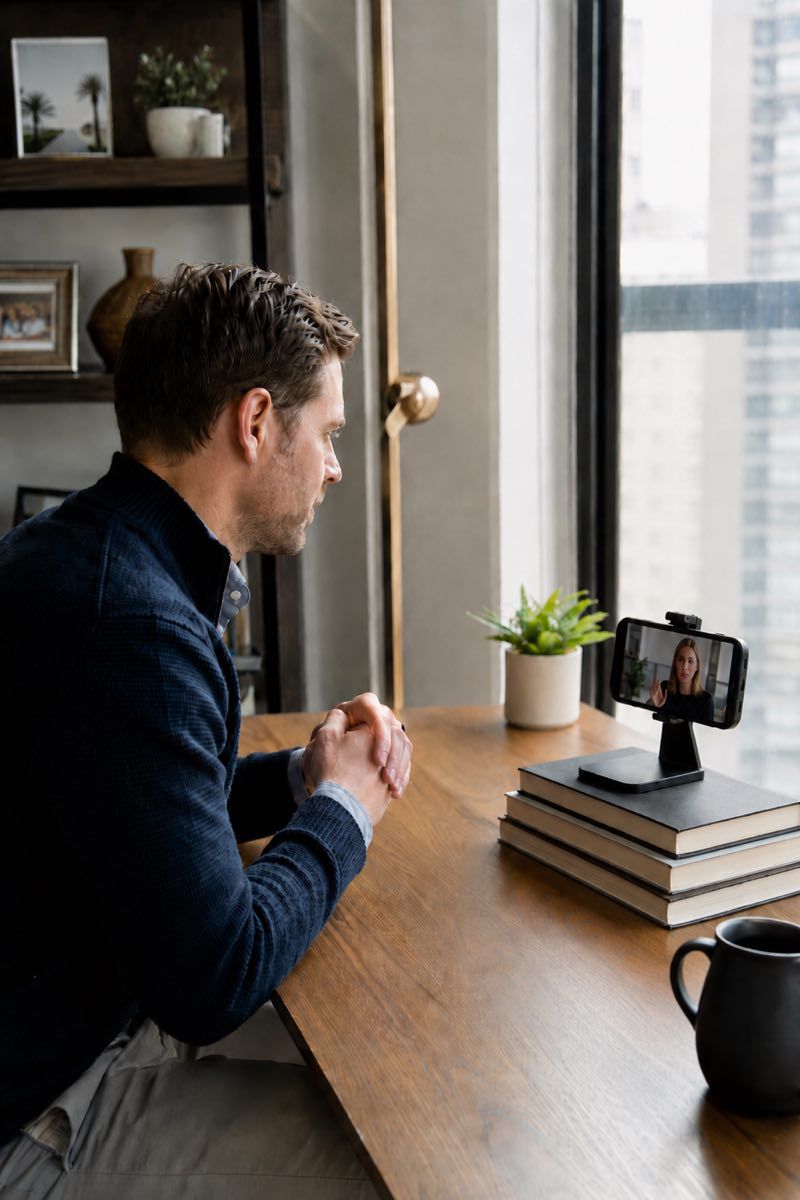
Remote headshots replace the in-person photoshoot with something just as good. A real photographer directs your session live over video — guiding your lighting, camera angle, posture, and expression in real time — so you walk away with an authentic, professional portrait without booking a studio or leaving your desk.

It's a global service for individuals, remote teams, company groups, and full rollouts. Real photos of real people, finished to one polished standard — never AI-generated, never a selfie-upload tool.

For global teams, individuals, and enterprise rollouts.

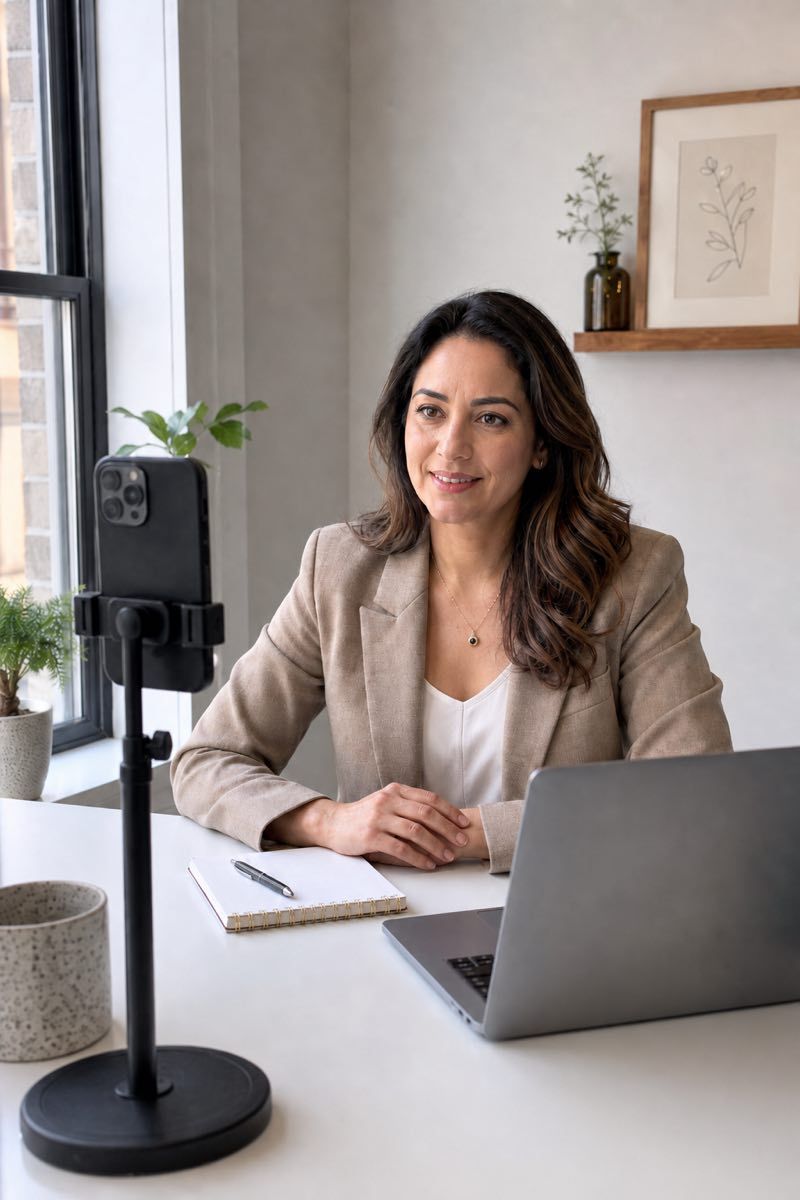
Live-directed remote headshot session in an American home office.

Choose your path

Three buyer journeys, one production system

Each path is meaningfully different — not just a different label for the same offer. Pick the one that matches how you got here.

Whether you need a single headshot or a company-wide rollout, every path swaps the studio visit for the same live-directed remote shoot — same professional result, none of the travel.

What makes it remote

Remote does not mean self-service

Virtual headshots are guided live by a professional photographer, then finished in editing — the same craft as a studio session, delivered over video. Four short steps repeat for every person.

Most remote sessions last a short guided window for setup, capture, and a quick review. The result is a polished, professional headshot prepared for real business use, without asking anyone to travel to a studio.

  1. 1

    Set the look

    Choose the headshot style, crop, and background standard. A white backdrop or another specific backdrop, plus lighting and color rules, are defined before any capture. Clear guidelines help team members understand what to expect before their session.

  2. 2

    Join the virtual headshot session

    You receive a session link. The professional photographer connects live and walks you through setup using the smart phone or laptop camera you already have. Natural light from a window is often ideal, especially when the participant faces the window and the background stays calm.

  3. 3

    Get directed

    Lighting, camera height, posture, expression, and framing are guided in real time. The photographer adjusts the setup to capture the strongest frames before the final image is selected. A phone's rear camera and a stable surface usually give the cleanest result.

  4. 4

    Receive finals

    Polished, edited images arrive in web-ready sizes for the platforms you actually use. The editing team finishes each headshot edited to a consistent standard. Most deliveries land within two business days of your selection.

Compared with a traditional studio shoot, the remote workflow keeps everything that makes a headshot good — a real photographer controlling light, framing, and expression — and drops only the studio, the travel, and the cost. Same professional result; none of the logistics.

Portfolio

A look at remote headshot results

A small sample of the kind of consistent, polished portraits a remote headshot rollout delivers across teams, individuals, and company programs.

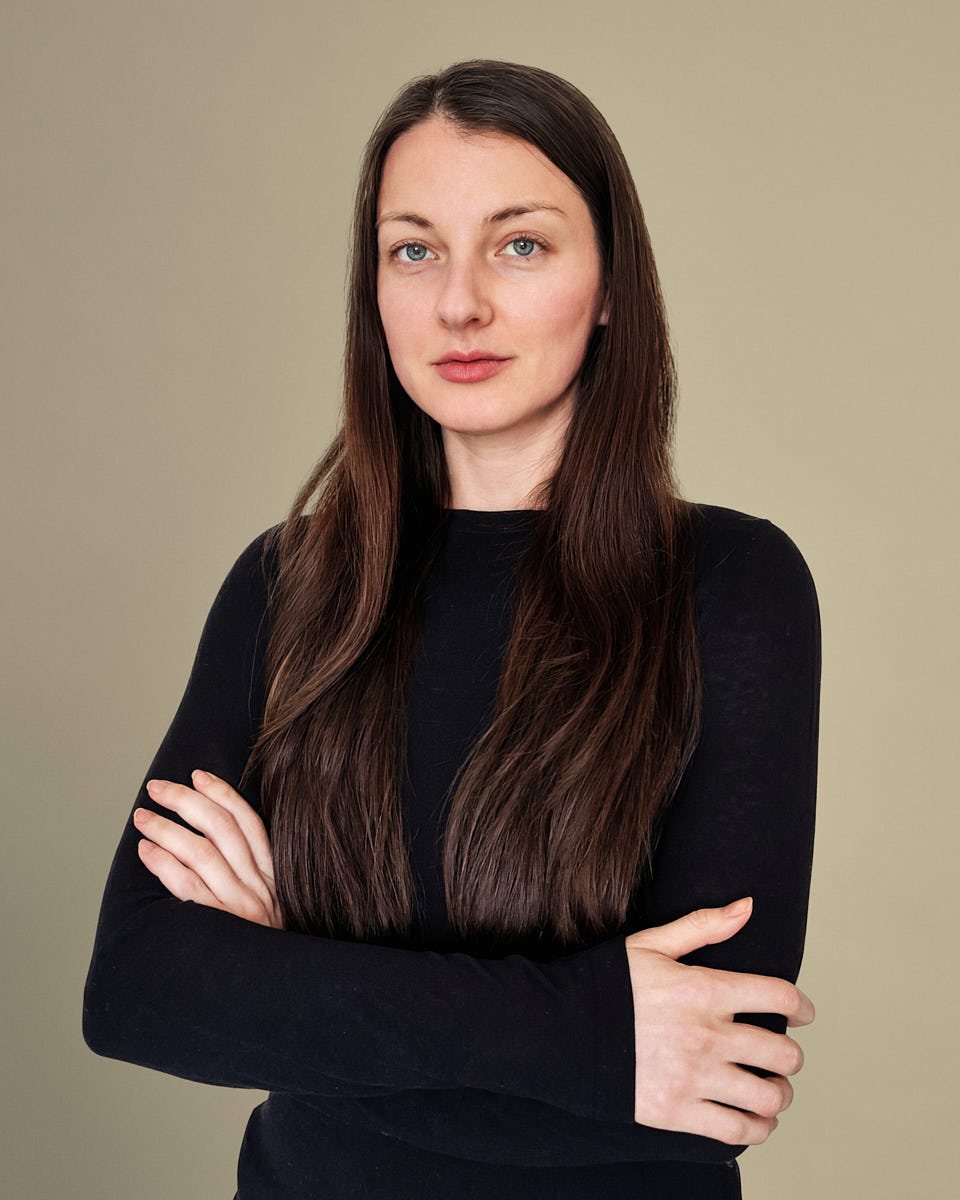
Remote headshot of a woman in a black turtleneck with a polished professional look.
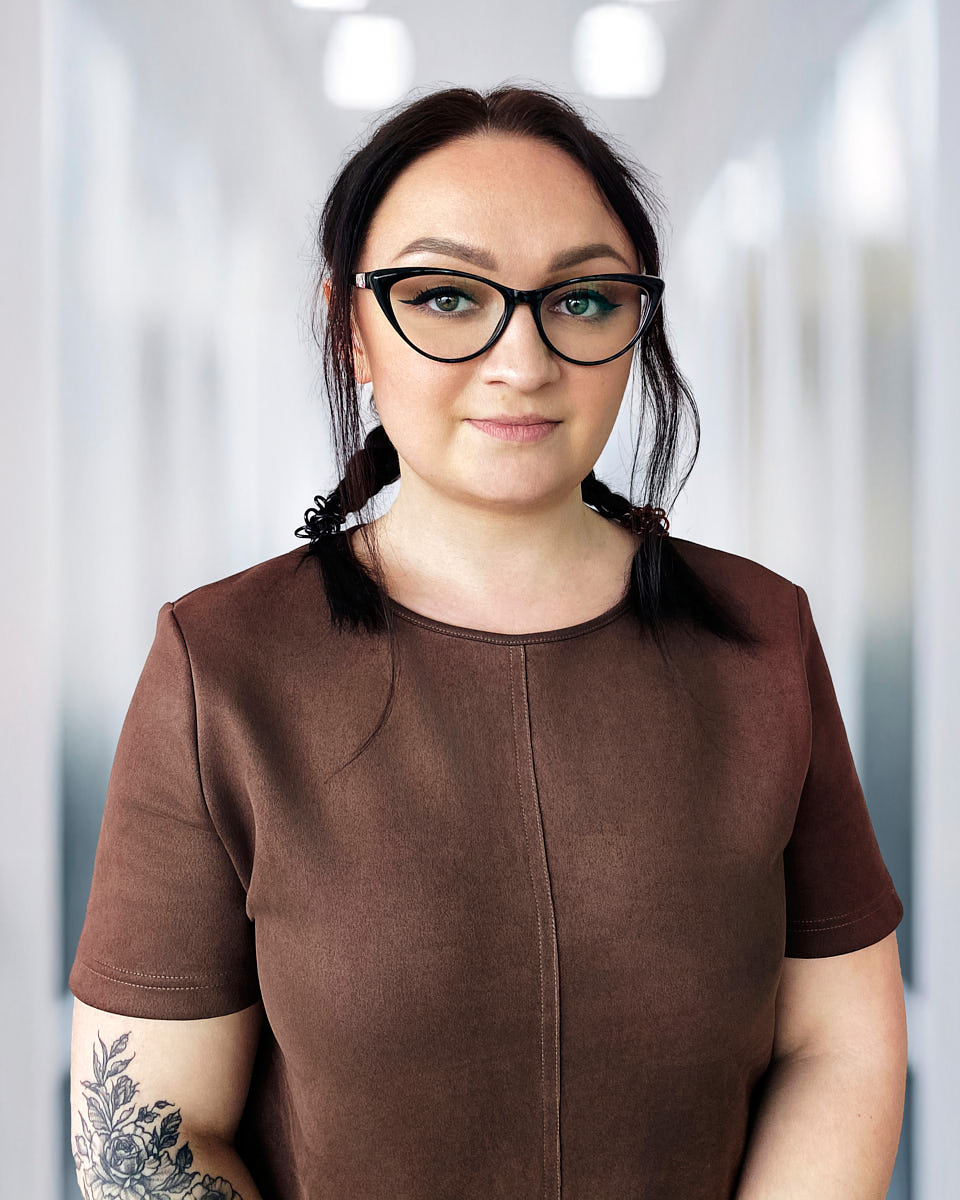
Professional remote headshot of a woman with glasses in soft office-style lighting.
Remote professional headshot of a woman in a navy blazer with a clean corporate background.
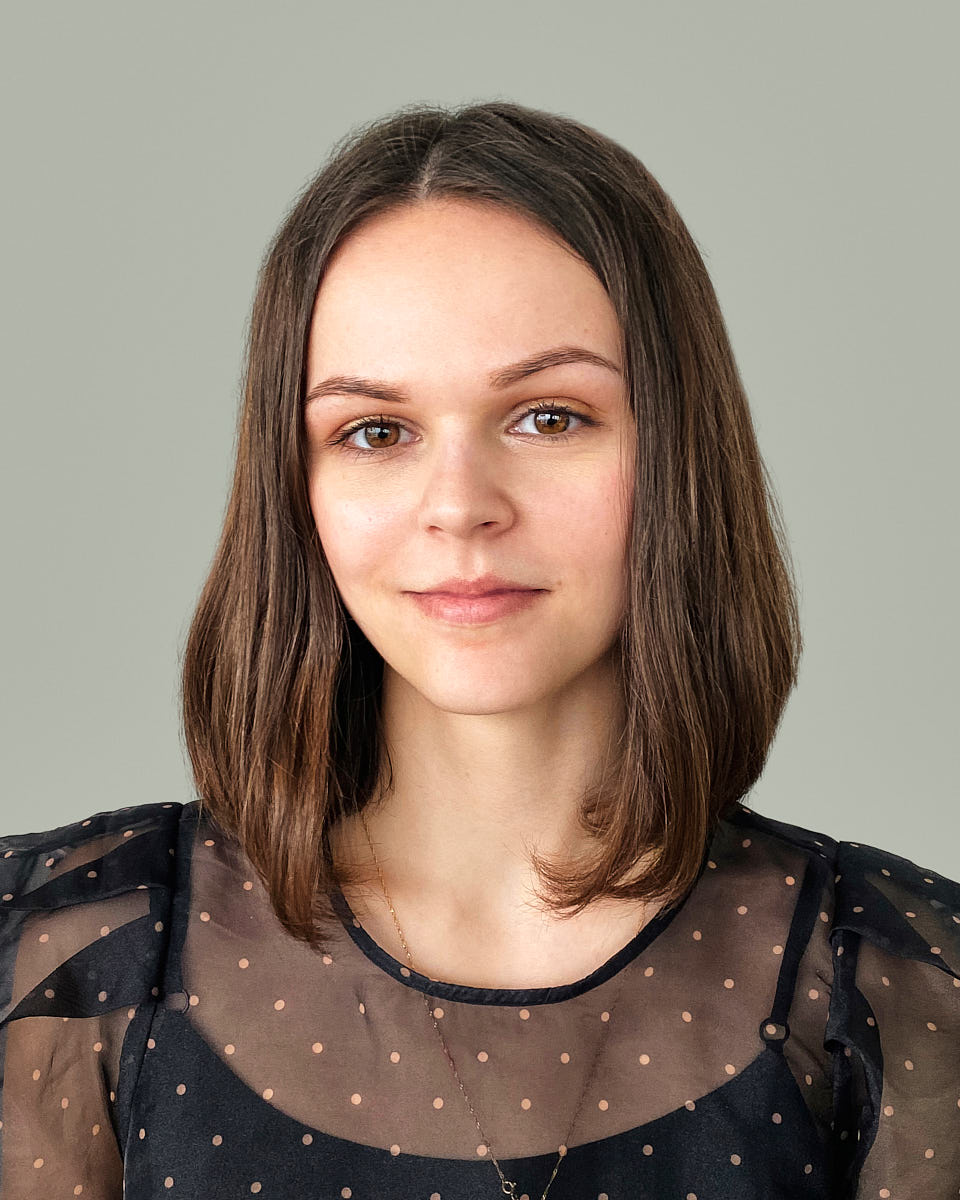
Clean remote headshot of a woman against a simple neutral background.
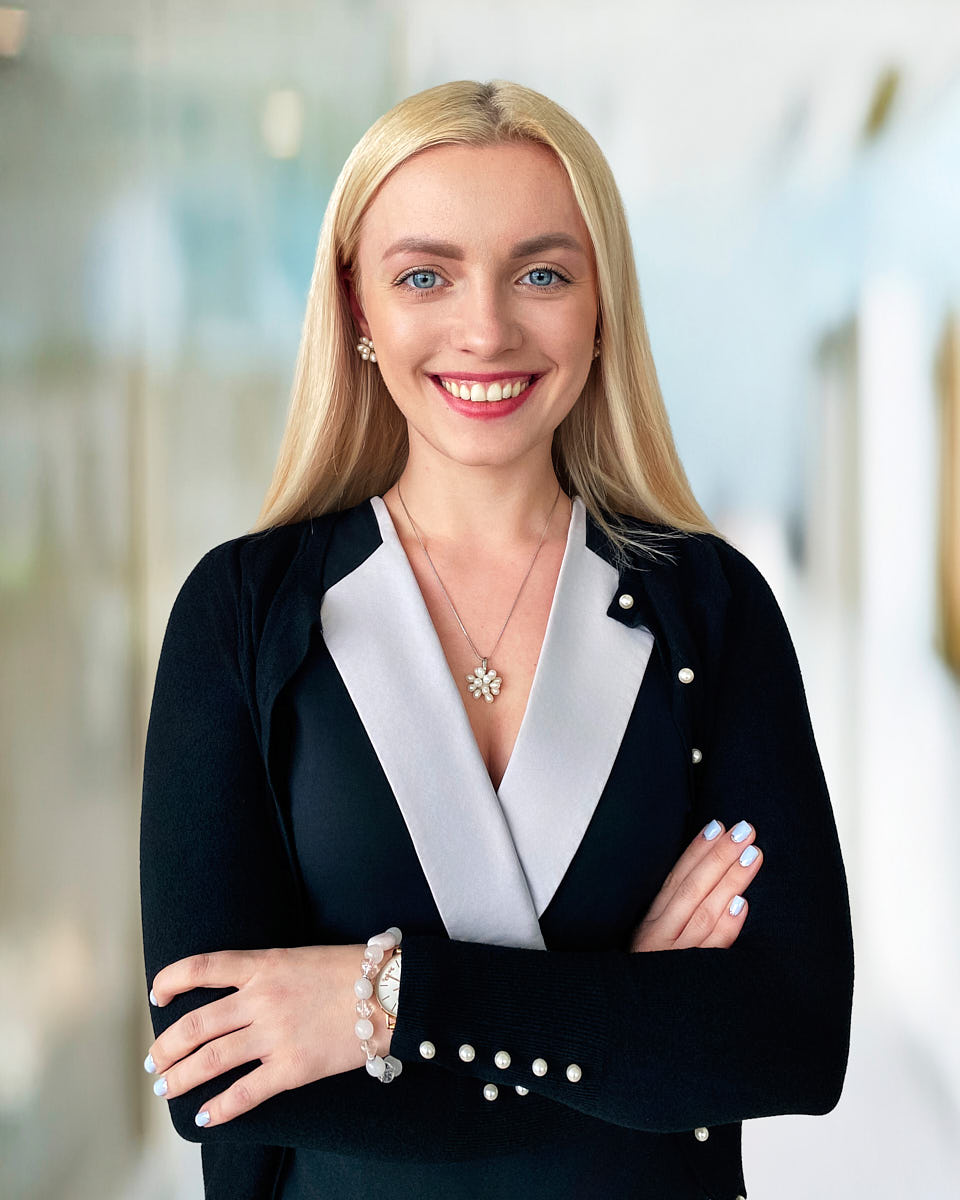
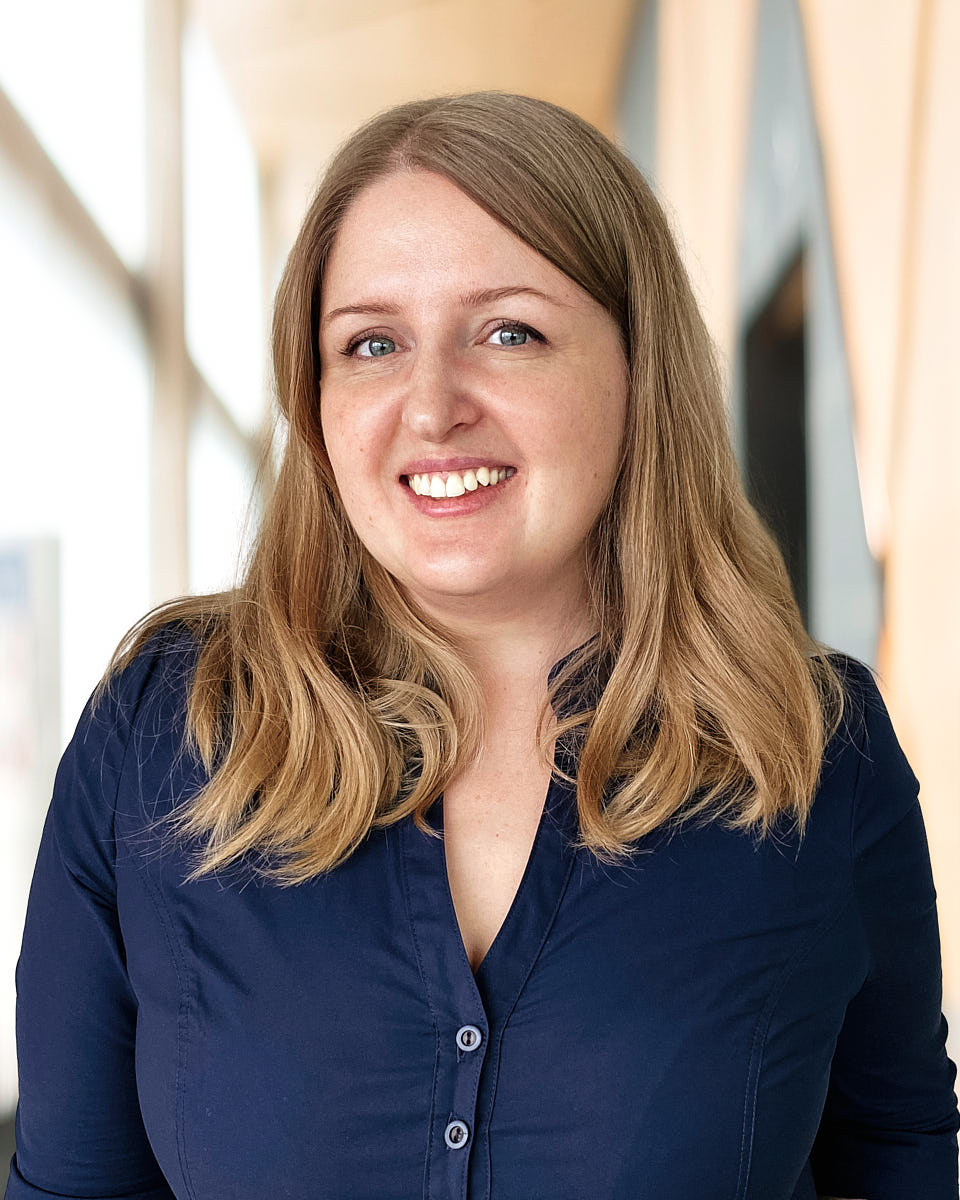
Polished remote headshot of a blonde woman in a business blazer with a confident pose.
Natural remote headshot of a woman in a blue shirt with a friendly professional expression.
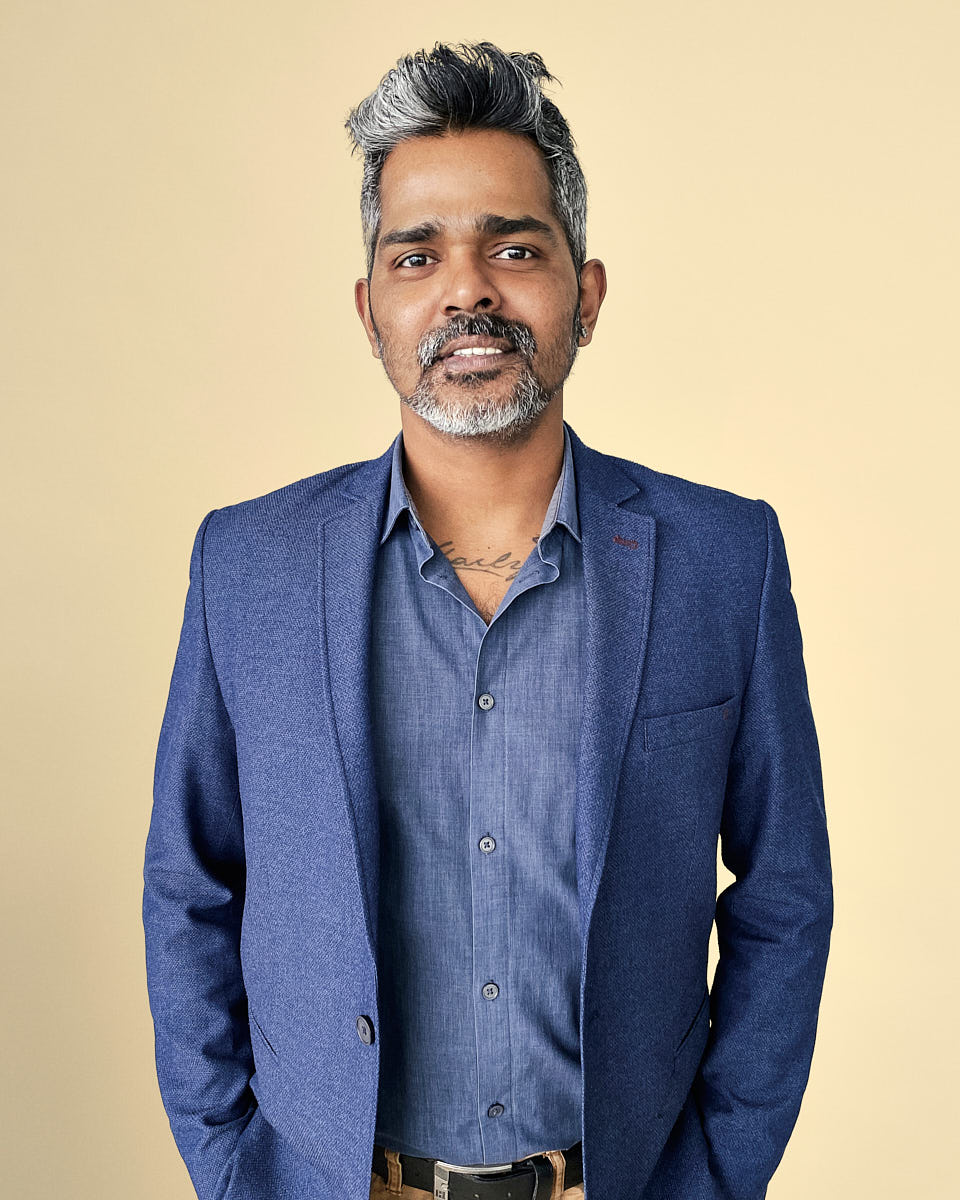
Professional remote headshot of a man in a blue blazer against a warm neutral background.
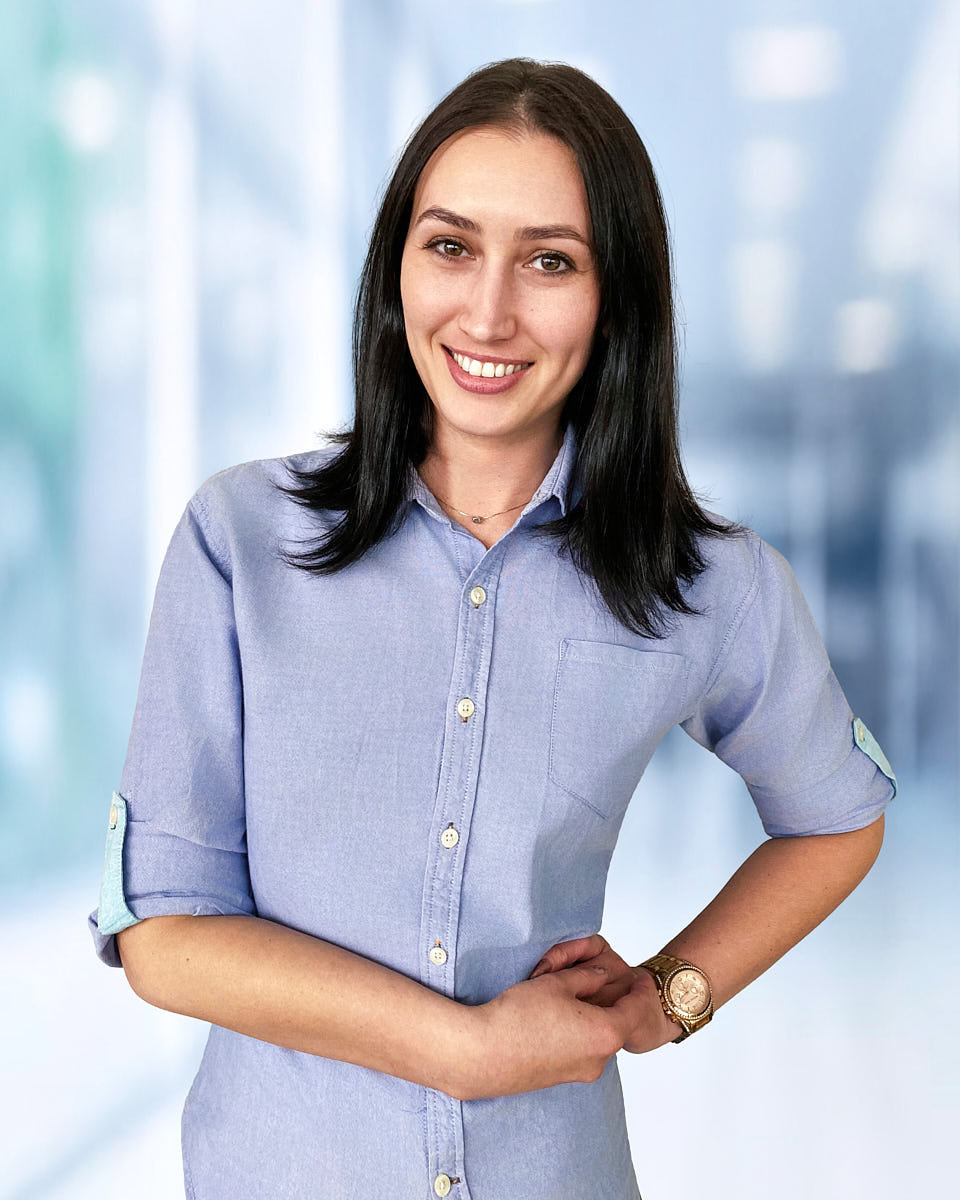
Remote headshot example of a woman in a light blue shirt with a bright office-style background.
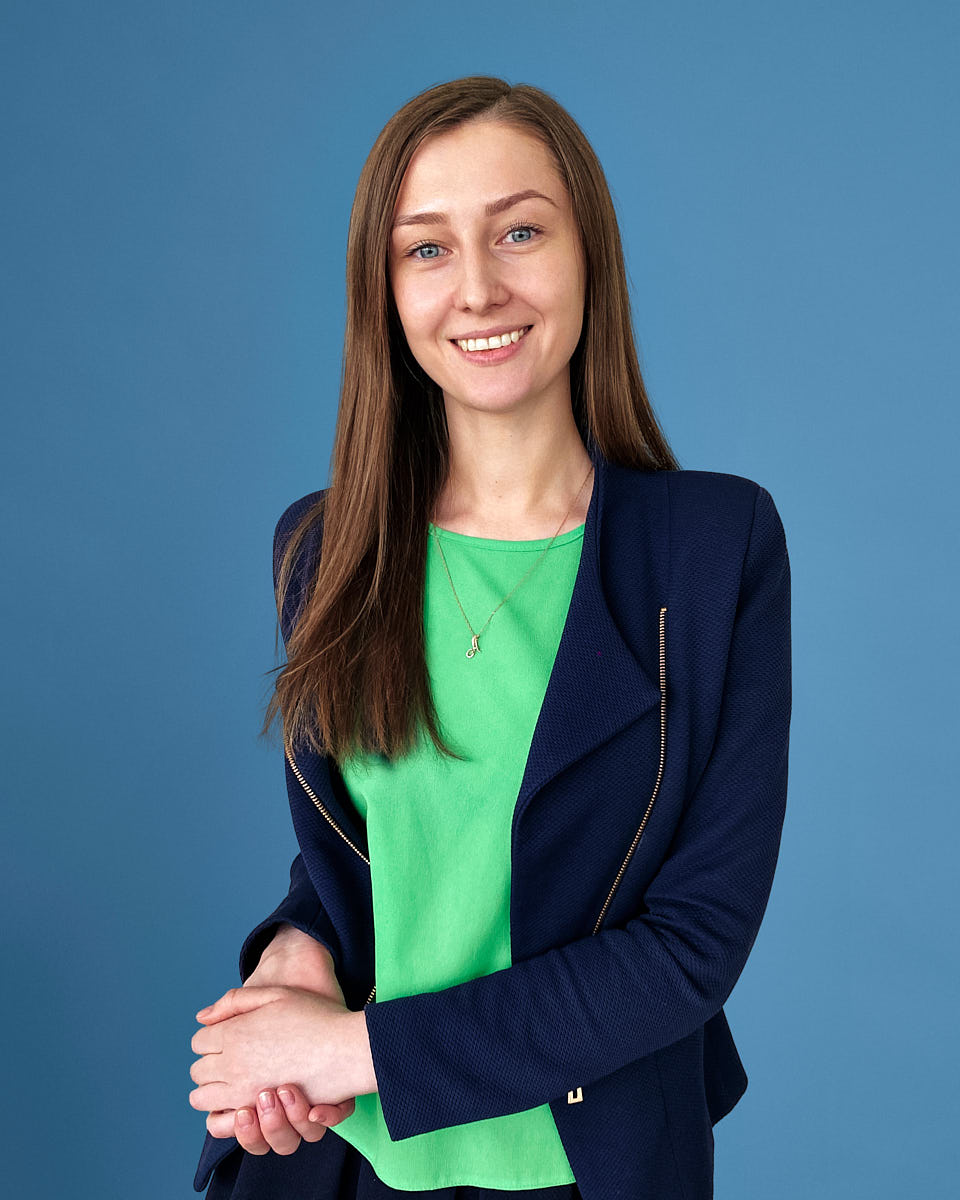
Professional remote headshot of a woman in a green top and blue blazer.
Remote professional portrait of a woman in a black top with a simple neutral backdrop.
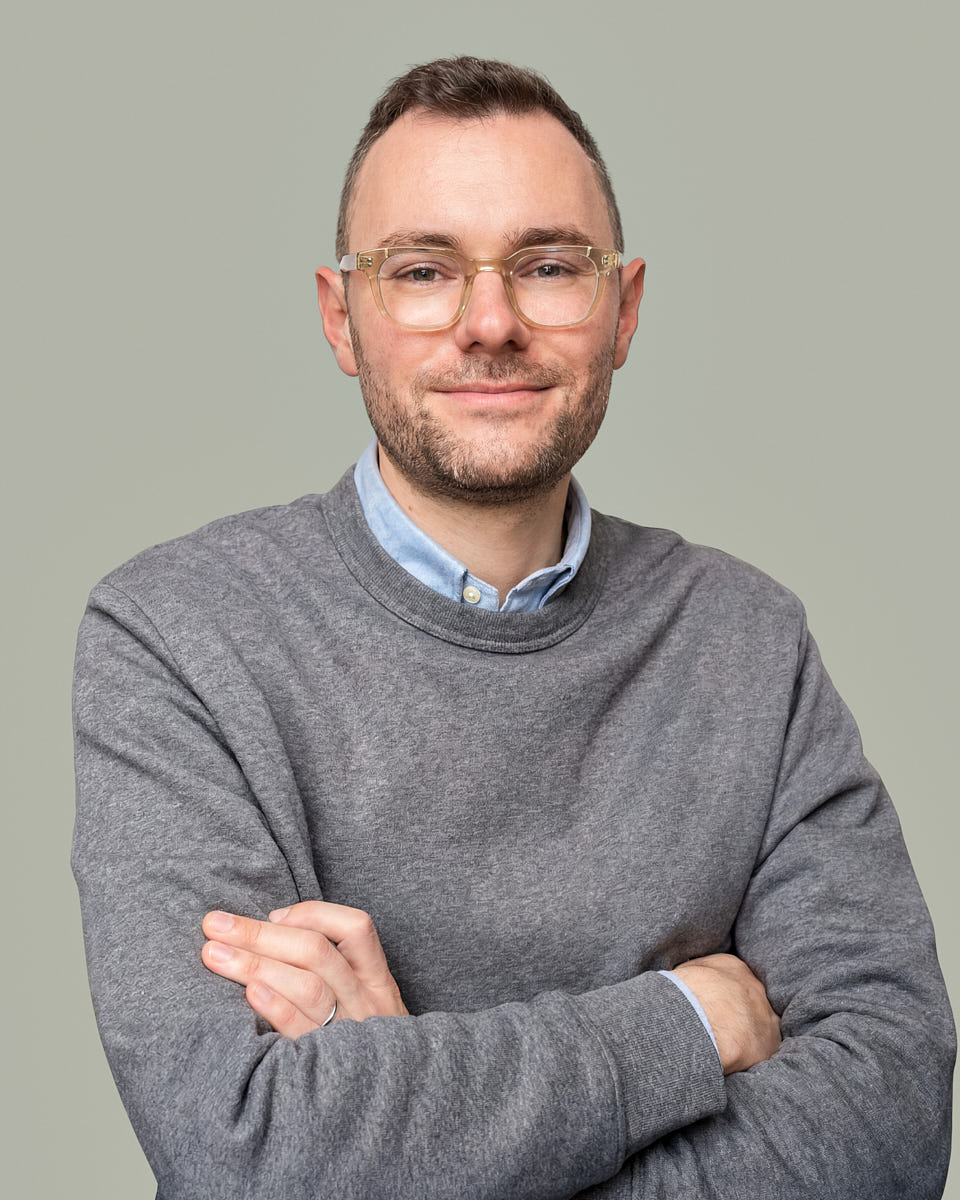
Professional remote headshot of a man in a gray sweater with a relaxed business look.
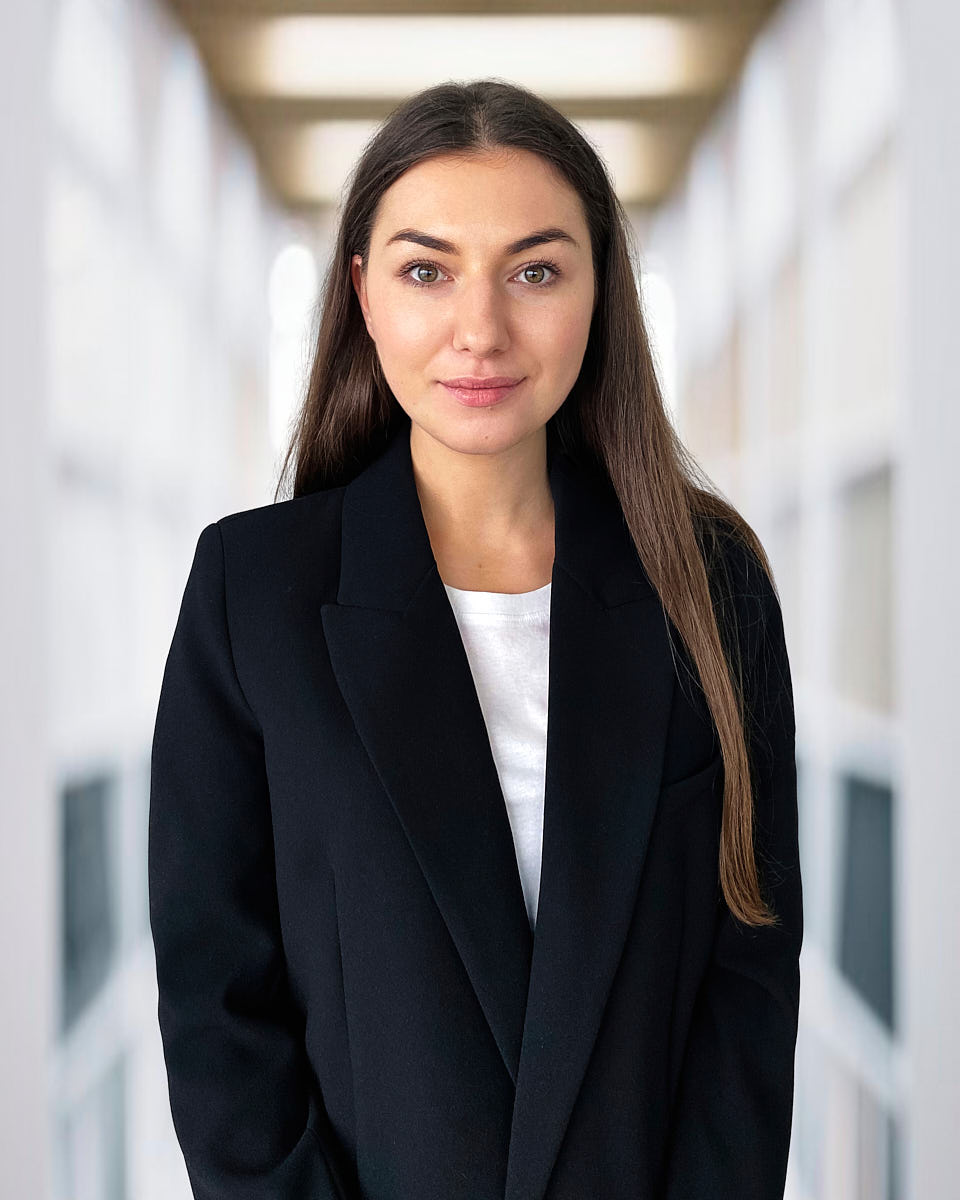
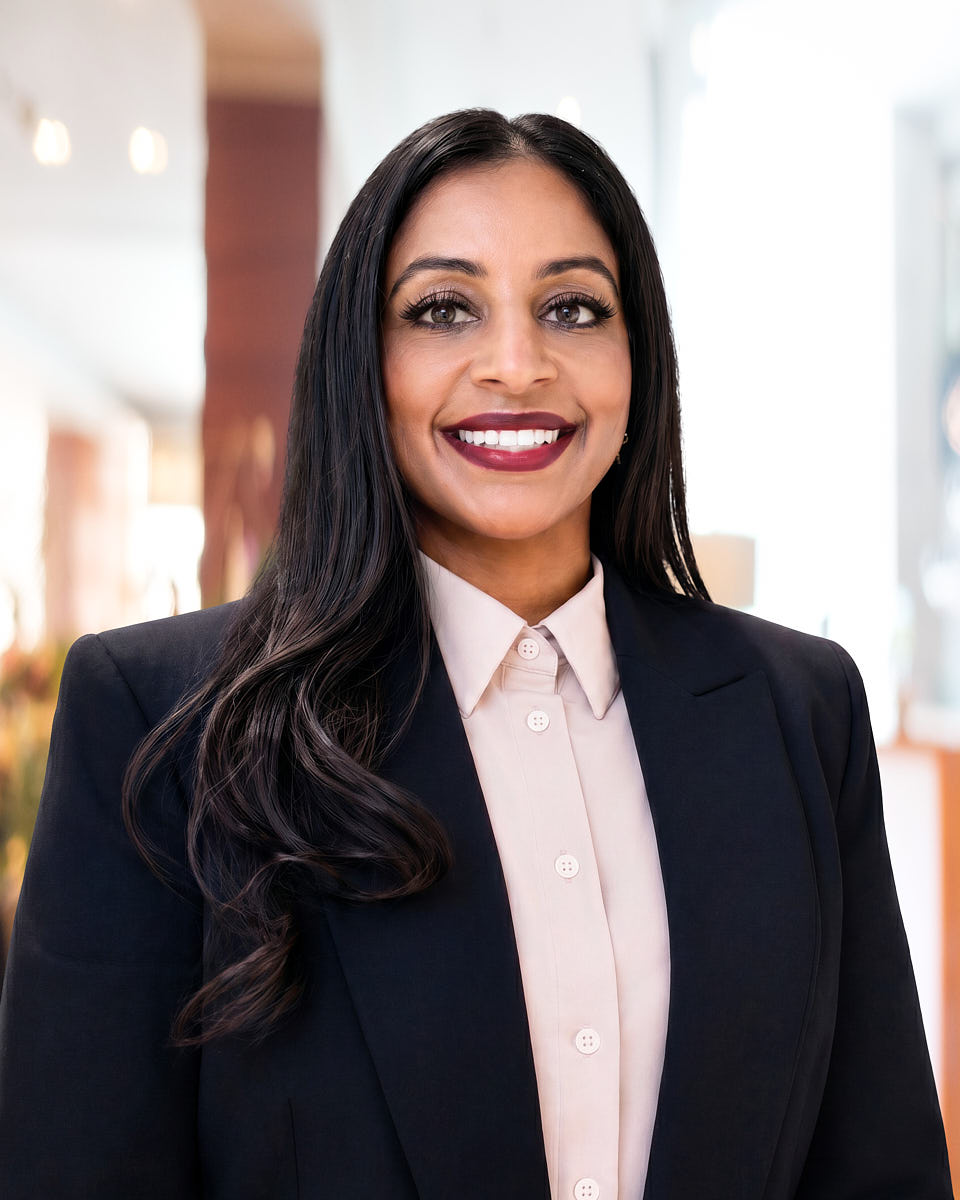
Polished remote headshot of a woman in a black blazer with a bright office-style background.
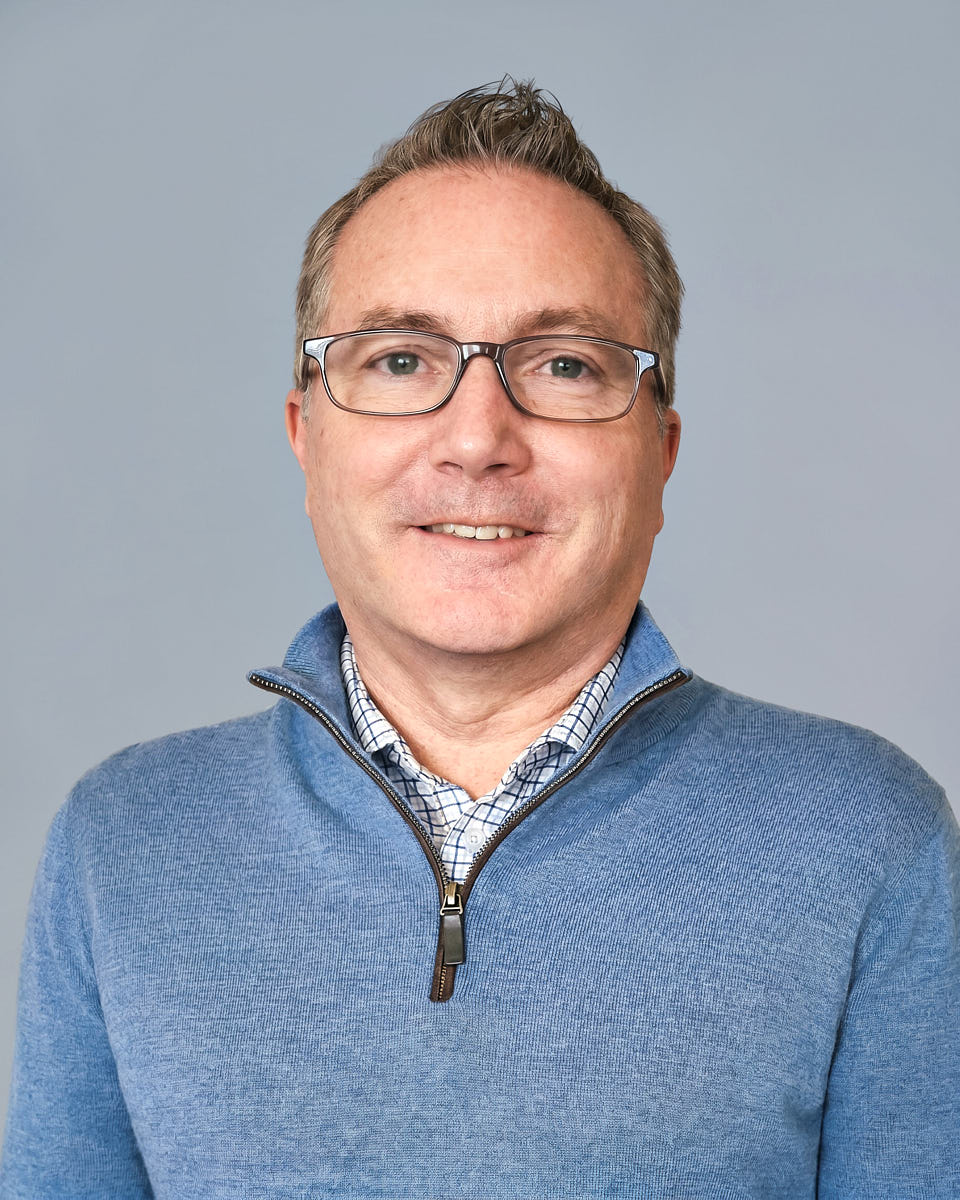
Remote headshot example of a man in a blue sweater against a clean gray background.
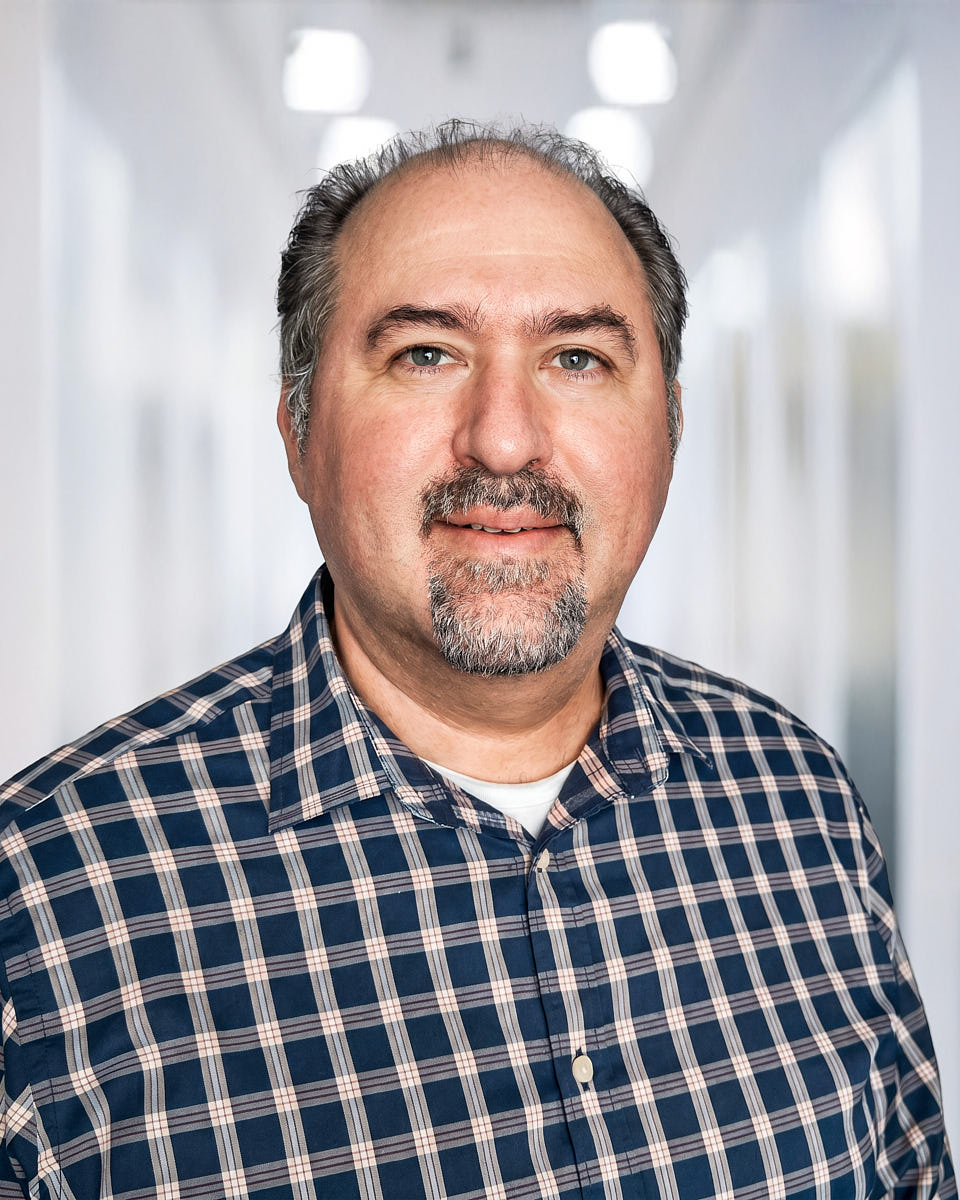
Remote professional headshot of a man in a plaid shirt with a softly blurred office background.
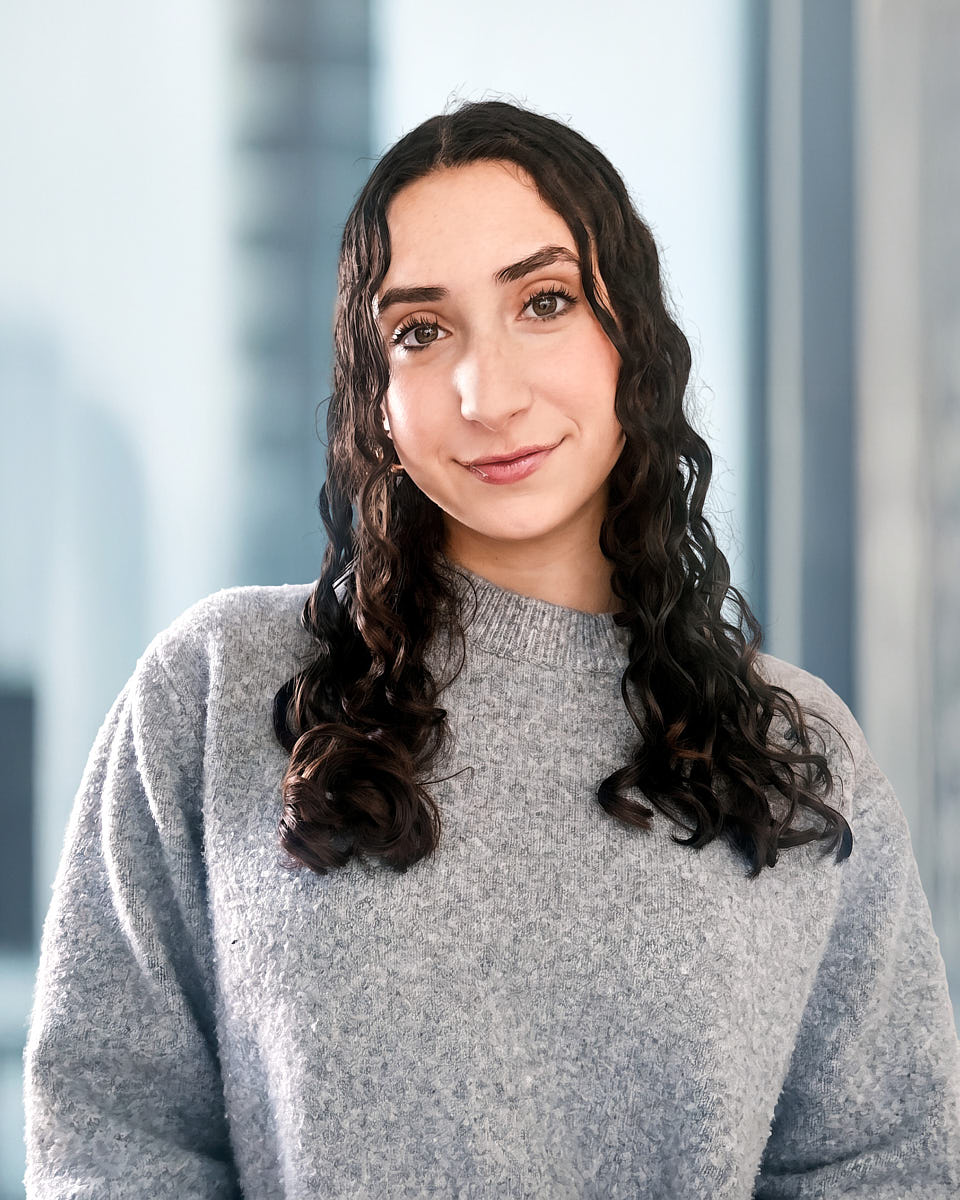
Natural remote headshot of a woman in a gray sweater with soft light and a clean background.
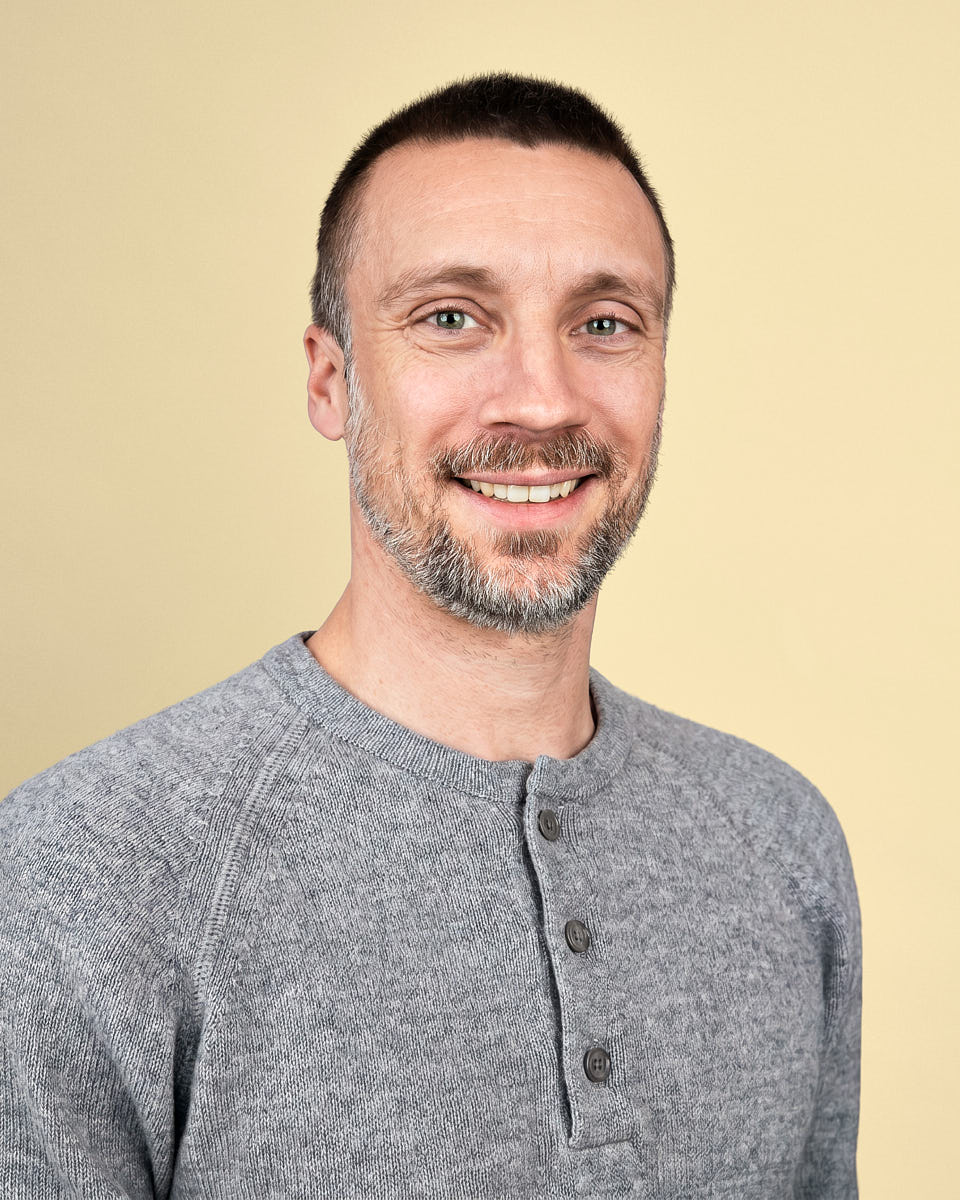
Professional remote headshot of a man in a gray henley against a warm neutral background.
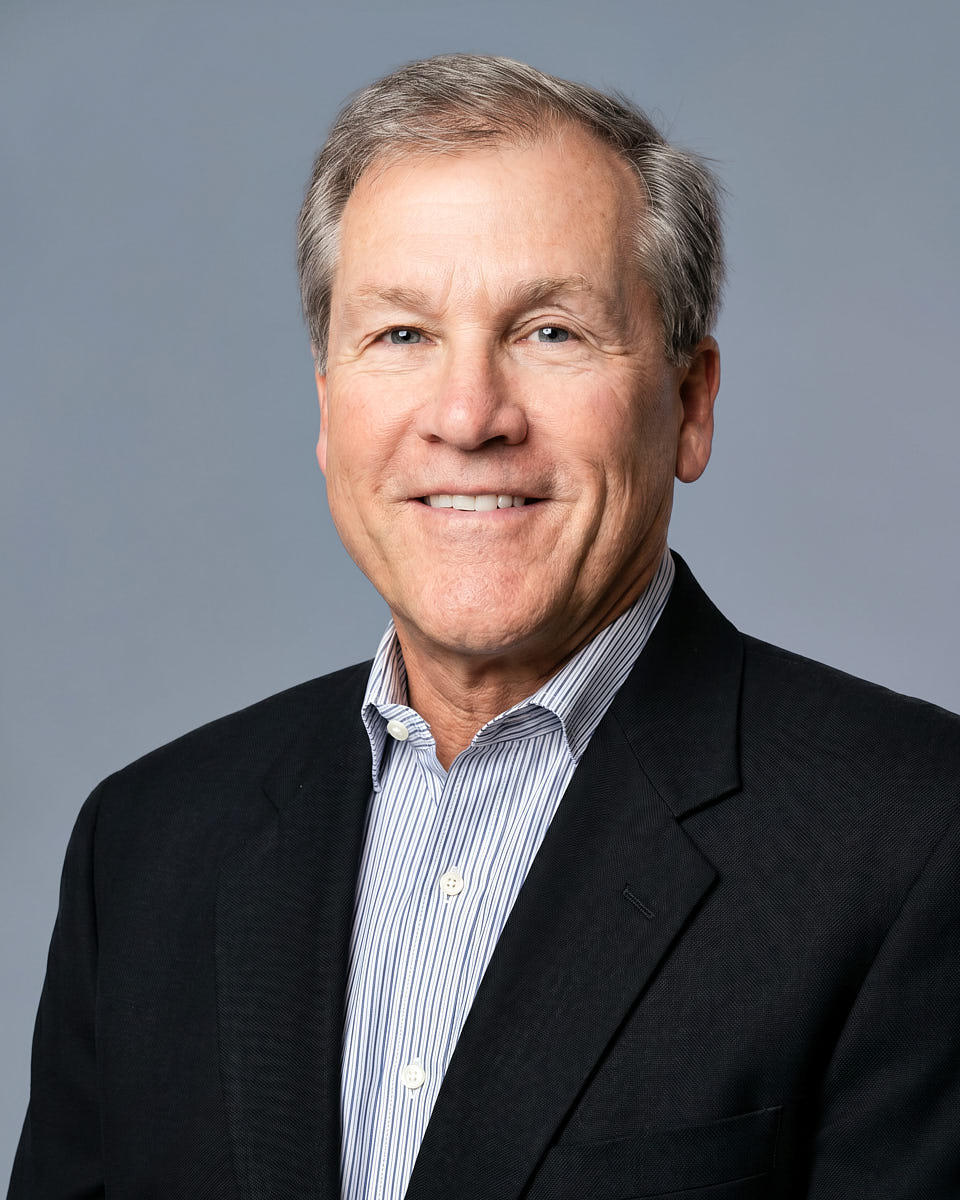
Polished remote headshot of a man in a dark blazer for corporate and professional use.
Remote headshot of a blonde woman in a black top with a warm office-style background.
Professional remote headshot of a man in a dark suit with a clean blue-gray background.
Remote professional headshot of a man in a gray sweater against a muted green background.

Virtual headshots, but not generated faces

A professional headshot should still look like you

AI & upload-only services

Generated images, generic likeness

Useful for low-stakes experiments. Less safe when the page is leadership, recruiting, press, or anything trust-sensitive.

  • Synthetic face, not your actual likeness
  • No live direction during capture
  • Inconsistent results across a team

Remote headshots

Real photo, guided remotely

A real photographer directs your session live, then our editing team finishes every frame to one company standard.

  • Real likeness, real expression, real photo
  • Live coaching on light, pose, and framing
  • One editing standard across the team

Virtual headshots can mean several things in the market. Some virtual headshots are AI headshots. Some virtual headshots are upload-only edits. Our virtual headshots are real photos captured in a live remote session with a professional photographer.

That difference matters. A professional virtual headshot is created from the real subject in front of the camera, not from ai generated images. The editing improves clarity, color, background, and overall quality, but the expression and presence stay real.

AI headshots can be useful for low-stakes experiments, but a professional headshot for a leadership page, recruiting profile, client bio, or company website needs trust. The first impression comes from the real face, the real expression, and the confidence of a guided capture.

The product is a guided remote shoot, not a selfie upload tool. You do not upload your own photo and hope software invents the rest. You do not get an overly edited result that no longer feels like you. Real photos from a real photographer are safer when potential customers, recruiters, partners, or press contacts need to recognize you.

For a team, that means every team member walks away with their own virtual headshot finished to the same standard. The editing team handles color, tone, small distractions, lighting corrections, and background replacement when needed, so high quality headshots are ready for company use. New headshots can refresh stale profiles without asking anyone to learn photography.

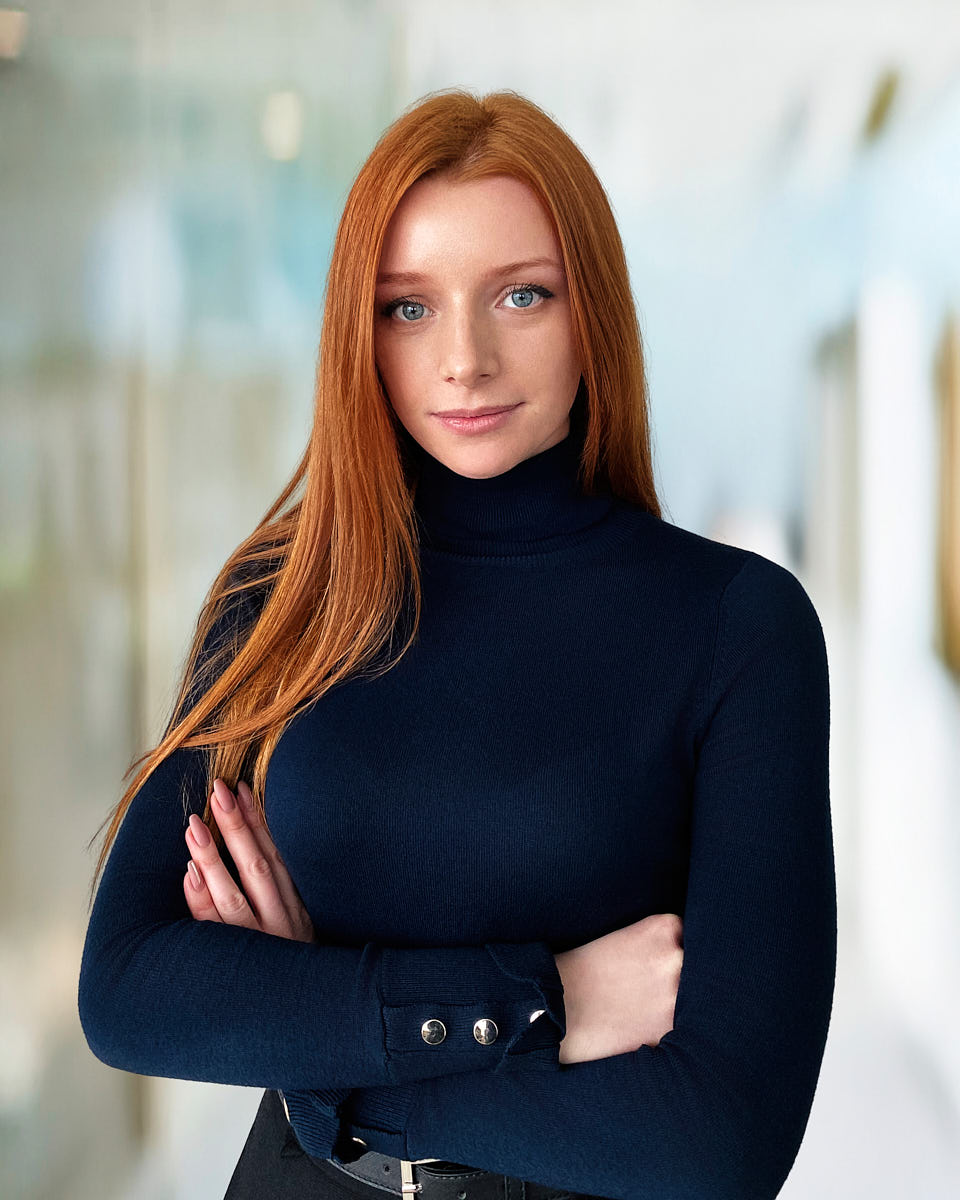
Real remote headshot preview showing a natural professional likeness.

Team rollouts for remote companies

Consistent headshots for people who are not in the same room

Headshots for remote teams fall apart when every employee uses a different local photographer, camera, background, and lighting setup — you get a people page that doesn't match. The in-person studio day doesn't scale for a distributed company either.

A live-directed remote workflow replaces both: one shared standard, one photographer directing each session, one editing system applied to every frame — so a distributed team looks as consistent as one shot in a single studio.

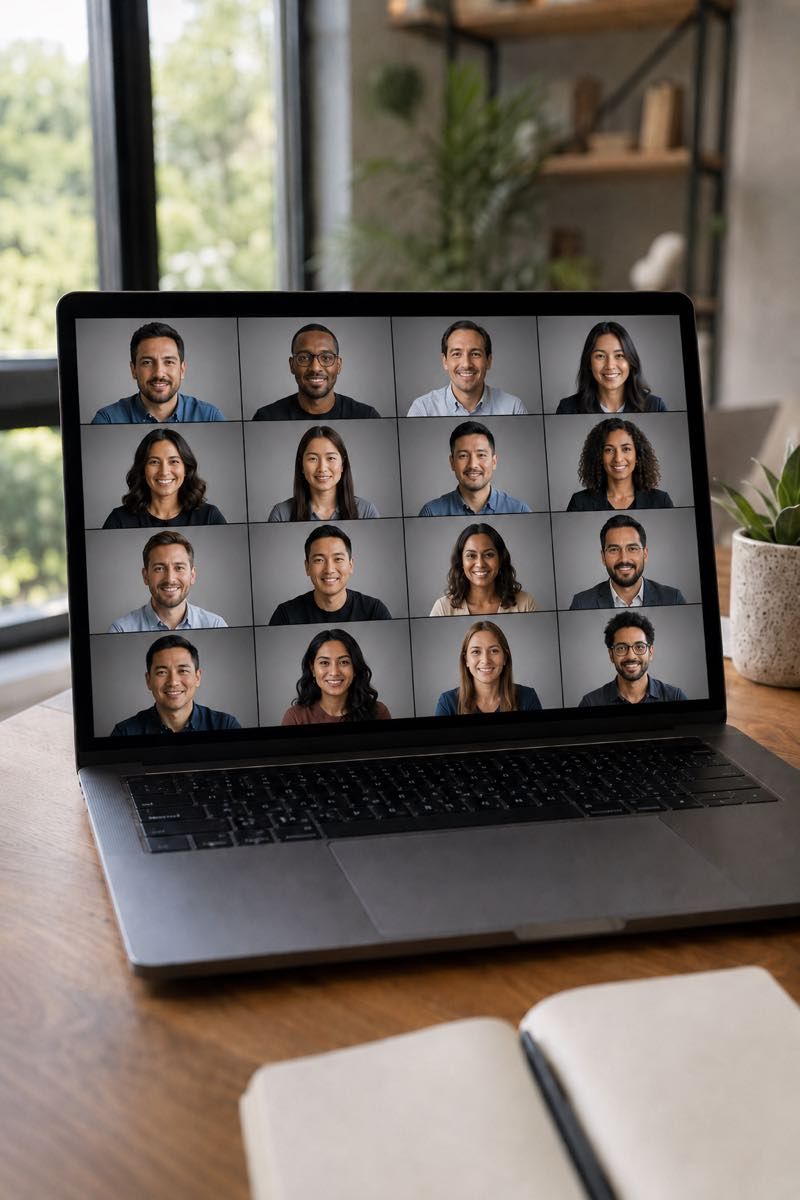
Participants can join from home, an office, a coworking space, or another simple location. Different locations do not break the final result when the process is built for alignment.

This approach is especially useful for distributed companies with employees across cities, countries, and time zones. The company does not need separate local vendors, separate editing styles, or separate rules for every market.

For HR, People Ops, marketing, and employer brand teams, the workflow creates a cleaner handoff. The company defines the look, team members book the session, and the project lead can track progress without chasing every participant manually.

Whether you have 10 or 500 employees, the workflow stays controlled. Common questions include rollout size, how team members receive instructions, and how team members are added after the first launch.

We support team members with preparation notes, scheduling guidance, and practical reminders before the session. Then we use internal tools to coordinate participation, track progress, and organize delivery for the company.

Consistent remote team headshots for employees in different locations.

Remote teams, new hires, and employee growth

One standard that can grow with the team

Remote teams change constantly. New hires join, new employees need profile images, and existing employees may need an updated image after a role change, website refresh, or brand update.

A strong rollout isn't a one-time studio booking — it's a repeatable system. New hires enter the same remote workflow and come out matching everyone else, with no office photo day to organize.

This is useful for remote work because people may never be together in the same office. Headshots for remote teams give the company a repeatable way to create company headshots without waiting for an office photo day.

For multi-location teams, the same workflow can support regional groups, leadership teams, contractors, advisors, and employees. The final image standard stays consistent, even when team members join from different places and time zones.

Use cases

Beyond LinkedIn

Practical guides

Field notes for teams running a rollout

Notes on taking virtual headshots, planning team headshots, comparing virtual headshots with in-person production, and choosing the most cost effective way to deliver consistent professional headshots.

These guides are written for teams that want the best virtual headshots without maintaining a dedicated headshot studio. They explain how lighting, background, capture, and team coordination affect quality.

Read all articles

Common questions

Things people ask before booking

Are these real photos or generated portraits?

Yes, they are real photos. Every session is directed live by a real photographer. Editing improves the image, but the face, expression, and presence are yours. Virtual headshots should feel polished, not invented.

Is a remote headshot really as good as an in-person studio shoot?

Yes. The same things decide a great headshot in a studio — light, framing, expression, and a photographer directing in real time — and all of them carry over to a guided remote session. You get a genuine professional photo of yourself, at a fraction of studio cost, without the travel.

What equipment do I need?

A modern smart phone or laptop with a working camera, a stable connection, and a calm spot with usable natural light. You do not need perfect lighting; the photographer guides setup live and works with what you have to capture a great headshot.

Can team members match the same style from separate locations?

Yes. The point of virtual headshots for remote teams is one visual standard across the team: same crop, same background treatment, same color direction, and same retouching standard. That is how headshots for remote teams stay aligned.

How does delivery work?

Final images are delivered as polished, web-ready files in standard sizes for LinkedIn, company websites, decks, and internal directories. Most individual deliveries land within two business days of your selection. Team rollouts include organized files for HR systems and marketing use.

How does pricing work for individuals and teams?

Individual remote headshots are $180 per person. Team headshots start at $100 per person for teams of 3+, and large company rollouts start at $80 per person for teams of 10+. Enterprise, ongoing new hire, and event projects are quoted around rollout needs. See pricing for the full breakdown.

How many team members can use the workflow?

Anywhere from one participant to several hundred. The workflow scales with proper scheduling, clear preparation, and one editing standard. Larger programs use internal tools to coordinate participation across departments.

What makes the best headshots in a remote setup?

The best headshots usually come from simple choices: soft light, a clean background, a stable camera, direct photographer guidance, and natural expression. The best virtual headshots are not the most complicated ones; they are the ones where every detail supports the subject.

Can this produce a great headshot for one individual?

Yes. A great headshot can be created remotely when the photographer controls the important parts of the session: light, framing, expression, and capture. A second great headshot can be made in the same style later if the company adds more people.

Read the full FAQ

Take the next step

Ready when you are

Remote headshots give you the quality of a professional studio shoot with the convenience of doing it from anywhere. Real likeness, real photo, real expression — without the studio, the travel, or the studio price.

Two clear paths, depending on whether you are planning for yourself or for a team.