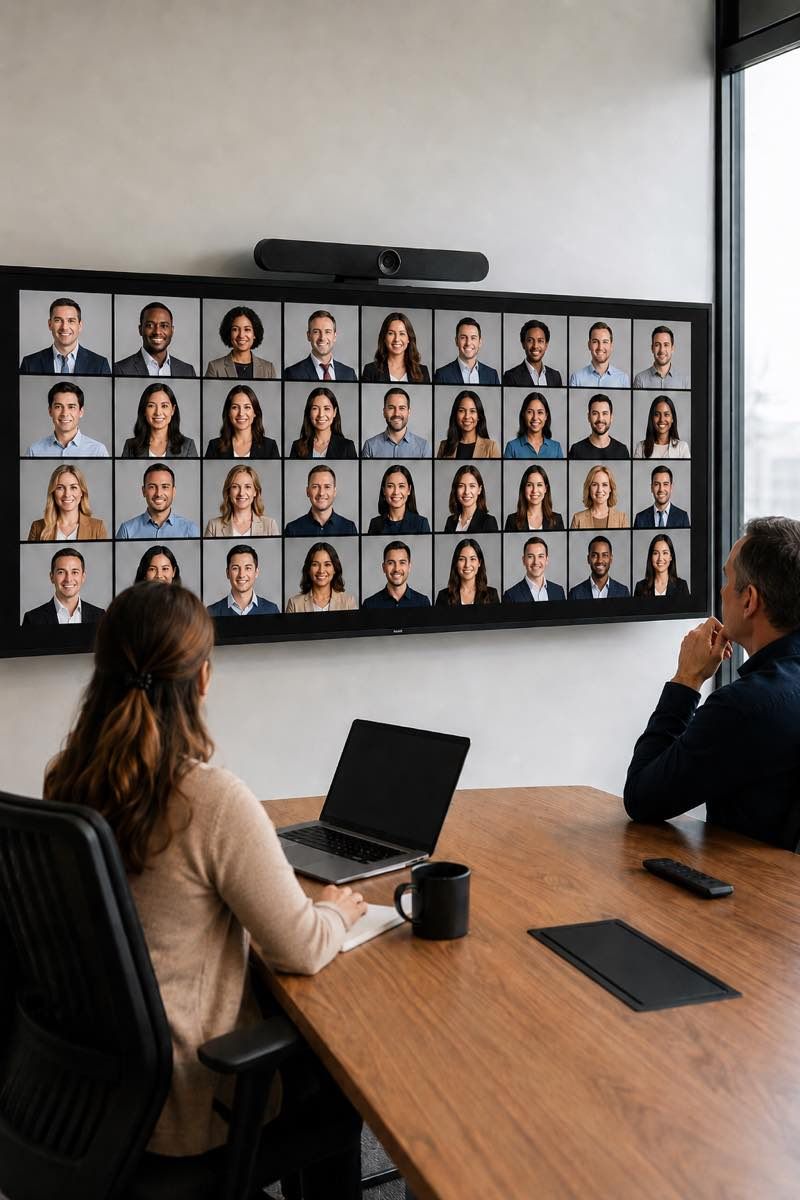
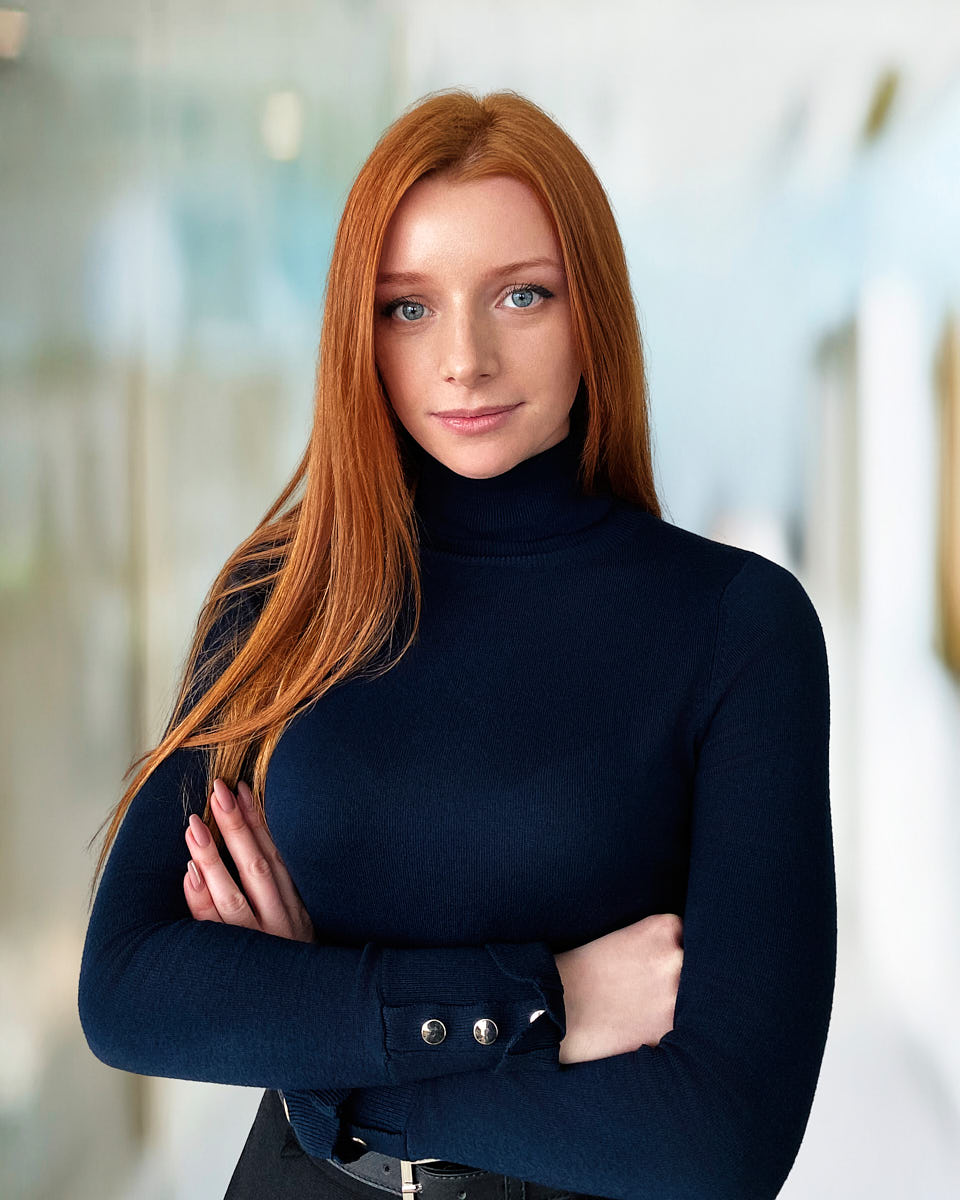
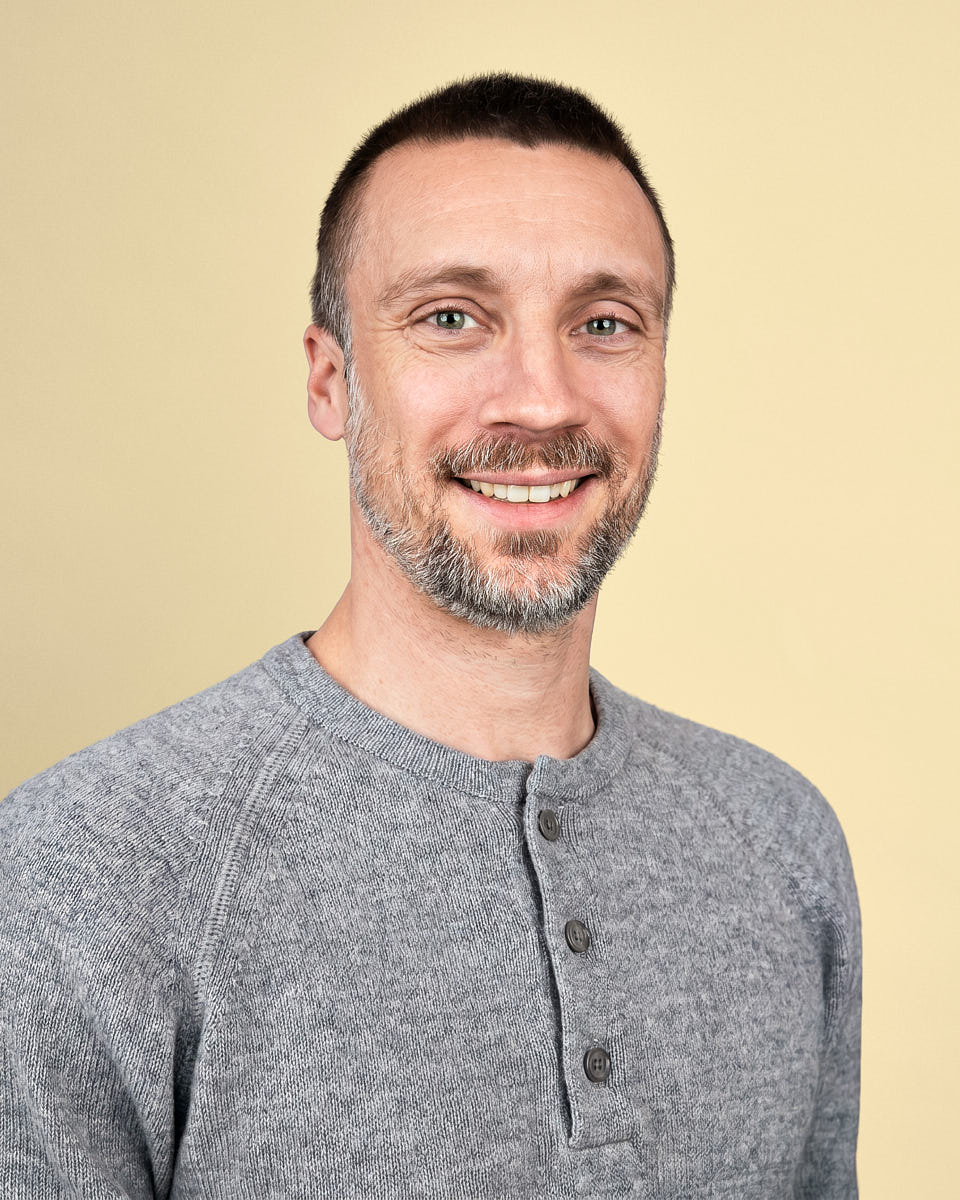
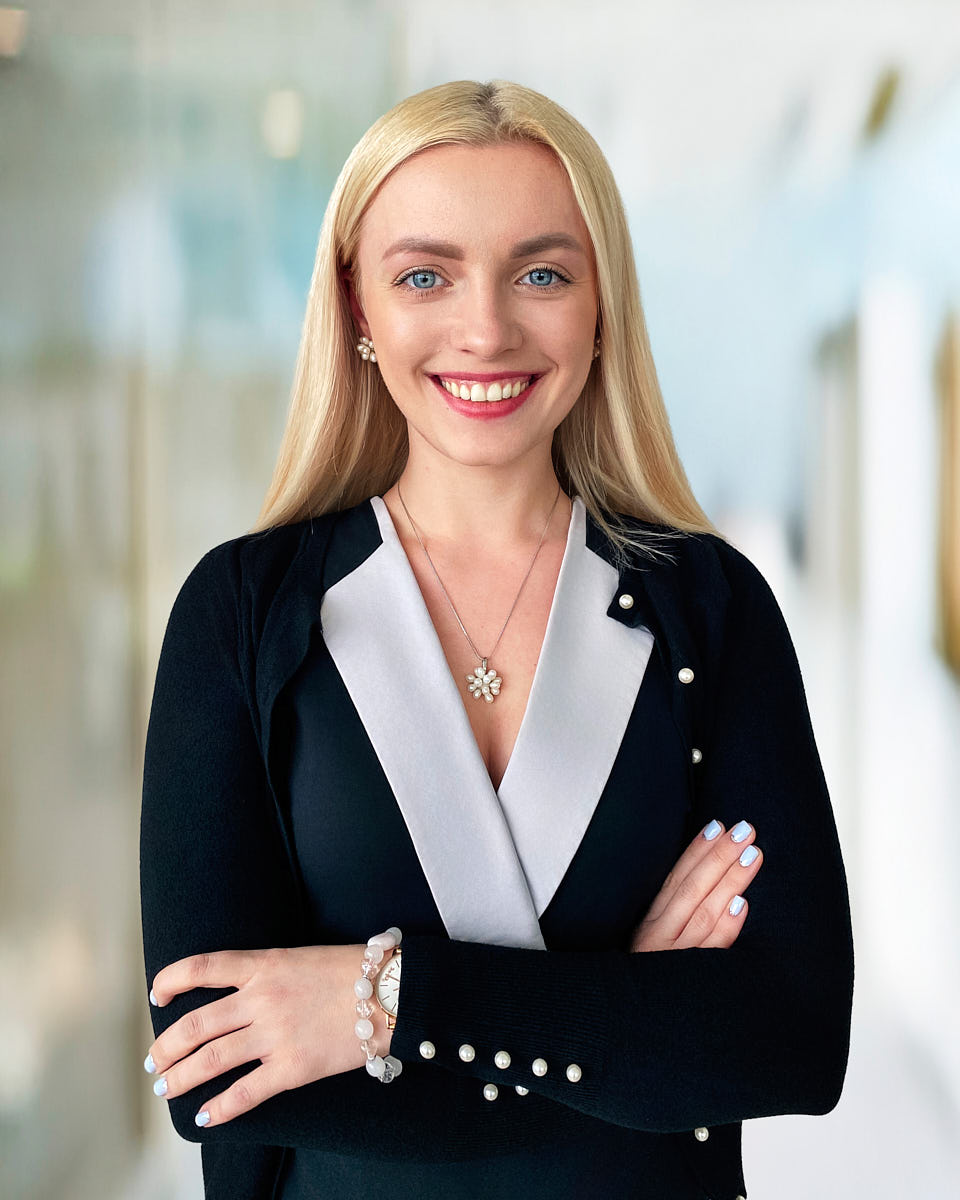
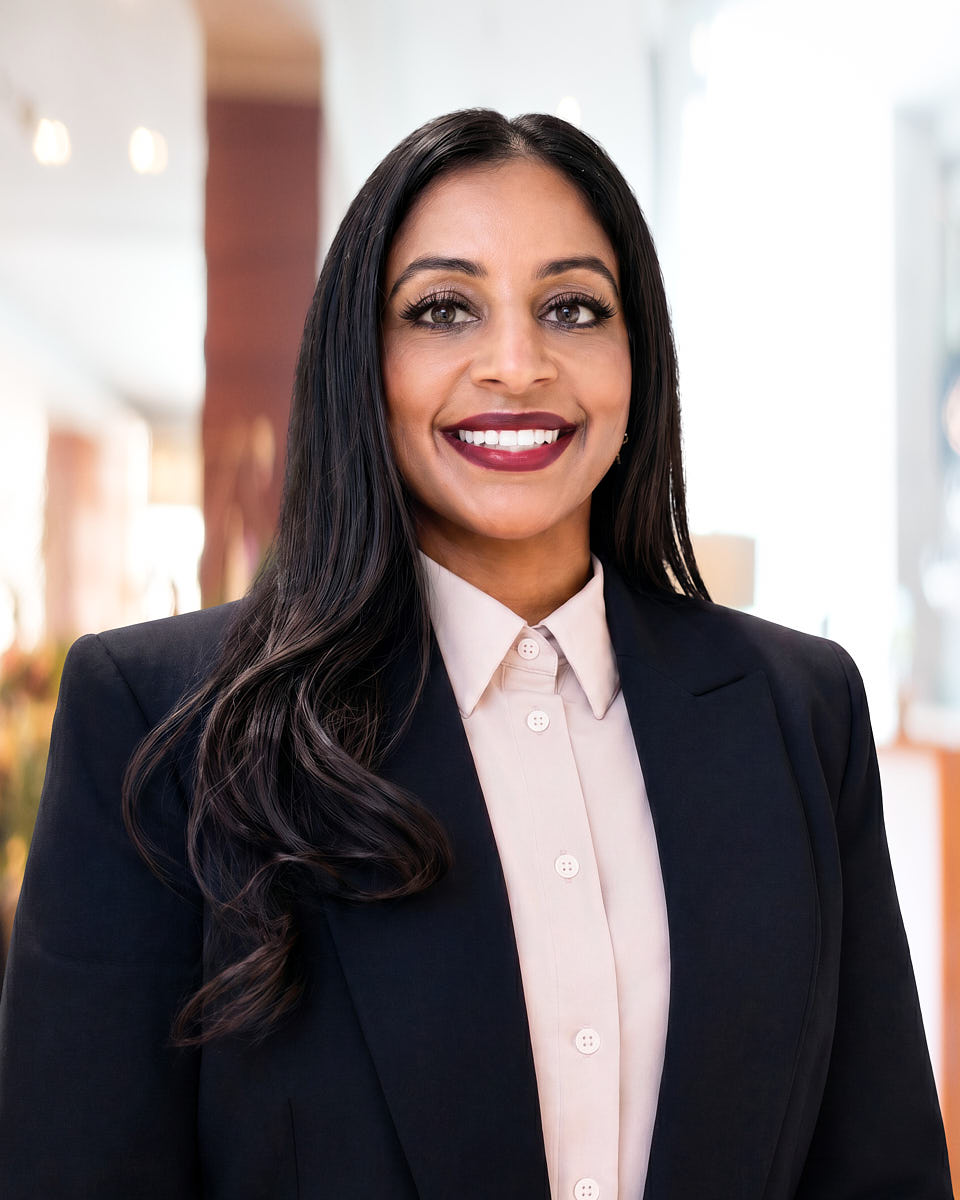
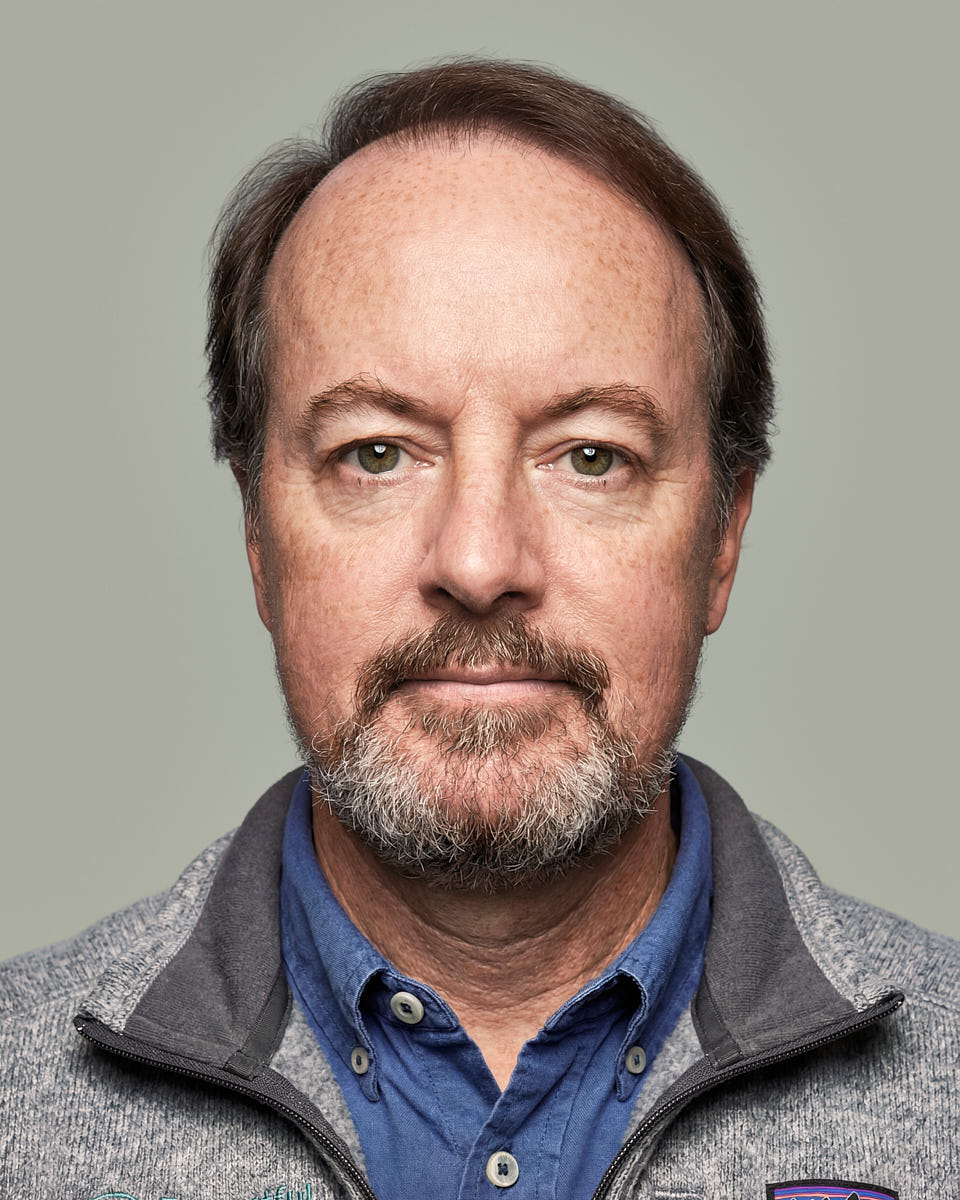
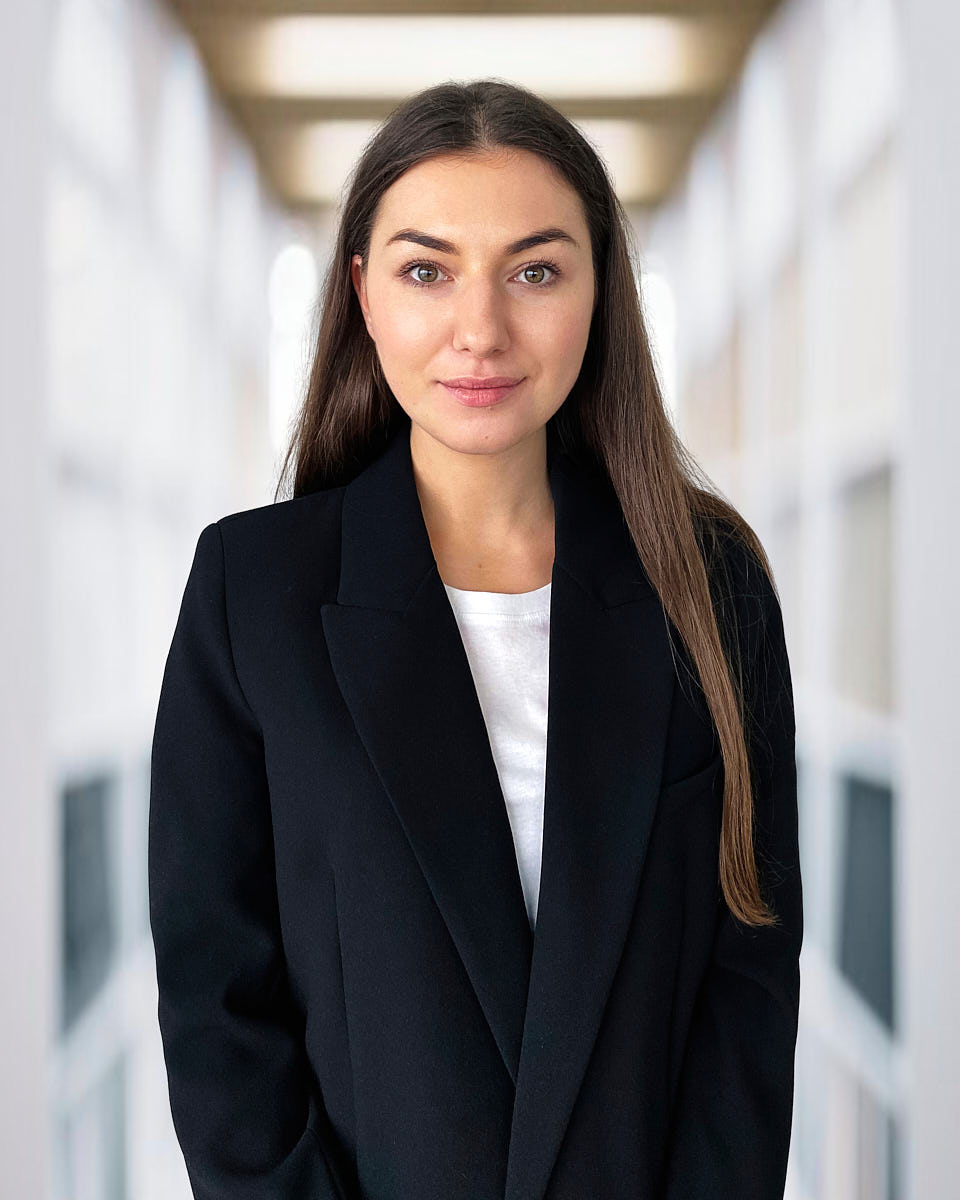
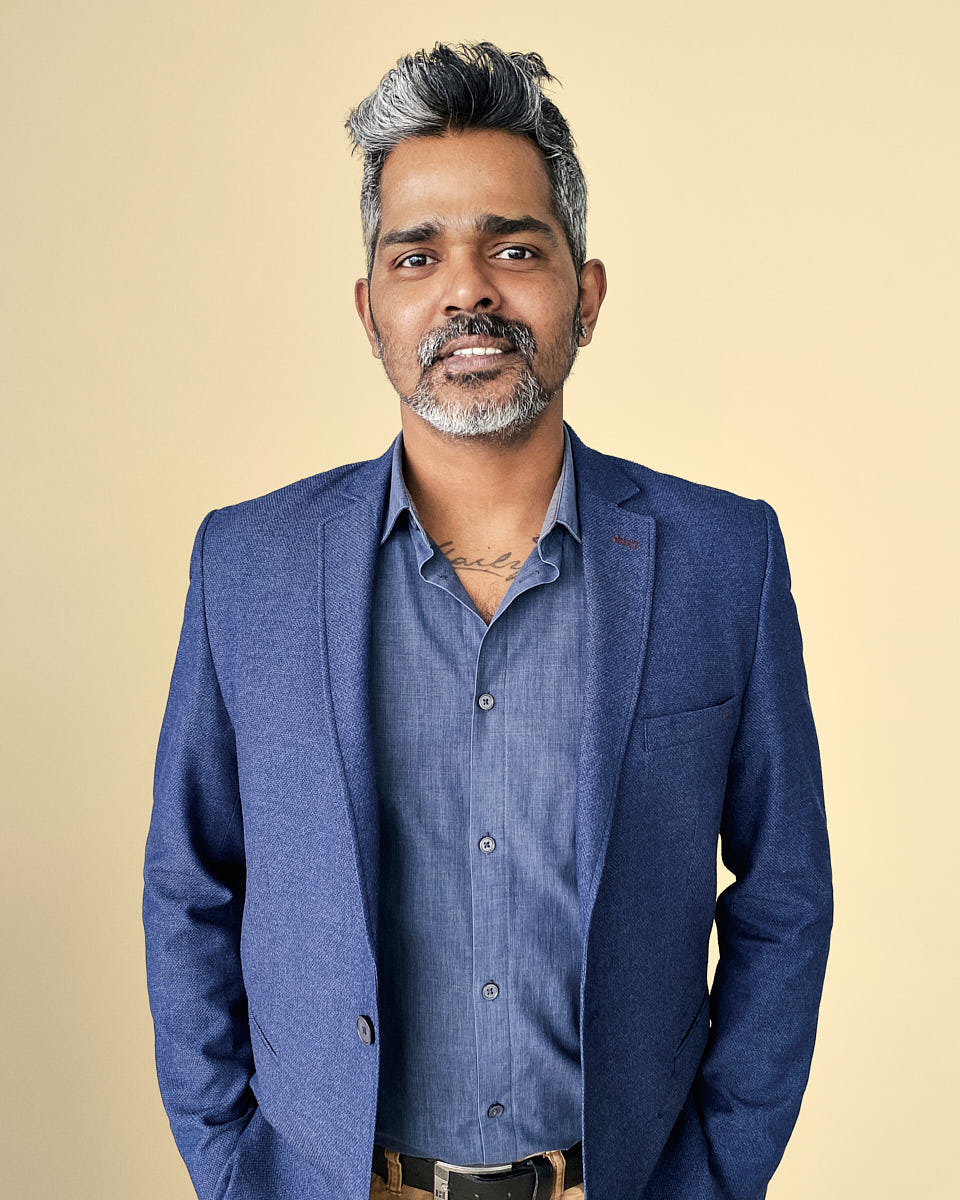
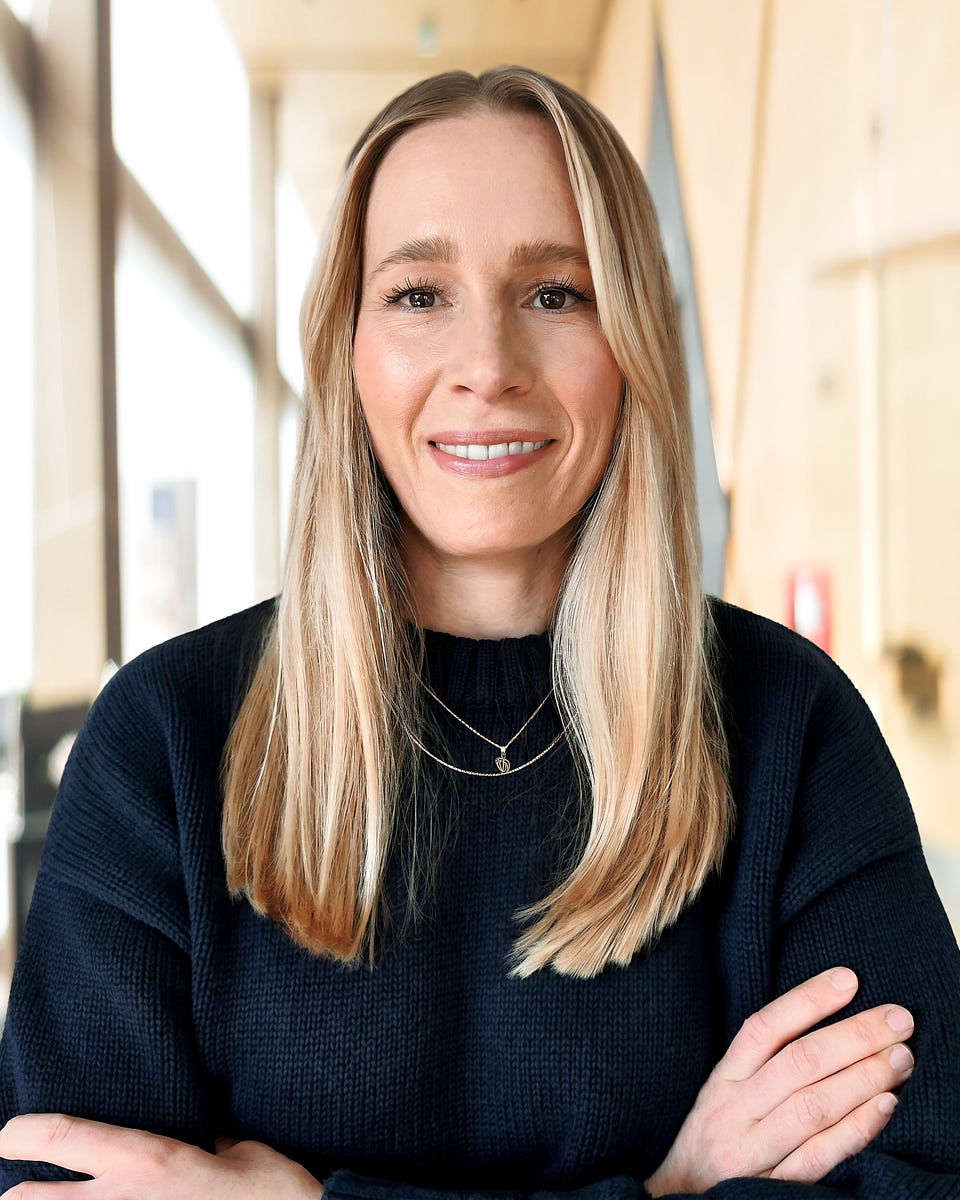
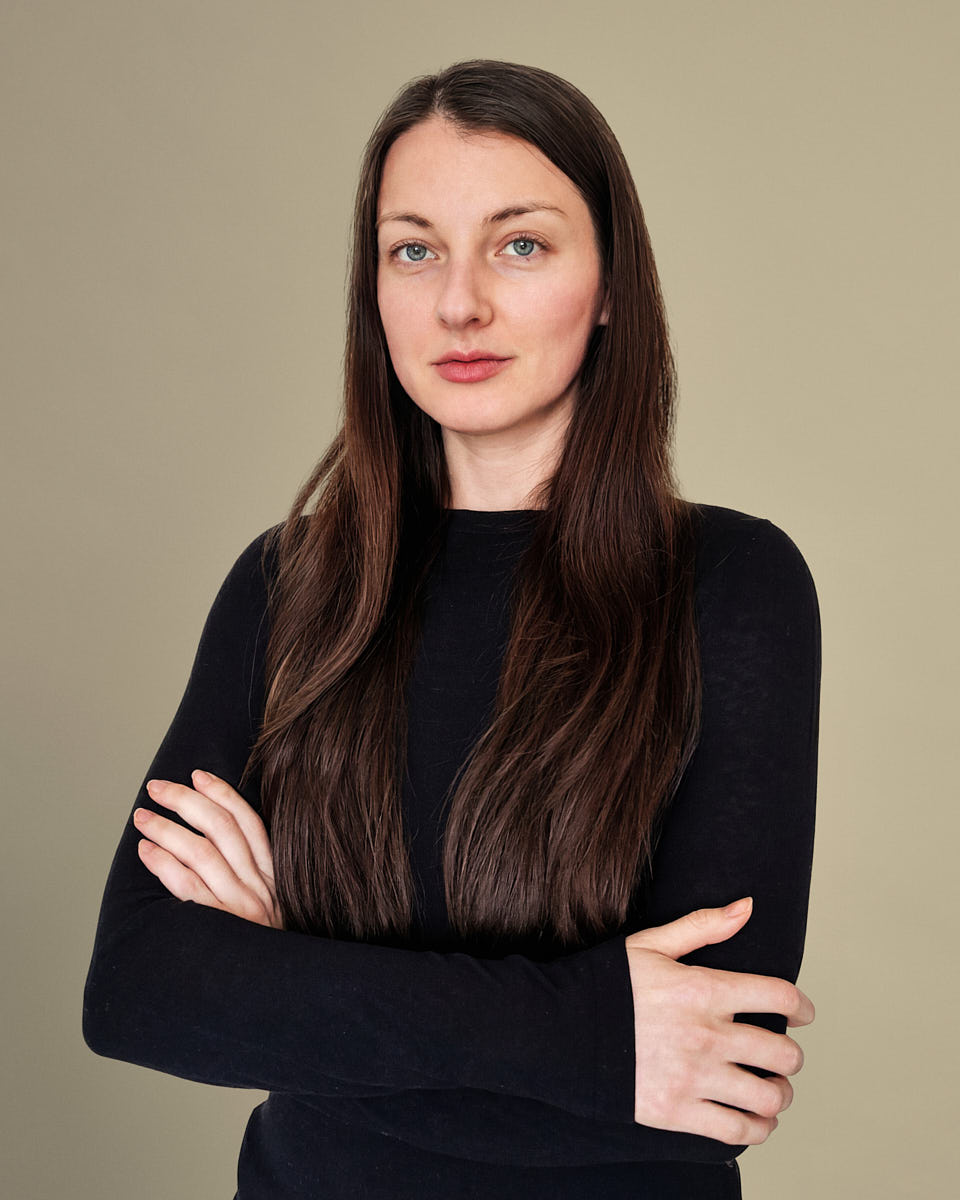
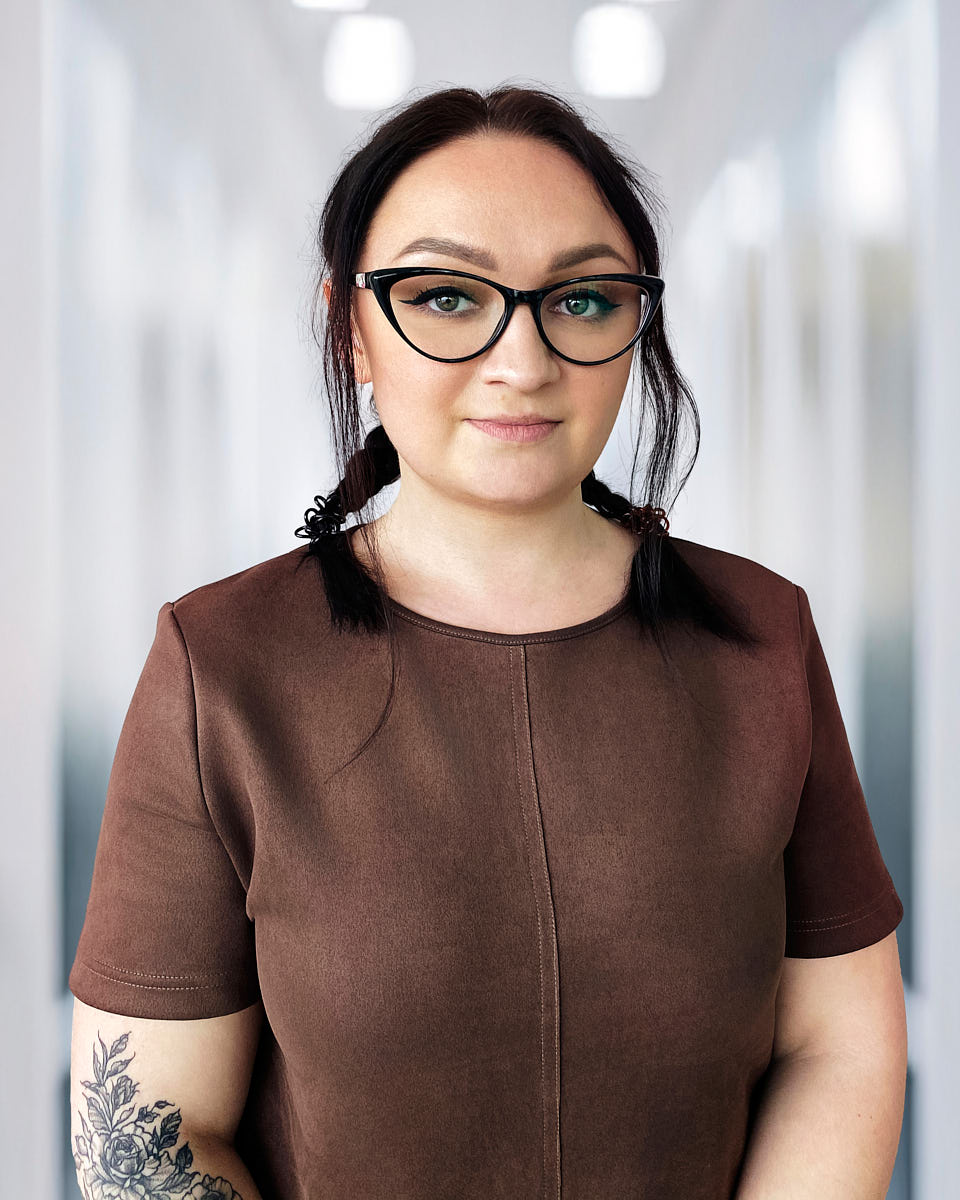
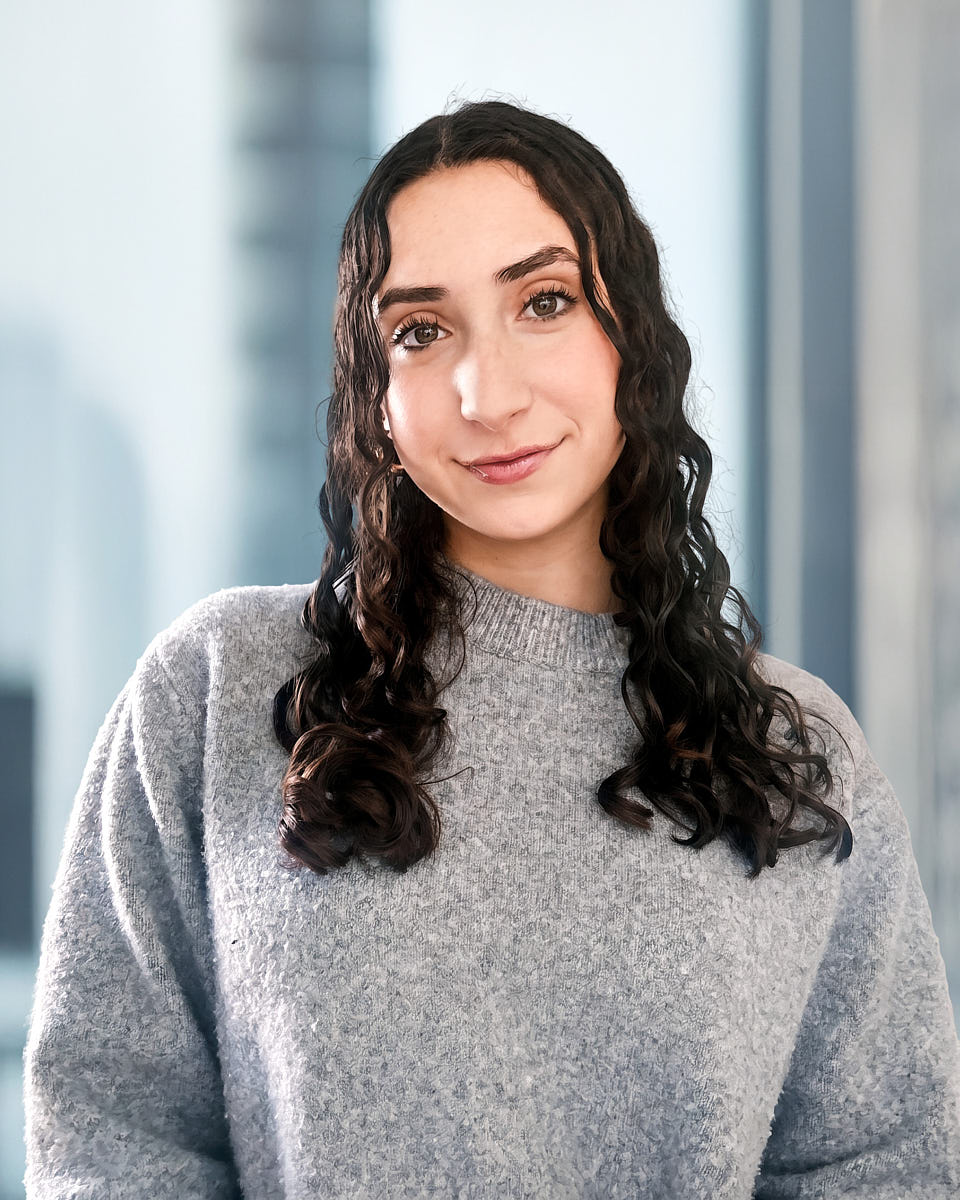
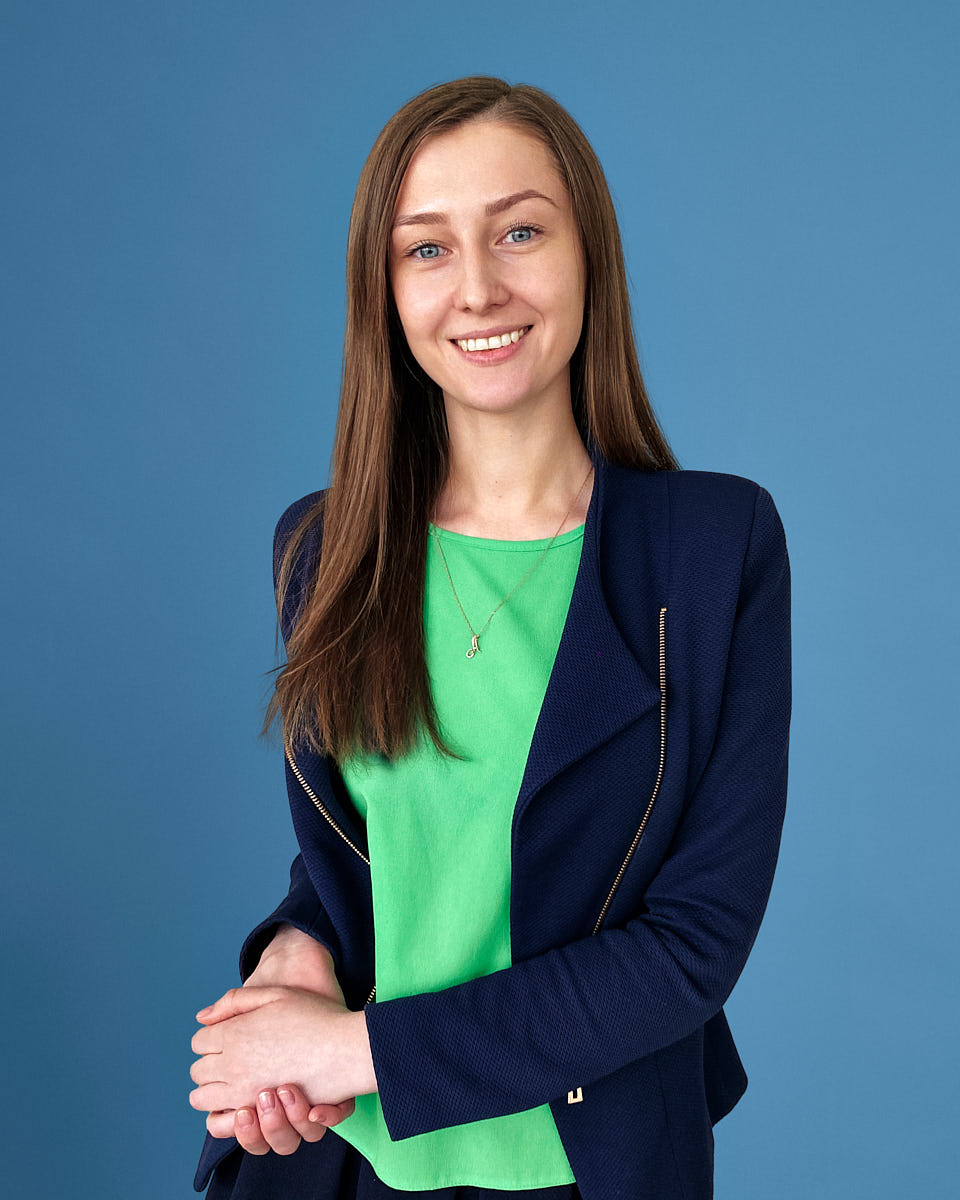
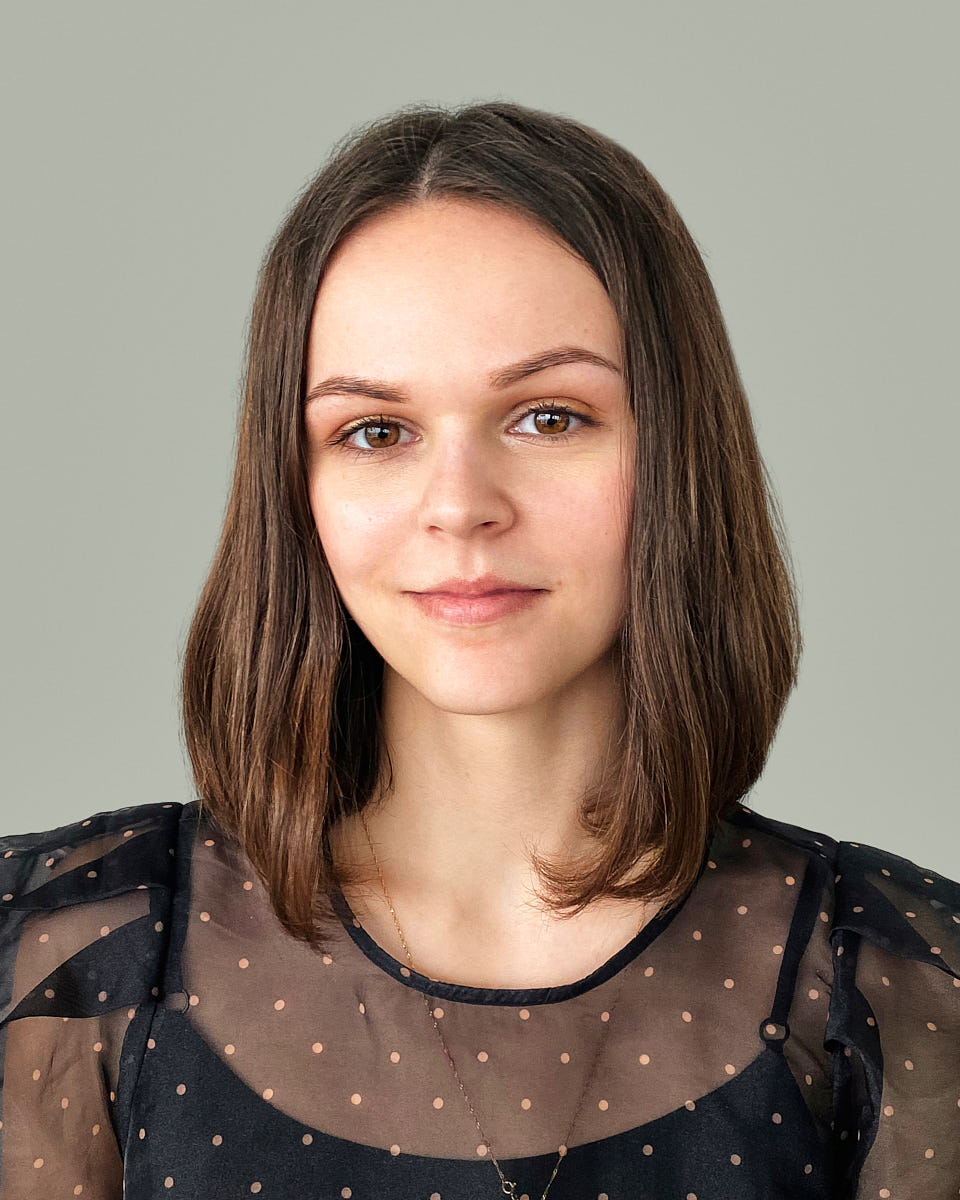
A company full of people. Photos that feel like one team.
Bring your colleagues’ portraits together, wherever they work. We help you choose the look,
guide each person through a session on their phone and finish the photos for your company.
Updating several departments? This page explains how to arrange it. For a smaller group,
start with remote team headshots.
For the person in HR or marketing who needs current photos without asking everyone to travel
to one studio.
A look chosen for your company
Separate appointments for colleagues in different locations
A photographer to guide each person
Consistent crop, color, background, and retouching
A reference for new colleagues’ photos
Your team page deserves current photos
A company’s website often mixes old portraits with phone pictures and a few empty spaces. The
people belong to the same team, but their photos tell a different story.
When colleagues work in different cities, getting everyone photographed at once can be
difficult. Remote sessions let people join separately and still have photos that work
together.
Choose a background, crop and editing style before the first session. We use that reference
for each person, while leaving room for their own expression.
Matching portraits for the team and leadership pages
Current photos for careers and recruiting pages
Headshots ready for press and speaker bios
Files prepared for your internal directory
A look future colleagues can follow
Photos employees can also use on LinkedIn, where permitted
Need headshots for two people? Request a custom quote.
Individual and 3–9-person packages include retouched, web-ready final files within two
business days of selection. For company work, the editing, files and batch delivery schedule
are confirmed in your quote.
Portfolio
A shared look, with room for each person
The crop and background help the photos belong together. The expression belongs to the person.
We aim for a set you can use confidently on your website, in a directory or alongside a
company bio.
Who’s involved
A few decisions before we pick up the camera
One person can coordinate the project, with help from whoever chooses the company’s look and
uses the finished photos.
HR / People Ops
Invite colleagues, share preparation notes and include future hires when that’s part of
the agreement.
Marketing / Communications
Choose the background and crop. Tell us where the portraits will appear so we can prepare
the right files.
Recruiting / Talent
Use current team photos on careers pages and in hiring materials.
Executive sponsors
Confirm the budget, the people involved and the date you need the photos.
IT / Internal tools
Tell us the file sizes, names and delivery folder your company tools need.
Procurement / Legal
Let us know about vendor paperwork, invoicing and any terms your company needs to review.
Choose the look together
We agree the background, crop and editing with you before inviting colleagues. Choose someone
to coordinate the sessions and someone to approve the photos; they can be the same person.
Here are the choices we’ll work through:
Photo shape: square, vertical or horizontal
Background: a neutral color, white, a room or a chosen brand tone
Color and contrast across the finished set
Framing, usually shoulders or mid-chest up
Clothing advice that fits your company
Natural retouching agreed for the whole team
File names, sizes and delivery folder
Any different photos needed for a department
During the shoot, the photographer helps each person with the light and camera position. That
gives our editors a good photo to work from.
Allow time to choose the look, invite colleagues and select their portraits. The outline below
helps you plan; we confirm the dates for your project with you.
1
Choose the look
Choose the look with the person approving the photos. Save a reference so everyone knows
what to work towards. See the background choices.
Typical timing: one to two weeks, depending on approval speed.
2
Invite your colleagues
Invite colleagues by work email. Each person chooses an available time in their own time
zone, reads the preparation notes and joins from their phone’s browser.
Typical timing: two to four weeks, depending on team size.
3
Photograph and deliver
The photographer helps each person with the setup and takes full-resolution photos on
their phone. We edit the chosen portraits and organize the files by name.
We agree delivery dates with you around the team size and the review you need.
4
Add new colleagues later
Keep the reference for new colleagues or later updates. Their sessions can follow it when
future additions are part of your agreement.
Ask us to arrange the next sessions when you need them.
A studio day works well when everyone can meet in one place. If colleagues work across offices
or from home, separate remote appointments may be easier to arrange.
For a remote project, you can plan around:
Colleagues joining from their own locations
One photographer-led process across cities
Separate appointments for people who miss the first dates
The same reference for every session
A shared editing style across the finished set
Published per-person rates, with larger projects quoted separately
A shared look can work in different places. Tell us how each team will use the portraits
before we agree the final files.
Leadership
Leadership may need photos for a board page, an interview or a speaking event. Extra crops
can be agreed alongside the team’s usual website photo.
Engineering / Product
Update the team page as people join or move between projects. Colleagues can take their
sessions from different locations.
Sales / Customer-facing teams
Sales and customer teams often use the same photo on LinkedIn, in email signatures and in
client introductions. Agree the formats they need at the start.
HR / People
Give colleagues clear instructions, and keep one reference for the photos added later.
See what still needs doing
In the company portal, you can see who has booked and where each portrait is up to. The
deadline and remaining sessions stay in view. See the portal for HR.
Choose who approves the background and crop
Name the person who invites employees
Confirm the budget and deadline
Complete vendor and invoice paperwork if needed
Invite colleagues once those details are agreed
The chosen look stays with every invitation and session. If future hires are included in your
agreement, their photos follow it too.
Usually someone in HR coordinates the sessions, while marketing chooses the look. Pick one person to approve the background and crop before you invite colleagues.
How do corporate headshots for remote teams work?
Each employee receives a portal invitation and chooses a time in their own time zone. They open the session in their phone’s browser, where a photographer helps with the light and camera position. The phone takes the photographs. We edit the chosen frame to the company’s look.
Can several departments share the same look?
Yes. Departments can share a look, with different versions where needed. For example, leadership may need an extra crop for press photos. We agree those differences before the shoot.
Can we add new colleagues later?
Yes, when future sessions are included in your agreement. Keep the reference from the first set so new colleagues can have photos that fit beside the team.
What do we need to decide first?
Choose the background and crop, decide who selects the portraits, and confirm who needs to sign off. If you need vendor onboarding or purchase approval, let us know at the start.
Are these AI headshots?
They’re real photos, taken during a live session. Our editors finish the selected frame while preserving the person’s facial features and expression.
Can employees use the final images for LinkedIn?
Yes, if your company permits it. The same portrait can work for a company bio, team page and LinkedIn profile.
Tell us who needs photos and when you need them. We’ll help you choose a look and plan the
sessions, whether you’re updating one department or the whole company.