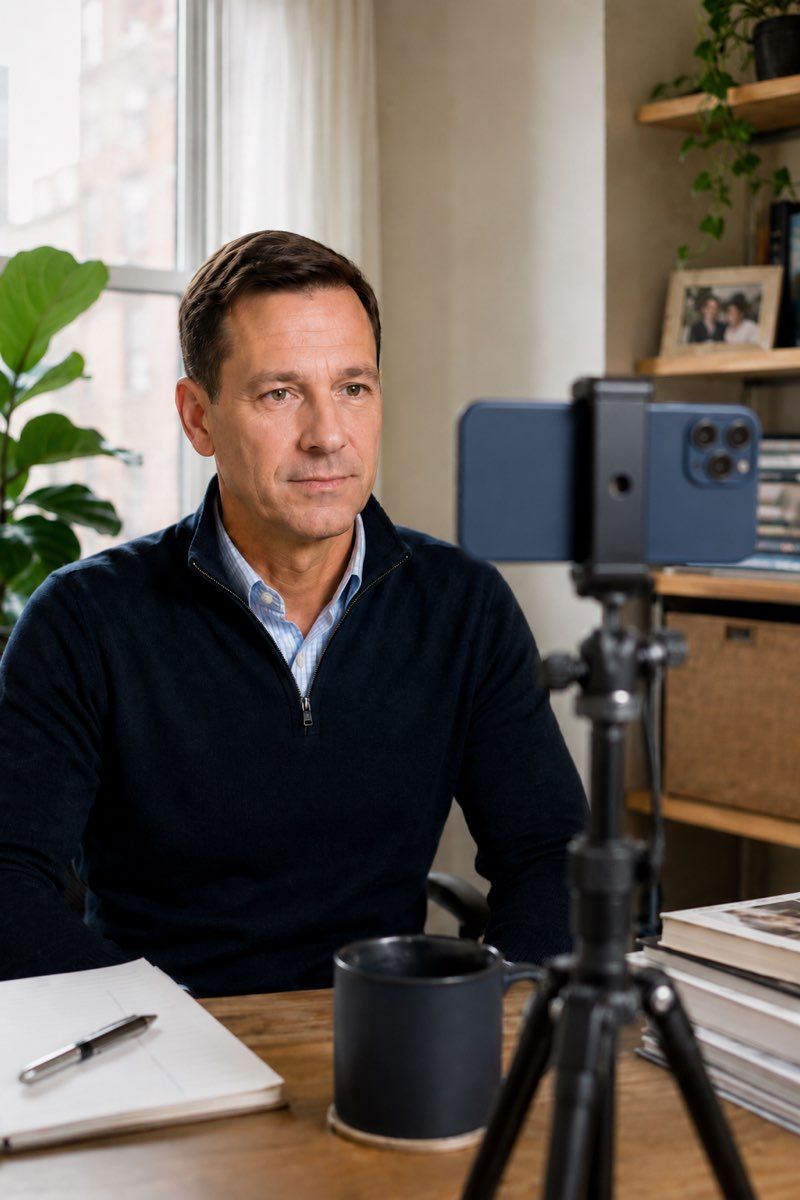
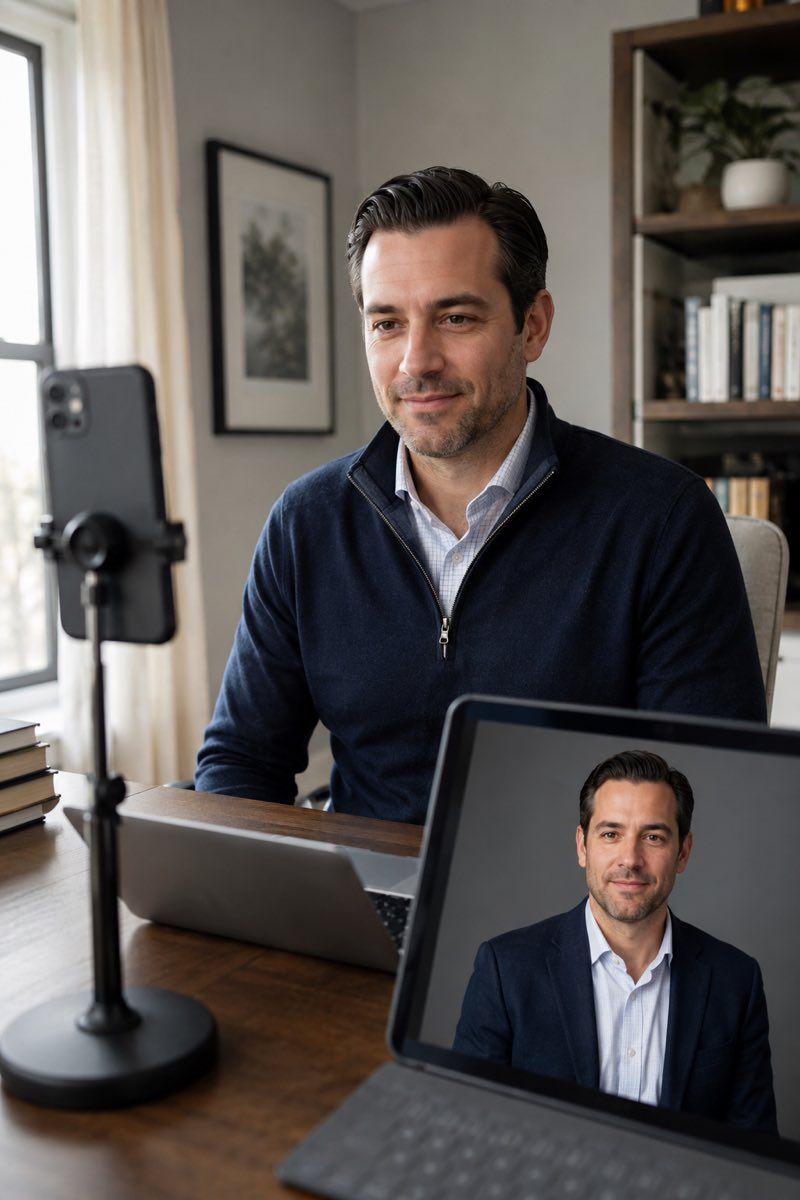
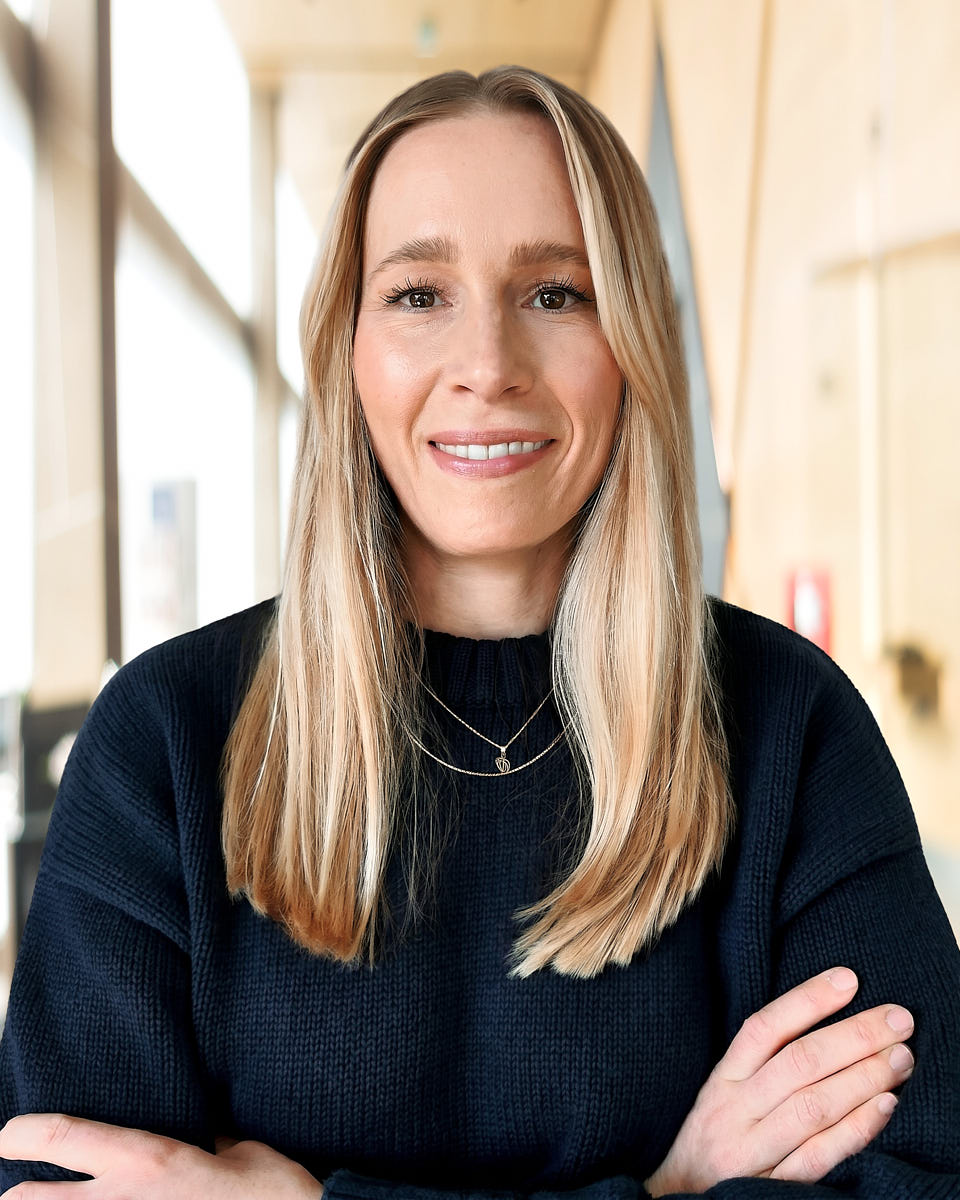
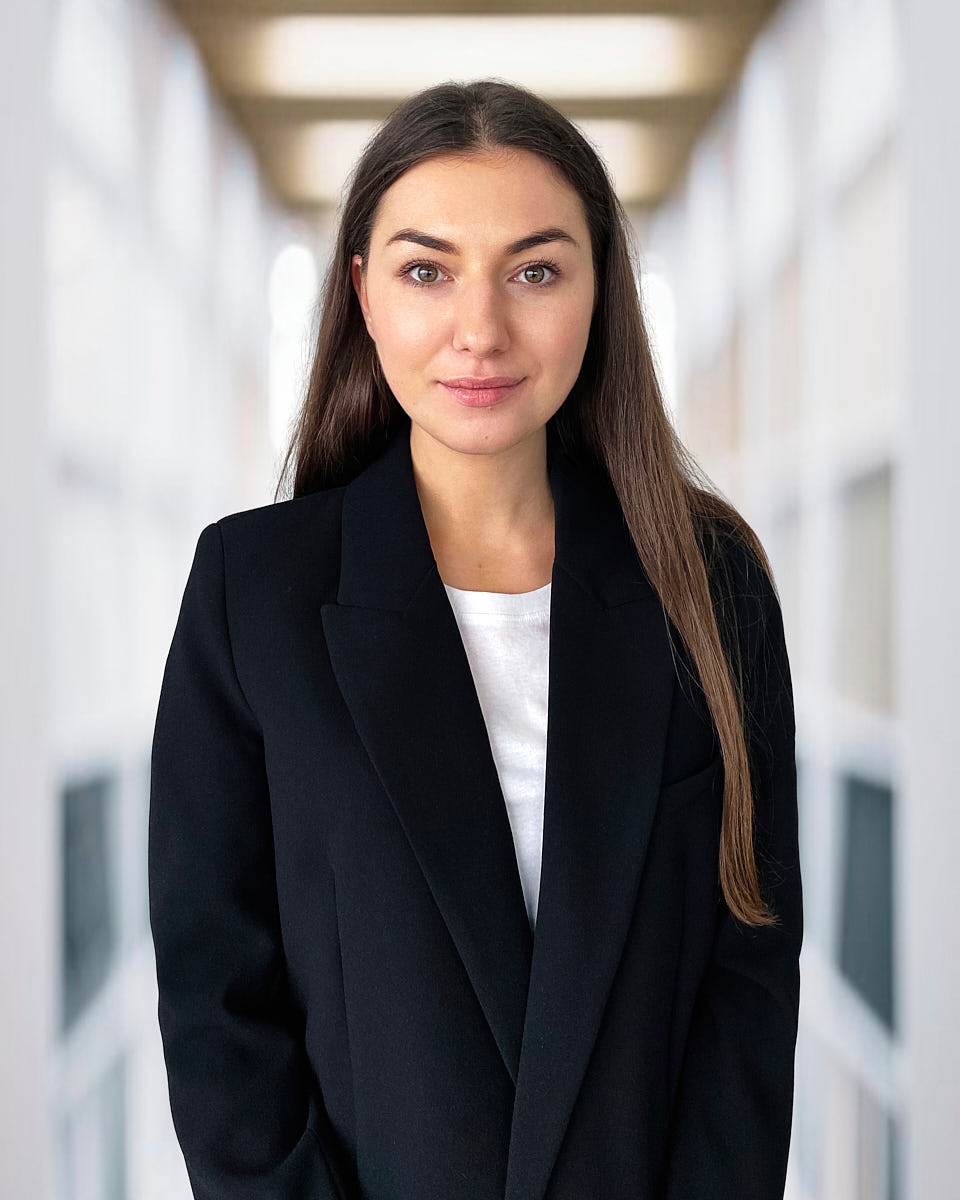
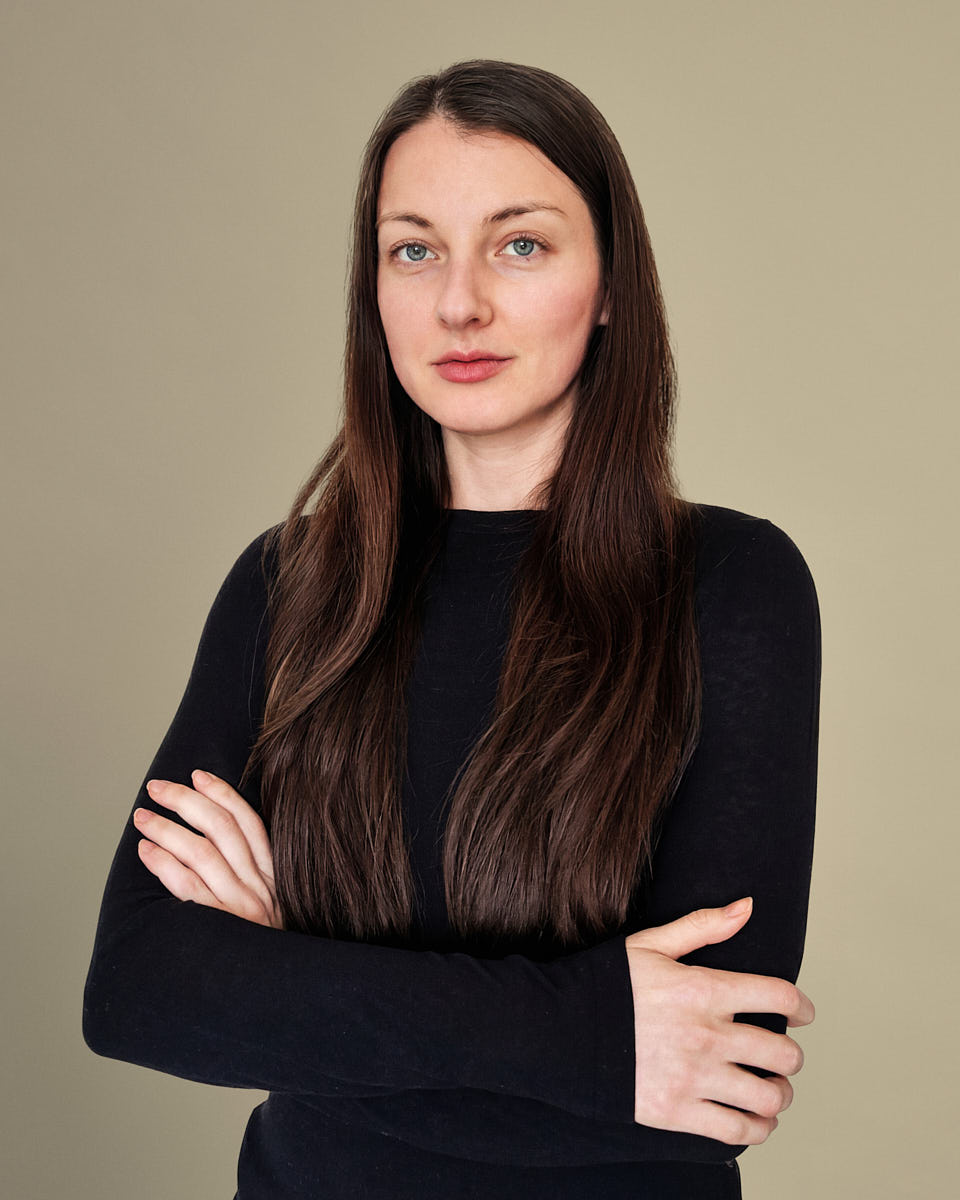
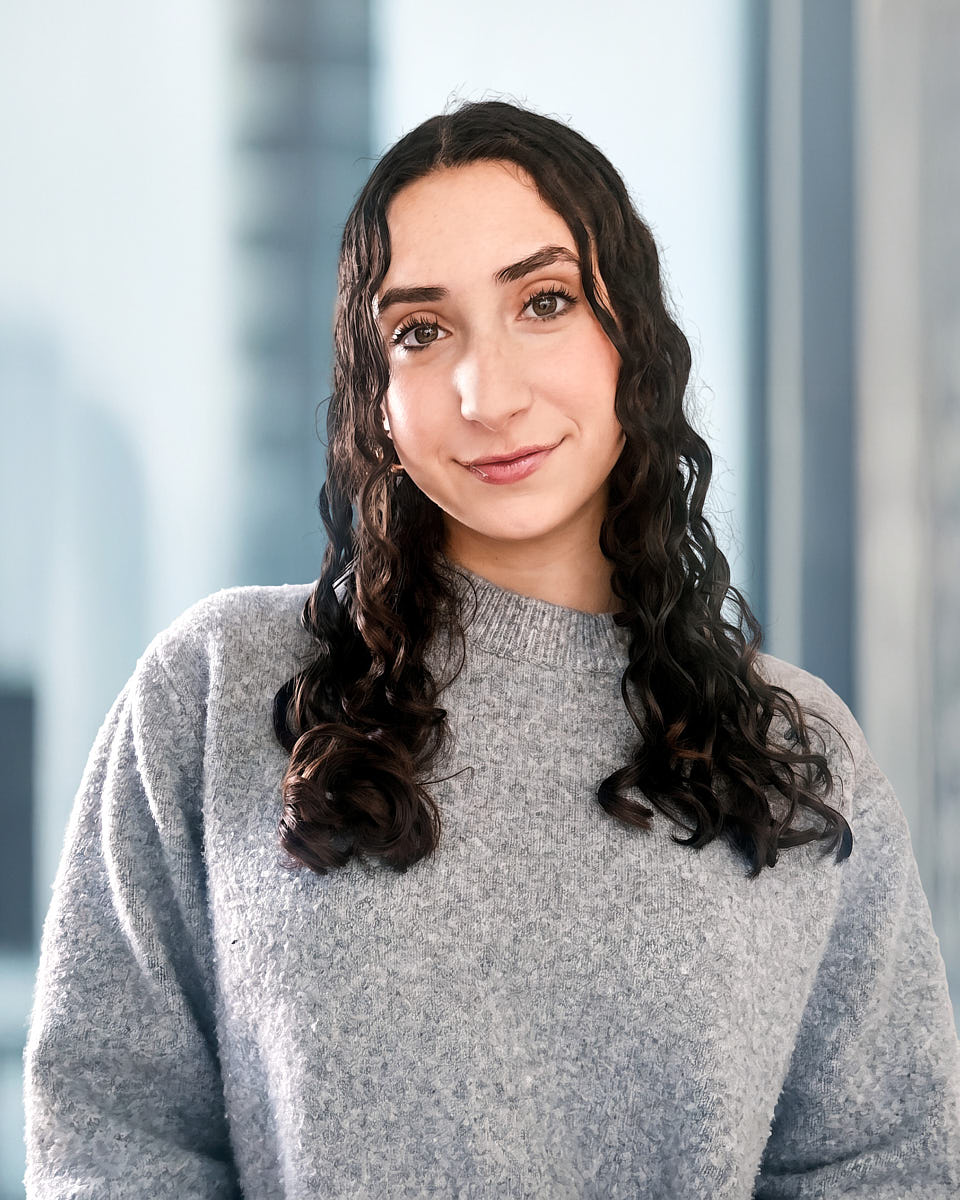
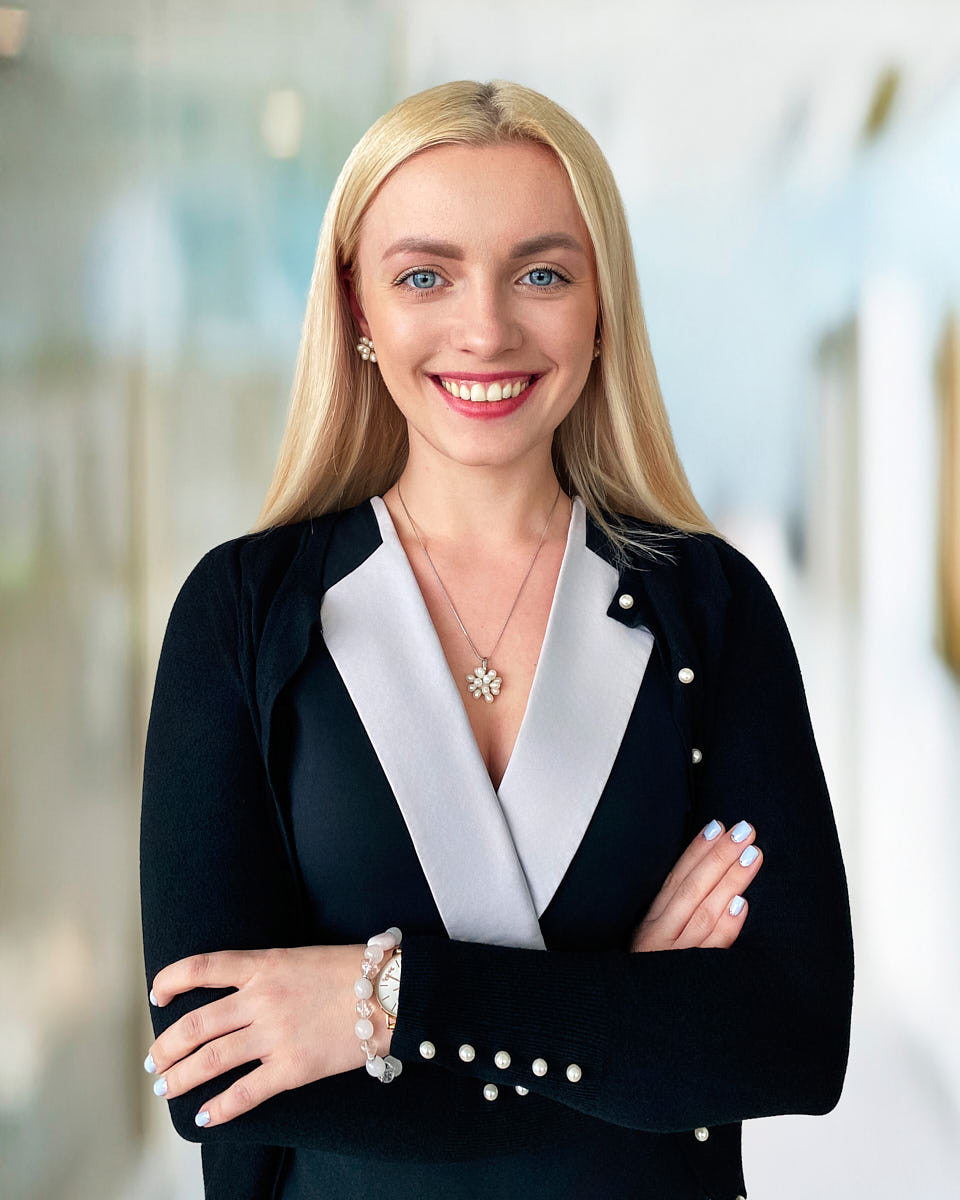
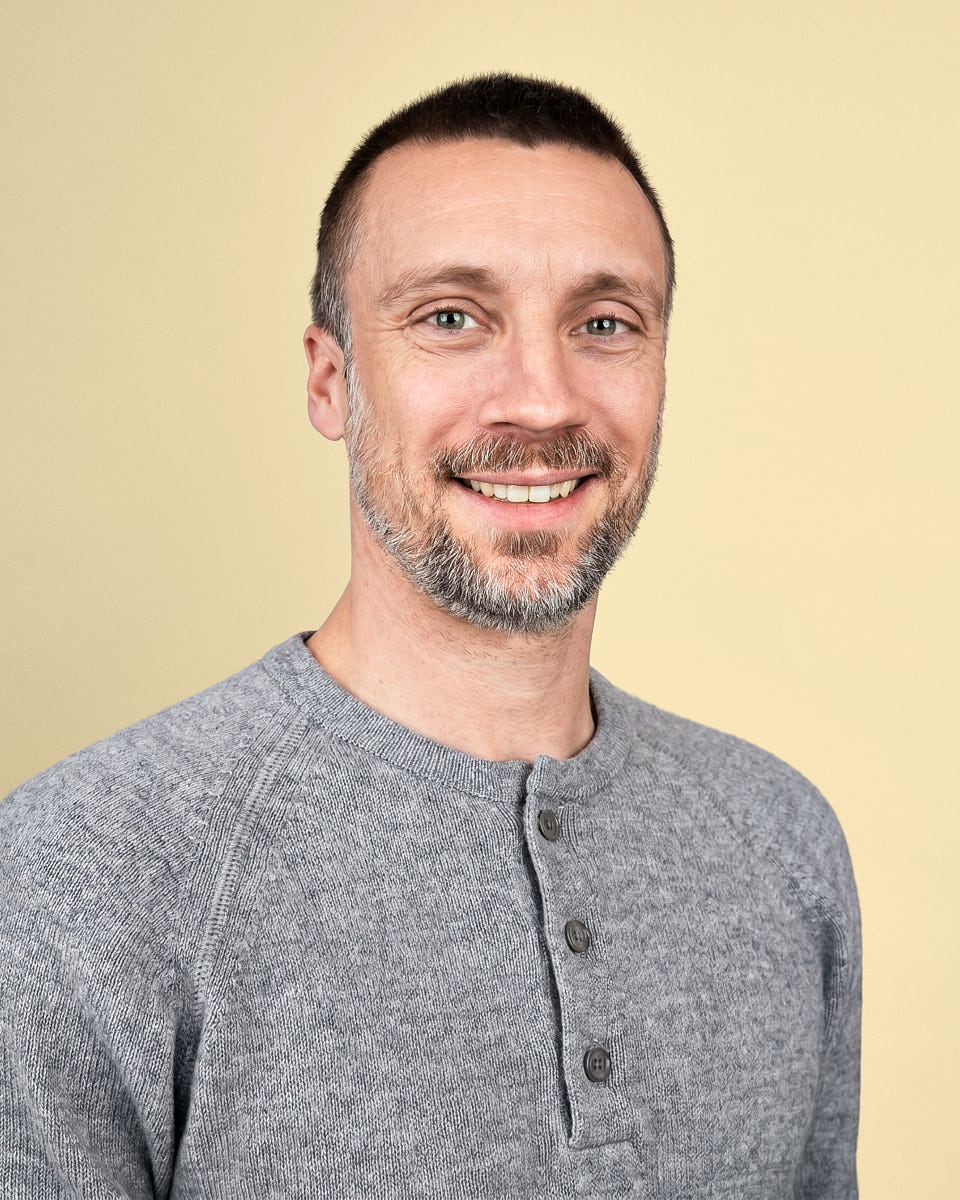
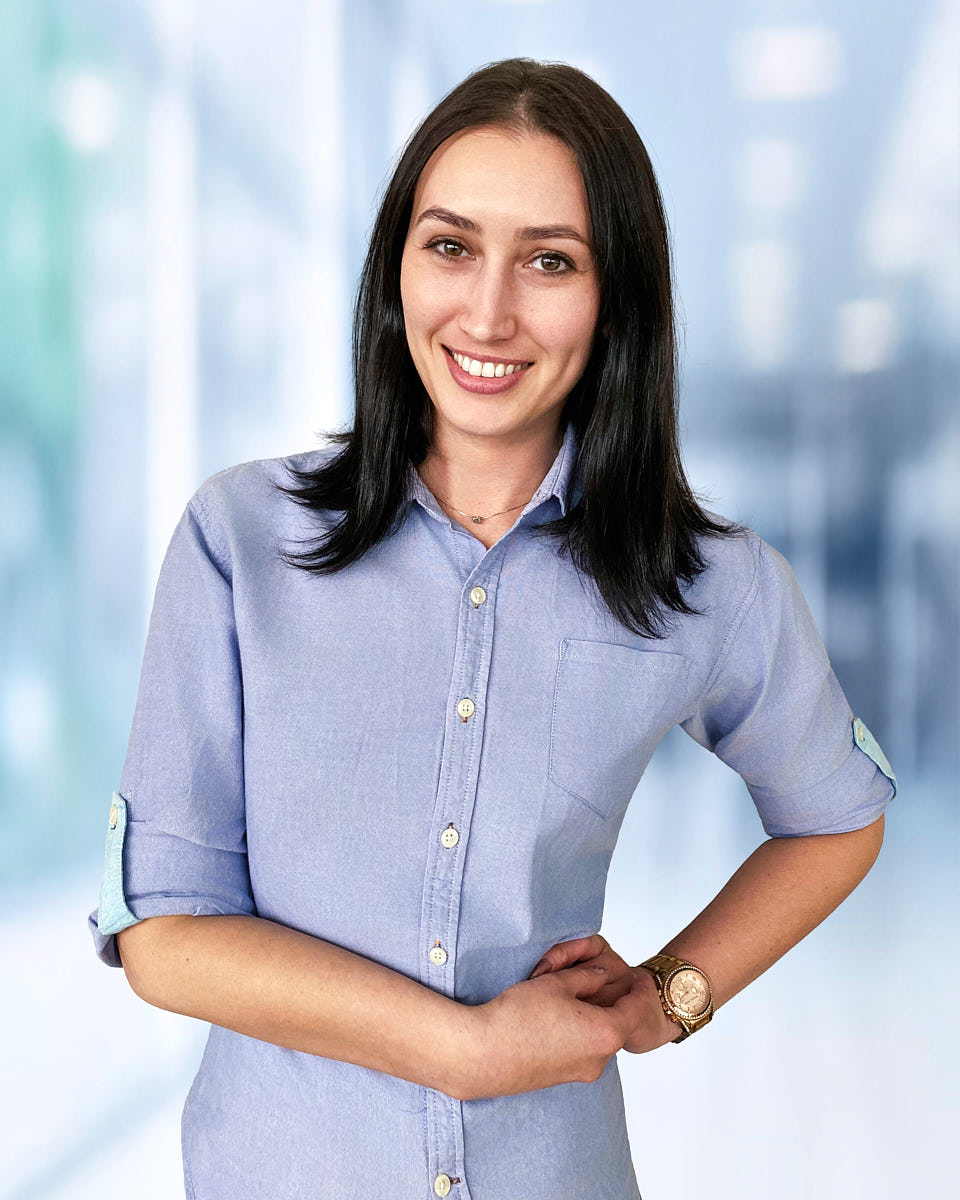
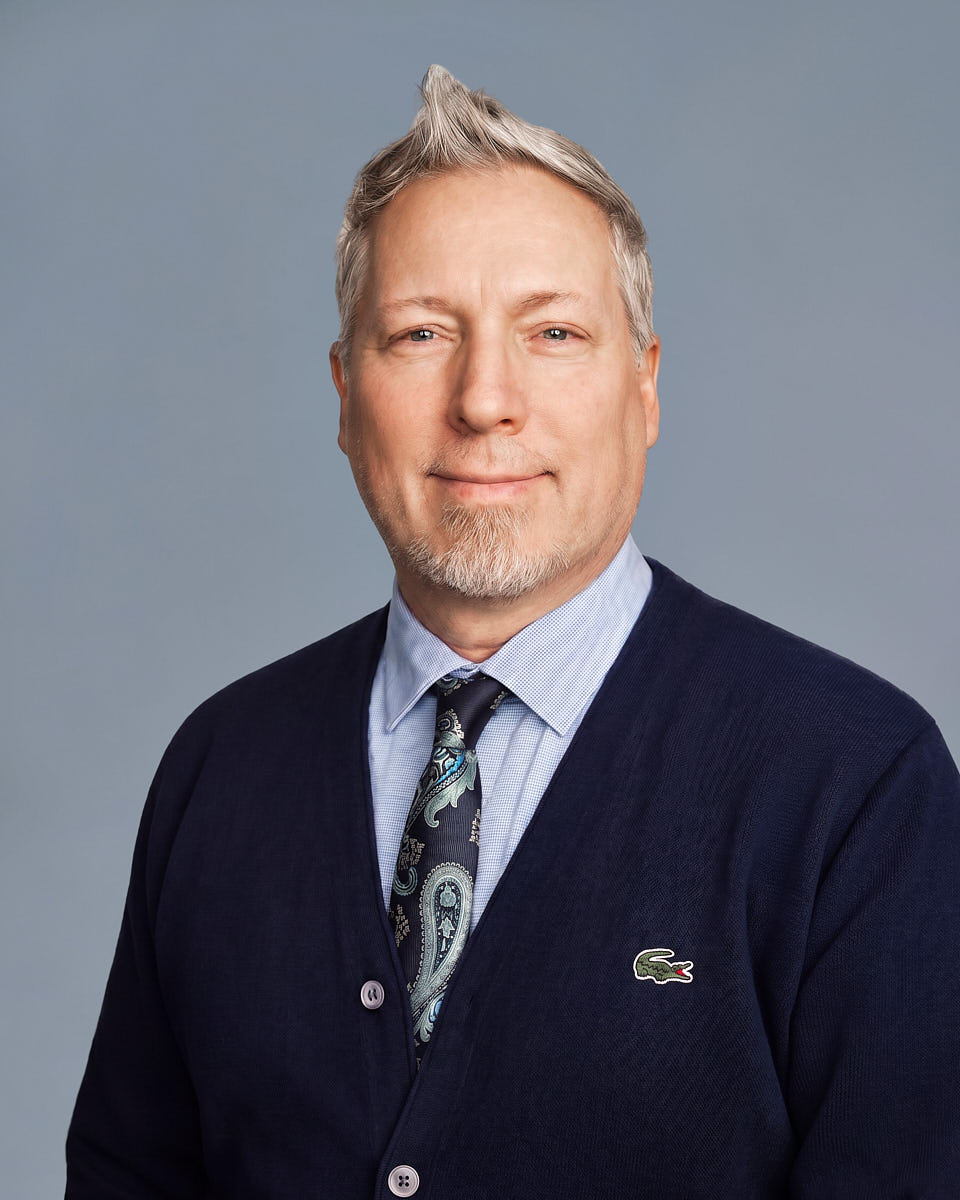
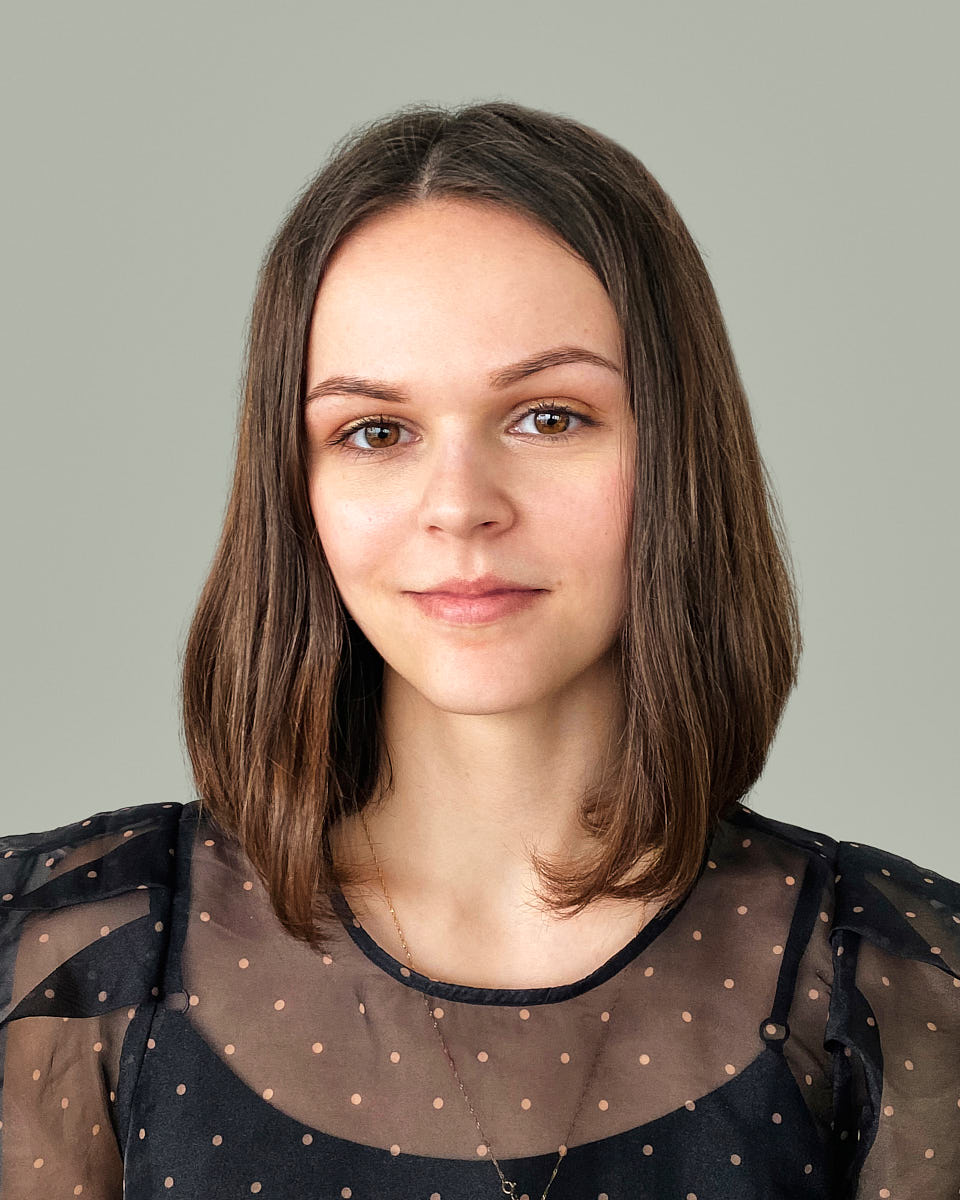
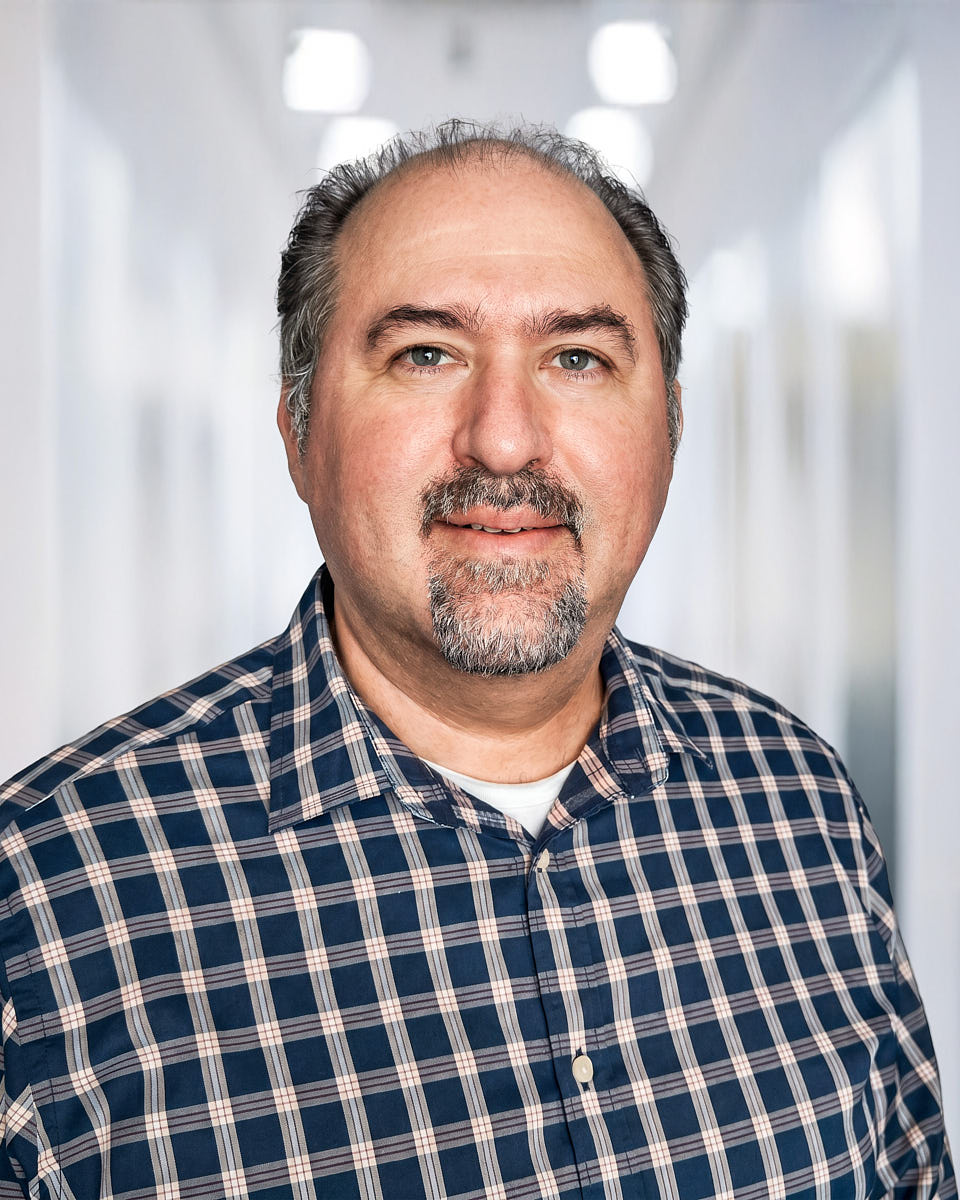
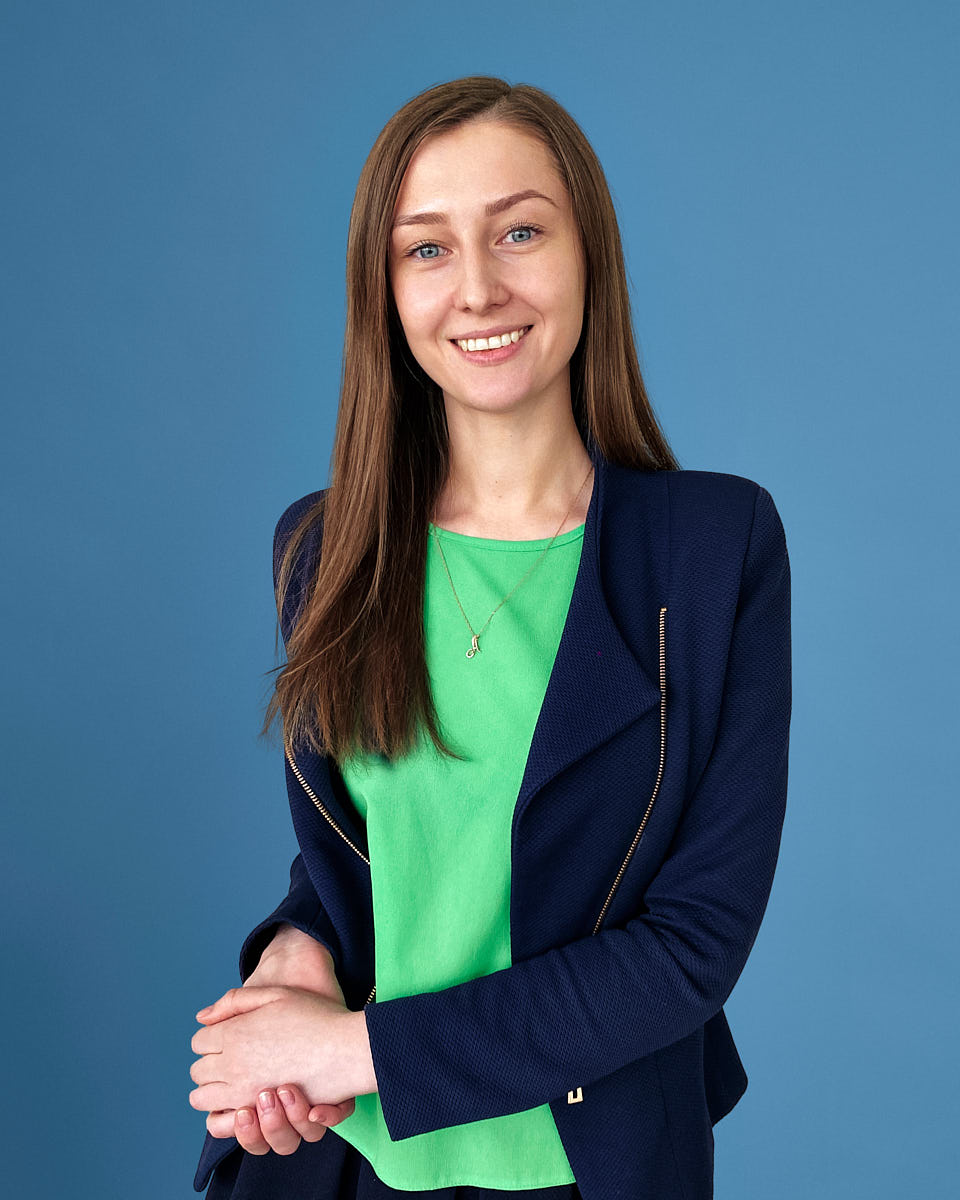
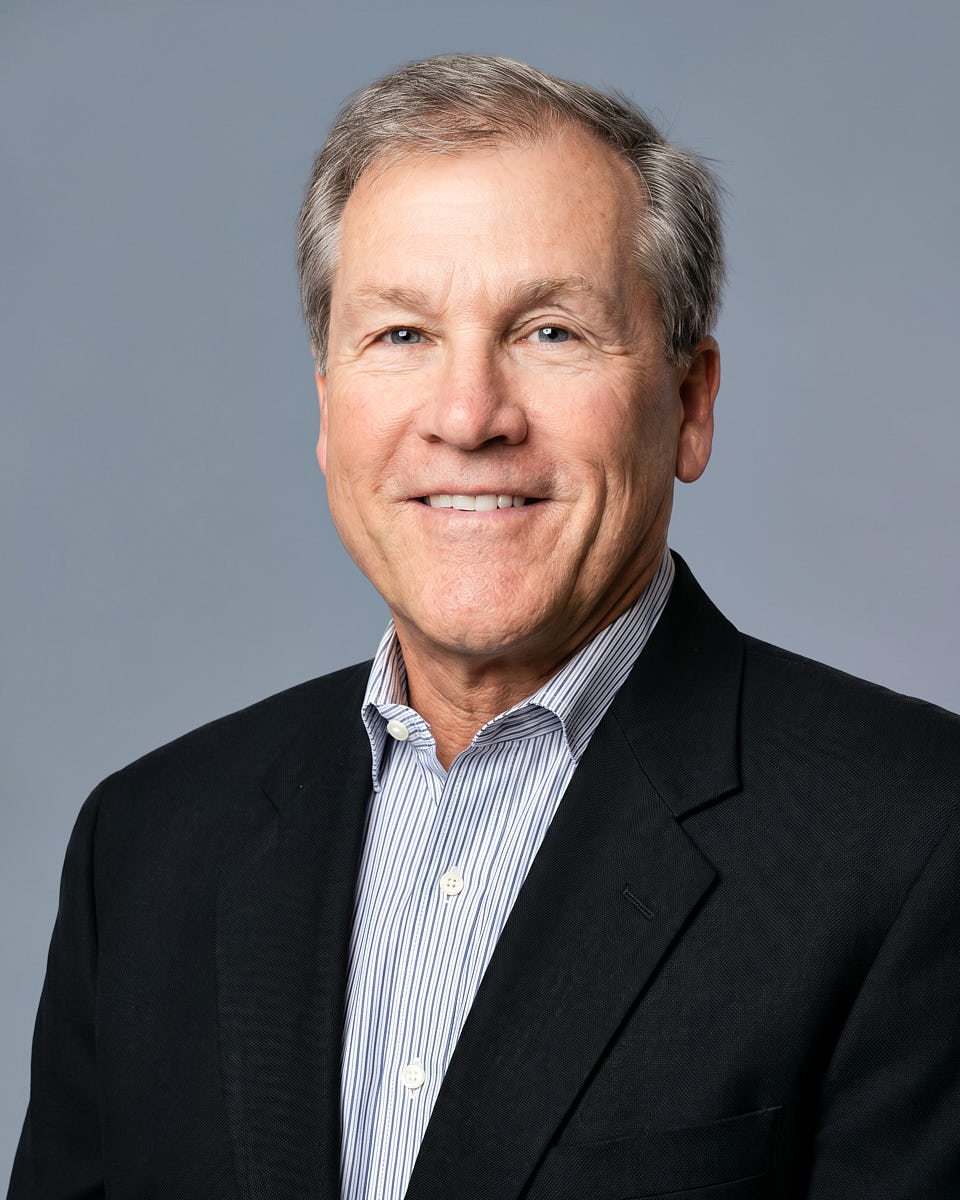
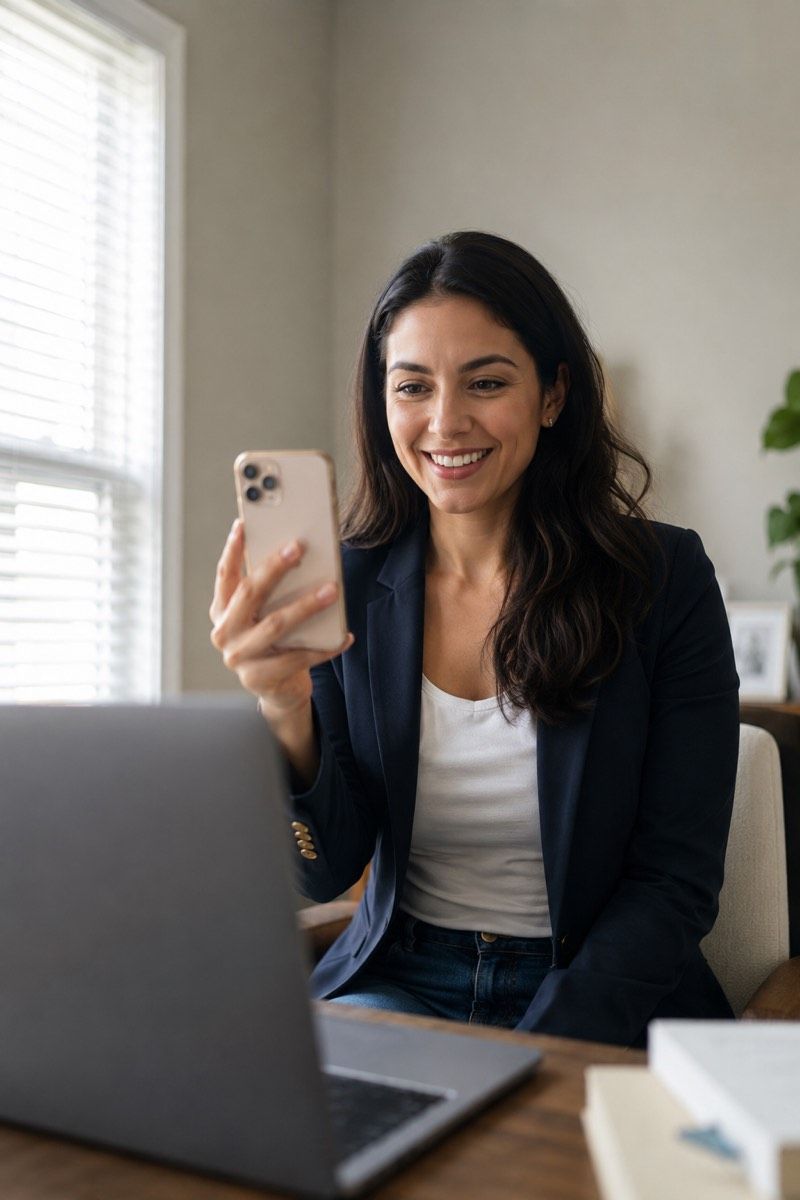
Agree a background and crop before inviting the team. Each person brings a phone or camera
and finds a quiet spot; their photographer helps with the rest.
The package determines the editing and files. We confirm company editing in your quote.
Need headshots for two people? Request a custom quote.
One colleague can also book an individual remote headshot session for $180. Allow about 25–45 minutes; the package includes one naturally retouched final photo,
a digital background option and a private gallery.
Ask about that session.
What does “virtual” mean here?
You’ll meet a real photographer during our session. They see your setup, guide you and take
the pictures through your own camera.
You may also see the term used for editing an uploaded photo or generating an image with AI.
Check which kind of service you’re choosing.
A live session with a photographer
We check the light and camera position together. Then we guide you through small changes
in posture and expression. Your favorite photo is edited for the finished look.
It’s useful when you want help taking the photo and a session you can join remotely.
Upload-and-edit services
An editing service starts with a photo you already have. A sharp picture with good light
gives the editor more to work with.
If the angle or expression didn’t work when the photo was taken, editing alone may not fix
it.
You receive preparation instructions and a joining link. At your appointment, a photographer
checks your setup and takes the pictures with you. After you choose a photo, we edit it.
1
Schedule and prepare
Once your appointment is agreed, we send preparation notes and explain how to join.
2
Setup check
We look at the available light and the background with you. If another spot works better,
we help you move and adjust the camera.
3
Try a few poses
Your photographer gives you small adjustments to try, from turning your shoulders to
relaxing your expression. We take several photos so you have a choice.
4
Choose and finish your photo
We retouch your chosen image for color, crop and small distractions, then prepare the
files for the professional uses you agreed.
It’s hard to judge the frame while you’re in it. Your photographer can see how the light,
camera angle and expression work together, and help you adjust them.
We’ll help you check:
where to place yourself beside the light
the camera’s height and distance
what sits behind you
how to relax your shoulders
the angle of your face
an expression that feels comfortable
space for the finished crop
You can try an adjustment and see what changes while the photographer is there. That gives us
a better starting photo to edit.
A photo people will recognize
The camera records you during the session, including your own features and expression.
Your profile photo should feel familiar to someone who meets you on a call or in person.
We keep that in mind when choosing and editing the image.
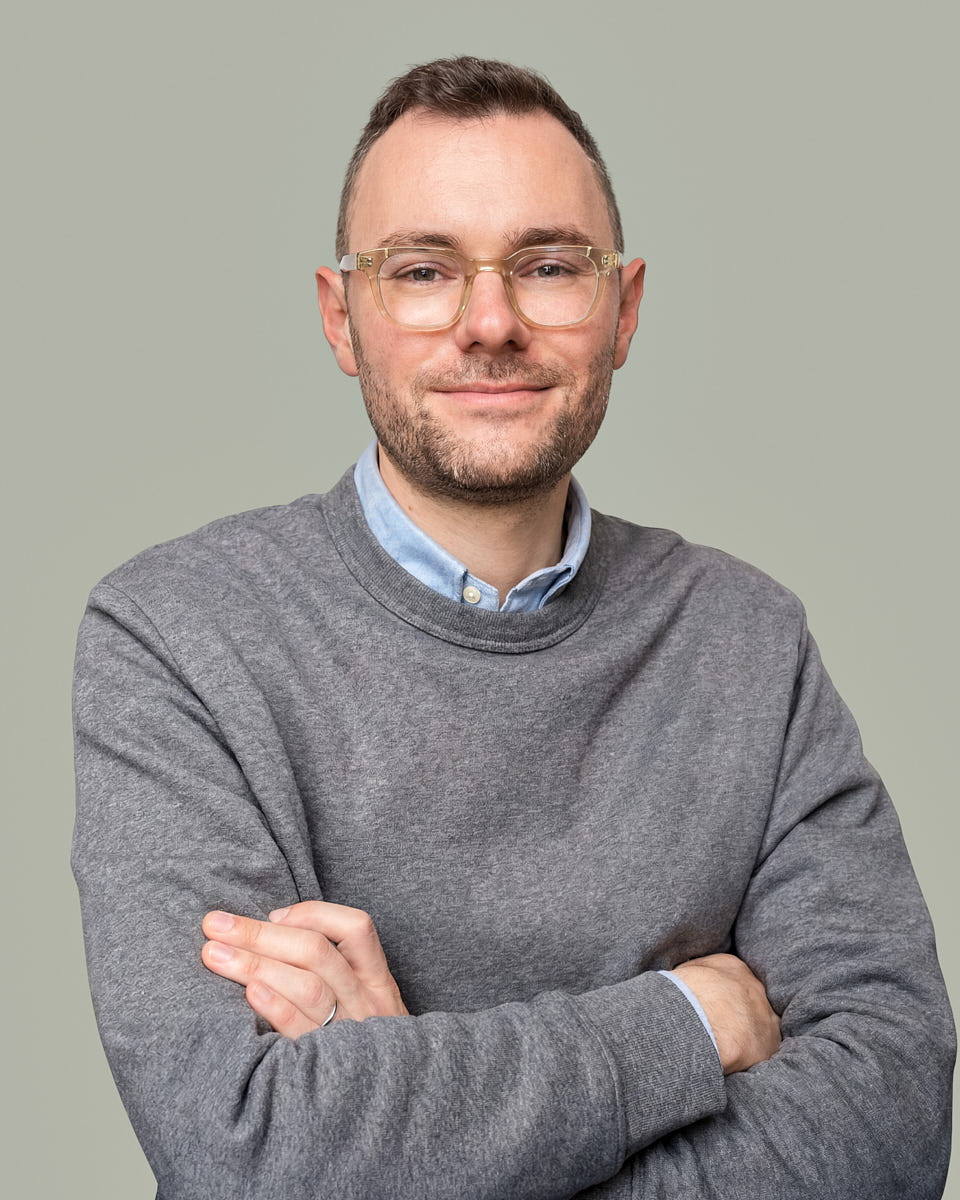
Your own face and expression
Balanced color, crop and small distractions
Skin texture stays natural
Permanent features stay recognizable
The same person your colleagues know
You can use the finished photograph when introducing yourself to clients, colleagues or a
new employer.
We start with the photo you choose from your session.
We balance the color and light, tidy small distractions and prepare the background and crop.
Your features and skin texture stay recognizable.
The individual package includes a retouched, web-ready photo within two business days of
selection. For company work, confirm the editing and batch delivery schedule in your quote.
Use it for LinkedIn, your company bio, staff directory or a speaker page.
For a team, we check the photos together so the backgrounds, crops and color fit beside one
another.
We can agree web-ready and high-resolution files, with PNG options where your project needs
them.
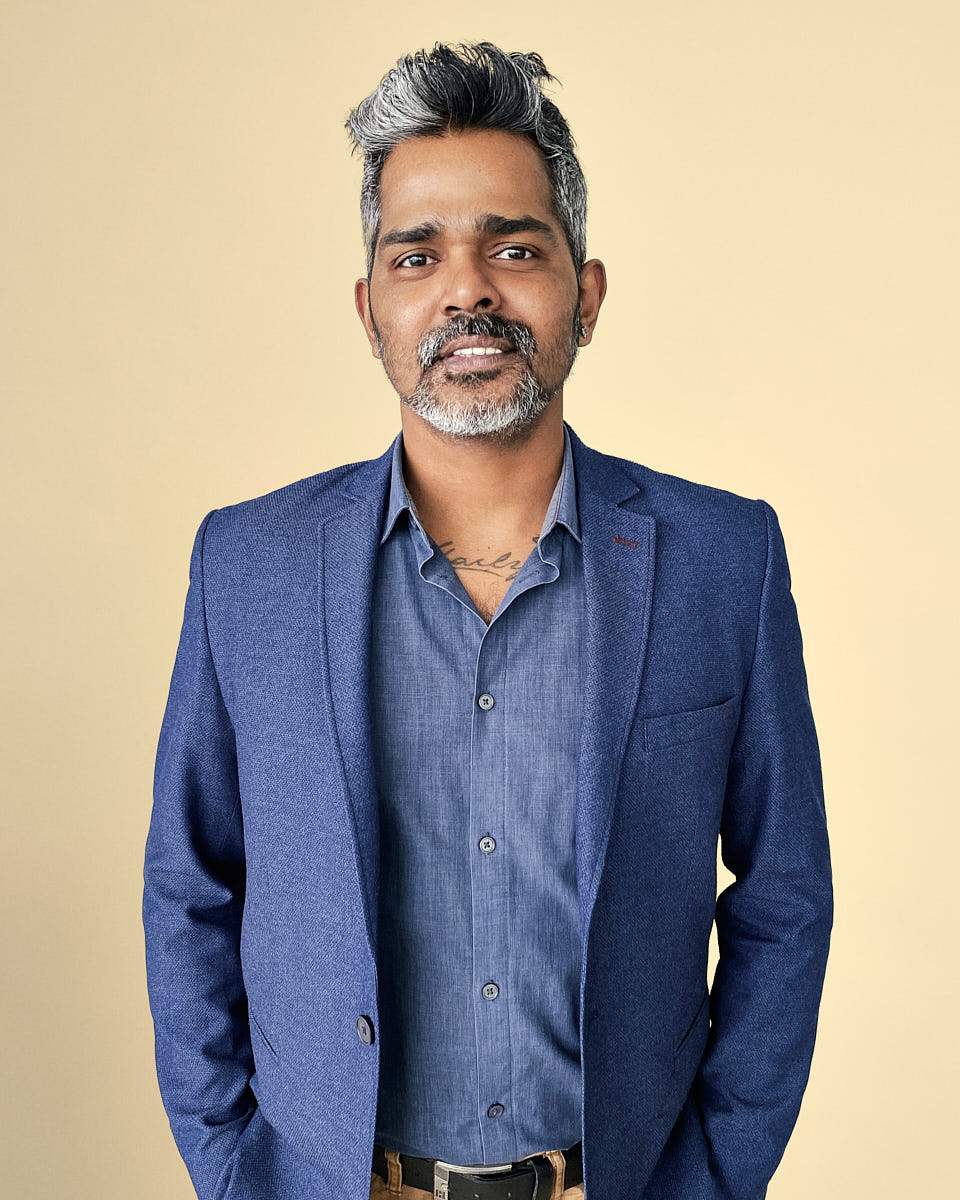
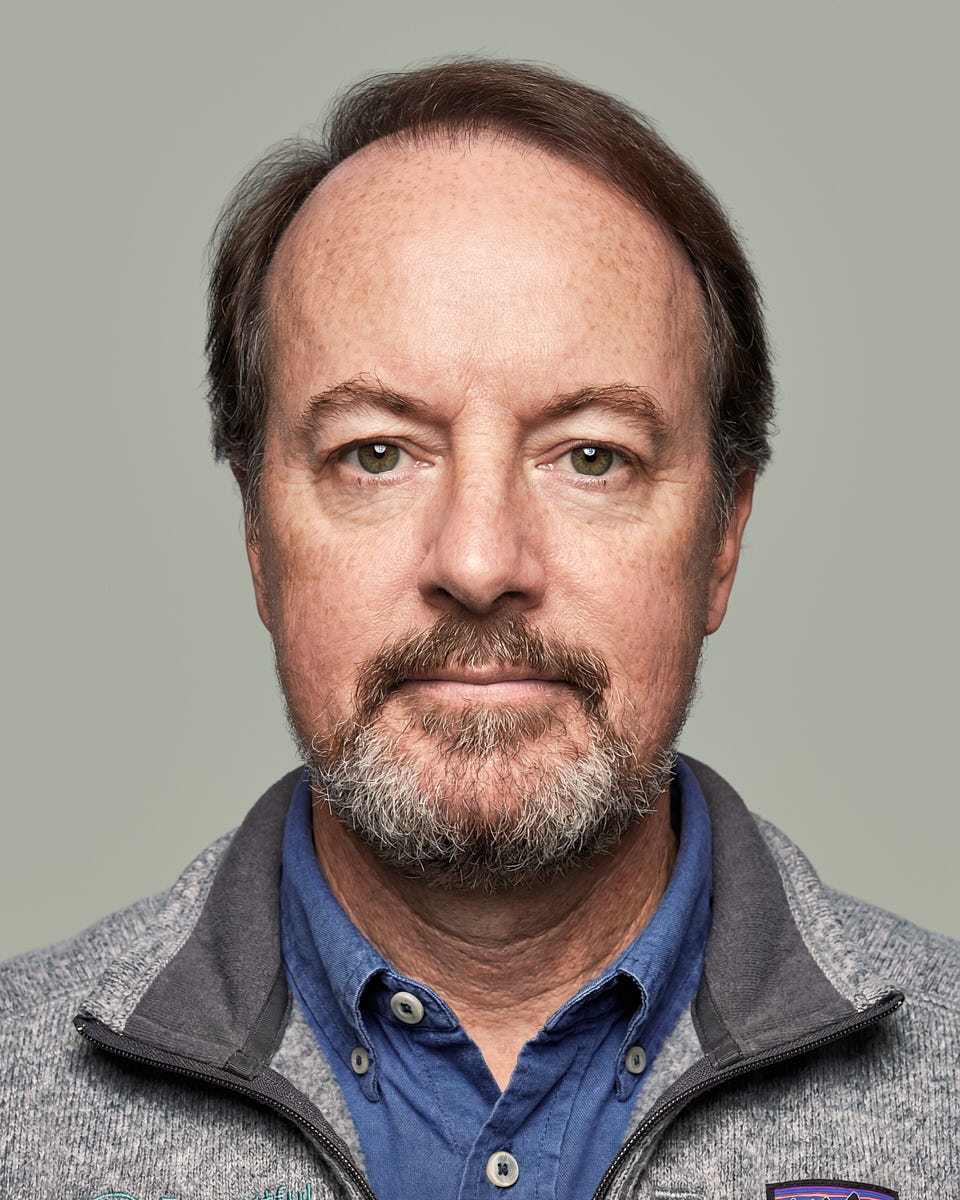
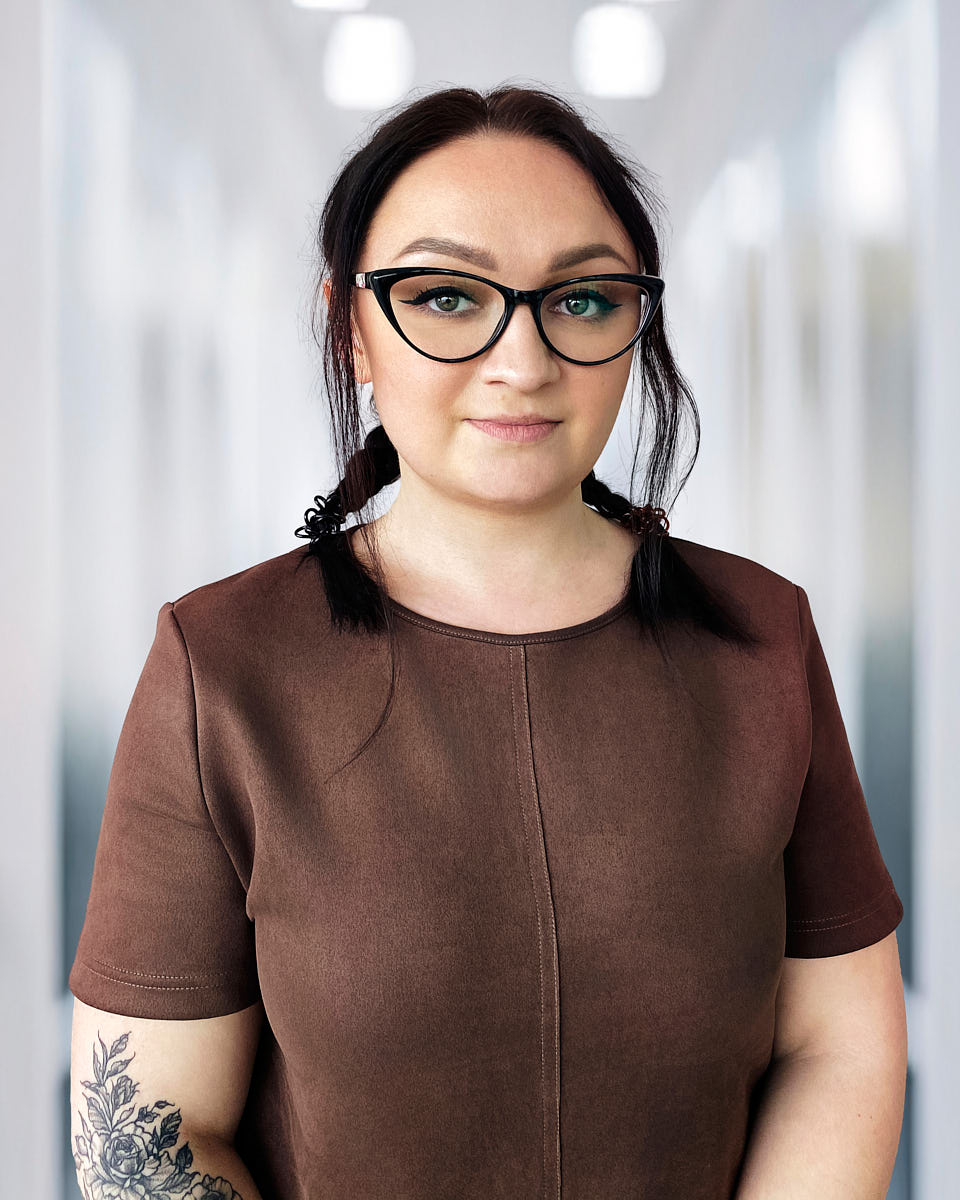
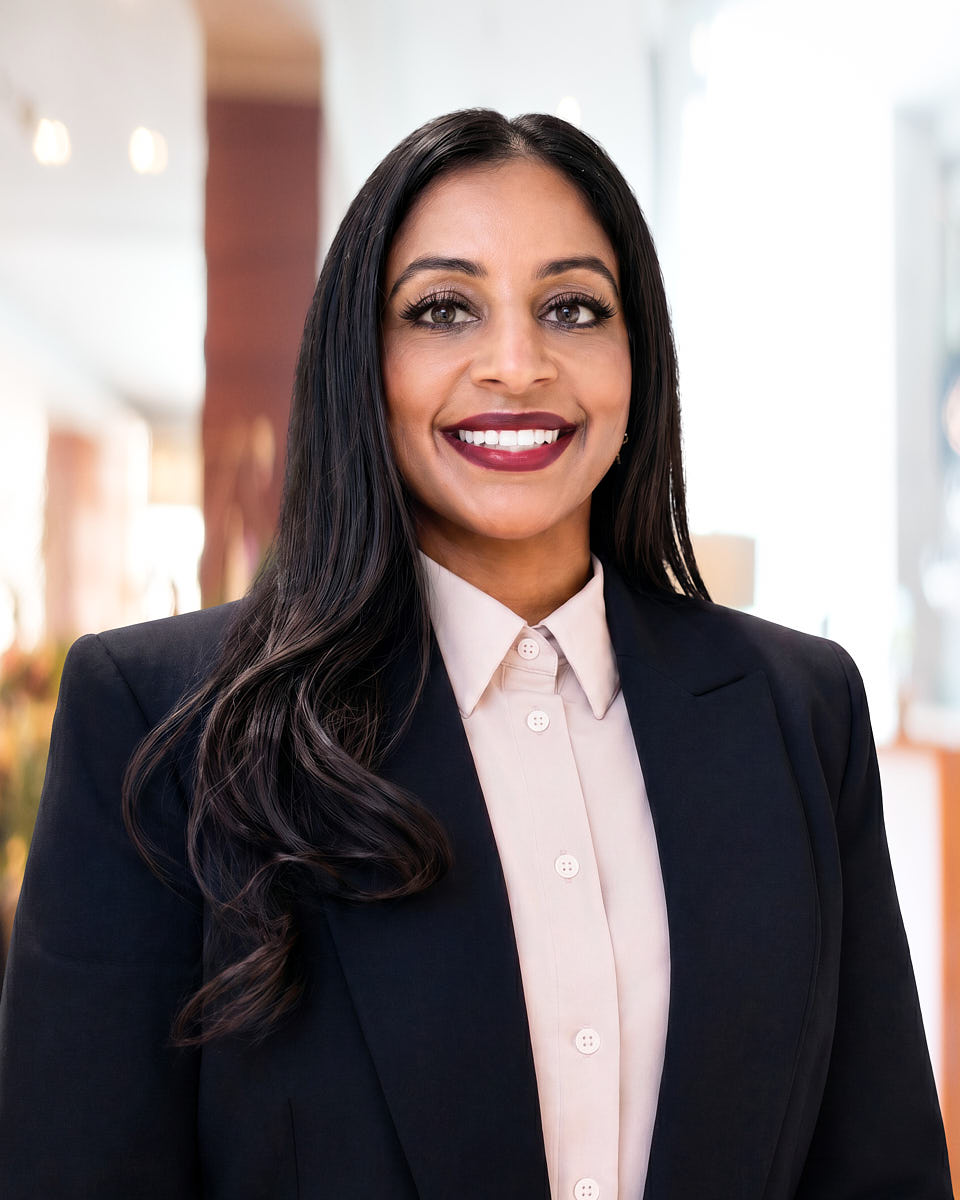
Browse the examples to choose a background and style you like. The lighting and crop can match
across a team while everyone keeps their own expression.
Who virtual headshots are for
Who virtual headshots are for
This is useful when colleagues need new portraits but work in different places. Agree a photo
brief together, then arrange a live session for each person.
Colleagues each have a live session, and we edit their selected photos to the same company
look. Company appointments are scheduled for 15 minutes; individual packages have their own
session length.
Invite colleagues through the company portal. They choose an available time in their own time
zone, and you follow the team’s progress. Company sessions open in a phone browser. See
how the session works.
We guide each colleague during the shoot, then check the selected photos against the
background and crop you agreed.
Share the booking link with your colleagues
Available times shown in each person’s time zone
Preparation notes for every colleague
The same photo brief for each session
Matching editing across the set
Files arranged by person, department or use
Later sessions for new colleagues
Use the set on team and recruiting pages, staff directories, email signatures or company
decks.
You meet a photographer over a live video connection. They help with your light, camera position and expression, then take real photos using your phone or camera. You choose one for professional editing.
Are virtual headshots AI-generated?
We take real photographs during your session. Your face and expression come from the camera; editing finishes the chosen photo.
Is a virtual headshot a remote session?
For our service, they mean the same thing: you join a photographer remotely for a live photo session, then choose a picture for retouching.
Do I need professional camera equipment?
A modern smartphone or laptop camera is usually enough. We help find good light and position the camera before taking the photos.
Can our whole team take virtual sessions?
Yes. Each colleague can have a session from their own location. We agree the background, crop and editing together so the team’s pictures match.
Can you match the photos we already use?
Send us a photo or team page to use as a reference. We’ll agree the background and crop, then guide each person toward that look. The match also depends on the light and space available.
How much do virtual headshots cost?
For 3–9 people, it’s $100 each; two people need a custom quote. For 10 or more, introductory prices start at $80* per person, confirmed in writing. An individual session for one person is $180.