Individual remote headshots
$180 Per person
- Fully remote session
- Live posing and lighting guidance
- One retouched final image
- Digital background option
- Private gallery
- Unlimited usage rights
Remote team headshots
Use a visual brief, participant checklist, time-zone map, approval path, and later-addition rule to plan headshots for a distributed team.
Teams of 3–9 are $100 per person. For two people, request a custom quote. Company rollouts for 10 or more start at $80* per person.
One shared direction for crop, background, colour, and retouching, applied to every participant, so the finished set holds together on a team page.

The short answer
Remote team headshots should begin with one written visual brief, one approval owner, and one participant checklist. The brief should name crop, background direction, expression range, wardrobe guidance, file destination, and the rule for later additions. That structure lets a distributed group make the same visible decisions without requiring one office photo day.
Each option is based on real photo capture, live direction, and edited final files.
Each employee chooses a session time, joins from a phone using the app or session link, and connects live with a professional photographer.
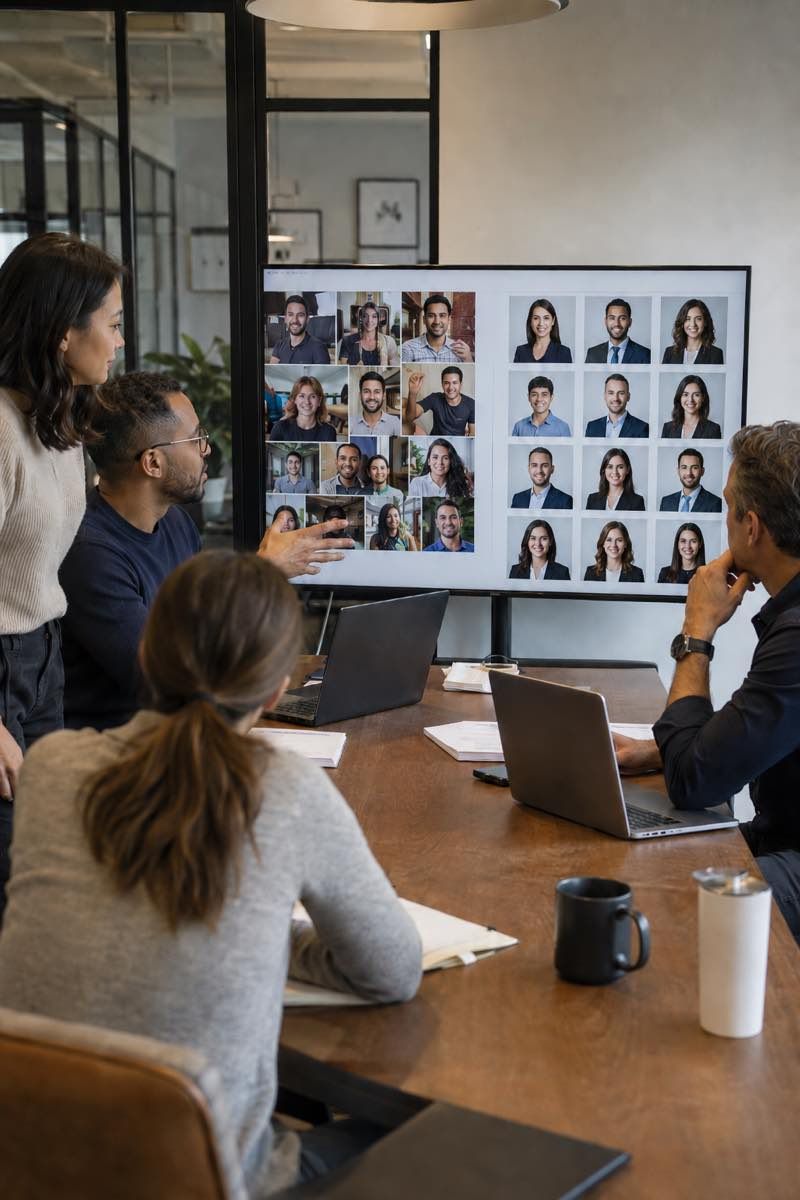
The visual brief
Start with the page where the images will appear. Record the image shape, face position, background treatment, color direction, and expression range already used there. If the page is being redesigned, use the approved design rather than an imagined layout.
Name one owner for the brief. That person should settle disagreements about crop, wardrobe, background, and expression before participants begin. Other stakeholders may comment, but a single owner should close each choice.
Write the brief in plain language. Explain what everyone shares and what may vary. Shared elements might include crop, background direction, and color treatment. Individual elements might include expression, clothing within the stated range, and small pose differences. Avoid vague instructions such as look polished. Describe the visible choice instead.
Write down the exceptions. If a leadership portrait, an accessibility need, or a regional norm calls for a different choice, note the reason and decide whether that image still belongs beside the others. A handful of recorded exceptions is normal; a second unwritten standard is not.
Participants
The participant is not left to self-shoot or upload random selfies.
Most participants do not need special equipment.
A modern smartphone, stable connection, calm background, and workable light are usually enough.
Use a short preparation note that a participant can scan quickly. Ask them to confirm the device, connection, workable light, background, and clothing options before joining. Include a reminder to clean the camera lens, silence notifications, charge the device, and create enough room to adjust the frame.
Avoid asking participants to make photographic judgments the brief already settled. They should not have to choose the crop, color treatment, or background system on their own. Their task is to arrive prepared, follow direction, and choose from the approved image set.
Provide an escalation path for accessibility needs, difficult rooms, or wardrobe questions. Resolve those questions before the participant enters the live flow whenever possible.

Scheduling
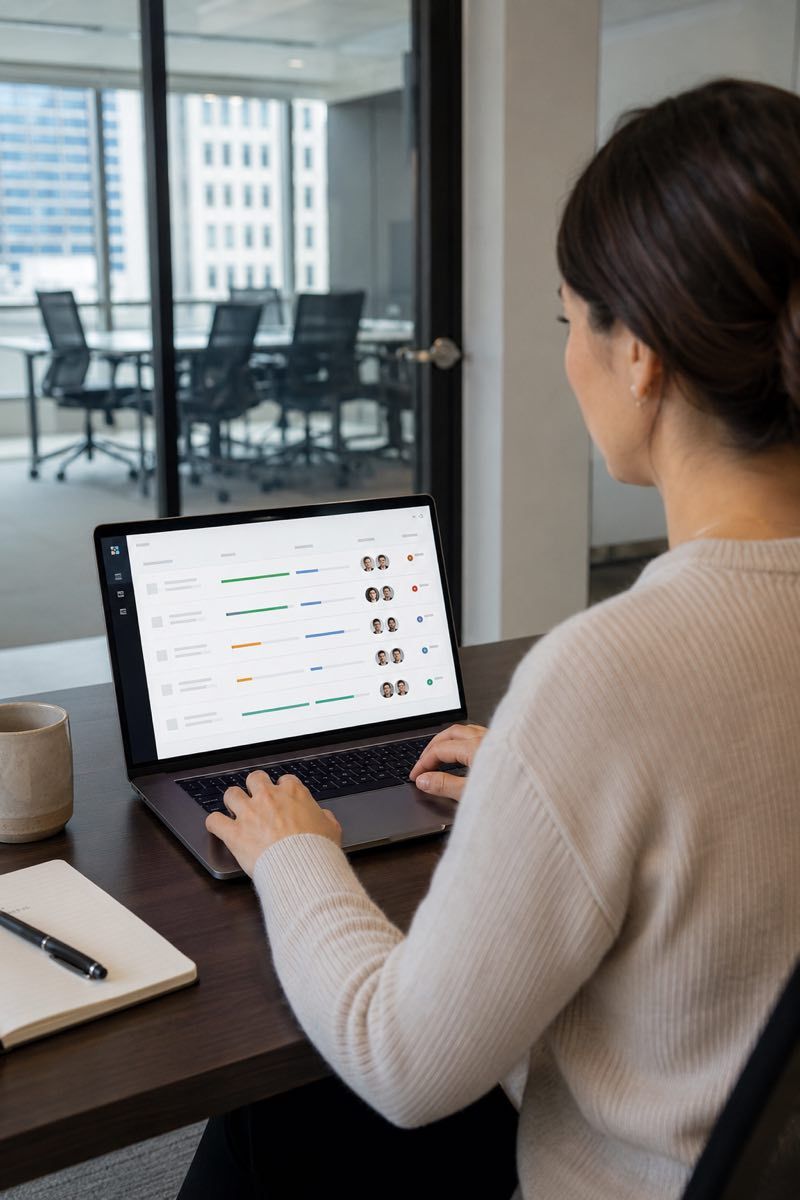
You add names and work email addresses to your company portal. Each employee receives a personal invitation, signs in with a one-time link or code, and picks an available time shown in their own time zone. Nobody trades scheduling emails, and no one installs an app — the session opens in a phone browser.
Your roster shows each person's status against the programme deadline, plus used and remaining seats. Send individual or bulk nudges when someone stalls; automatic deadline reminders help the rest book in time.
After each session the photographer shortlists the strongest frames. You or the employee choose the frame, and the selected photograph is finished to your agreed standard. The six-stage company process covers every stage in order.
If your group is spread across countries and time zones, the scheduling and consistency problems are different ones — global employee headshots covers those. If everyone works from one shared brief without regional complexity, this page already describes the work.
Approval and files
Use the shared brief at each approval point. Check crop, face position, background direction, color, expression, and intended page use. Do not compare people against one another. Compare every image against the written brief.
Store the approved files with a predictable naming pattern. Keep source, approved, and web-ready files in separate places. Record the crop and destination needed by each page so later additions do not require guesswork.
When a new person joins, start from the existing brief. Confirm whether the public page or brand direction has changed. If it has not changed, use the same visible rules. If it has changed, treat the update as a new design decision and document it before adding the image.
Link to the Preparation guide for participant details, the Retouching standards page for finishing criteria, and the planning article on how to get headshots for remote teams for the full owner checklist. The About page holds the trust context.
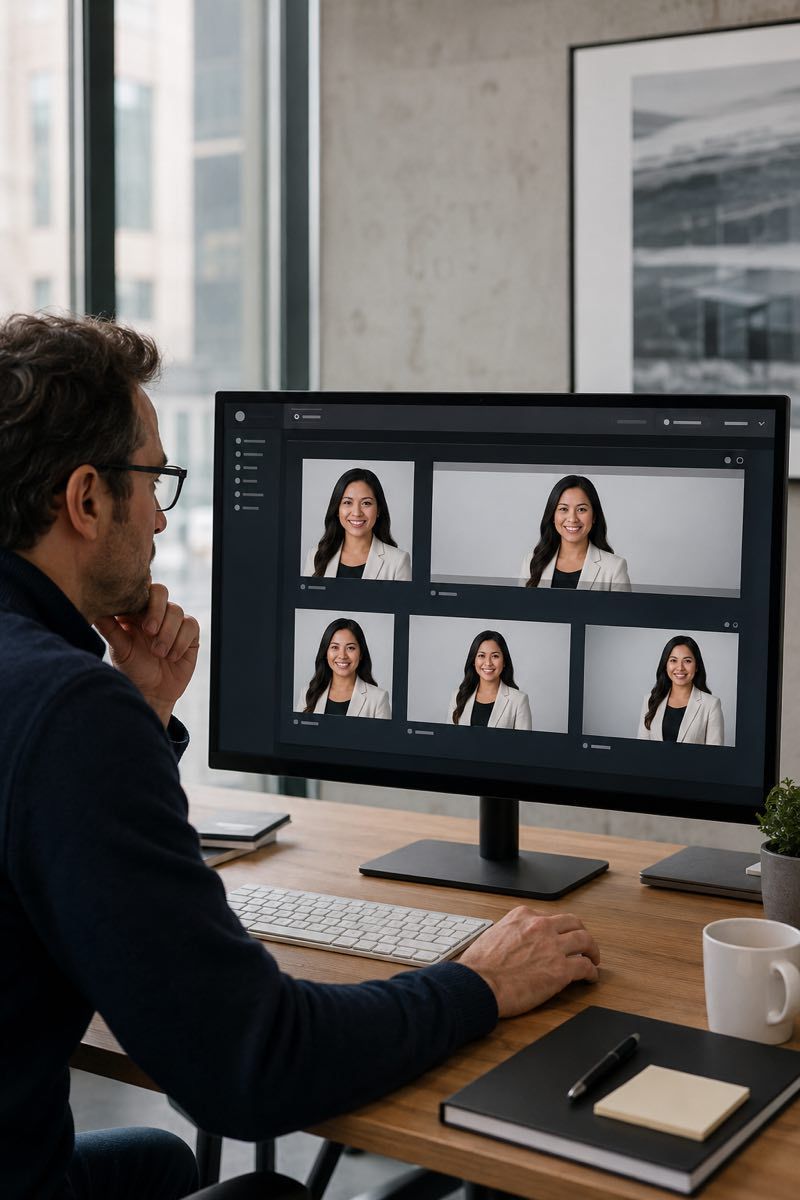
Before you book
Confirm the image destinations. Confirm the visual brief. Confirm one approval owner. Confirm participant guidance. Confirm the time-zone labels. Confirm the exception path. Confirm the file map for the receiving pages. Confirm the rule for later additions.
Read the brief aloud from a participant’s point of view. Remove any step that depends on hidden context. Read it again from the approval owner’s point of view, and settle every open choice before anyone is invited to a session.
If something on the list is still missing, finish that decision first. If the list is complete, you have everything a photographer needs to price and schedule the work.
Pricing
Start with an individual session, a small team rollout, or a larger company program. Each option is based on real photo capture, live direction, and edited final files.
$180 Per person
Popular
$100 Per person for teams of 3+
From $80* Per person for 10+
Need headshots for two people? Request a custom quote.
Portfolio
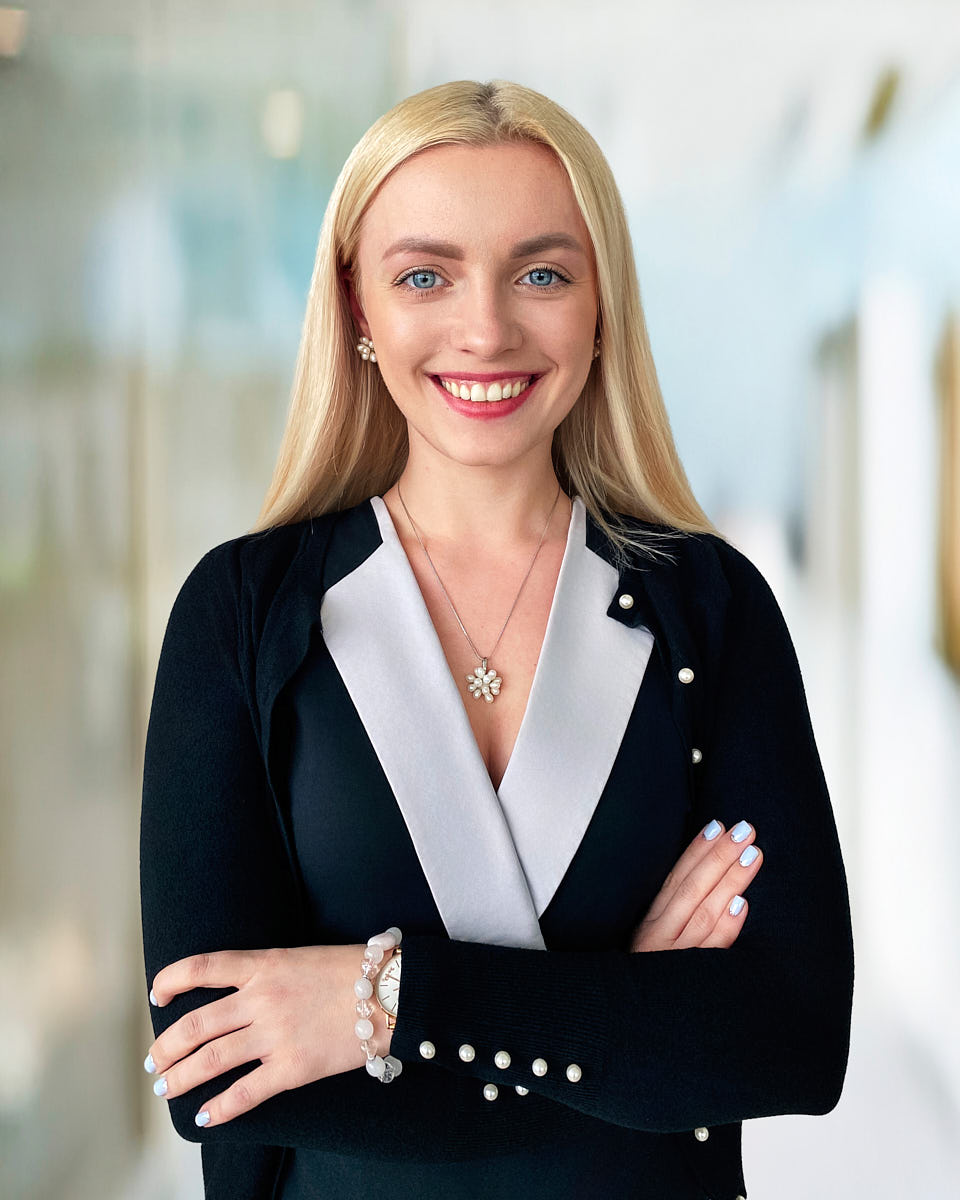
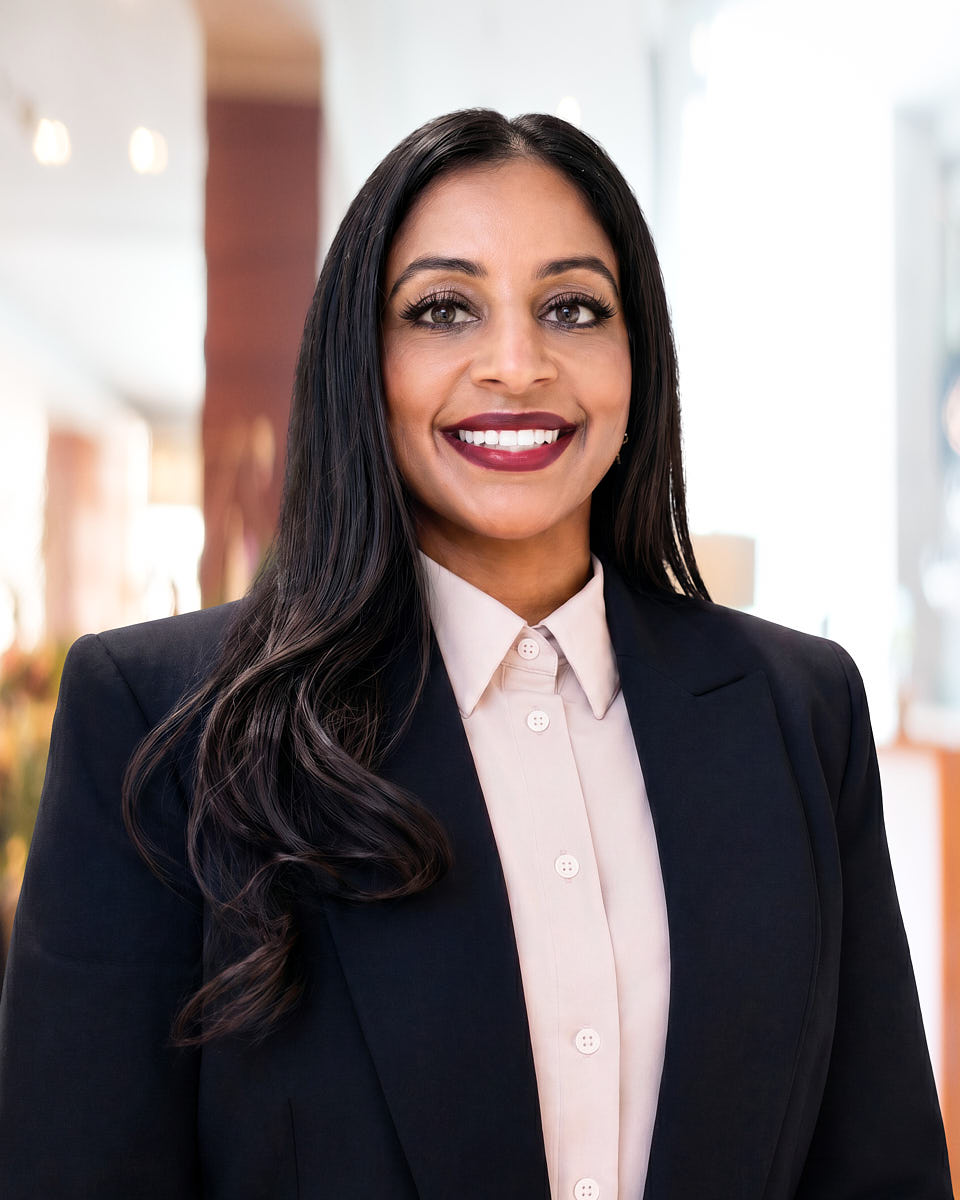
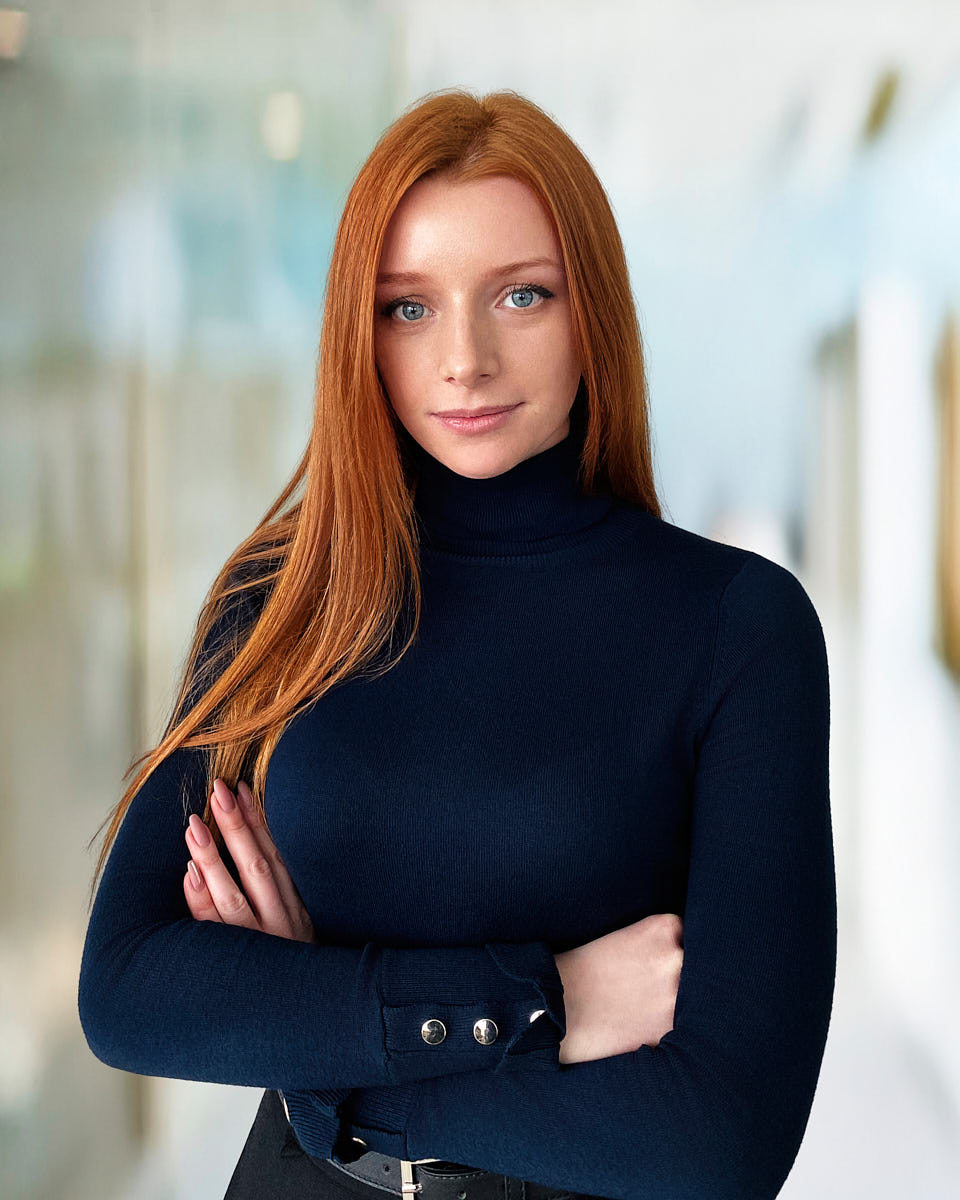
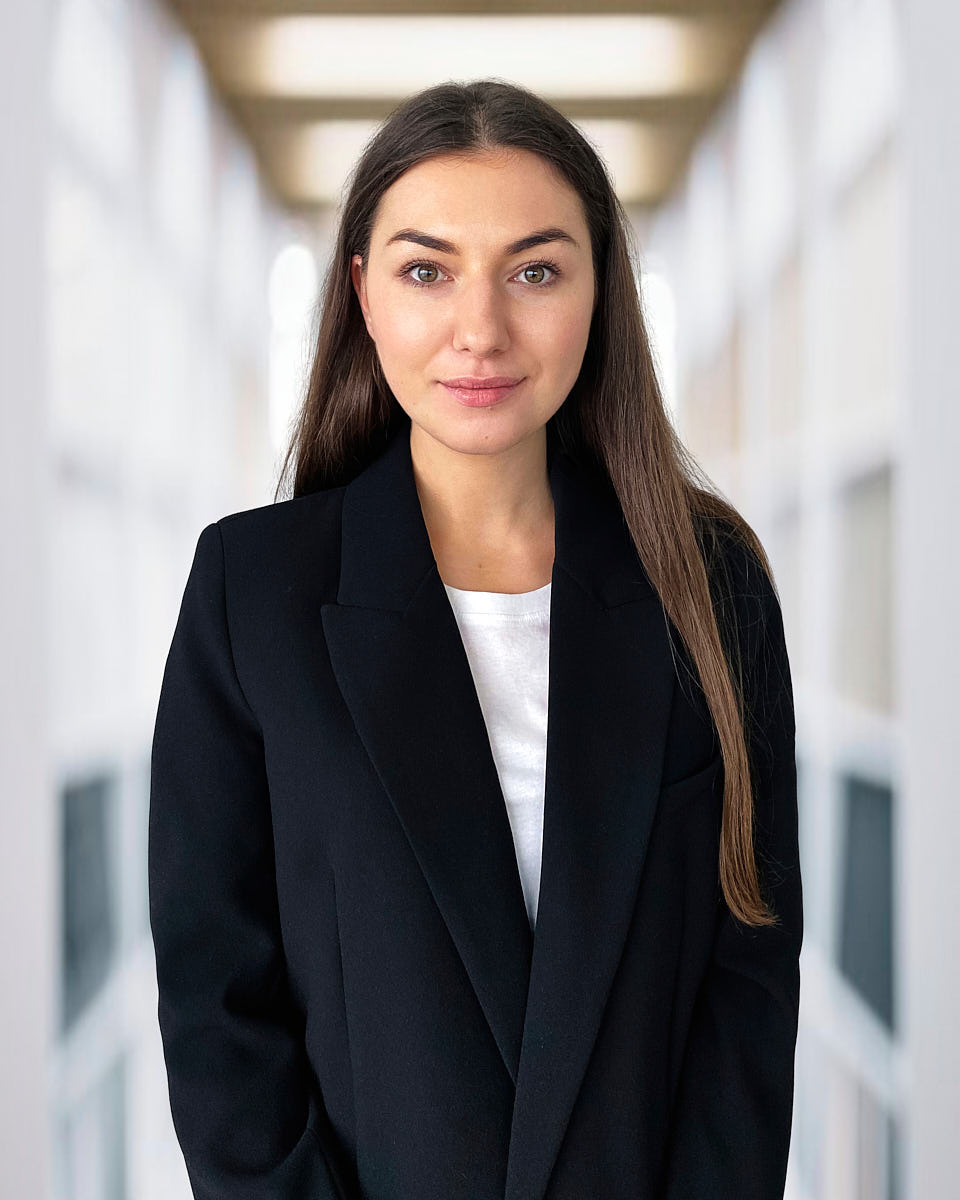
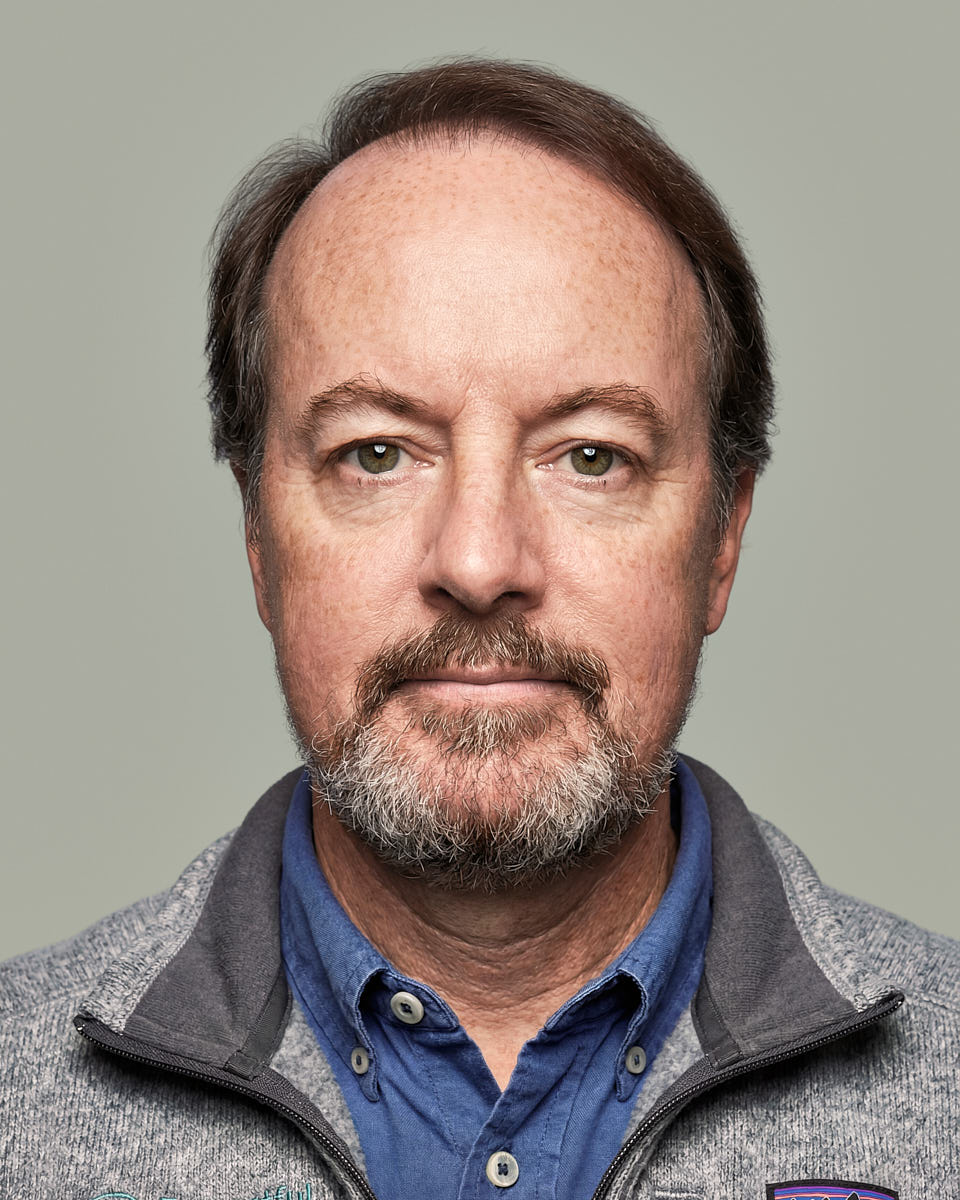
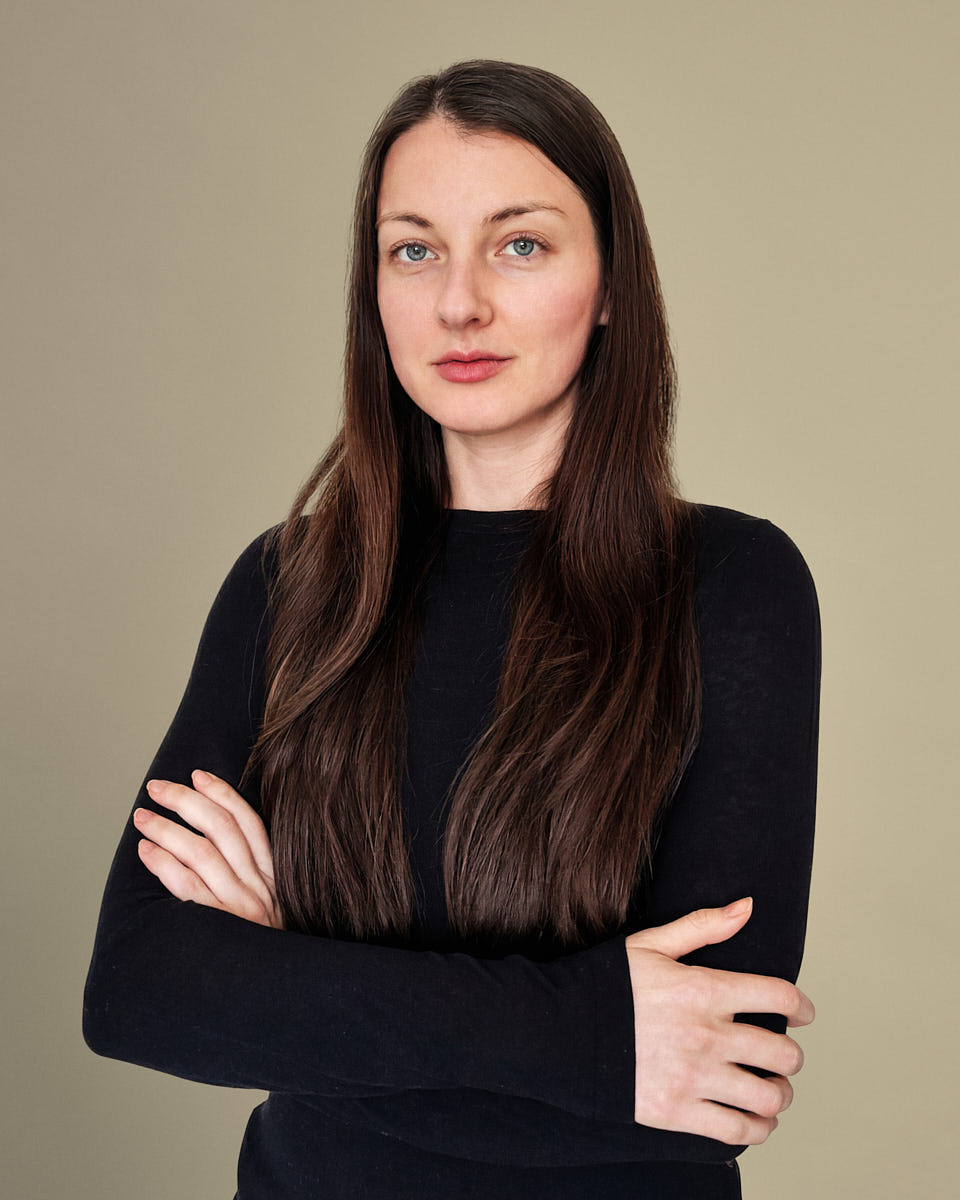
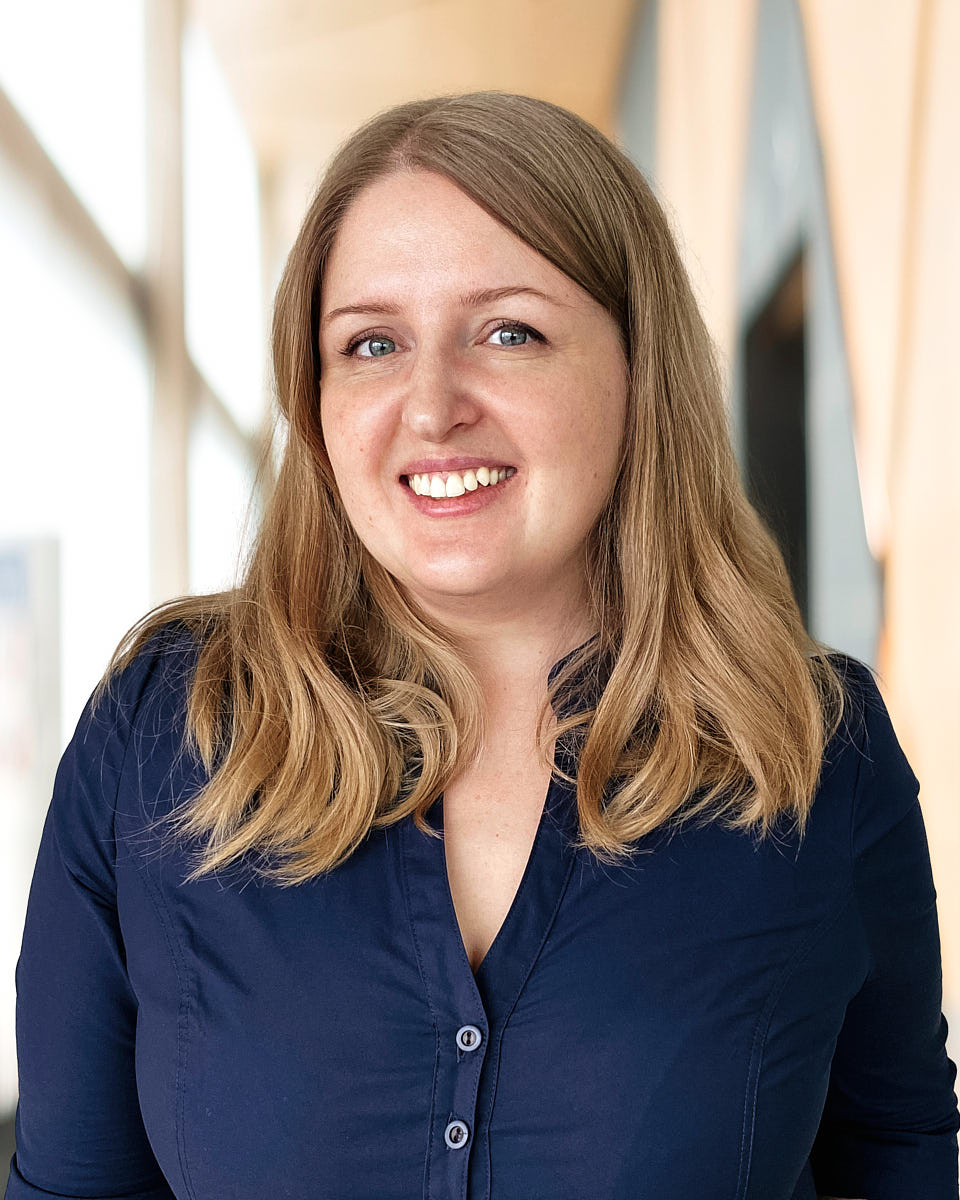
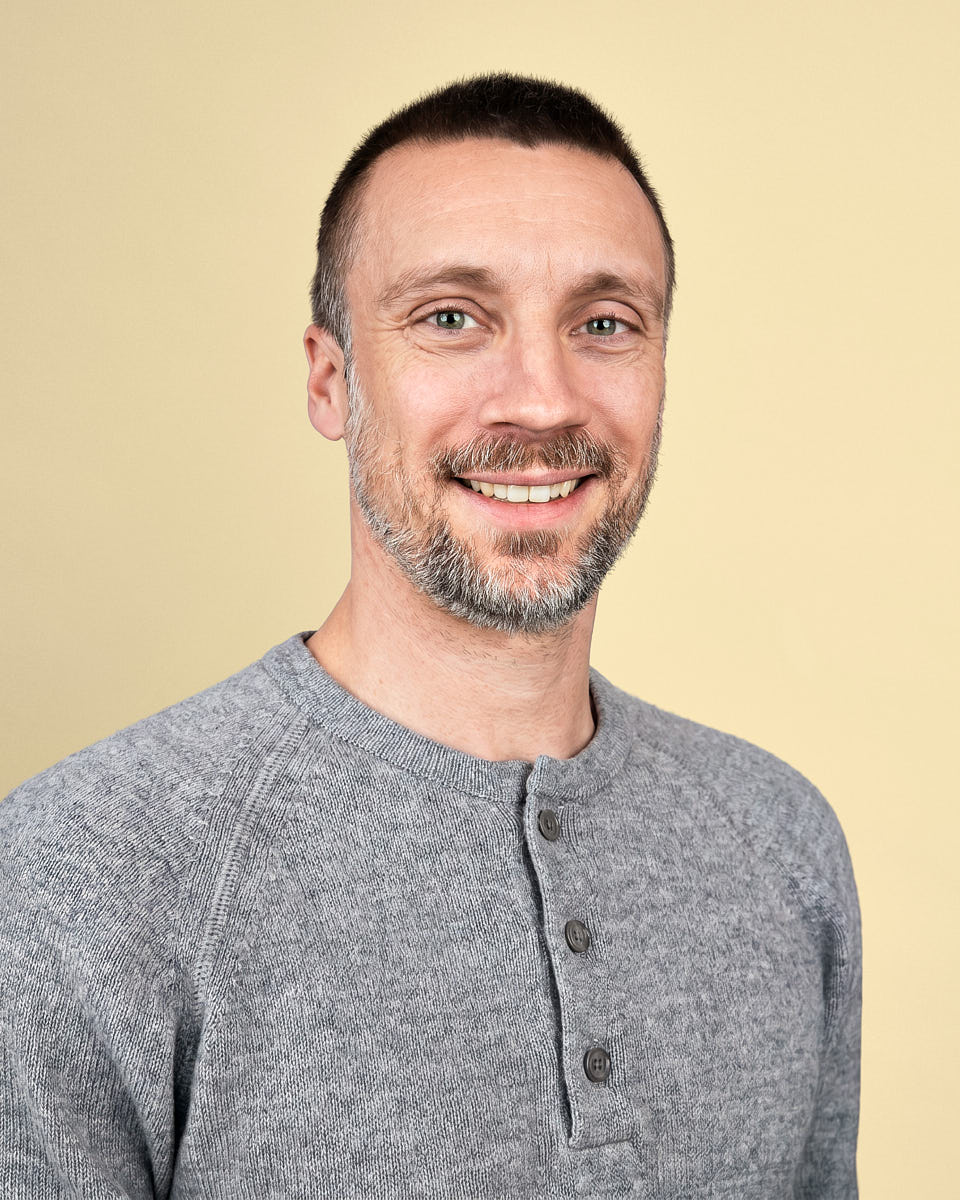
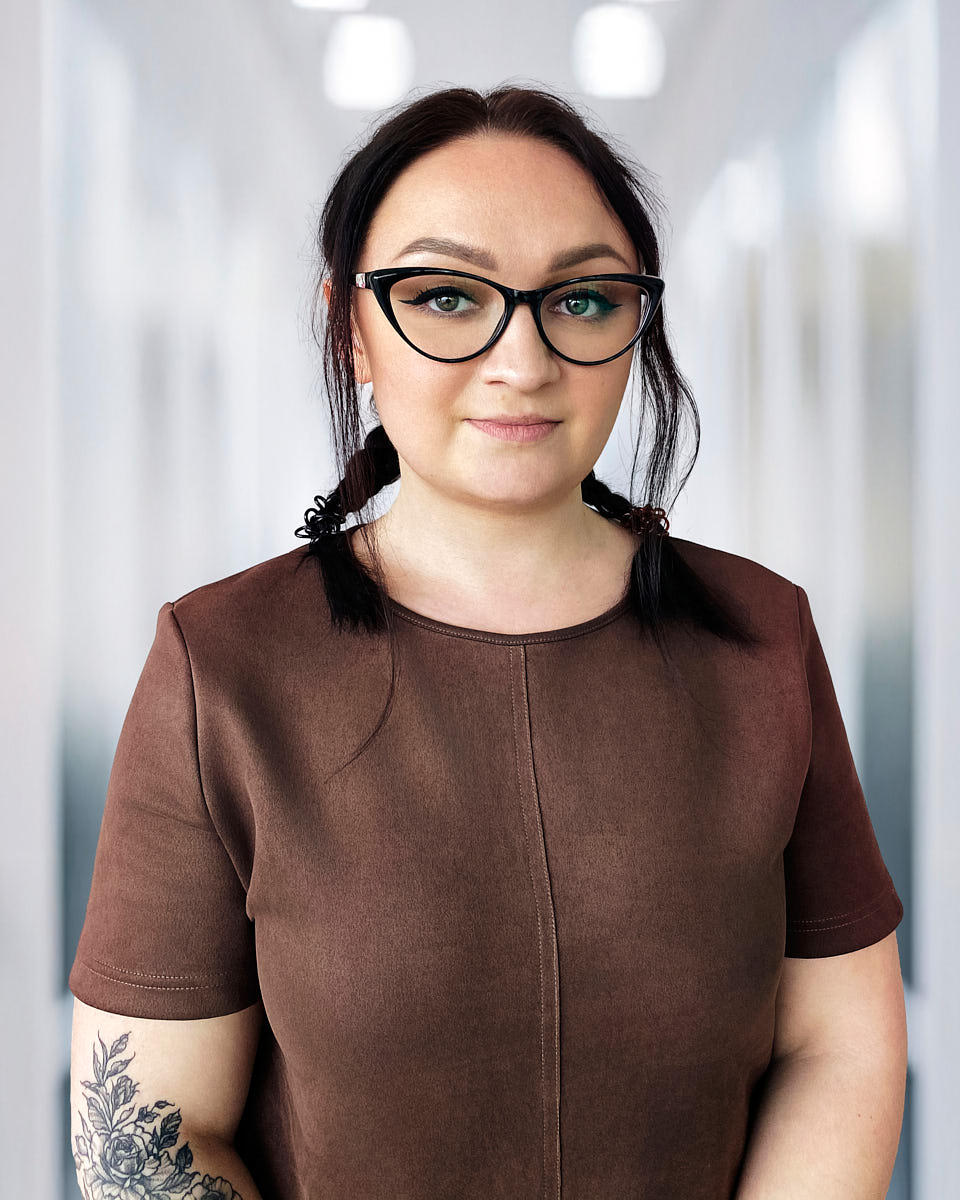
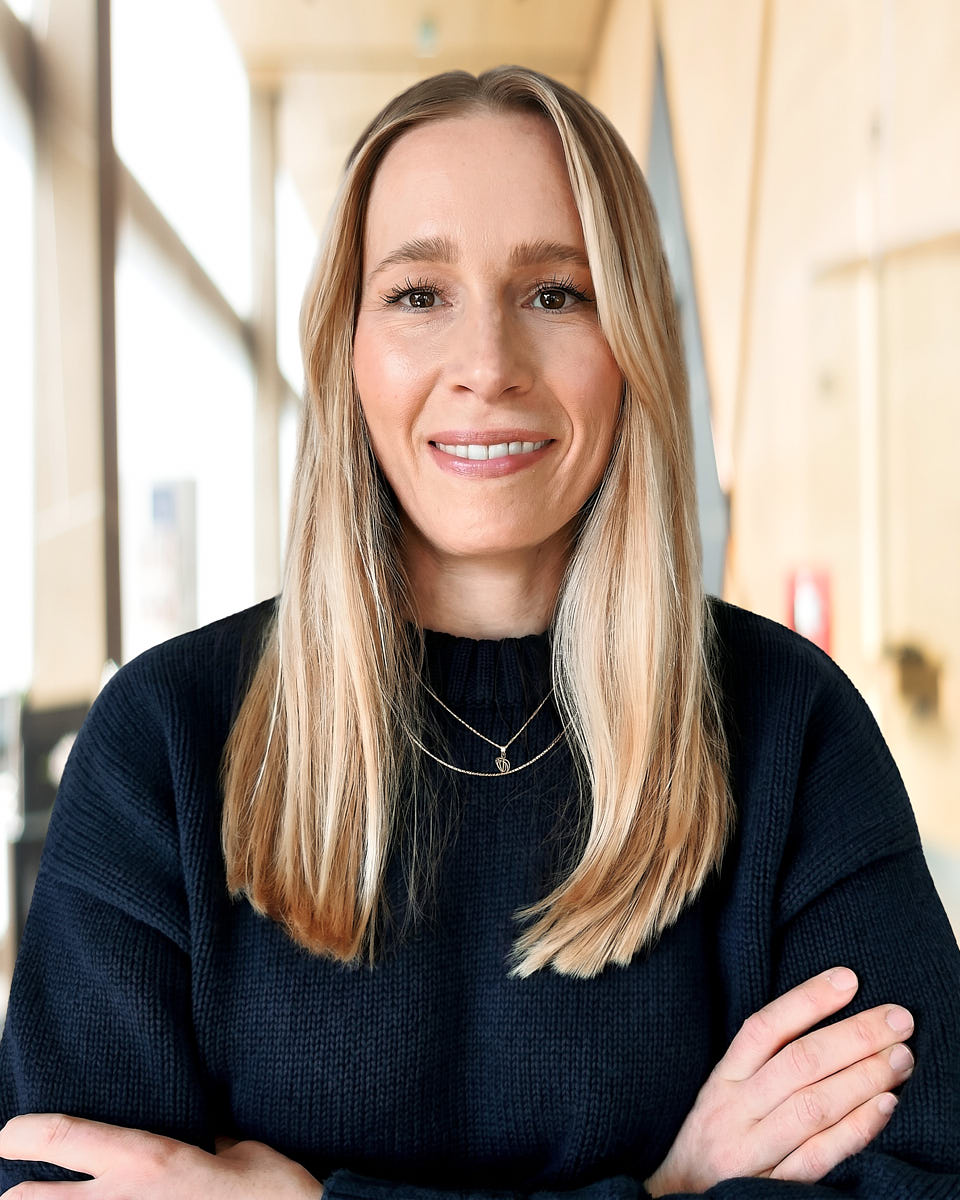
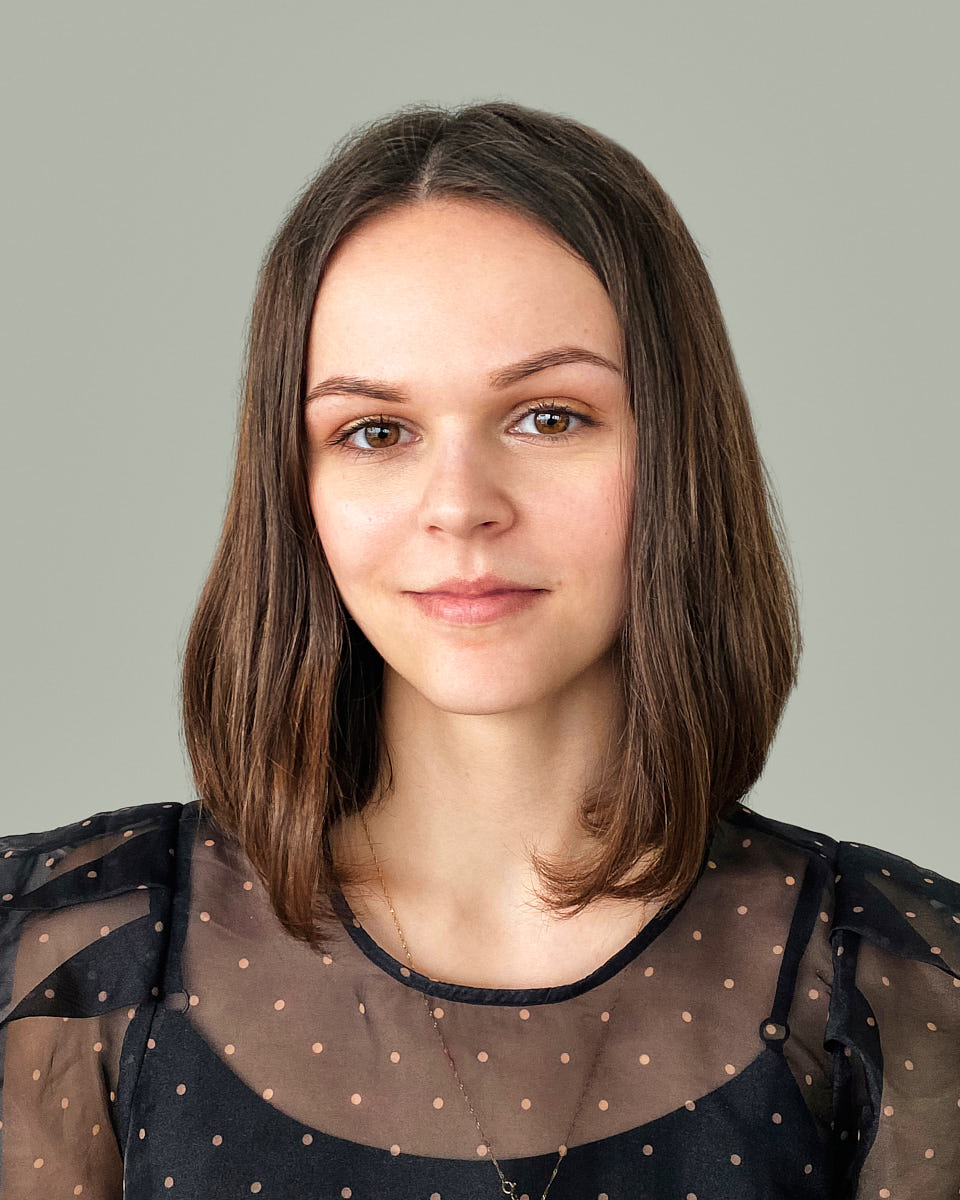
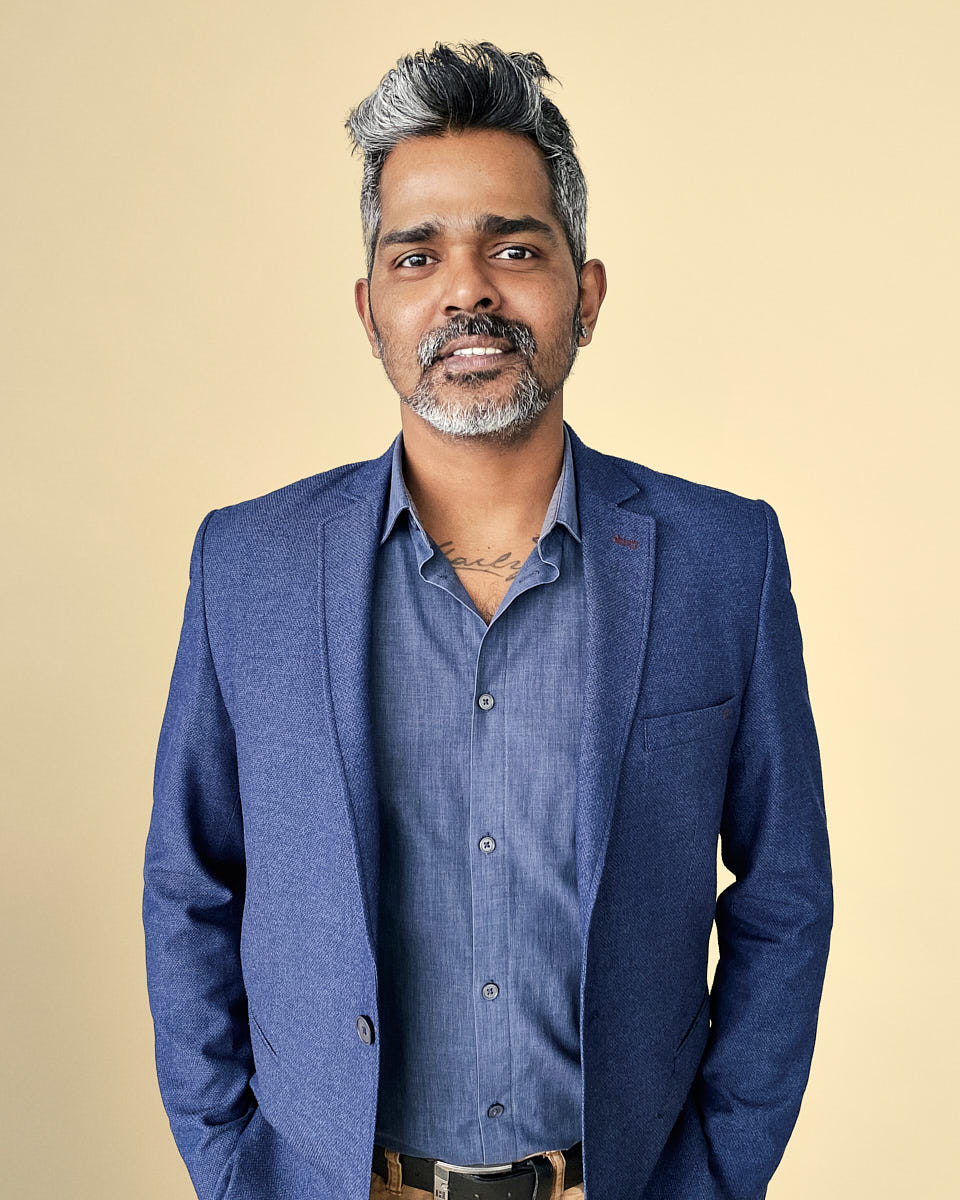
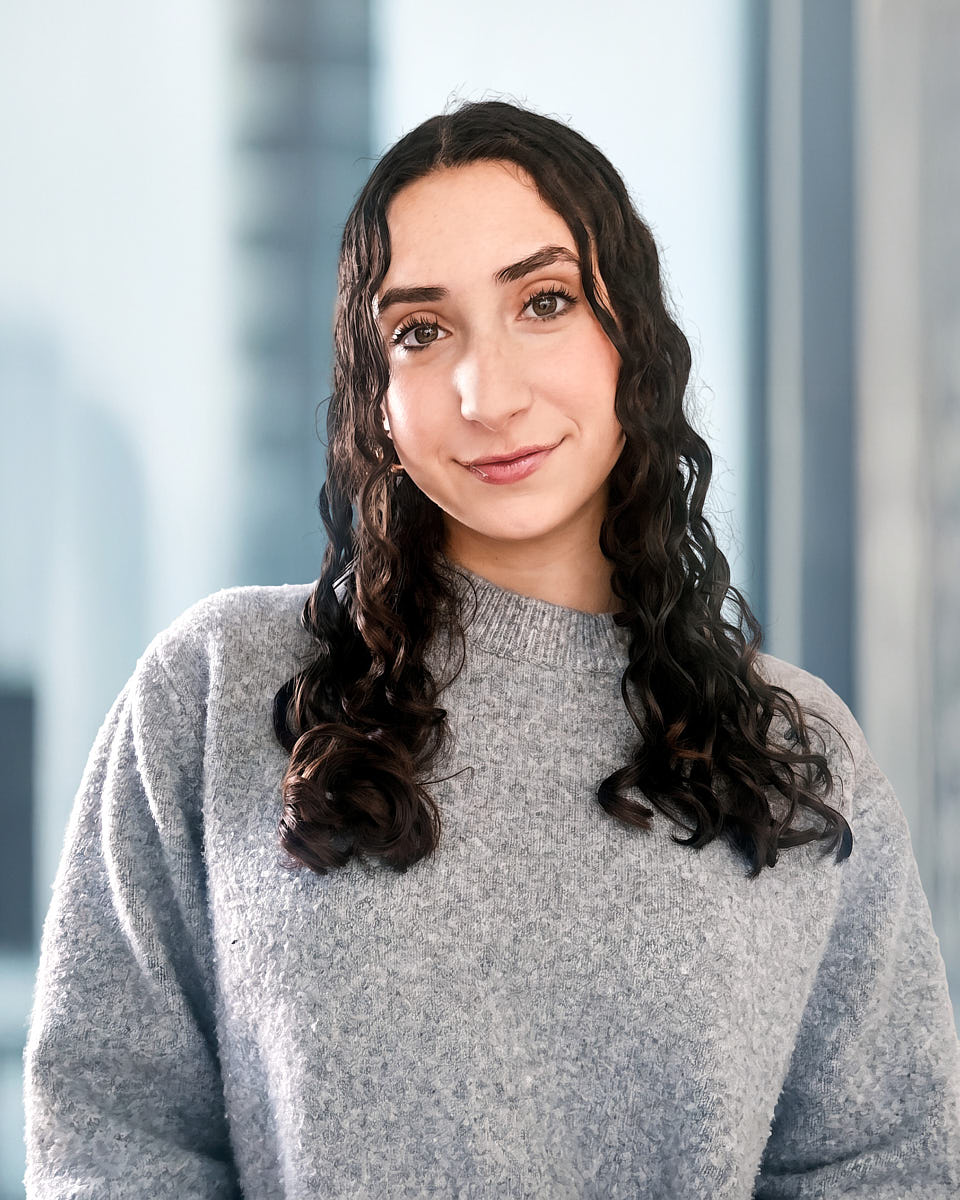
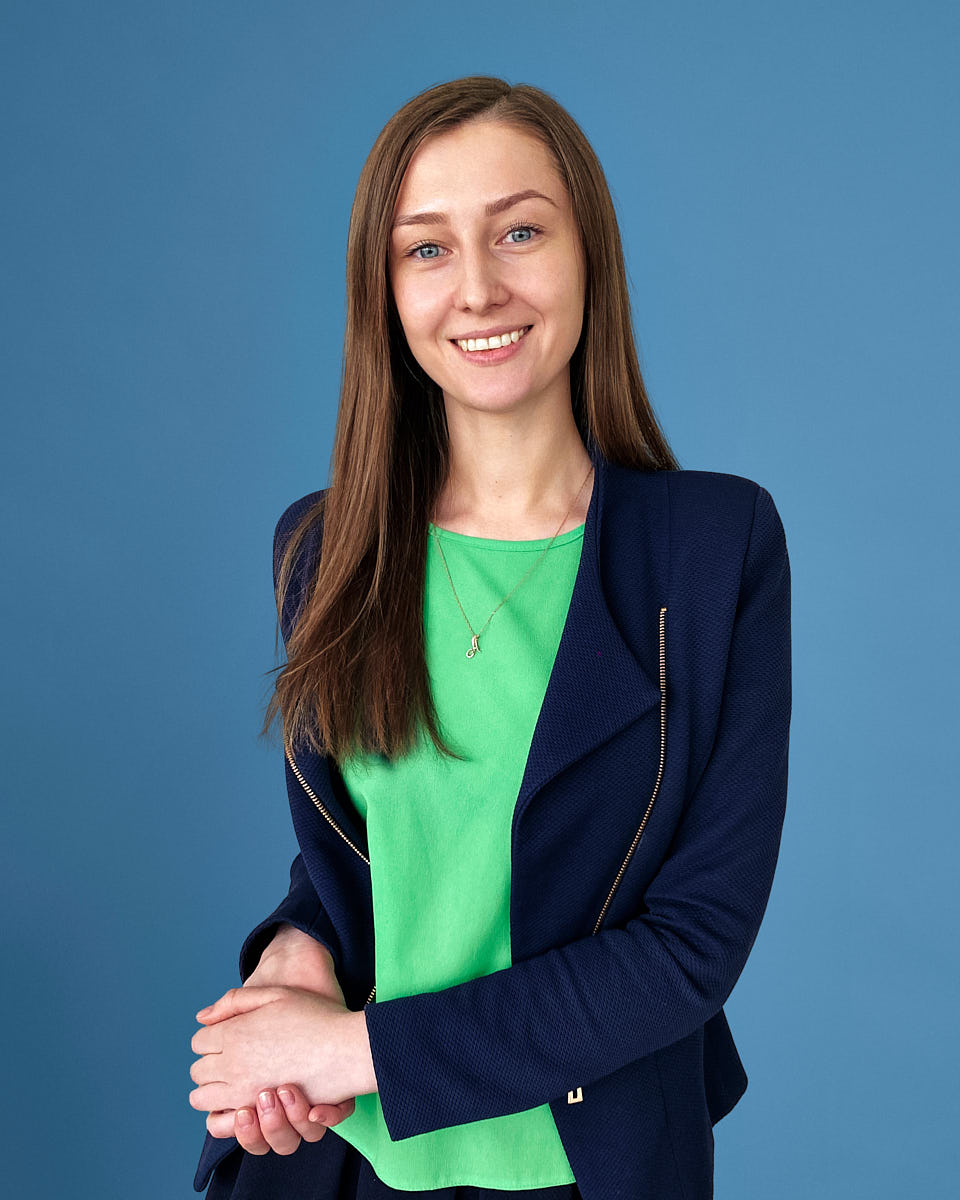
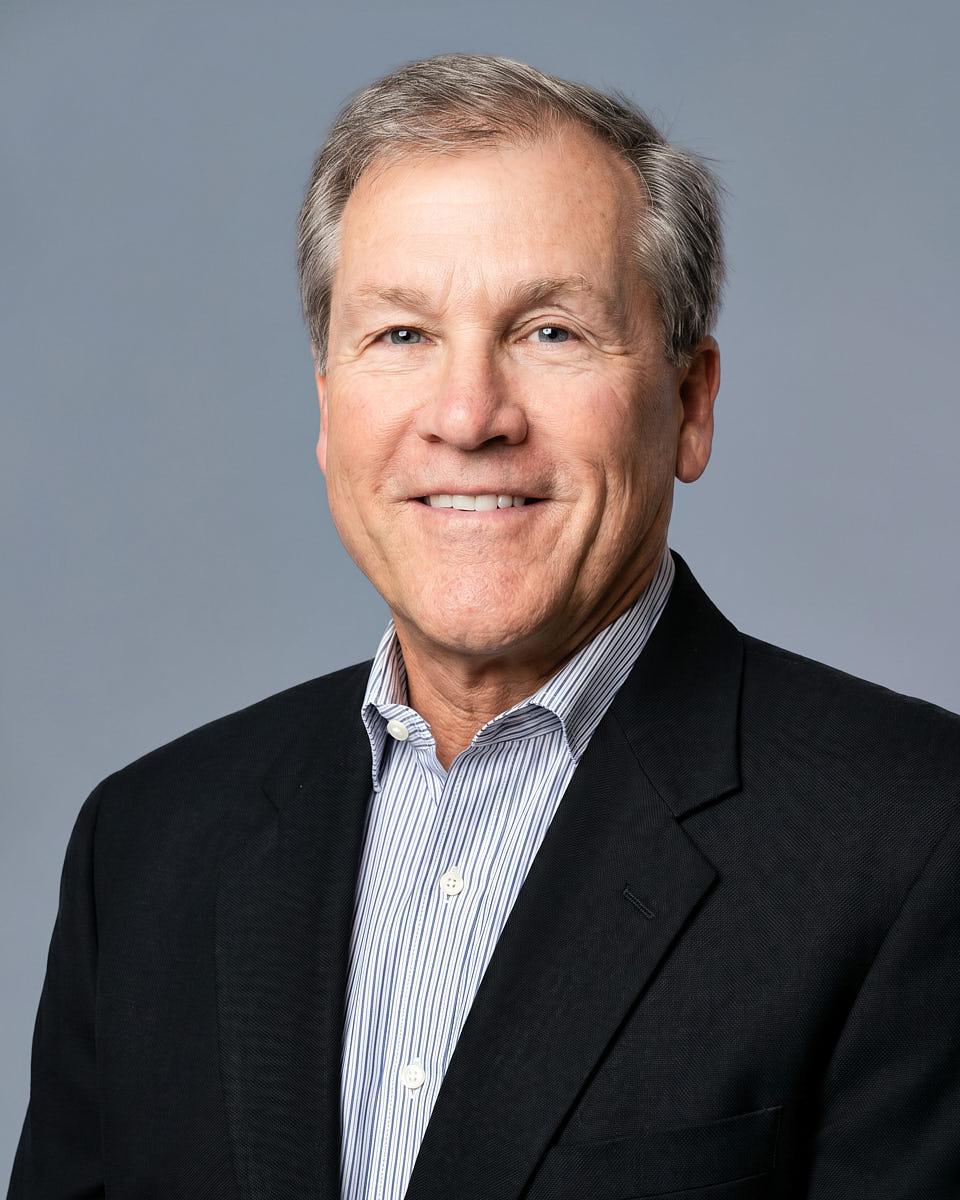
The final images should look clean, current, and professional across LinkedIn, company bios, recruiting pages, press materials, and internal directories. The goal is not to make every person look identical, but to keep lighting, crop, background, and retouching consistent enough for real business use.





For broader programs
For HR / People Ops
A broader company workflow for departments, remote employees, and recurring headshot needs. Best when HR or People Ops wants a repeatable visual standard.
For multi-country teams
One visual standard across countries and time zones, with planning support for regional teams, distributed employees, and ongoing additions.
For large organizations
Structured rollout support for larger programs with stakeholders, approval steps, delivery requirements, and long-term consistency.
The full sequence, from picking the use case to adding new hires afterwards, is in our guide to how to get headshots for remote teams.
A worked example: a 9-day pre-launch headshot rollout for a distributed startup.
FAQ
Remote team headshots stay consistent because the visual standard is defined before sessions begin. We set the crop, background direction, color feel, and retouching standard first. Then each employee joins a live remote session where the photographer guides light, camera height, posture, expression, and framing. After capture, the selected images are edited together against the same standard.
Most employees only need a modern smartphone, a stable internet connection, a quiet spot, and workable light. A window, plain wall, or calm office background is often enough. The photographer checks the setup live and helps adjust phone position, lighting direction, posture, and framing before capture. Special studio lighting is not required for most sessions.
Yes. Scheduling is per person, not per company: the company approves the visual standard and a rollout window, then each employee picks a session time inside that window in their own time zone. Nobody has to be free on the same day, sessions can run across days or weeks, and the admin can see who has booked, completed, and moved into editing.
Yes. A remote team headshot workflow can continue after the first rollout. Once the company standard is defined, new hires can book into the same guided session process and receive images edited to the same crop, background direction, color, and retouching standard. This helps keep team pages and internal directories consistent as the company grows.
No. Remote team headshots are based on real photos captured during live remote sessions. A photographer directs each employee through the camera, helps create the strongest possible setup, and captures real frames. The final images are edited for polish and consistency, but the face, expression, and likeness are not generated by AI.
Yes. The workflow is designed for distributed teams, including employees in different cities, regions, and countries. Scheduling can be organized across time zones, and every participant follows the same prep guidance and live session flow. For larger multi-country programs with more coordination needs, the global employee headshots or enterprise headshots pages may be a better planning path.
The company receives a consistent set of final retouched headshots organized for practical use. Delivery can include website-ready files, LinkedIn-ready crops, internal directory formats, naming conventions, and folder organization by participant, department, location, or team. The exact delivery structure should be confirmed before the rollout so the files match the way the company will use them.
Local photographers can create strong individual portraits, but coordinating many vendors often creates variation across a team. Lighting, crop, background, retouching, file formats, and delivery timing may all differ. Remote team headshots use one direction style, one capture standard, one editing philosophy, and one delivery structure, which makes the final company set easier to keep consistent.
An individual remote session is $180. For teams of 3 or more it is $100 per person, and from 10 people up it is $80* per person. There is no travel cost, no studio rental, and no per-city photographer booking, because every session runs over video.
Each employee's portal session is scheduled for 15 minutes; an individual package booked on its own has its own session scope. Employees book themselves once they are invited, so the rollout length depends on how quickly your roster fills rather than on a shared office day. Rollouts are usually grouped by headcount band: 5 to 25 people, 25 to 100 people, and 100 or more, and your programme confirms the delivery schedule.
Next step
Give the headcount, the timing, and the operating context, and a photographer replies with the plan. Sending the request is a message, not a booking: no time is held and no price is fixed until it is confirmed in writing.