Skin and temporary distractions
- Minor blemishes
- Temporary redness
- Light under-eye correction
- Small flyaway hairs
- Subtle cleanup while keeping natural skin texture
Retouching standards
Retouching is the finishing stage of a real, live-directed remote headshot session. It removes distractions, balances color and exposure, refines crop and background, and keeps skin, expression, and identity natural. The final image should feel polished and professional, not filtered into someone else.
See your selected package for included retouching and files. For company programmes, we agree the finish and delivery requirements before sessions begin.
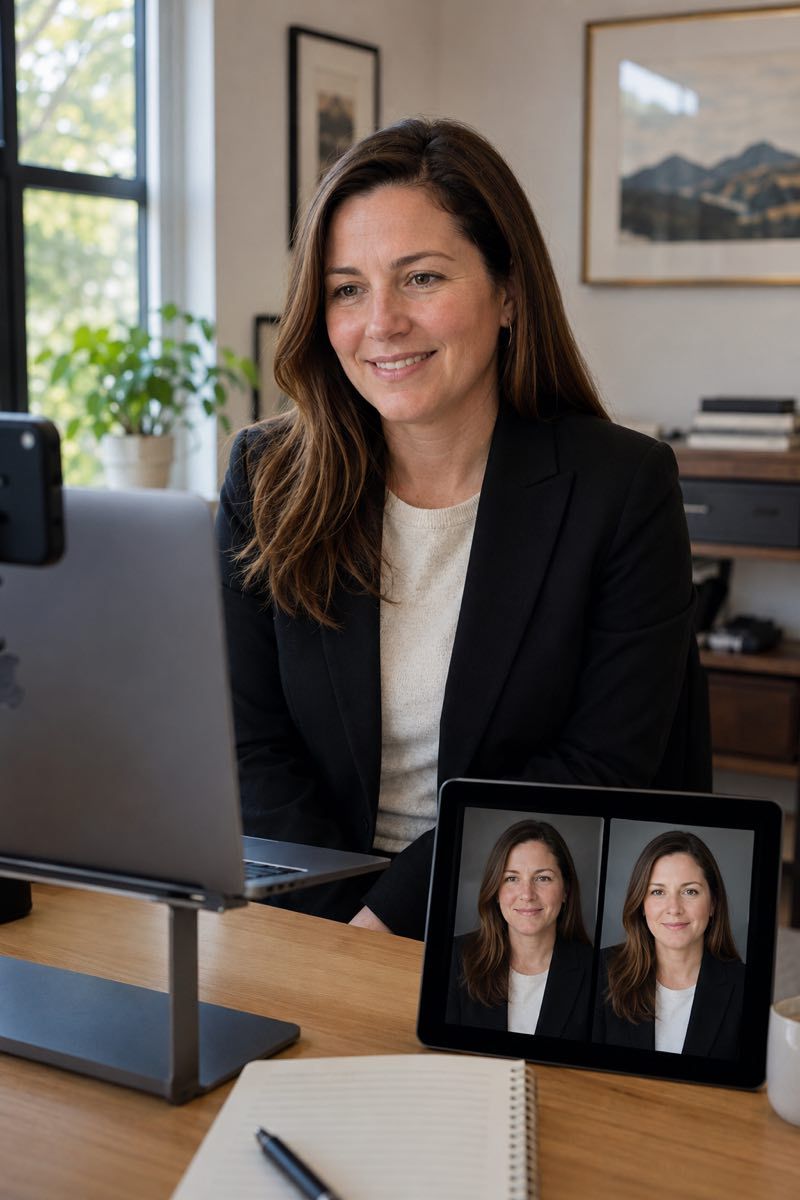
A finished headshot should look cleaner than the raw capture and more consistent than an unedited phone image. It should not change the person.
We clean up temporary distractions and technical issues. We do not rewrite age, face shape, expression, or identity. That line matters for LinkedIn profiles, leadership pages, press use, recruiting, and any place where trust depends on a real likeness.
For the broader category position, see AI headshots alternative. For leadership use, see executive headshots. For profile-image trust, see LinkedIn headshots online.
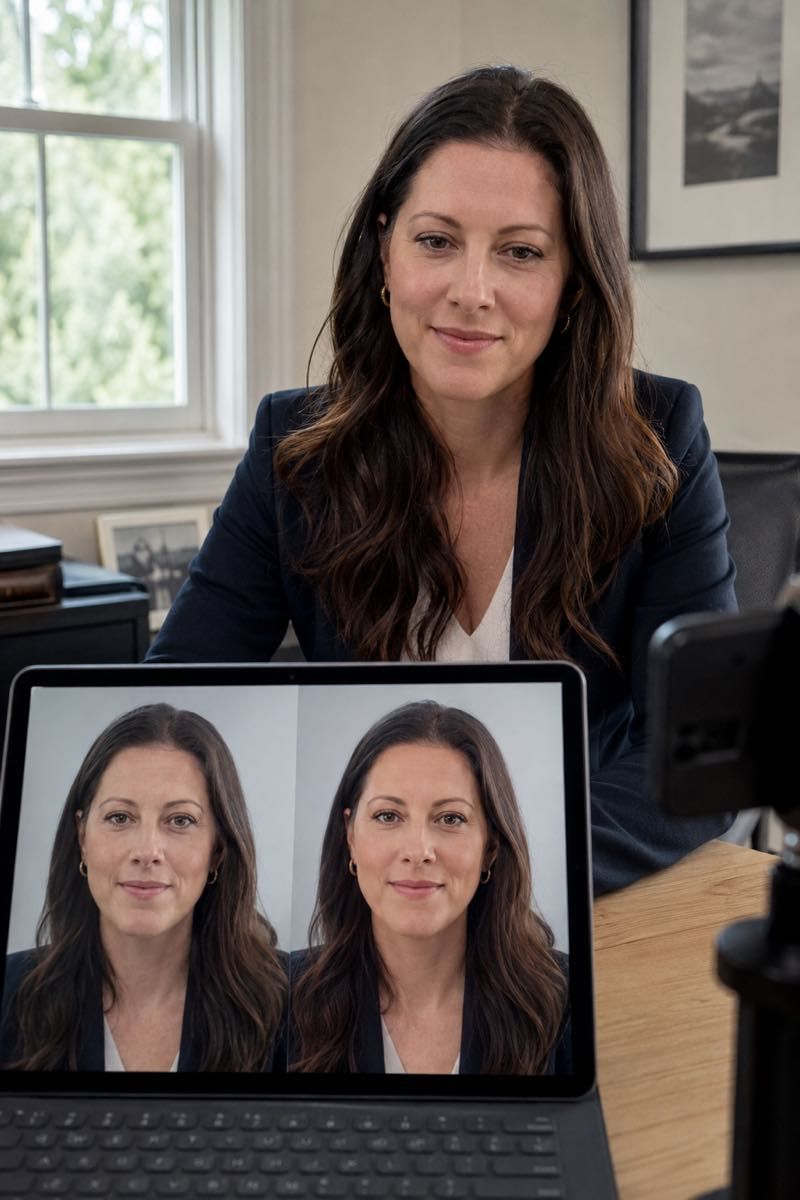
What we adjust
Color and exposure balance, skin-tone matching, removal of temporary blemishes and stray hairs, light under-eye correction, clothing lint and fold cleanup, background tidying, and a consistent head-and-shoulders crop. See your selected package for included retouching and files. For company programmes, we agree the finish and delivery requirements before sessions begin.
The goal is not to make the image look heavily edited. The goal is to remove the small things that distract from a person’s expression, presence, and professional use.
Facial structure. We do not alter eye shape, jawline, nose, mouth, ears, body shape, or proportions, and we leave laugh lines, freckles, scars, glasses, and jewelry alone unless you ask. Nothing is done that would make you harder to recognize in person.
We do not change:
The line is simple: temporary distractions can be cleaned up; the person stays real.
For teams, editing is what makes separate remote sessions feel like one visual system. A person photographed from home in one city should sit cleanly next to a colleague photographed on a different day in a different location.
We standardize three areas:
Background direction is covered in background options. Company website use is covered in company website headshots.
For company headshots, the editing standard should not change from person to person. The brand or people team approves the direction once, and each final image is finished against that shared visual language.
Included standards:
For team rollout context, see remote team headshots and new hire headshots.
Executive headshots often need to work harder than a basic profile image. They may appear on leadership pages, press kits, investor decks, speaker bios, board materials, and recruiting pages.
The retouching is still restrained. We pay close attention to lighting balance, skin tone, clothing distractions, crop, and background finish, while keeping the face and expression real.
For leadership-specific use, see executive headshots.
The cleaner the capture, the better the final polish. Live photographer direction gives the editing team stronger raw material: better light, better camera height, cleaner framing, controlled background, and enough options to choose the strongest expression.
Retouching should refine a good photograph, not rescue a random selfie. That is why the session is guided live instead of leaving the participant to self-shoot and upload whatever they can get.
Capture-side preparation is covered in the preparation guide. The full session workflow is explained in how it works.
Modern editing software may include AI-assisted tools for color, noise reduction, detail recovery, or background cleanup. We use those tools only when they support a natural photographic result.
The starting image is always a real photograph, captured live on the phone during a photographer-directed session. AI-assisted upscaling can be part of finishing, alongside colour and exposure correction and the chosen crop and background. What it does not do is replace the person's face or invent an expression: the finished file preserves the facial features and expression that were photographed. See selection and delivery.
For the broader comparison, see AI headshots alternative. The same distinction applies to virtual headshots as a category. The trade-offs in full: AI headshots vs real headshots.
Final delivery includes polished digital files prepared for professional use. Depending on the package and rollout needs, files may include square, vertical, and horizontal crops, web-ready exports, high-resolution masters where requested, and consistent file naming for team delivery.
In a company programme, retouching is optional and recommended, and the scope follows your chosen package and programme agreement. The square, web-crop and master files are versions of the one selected portrait, not additional frame selections.
Minor adjustments within the agreed visual standard are part of the normal review process. Larger changes, such as a different background direction, different crop system, or a different retouching philosophy, are scoped separately so the editing process stays predictable.
Common questions
Natural headshot retouching is included in the standard workflow. It covers color and exposure balance, minor skin and clothing distractions, background cleanup, crop alignment, and final file preparation.
Yes. The goal is a polished version of the real photograph, not a filtered or generated version of your face. Skin texture, expression, and recognizable features stay intact.
No. We do not change facial structure, eye shape, jawline, nose, mouth, body shape, or other permanent features. We focus on temporary distractions and technical cleanup.
We apply one shared visual standard across the team. Color, contrast, crop, background finish, and file preparation are aligned so the final images work together on company websites, directories, and internal systems.
Minor adjustments within the agreed visual standard are part of the normal review process. Larger changes, such as a different background, crop system, or retouching direction, may need to be scoped separately.
Some editing software includes AI-assisted tools for color, noise reduction, detail recovery, or cleanup. The face, expression, and identity are not generated; the final image is based on a real photograph captured during a live remote session.
Plan a session
Start with a real, live-directed remote headshot session and finish with polished files that still look like the person. For teams, the same editing standard can be applied across every participant so the final set feels consistent.