Individual remote headshots
$180 Per person
- Fully remote session
- Live posing and lighting guidance
- One retouched final image
- Digital background option
- Private gallery
- Unlimited usage rights
New hire headshots
Most companies refresh the team page once, then watch the visual standard drift as new employees join. A new hire headshot workflow keeps every person in the same company style without scheduling a full team photoshoot again.
Each new employee books a guided remote session, receives preparation notes and a session link, joins from a phone, gets live direction from a photographer, and receives a retouched image that fits the existing team grid, directory, and company profile system.
The program is designed around one controlled visual standard. We document the look, guide each new hire through a live remote session, and edit the final image so it fits the same system over time.
Which one applies
Need headshots for two people? Request a custom quote.
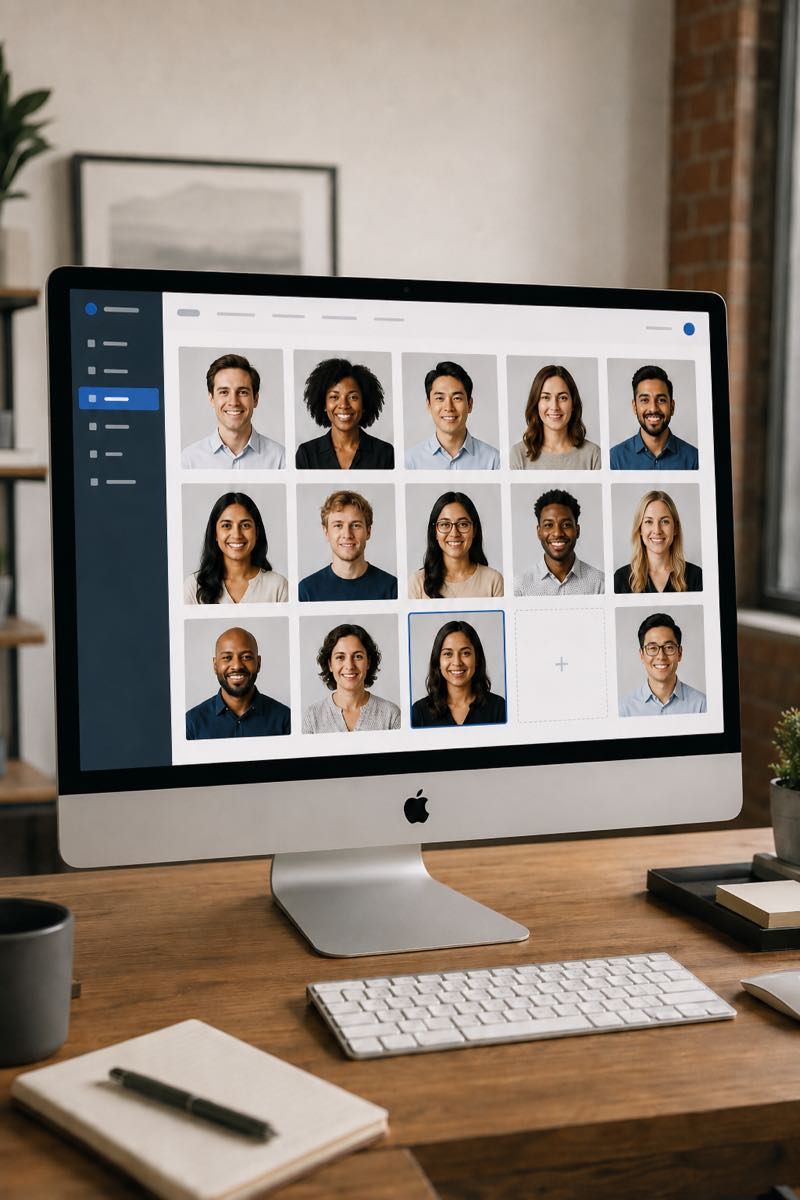
Without a new-hire workflow, the team page starts to drift quietly. The first rollout looks consistent, but the next few employees arrive with cropped LinkedIn photos, blank directory tiles, or images that do not match the rest of the company.
A recurring headshot process solves this by making the photo part of onboarding. HR shares one booking link, the new hire follows the prep instructions, opens the session link from a phone, and the final file arrives in the same style as the original team set.
Pricing
Start with an individual session, a small team rollout, or a larger company program. For new hire workflows, the same pricing structure can support one-off hires, monthly batches, or a larger ongoing rollout.
$180 Per person
Popular
$100 Per person for teams of 3+
From $80* Per person for 10+
Need headshots for two people? Request a custom quote.
Retouched, web-ready final files arrive within two business days of your selection.
Setup happens once. We define the visual standard, create the booking path, prepare the participant instructions, and agree where final files should be delivered. After that, each new hire can move through the same workflow with minimal HR involvement.
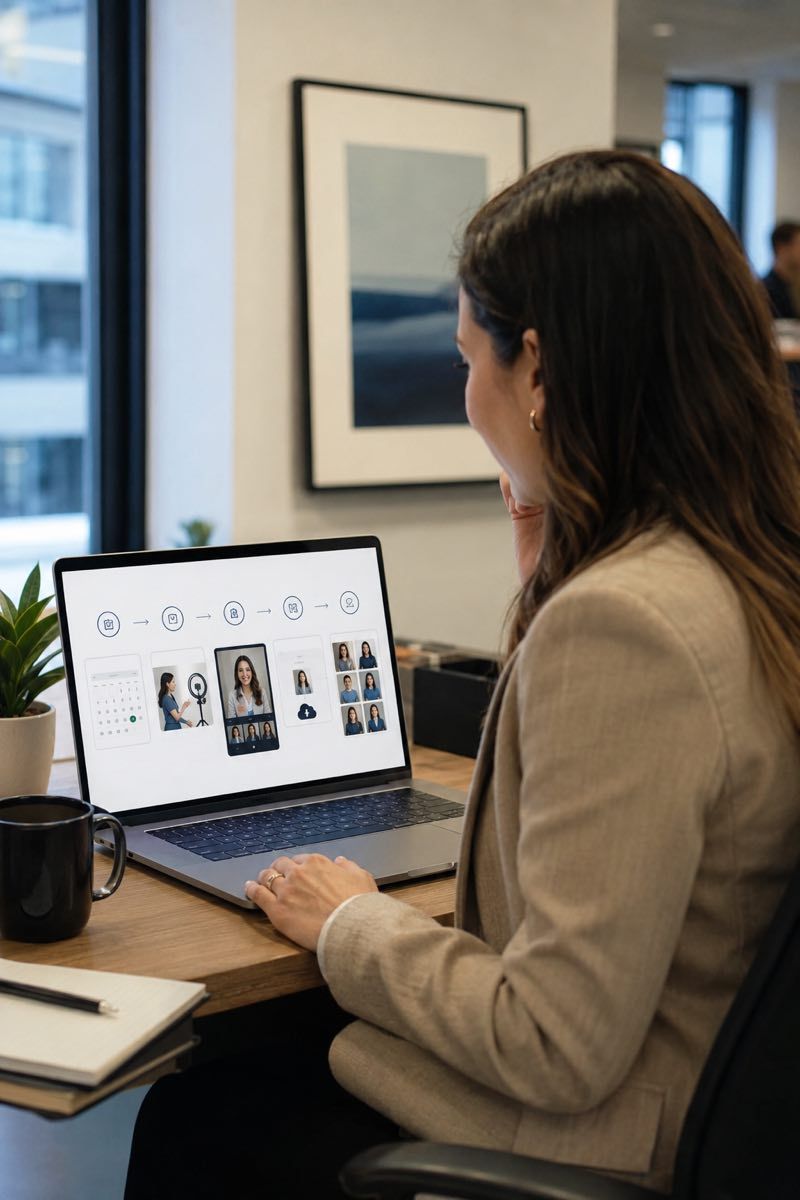
Recurring workflow
HR invites the new employee into the company portal by work email, and the saved company standard — background, crop, ratio and finish — is already attached to the invitation.
They sign in with their work email, choose an available time in their own time zone, and read the preparation notes for the company's look. The session opens in a phone browser; there is no app to install.
At the scheduled time, they join from a phone and connect with a photographer who guides lighting, camera height, background, posture, framing, and expression.
The selected photograph is finished to the same recorded standard as the original team set and delivered in the same crops and formats. See selection and delivery.
Portfolio
The final images should match the company's existing visual system closely enough to sit beside the original team photos. The goal is not to make every person look identical, but to keep crop, background, lighting direction, and retouching consistent as the company grows.











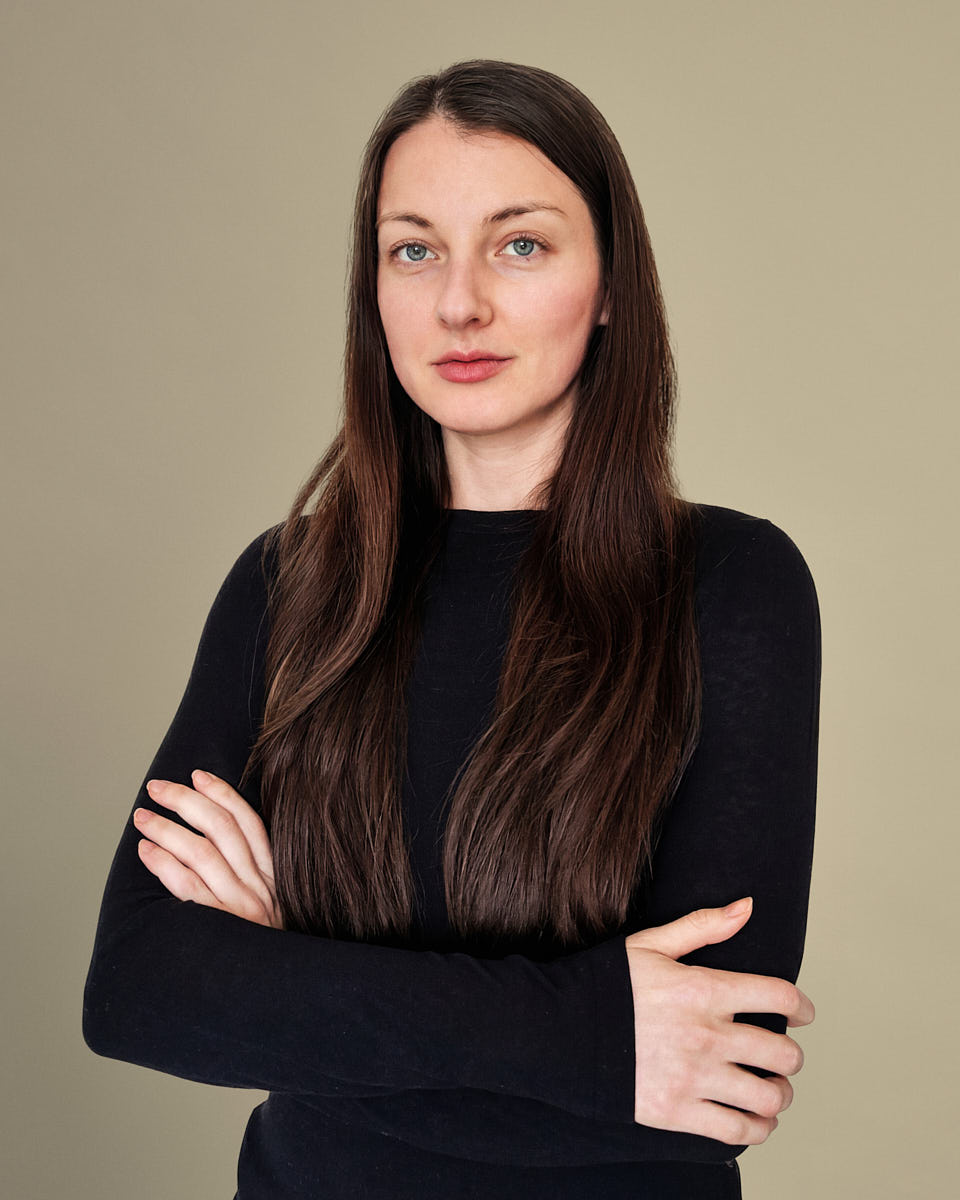

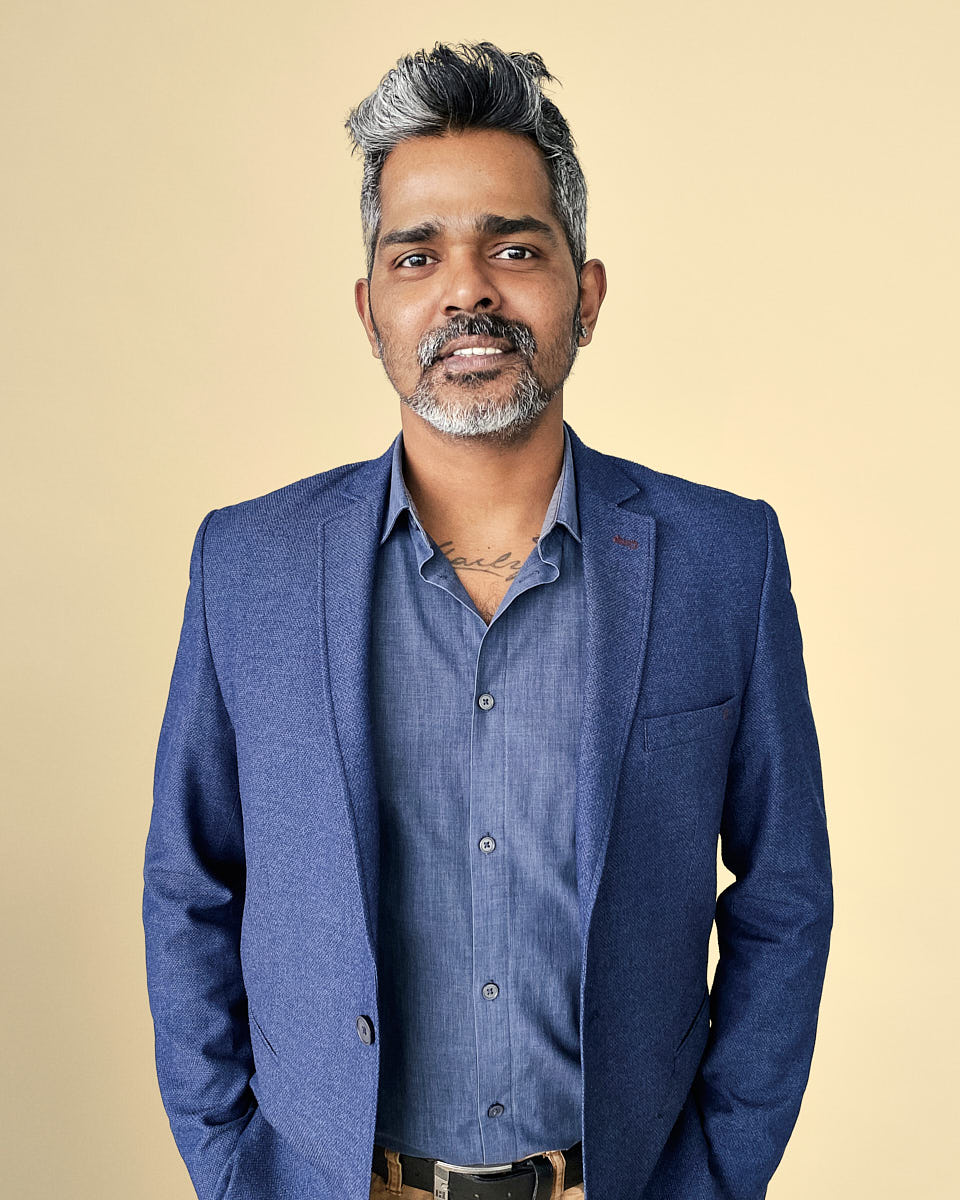






Once the program is configured, HR does not need to manage every session manually. The booking link and prep page guide the participant, while Remote Headshots handles scheduling, live direction, editing, and delivery.
For the new hire, the session should feel clear and low-pressure. They receive simple preparation guidance, join remotely from a phone, meet with a photographer, and get direction on posture, expression, lighting, camera position, and background during the session.
The result is a polished professional image they can use across company systems while still looking like themselves. It helps the person feel included without turning onboarding into a complicated production day.
The value of a recurring program is that month eighteen still feels connected to month one. The standard can evolve later, but changes should be intentional, not the result of different people using different photos.
A live example of the same workflow: new hire headshot continuity at a fast-growth SaaS company.
New hire headshots need to work in the places where employees actually appear. Final files should be easy for HR, brand, recruiting, and internal teams to use without additional resizing or guesswork.
Pricing depends on hiring volume and how predictable the workflow needs to be. Some companies book each new hire as an individual seat. Others reserve monthly or quarterly capacity so HR always knows there is a process ready.
Common program shapes:
Connects to
A new hire workflow usually comes after the company has established a team standard. These related pages help define the rollout, scale, and long-term system.
Use this for the initial team rollout that establishes the visual standard.
Use this when employee photos need to support recruiting, HR, internal tools, and company-wide identity.
Use this when the same workflow needs to work across countries, time zones, and distributed teams.
Common questions
Most teams schedule the session during the first or second week of onboarding. That timing is early enough to update the website, HR directory, and internal tools quickly, but gives the new hire time to settle in and prepare.
We provide a booking link and prep instructions that HR can add to an onboarding checklist, HRIS task, or welcome email. The new hire books directly, receives the app or session link, joins from a phone at the scheduled time, and the workflow handles the session, editing, and delivery path.
Yes. We use the existing team photos or an approved reference as the visual standard. The photographer guides the remote session around background, framing, light direction, expression, and crop, then the editing team finishes the image to match the set as closely as the remote setup allows.
The standard can be updated, but it should be treated as an intentional refresh. If the company changes background, crop, retouching, or overall direction, we document the new standard and apply it to future new hire sessions.
Yes. The program can include contractors, advisors, consultants, or part-time employees if they need to appear in the company’s public or internal people systems. The participant rules should be defined before the program starts.
Pricing depends on expected volume and workflow structure. Some companies use per-seat pricing, while others use monthly batches, prepaid sessions, or a larger company program when hiring volume is predictable.
No. New hire headshots are created from real photo capture during a live remote session. A photographer directs the person in real time, and the final selected image is professionally edited for consistency.
Keep the standard alive
Set up a simple workflow so every new employee receives a guided remote headshot in the same company style.