Individual remote headshots
$180 Per person
- Fully remote session
- Live posing and lighting guidance
- One retouched final image
- Digital background option
- Private gallery
- Unlimited usage rights
LinkedIn headshots online
Your LinkedIn photo appears in search thumbnails, direct messages, and your full profile. It has to read clearly when small, feel professional when enlarged, and still look like the person people will meet.
Remote Headshots creates LinkedIn-ready portraits through a live online session. A real photographer guides lighting, camera height, posture, expression, background, and crop before the final image is naturally retouched.
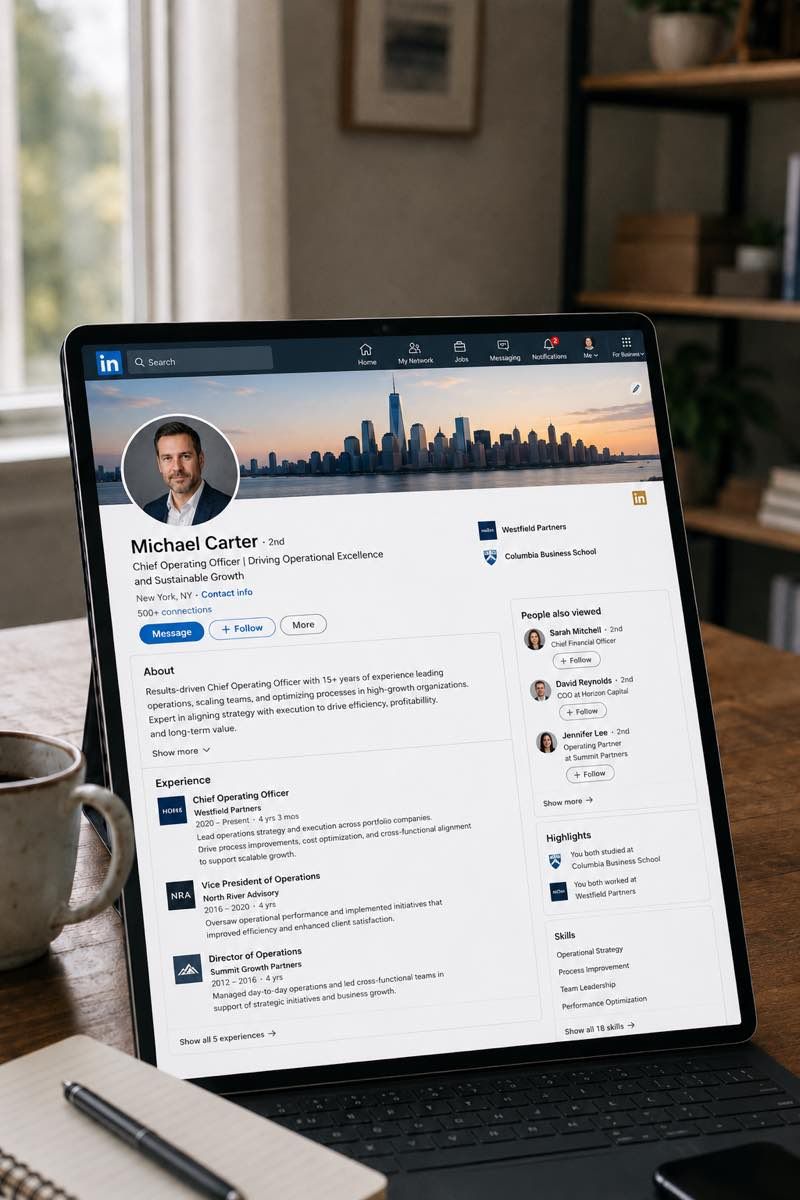
This is a guided remote headshot session for people who need a stronger LinkedIn profile image without visiting a studio. You join from home, your office, or another simple location. The photographer helps refine your setup in real time, then guides a short capture session so the final image feels current, composed, and credible.
After booking, you receive preparation guidance and the session link. At the scheduled time, you join from your phone, connect with the photographer, and get live direction during capture. You are not left to self-shoot or upload random selfies.
The final files are prepared for LinkedIn first, with additional crops for places where the same image may be useful: resume files, email signatures, company bios, speaker pages, personal websites, and internal profiles.
Pricing
Start with an individual LinkedIn session, a small team refresh, or a larger company rollout. Each option is based on real photo capture, live direction, and edited final files.
$180 Per person
Popular
$100 Per person for teams of 3+
From $80* Per person for 10+
Need headshots for two people? Request a custom quote.
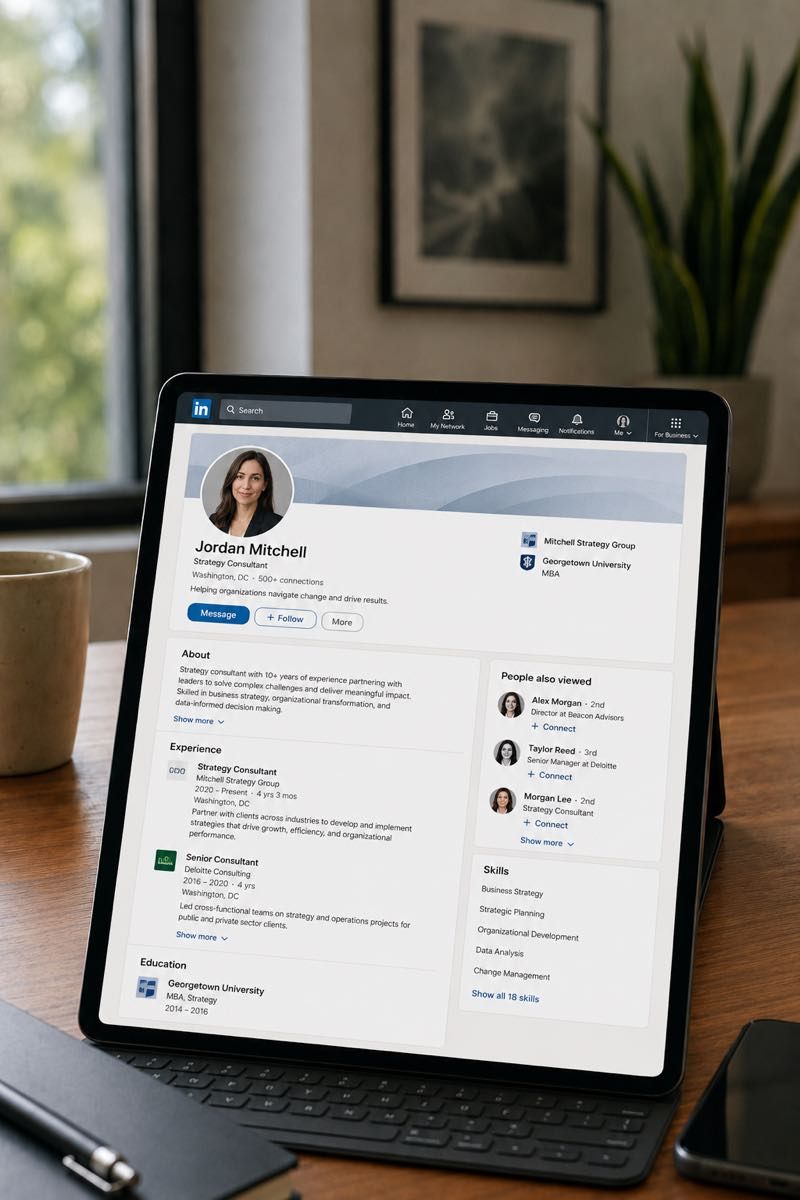
A LinkedIn photo works in three places at once. Recruiters and clients see it as a small search thumbnail. People you message see it beside your name. Profile visitors see the larger version when they decide whether the profile feels current and credible.
That is why a LinkedIn headshot cannot simply be a nice portrait cropped at the last minute. The face needs to read quickly, the eyes should sit naturally in the frame, and the background should stay quiet even after LinkedIn compression.
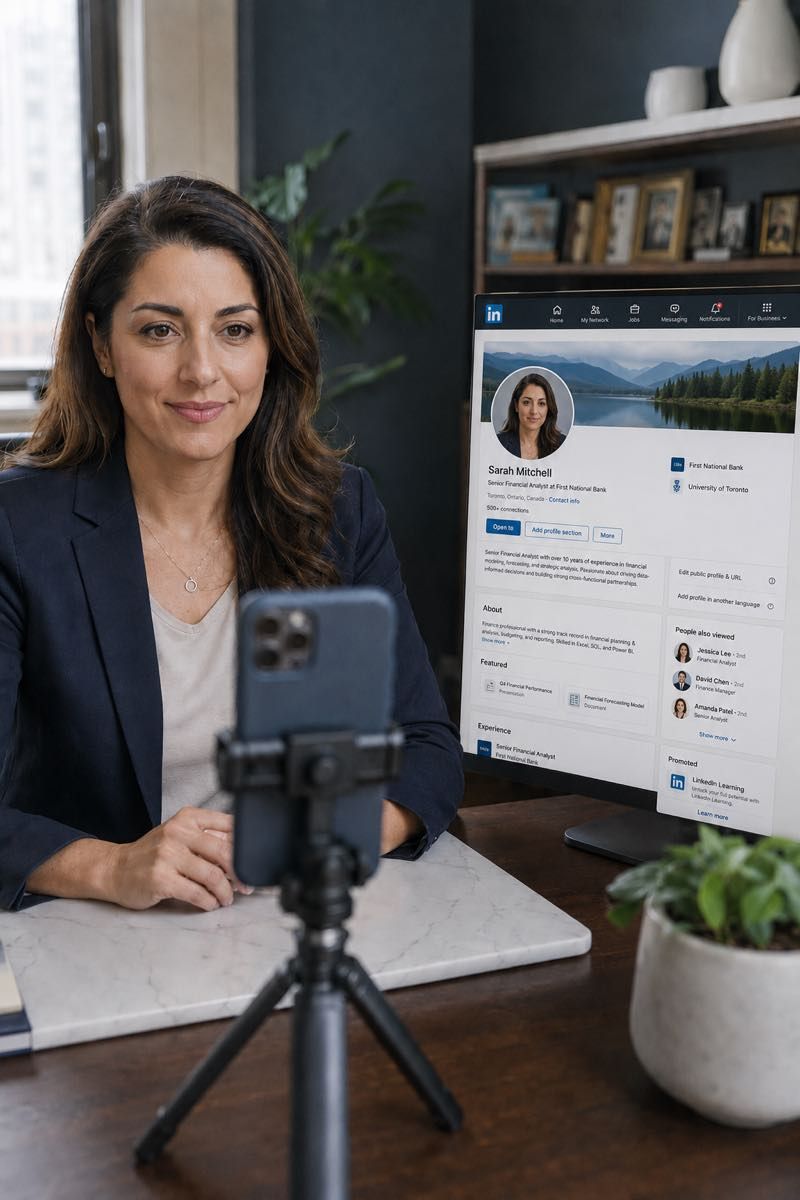
A strong LinkedIn headshot is not the one with the most dramatic editing. It is the one that feels credible immediately.
How the remote LinkedIn session works
Choose a time that works for you. After booking, you receive simple preparation instructions and the session link so you know exactly how to join.
At the scheduled time, you join from home, your office, or another simple location. Follow the session link and joining instructions sent for your appointment.
Before capture, the photographer checks your light, camera height, framing, and background. You are then guided through small changes in posture, angle, and expression. The goal is a few strong frames that feel professional, current, and natural.
The selected image is retouched and delivered with a square LinkedIn crop plus additional files for resumes, bios, websites, and professional profiles.
Portfolio
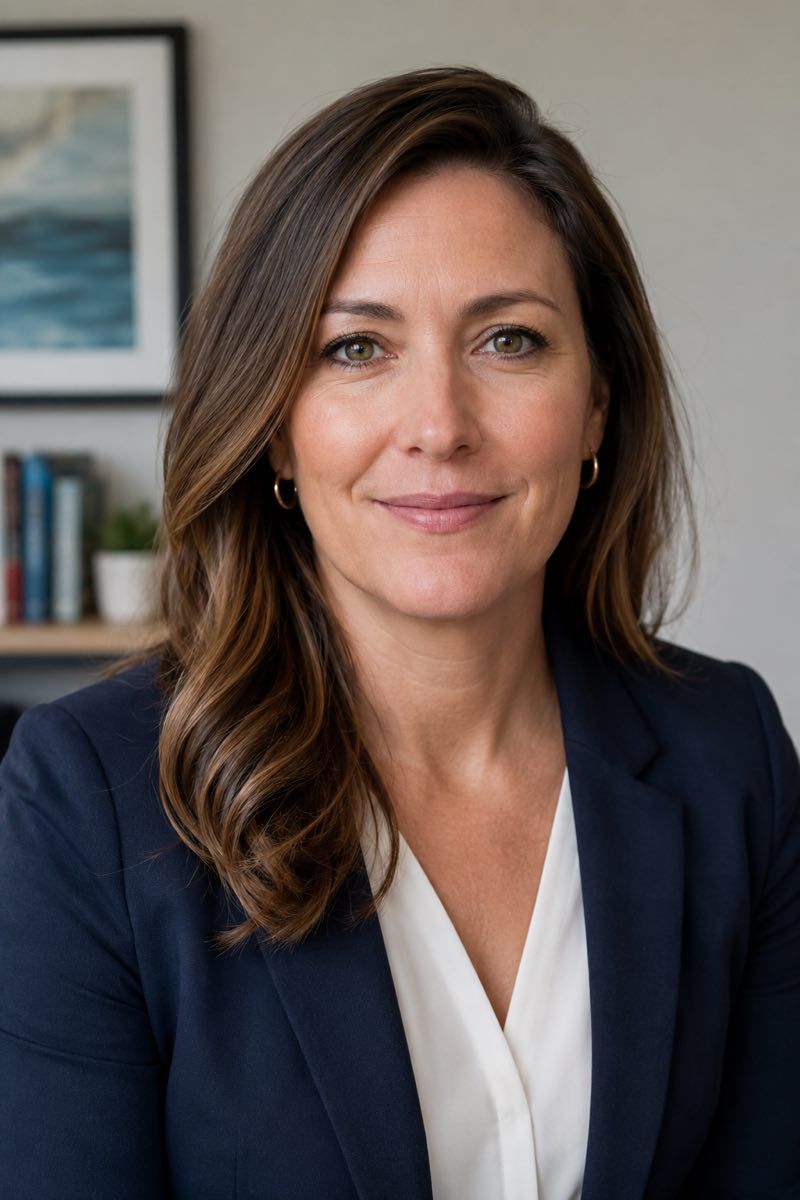
The final image should look clean at profile size, clear in recruiter search, and natural when someone opens the full LinkedIn profile. Use approved portfolio images that show real people, simple backgrounds, natural expression, and polished but believable editing.
Each headshot should be useful beyond one profile photo: LinkedIn, resume files, email signatures, company bios, speaker pages, and internal directories.
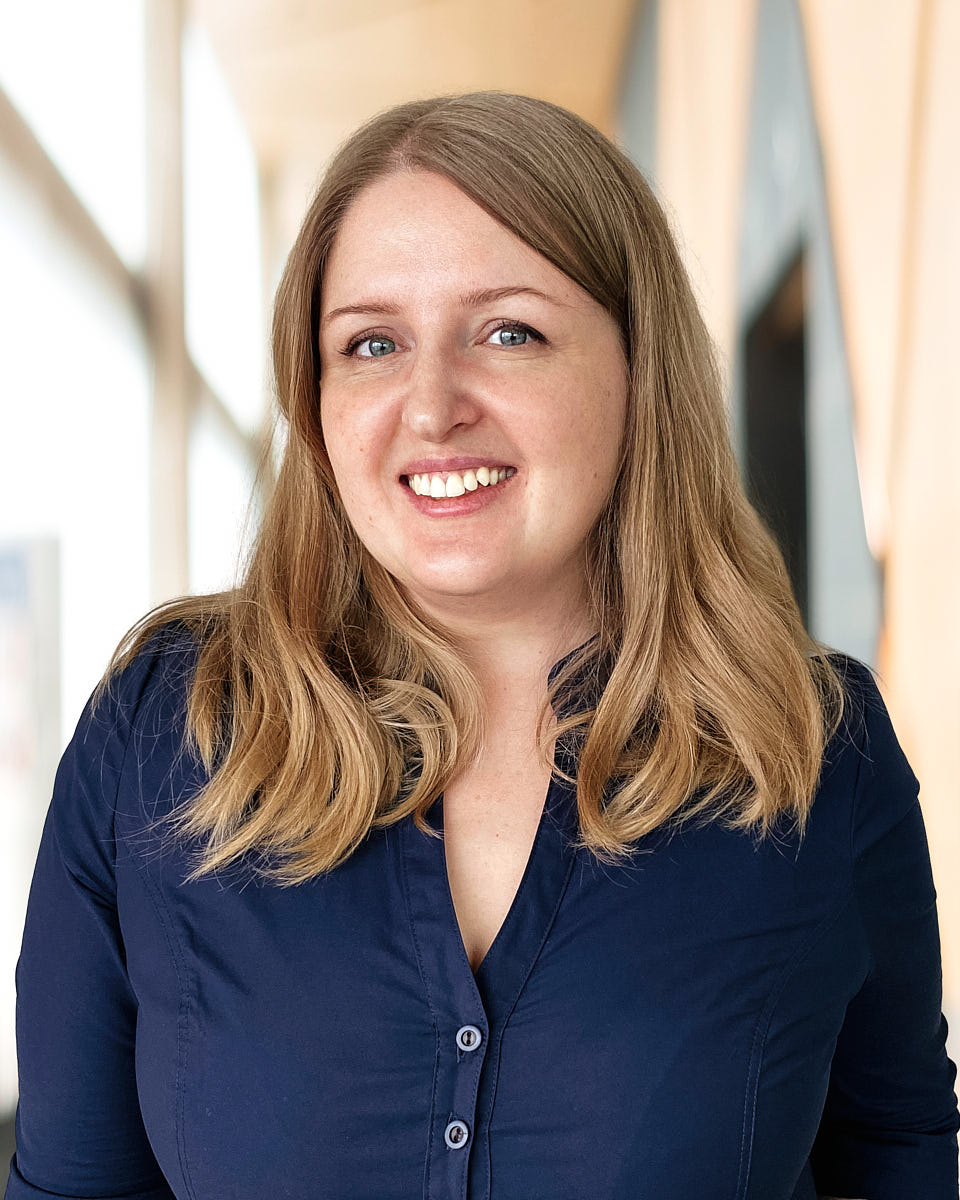
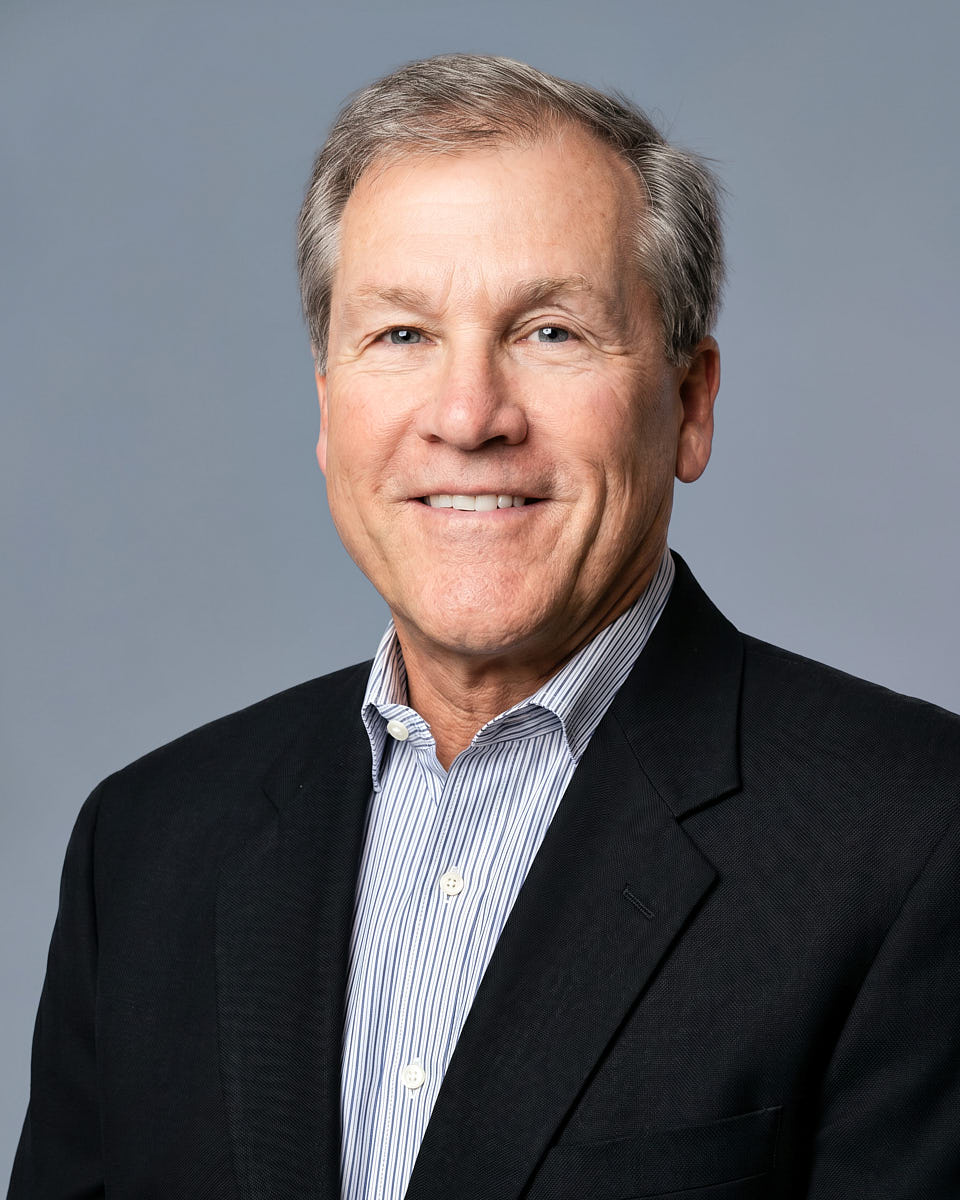
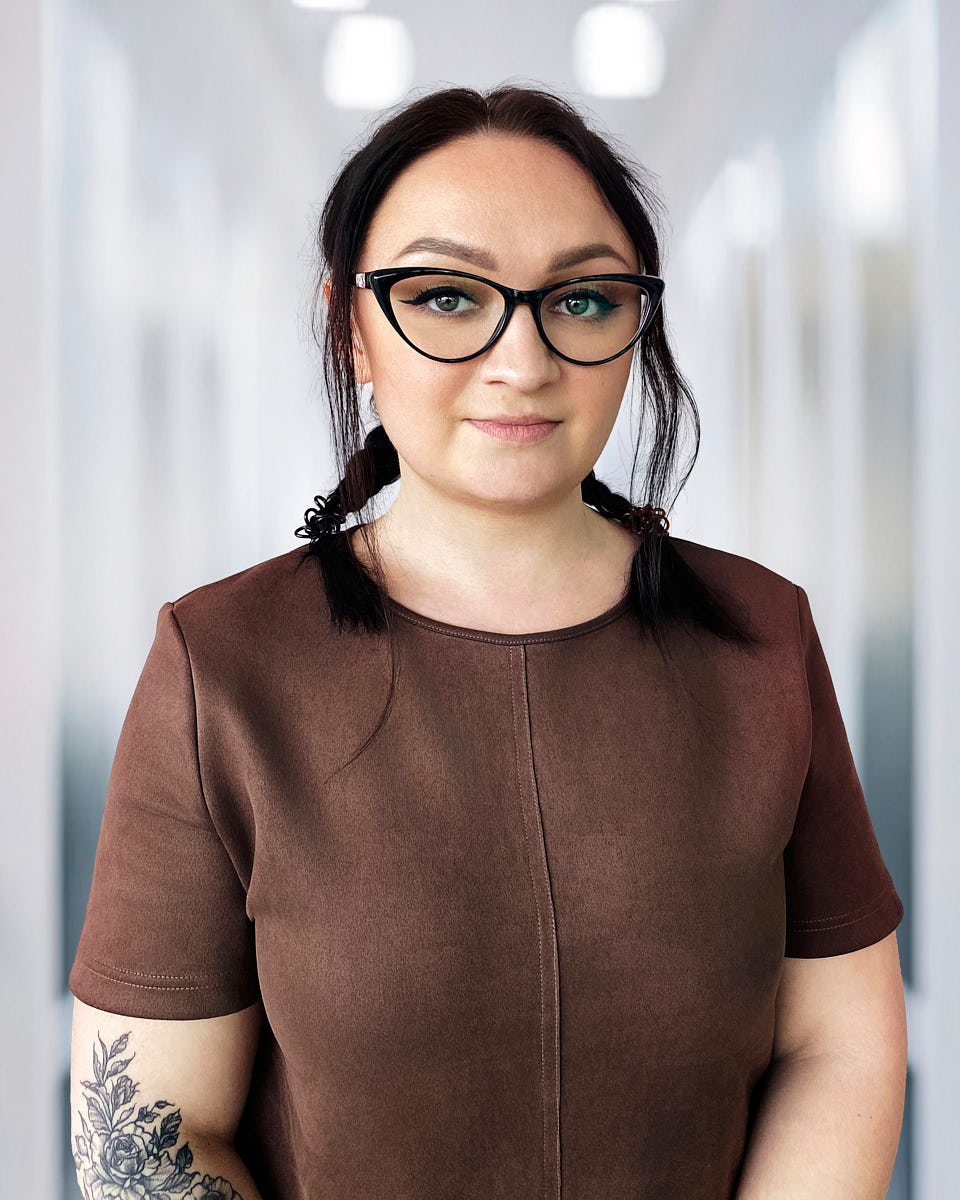
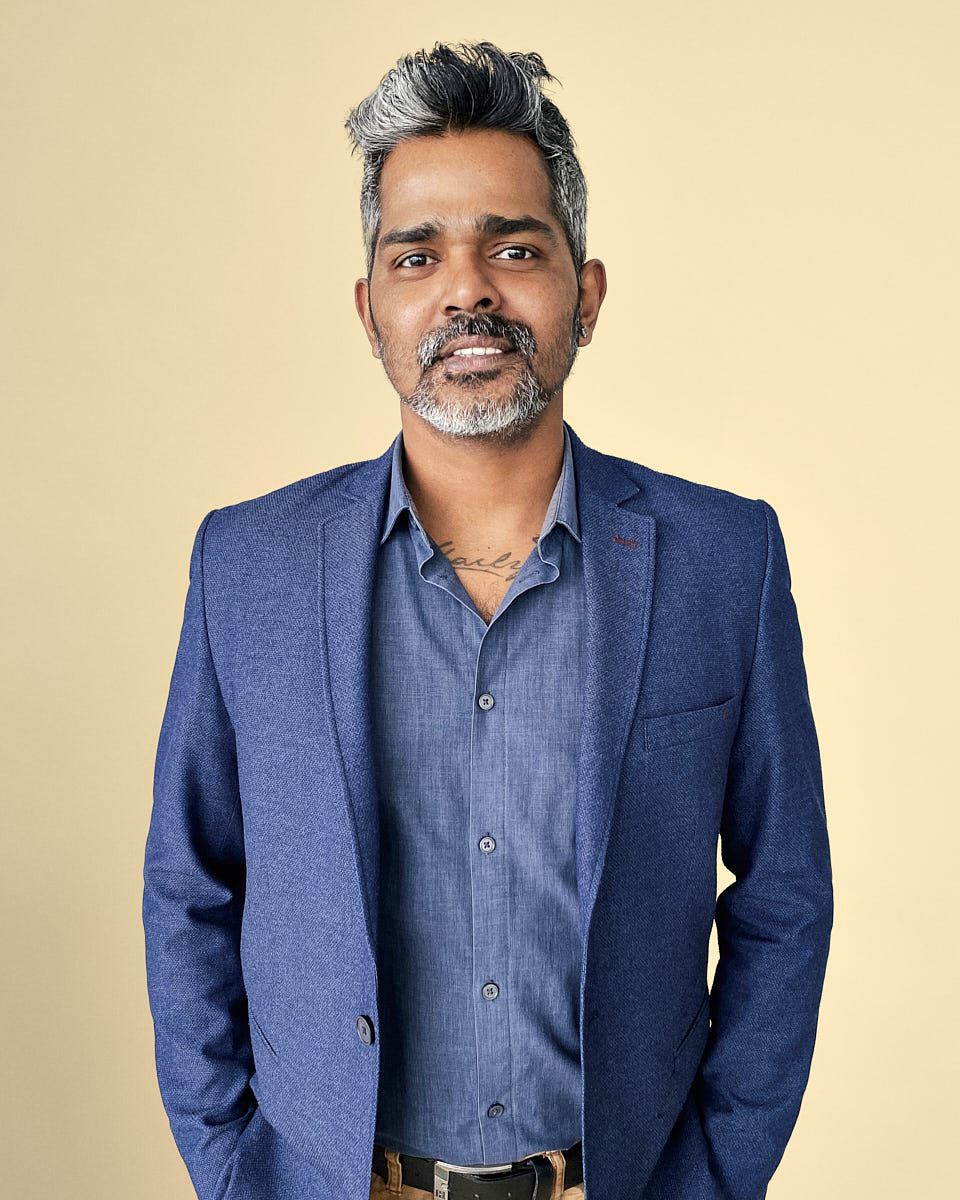
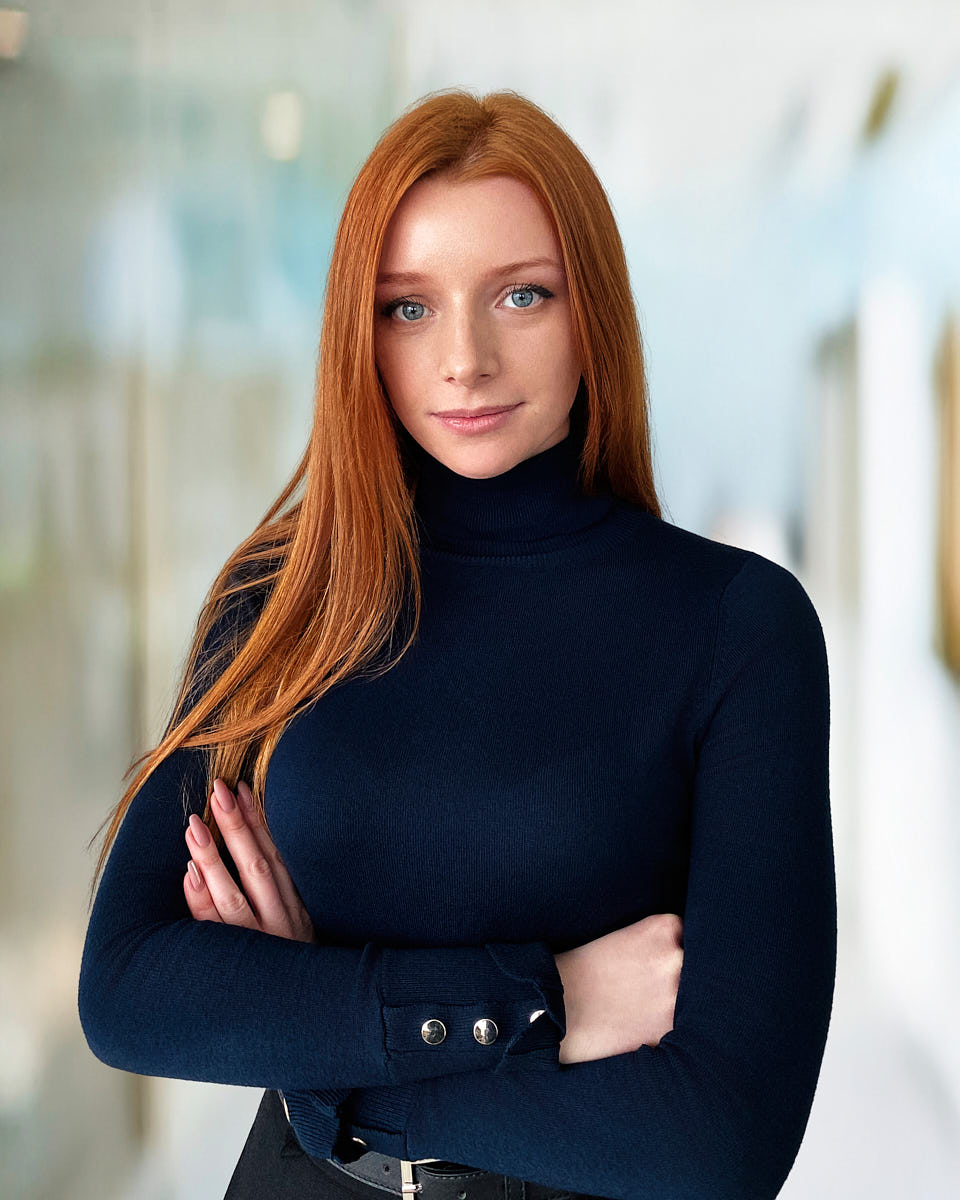
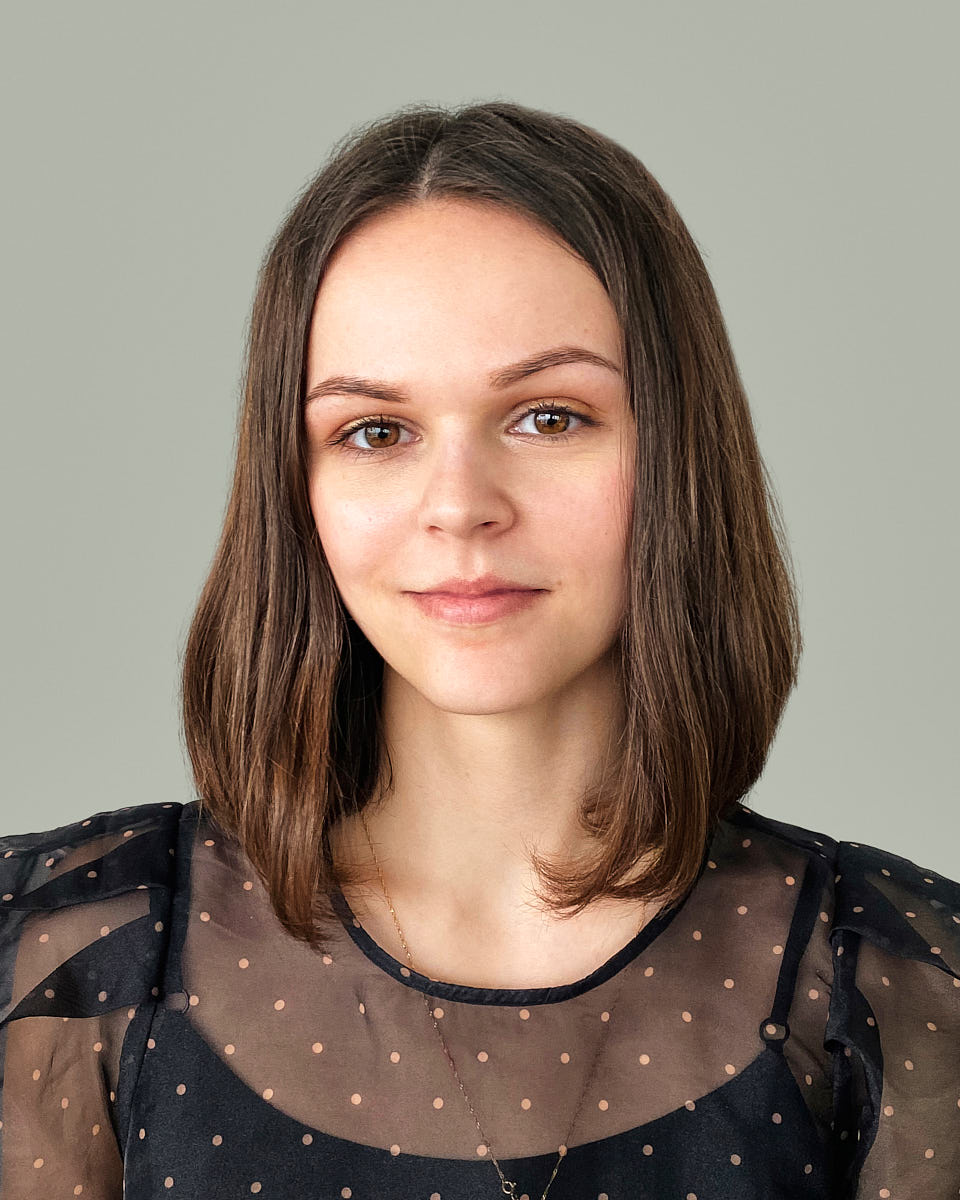
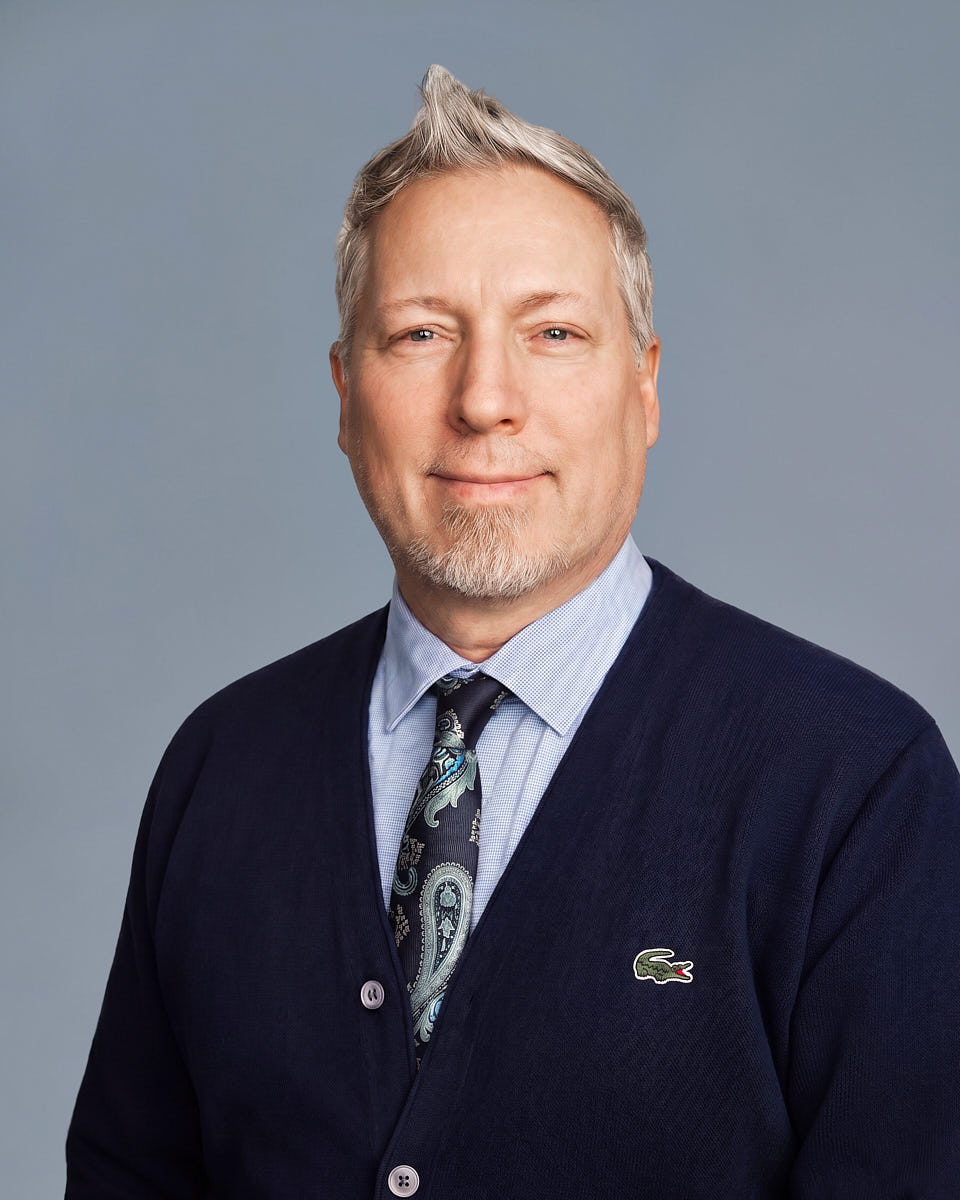
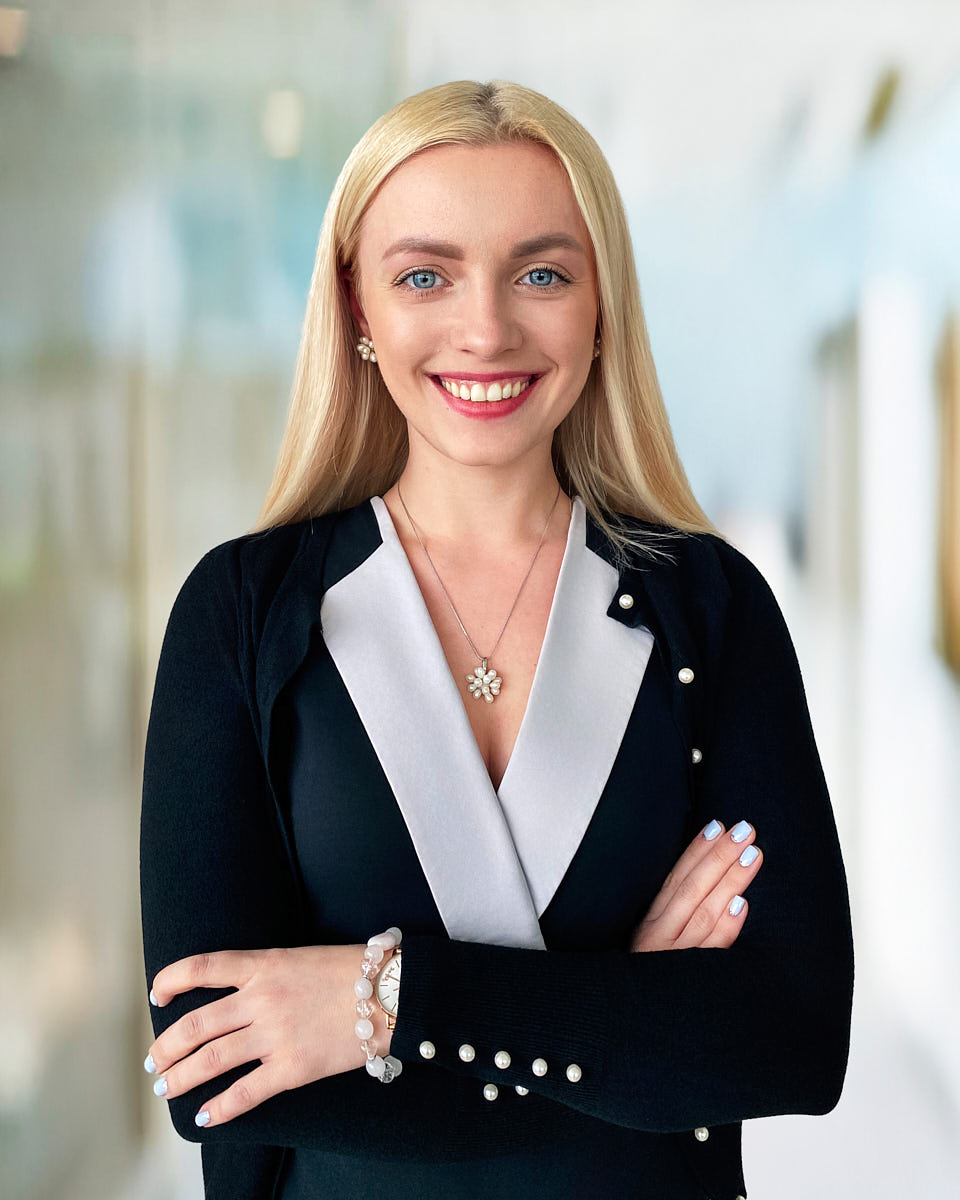
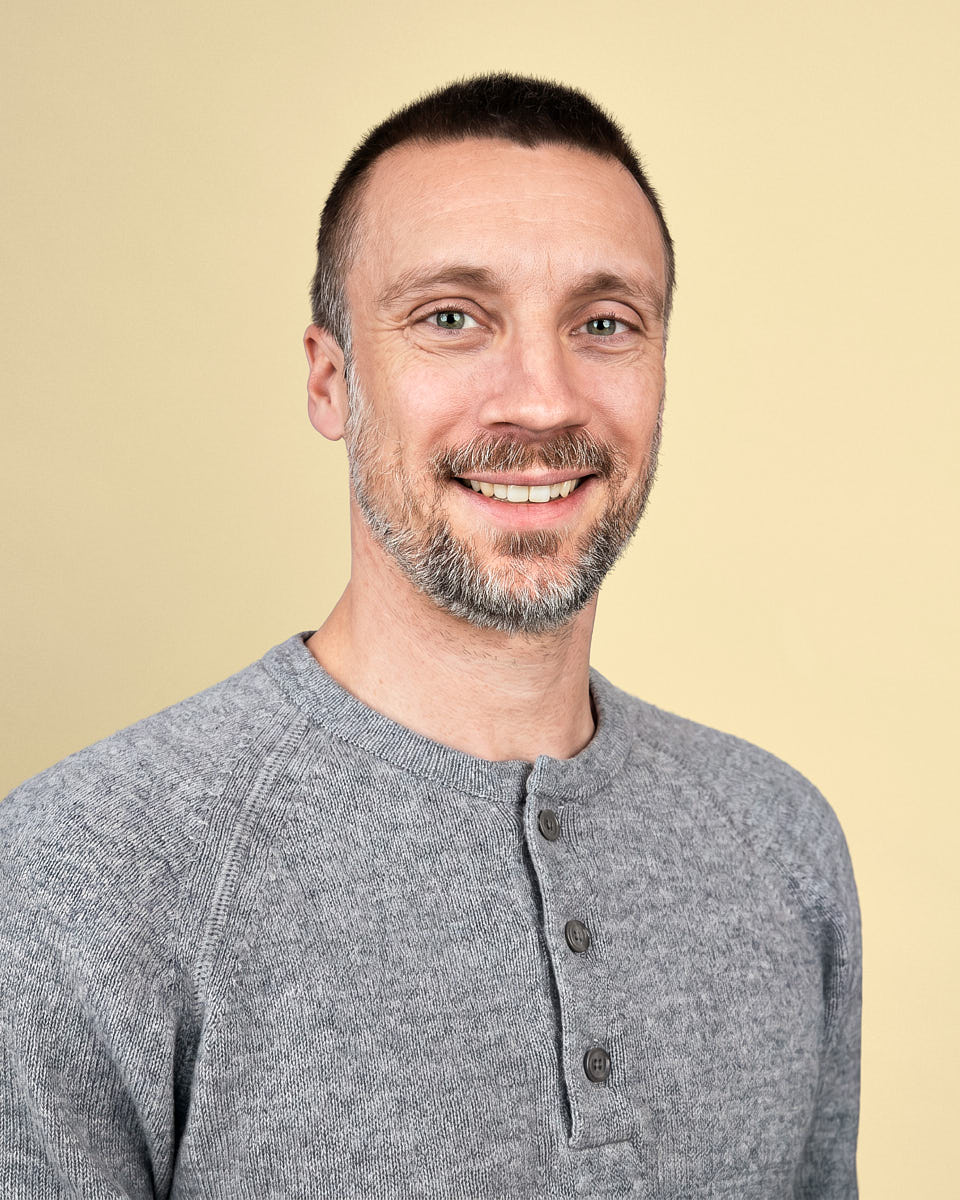
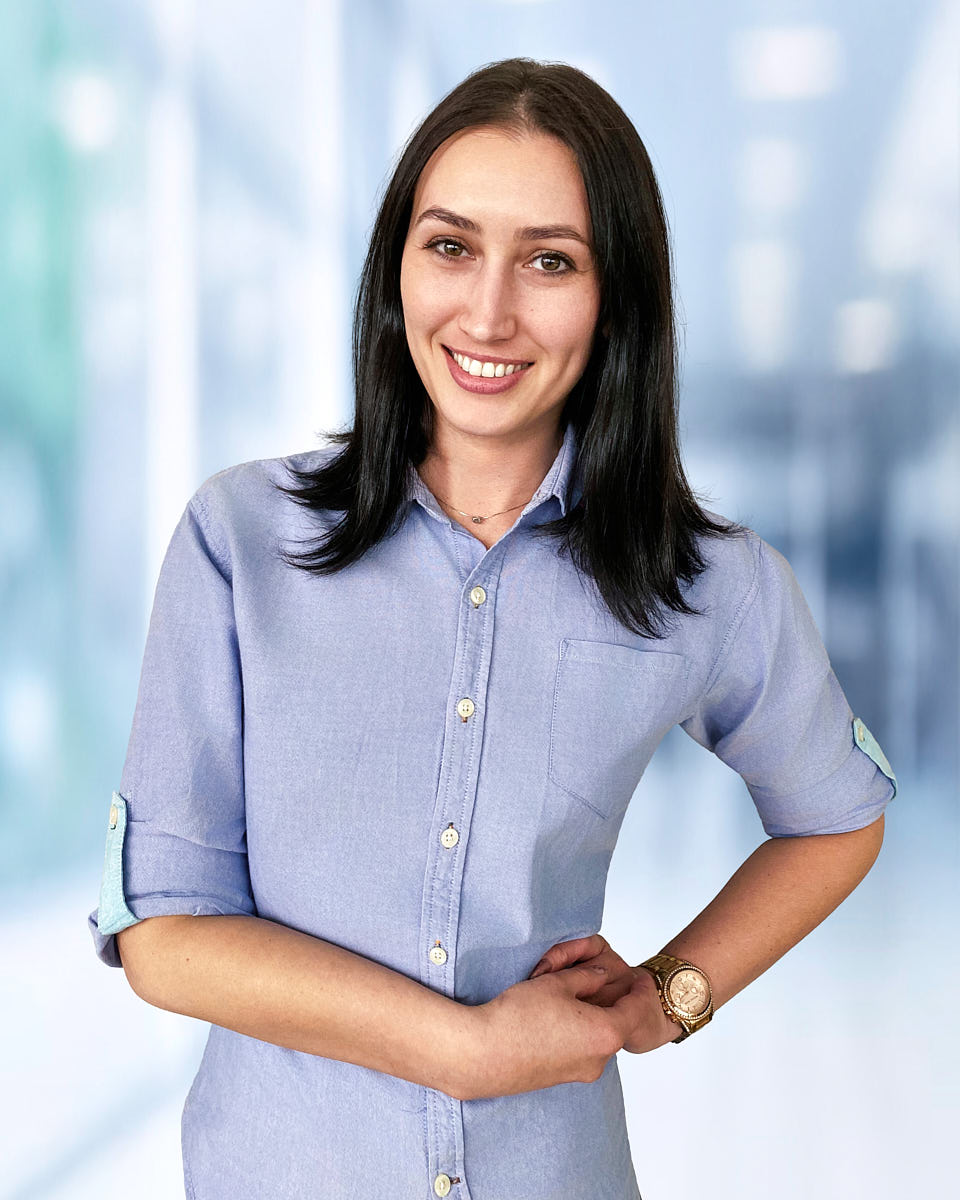
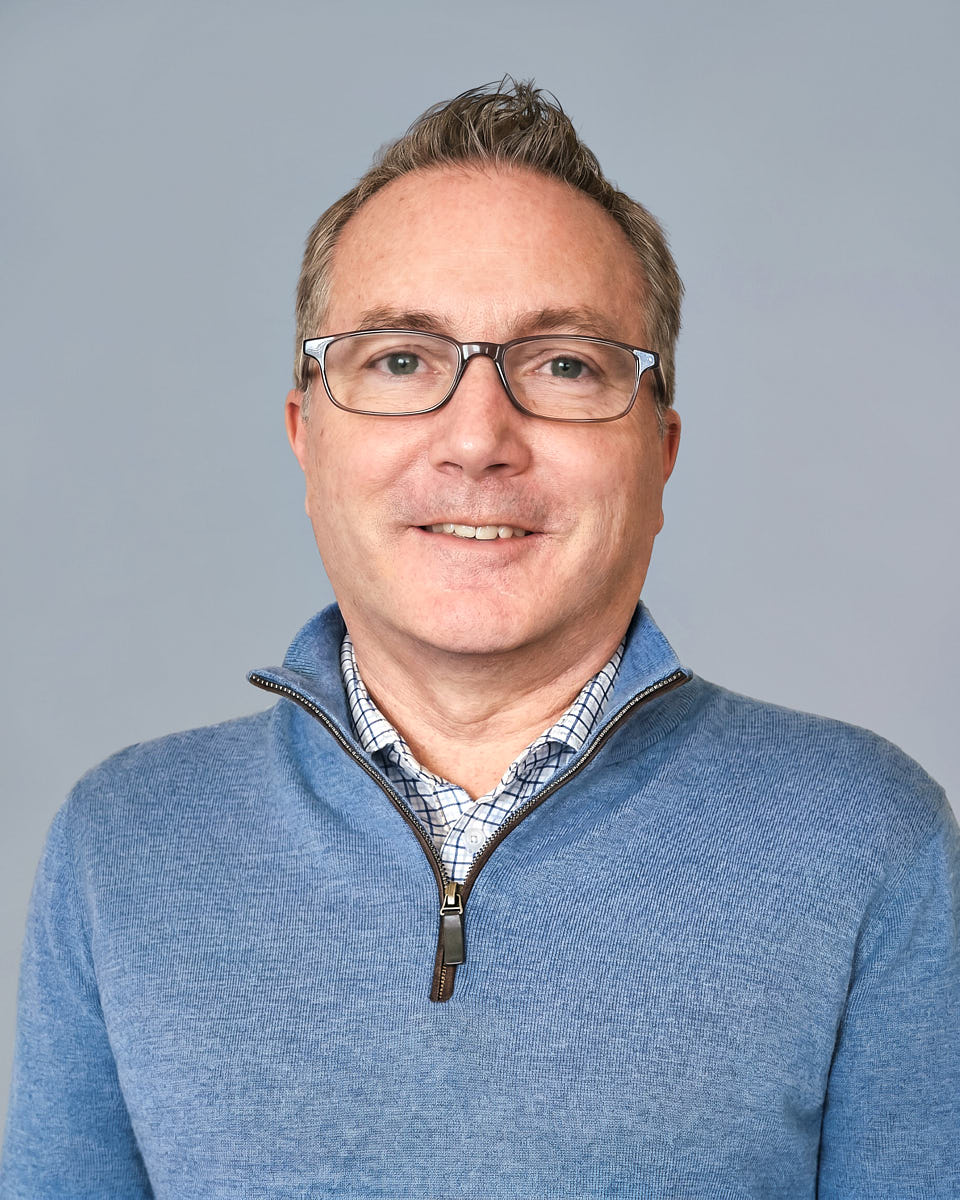
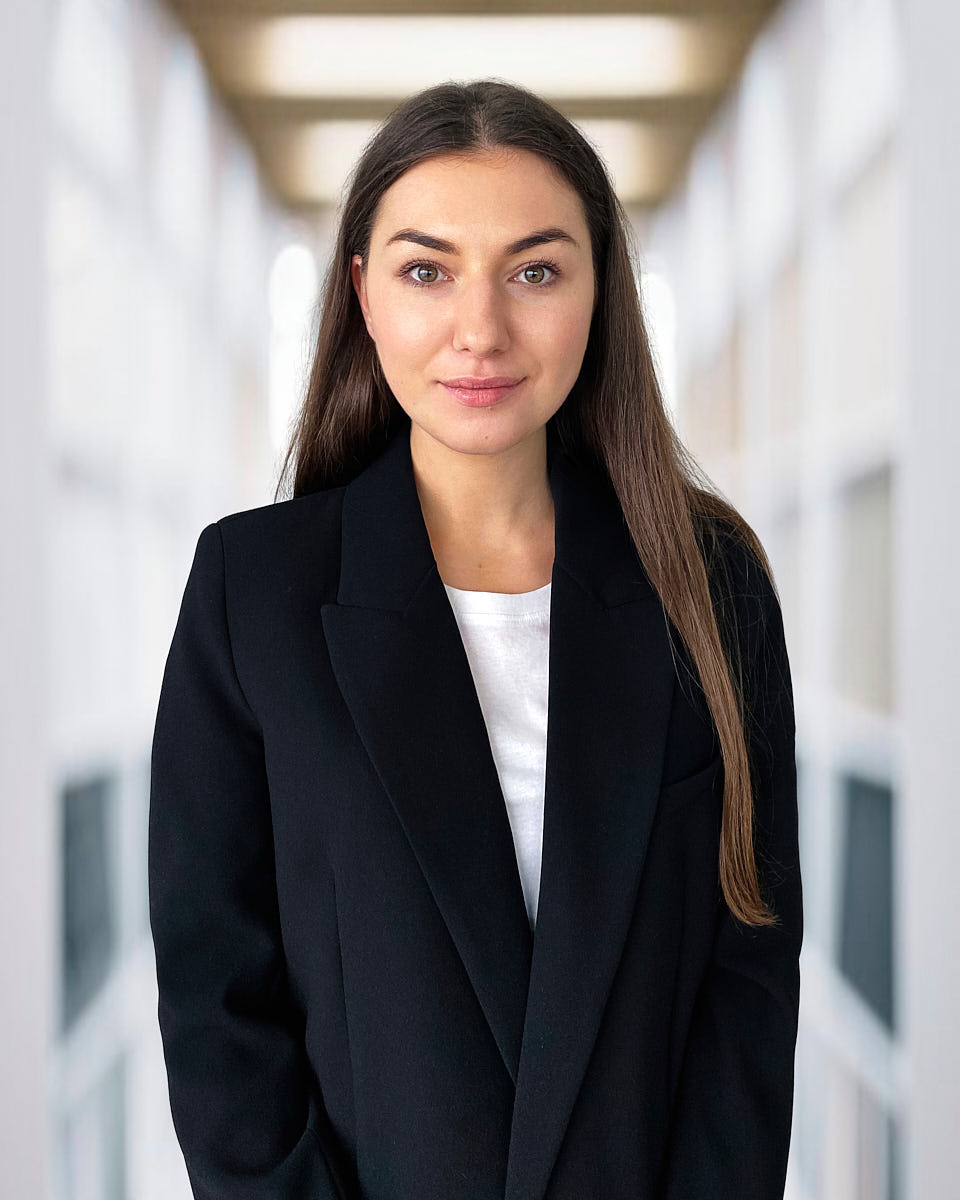
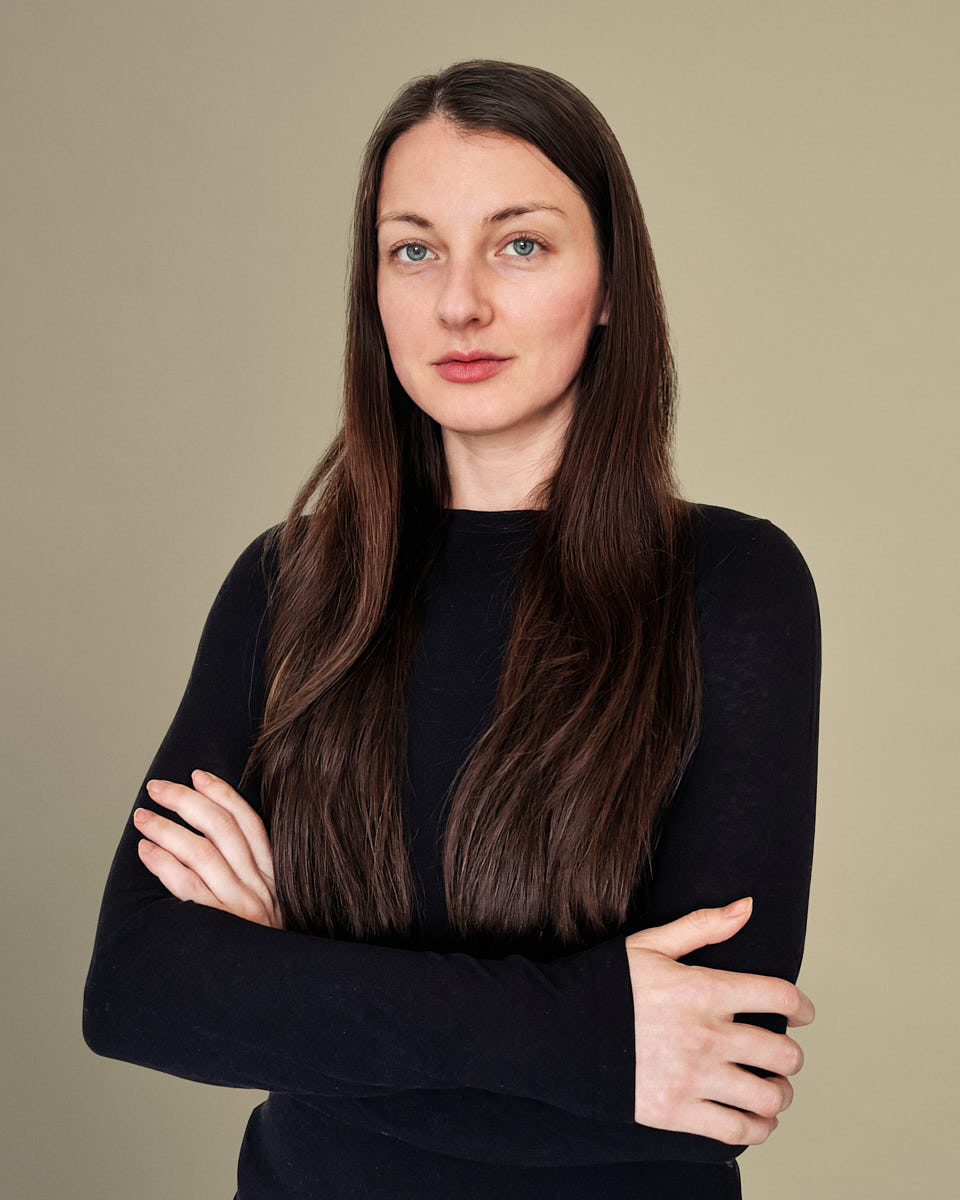
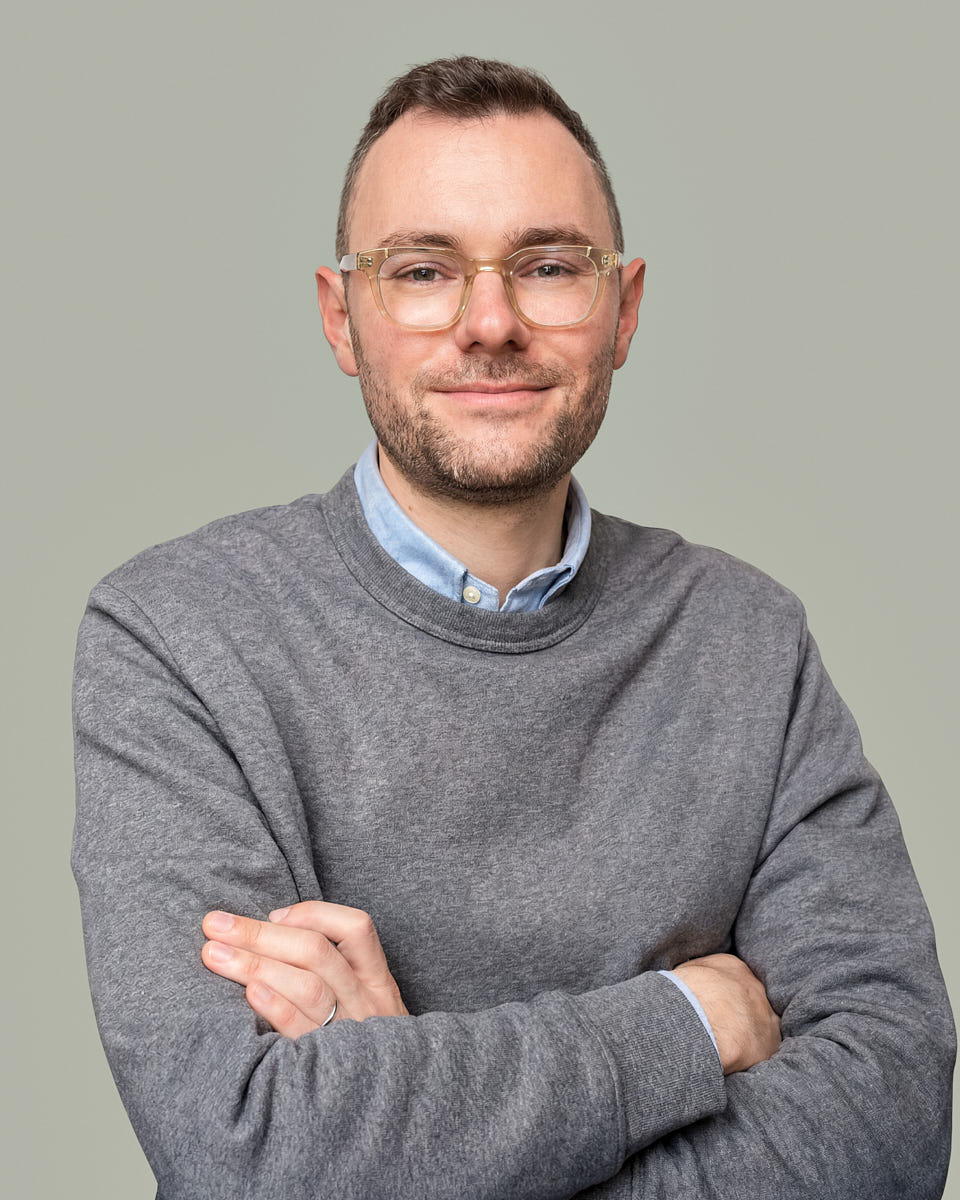
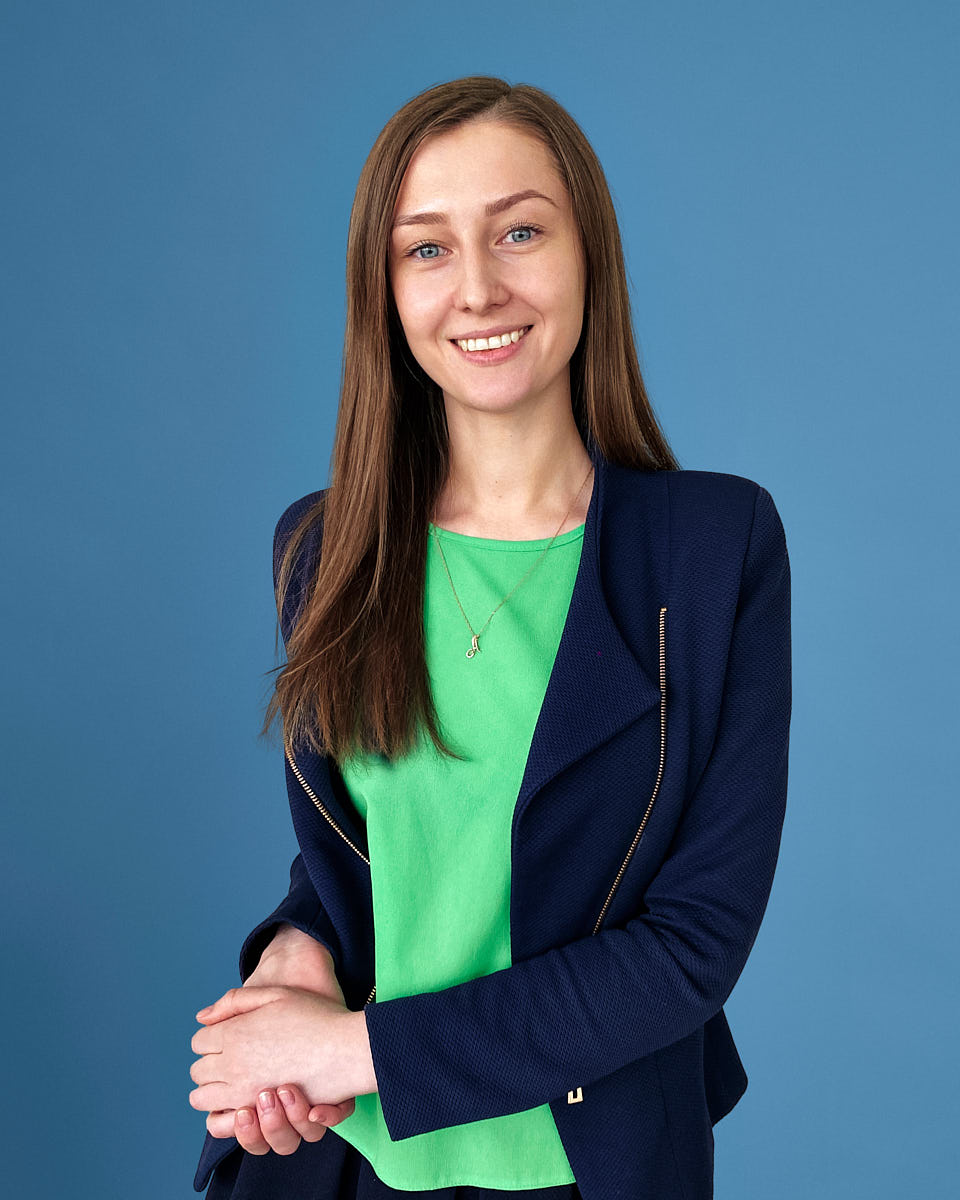
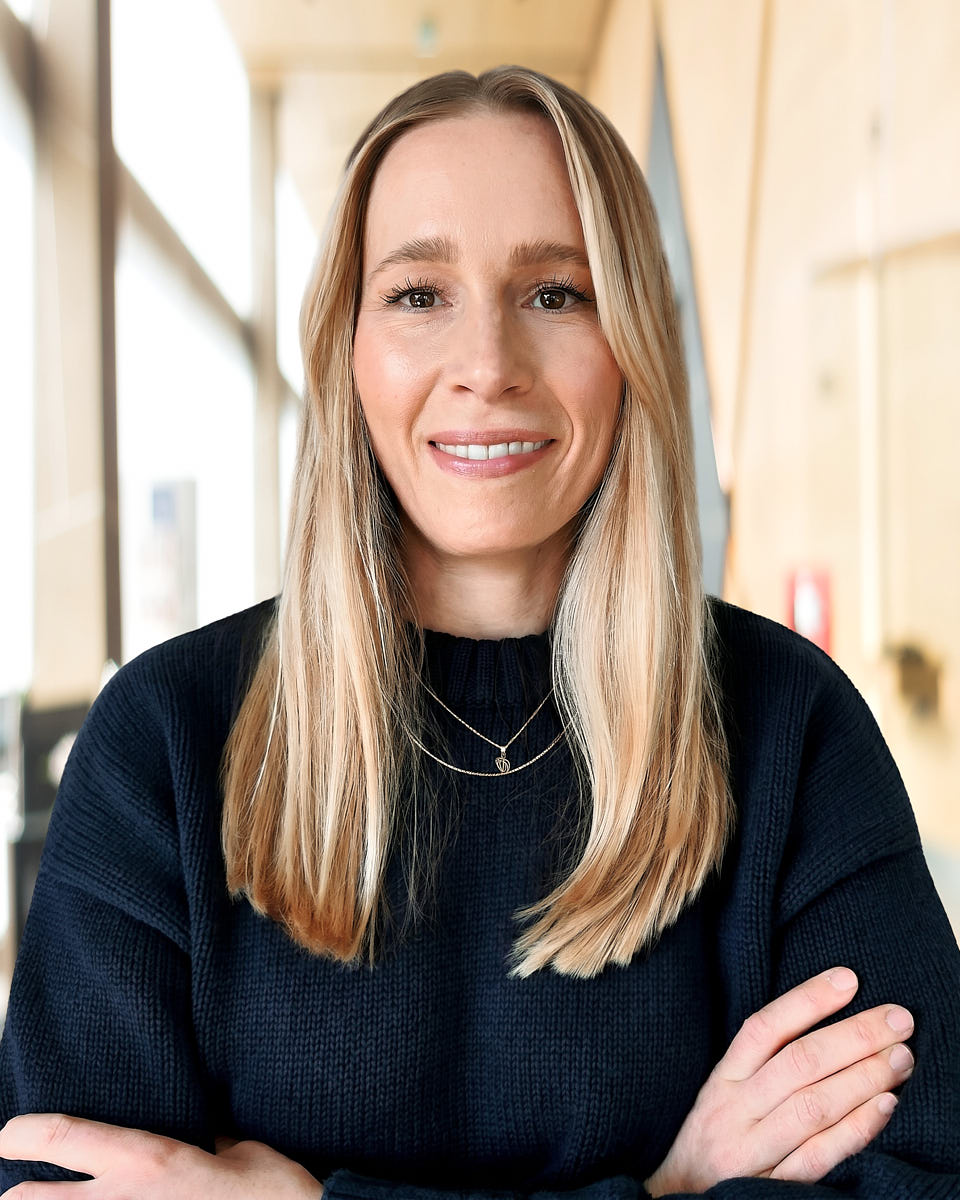
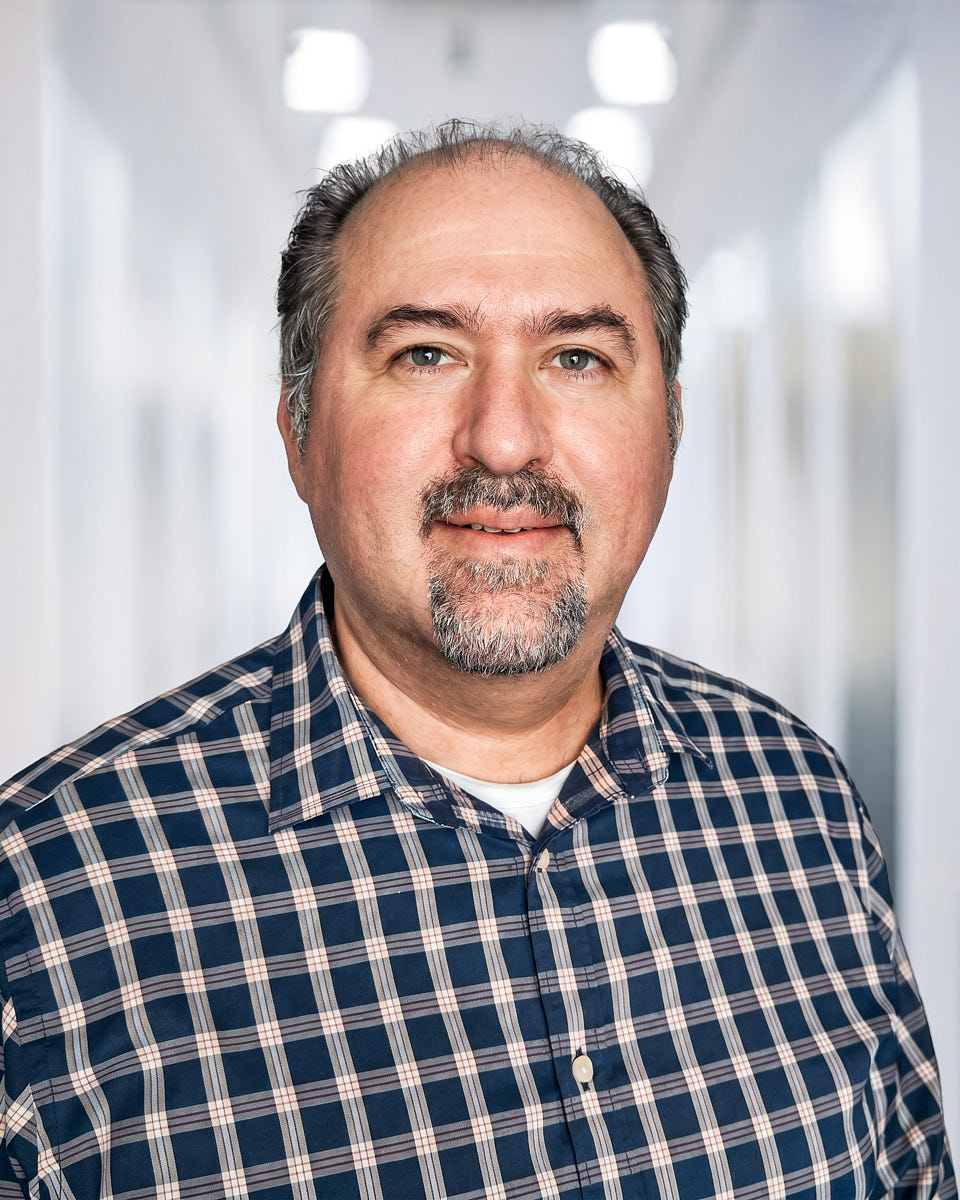
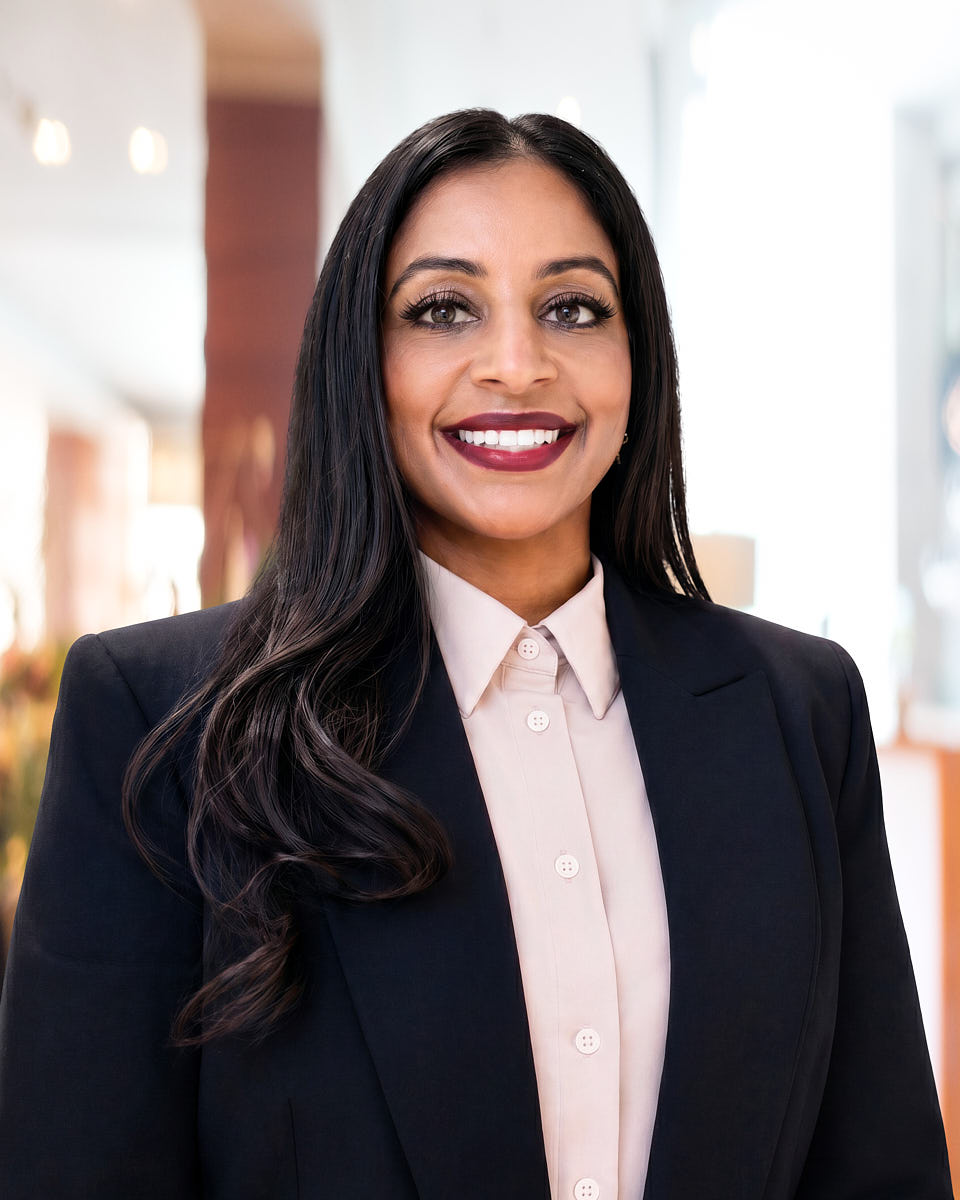
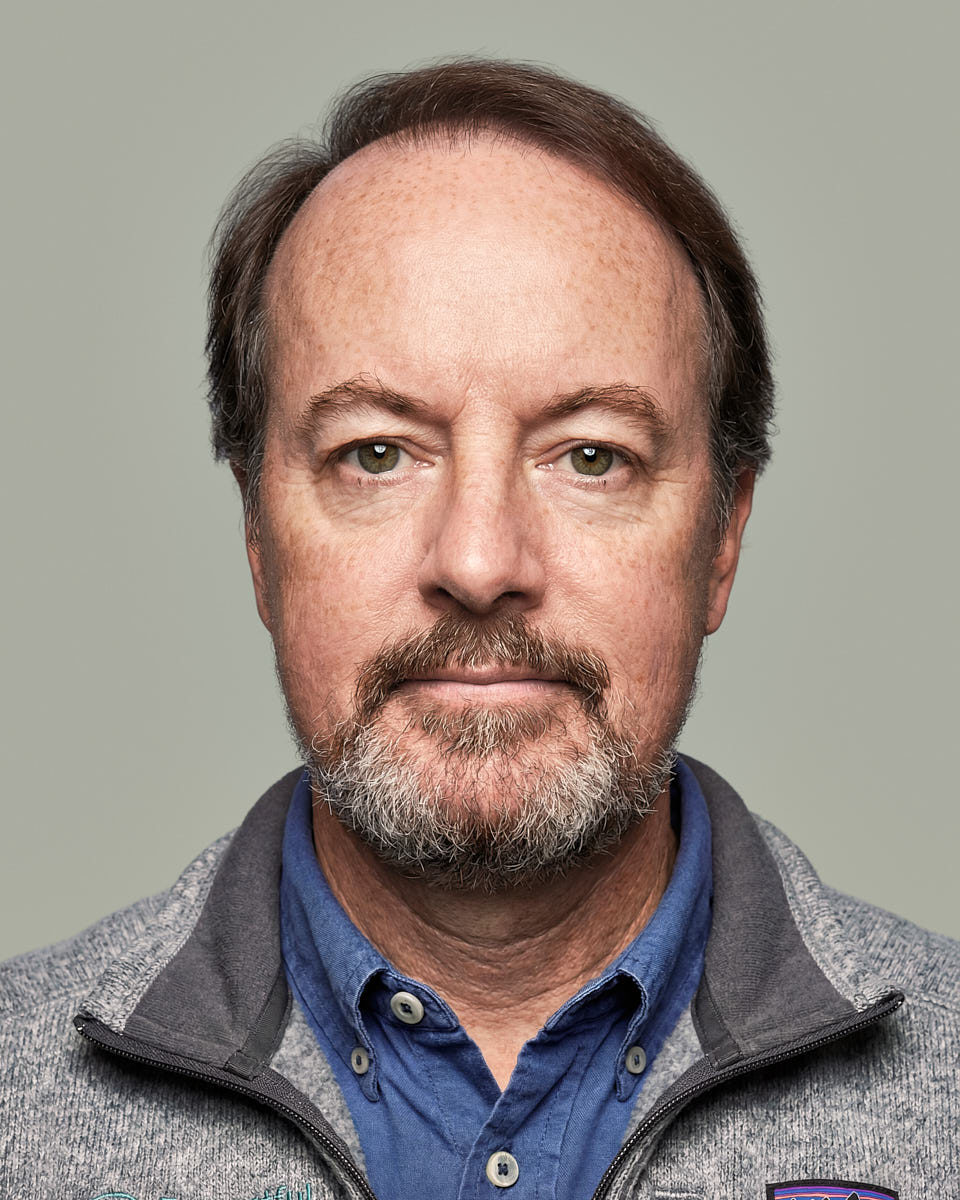
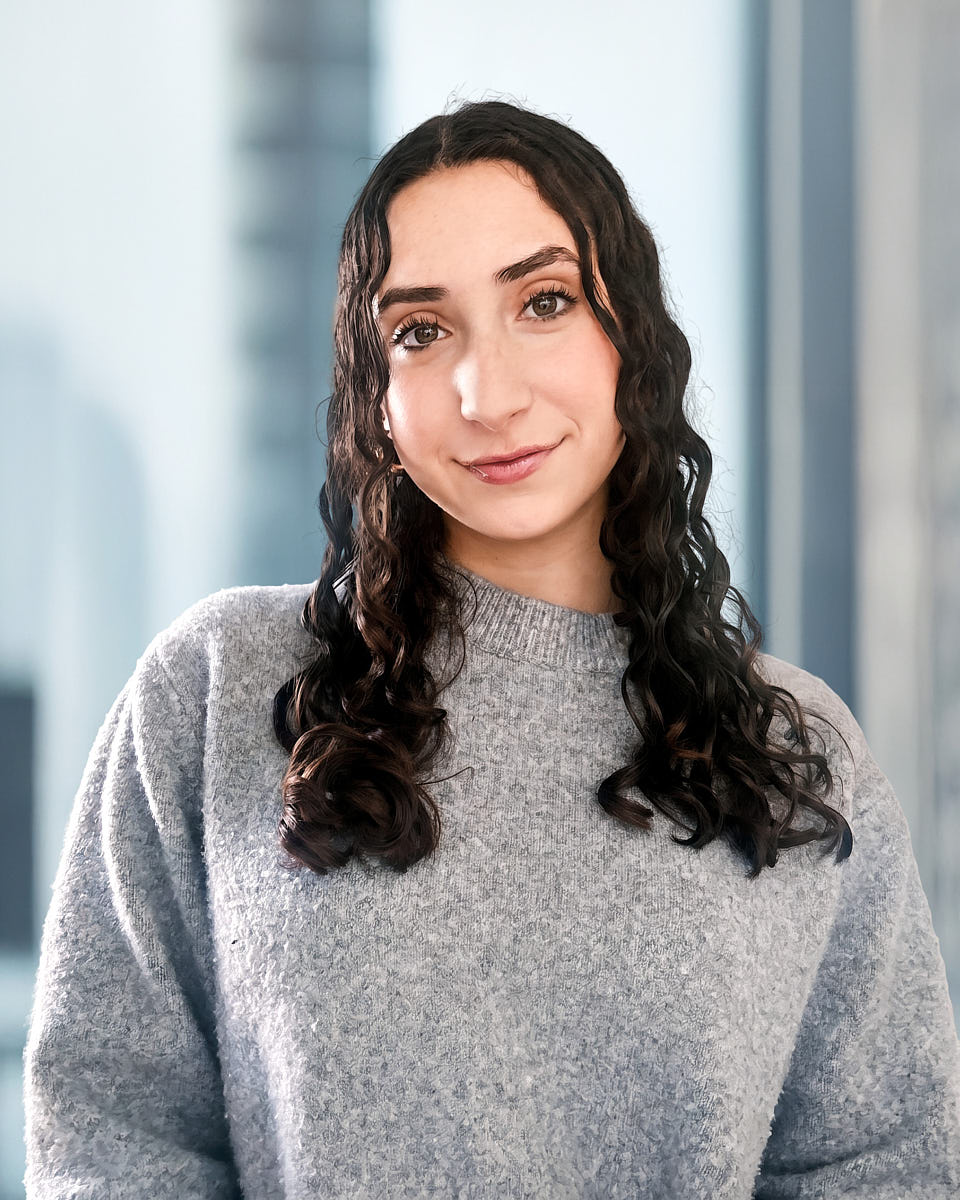
Most weak LinkedIn photos fail for simple reasons: the camera is too low, the light is flat, the background is busy, or the expression feels tense. These are small issues, but they change how the image reads in a professional context.
During a remote session, the photographer fixes those details before the image is captured. They adjust device height, move you toward better light, simplify the background, and guide small expression changes in real time.
That is the advantage of a live-directed session. You still get the convenience of an online process, but the final headshot is based on a real photograph and human direction, not a guess from uploaded images.
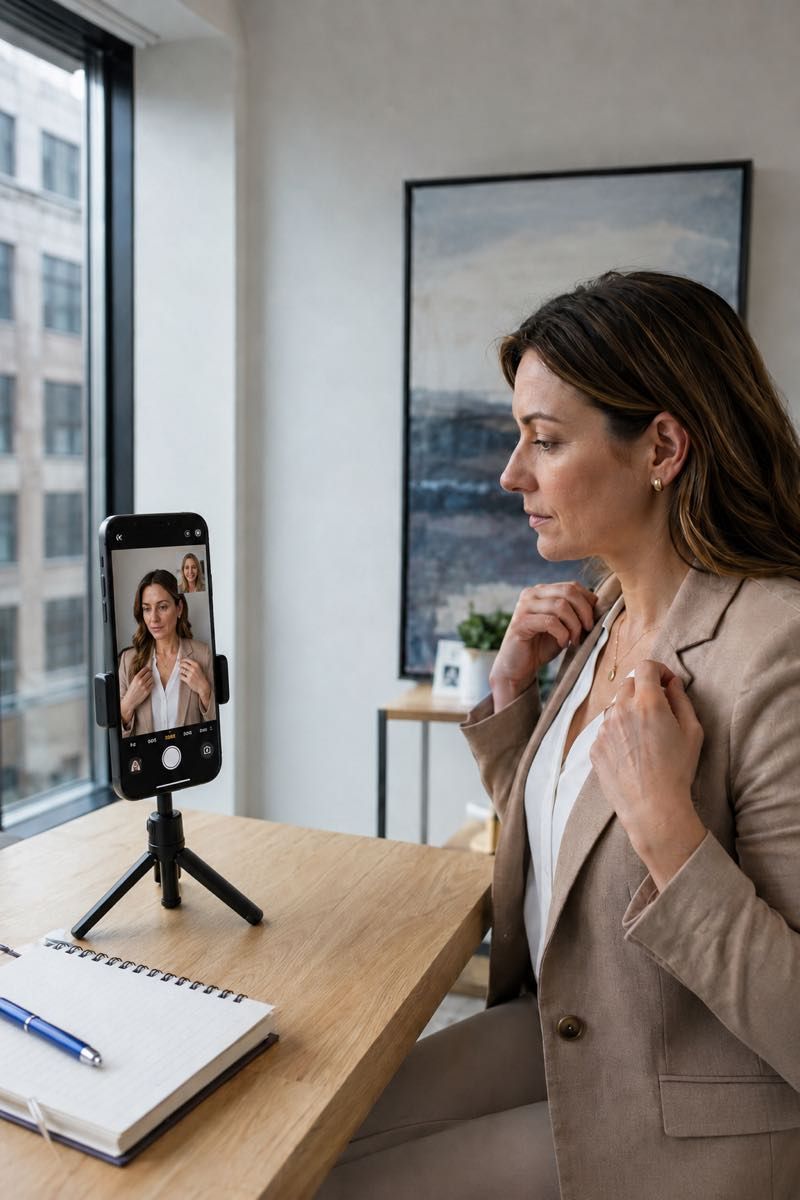
You do not need a perfect home or a studio setup. The photographer will refine the frame during the session. If you want to compare background options or professional styles before booking, we can guide that too.
Full breakdown: preparation guide.
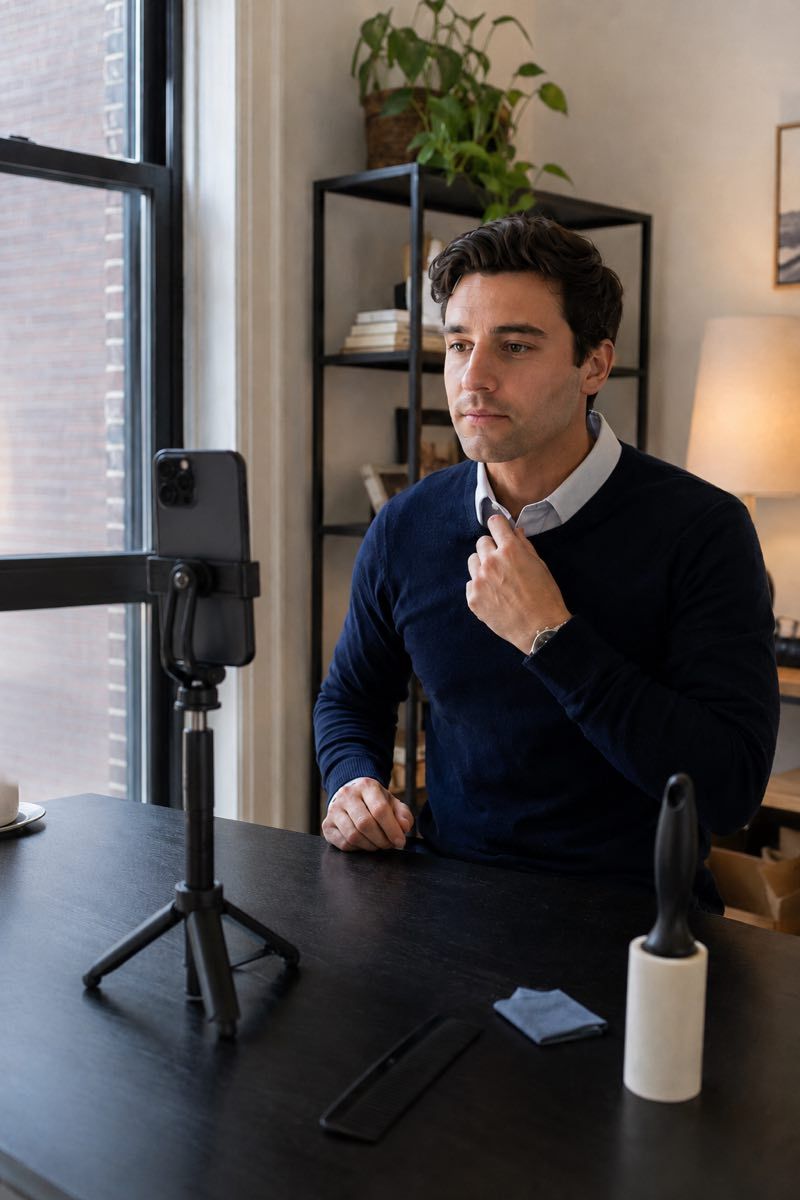
The final files are designed to be useful beyond one LinkedIn profile picture. The same headshot can support a resume, email signature, company website bio, personal branding page, internal directory, or other professional profile where a consistent image matters.
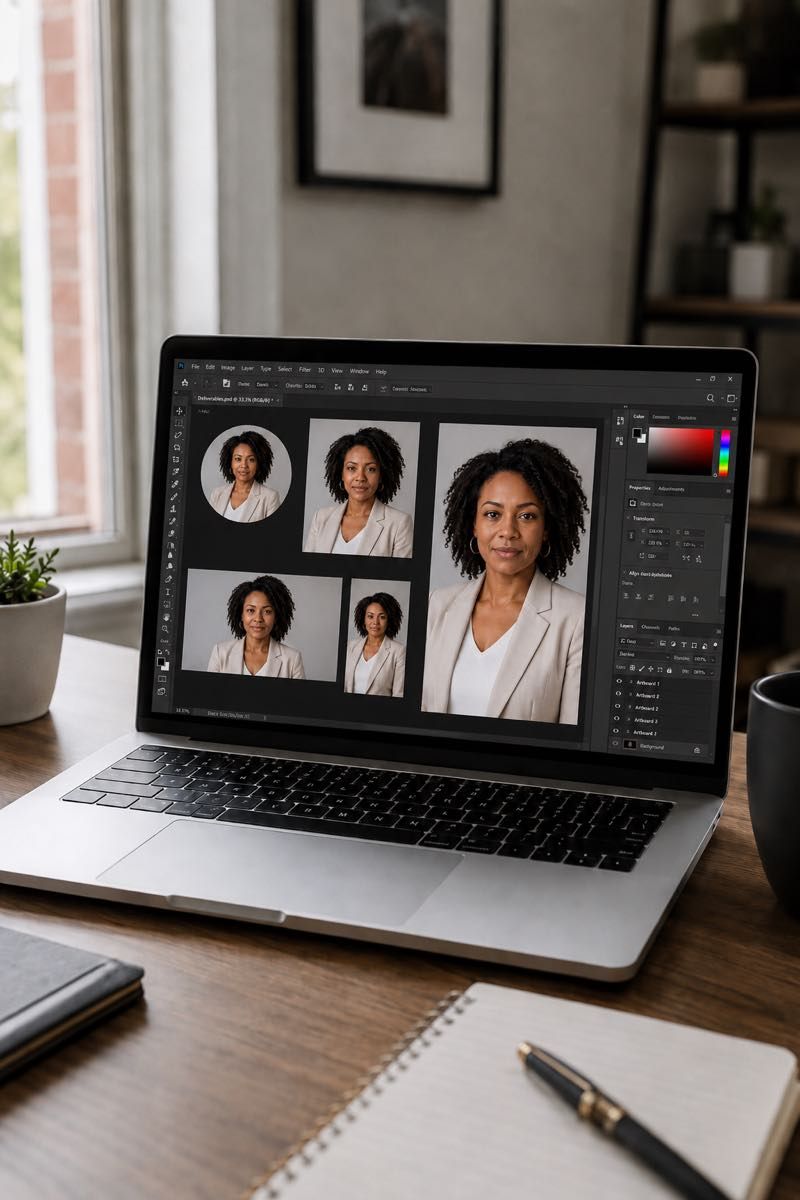
AI headshots can be useful for low-stakes experiments, quick style tests, or trying different background ideas. The question for LinkedIn is whether your profile image should be generated or captured.
For LinkedIn, likeness matters. Recruiters may meet you in person. Clients may check your profile before a call. Journalists, investors, hiring managers, and colleagues may use your photo as a trust signal. If the image looks slightly unlike you, that creates a small credibility gap.
A real remote session avoids that problem. The headshot is made from an actual photo, with live direction and natural editing. You get the convenience of an online session without replacing your face with a generated version.
Setup and final, side by side
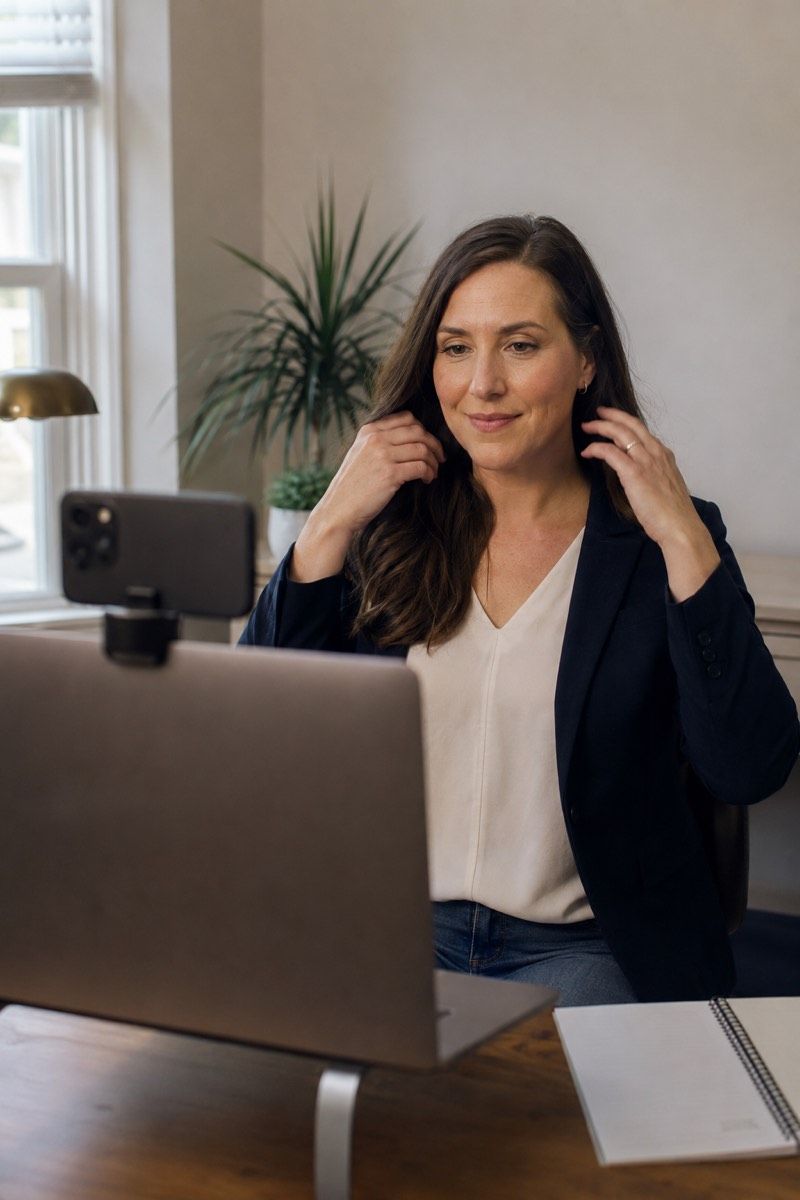
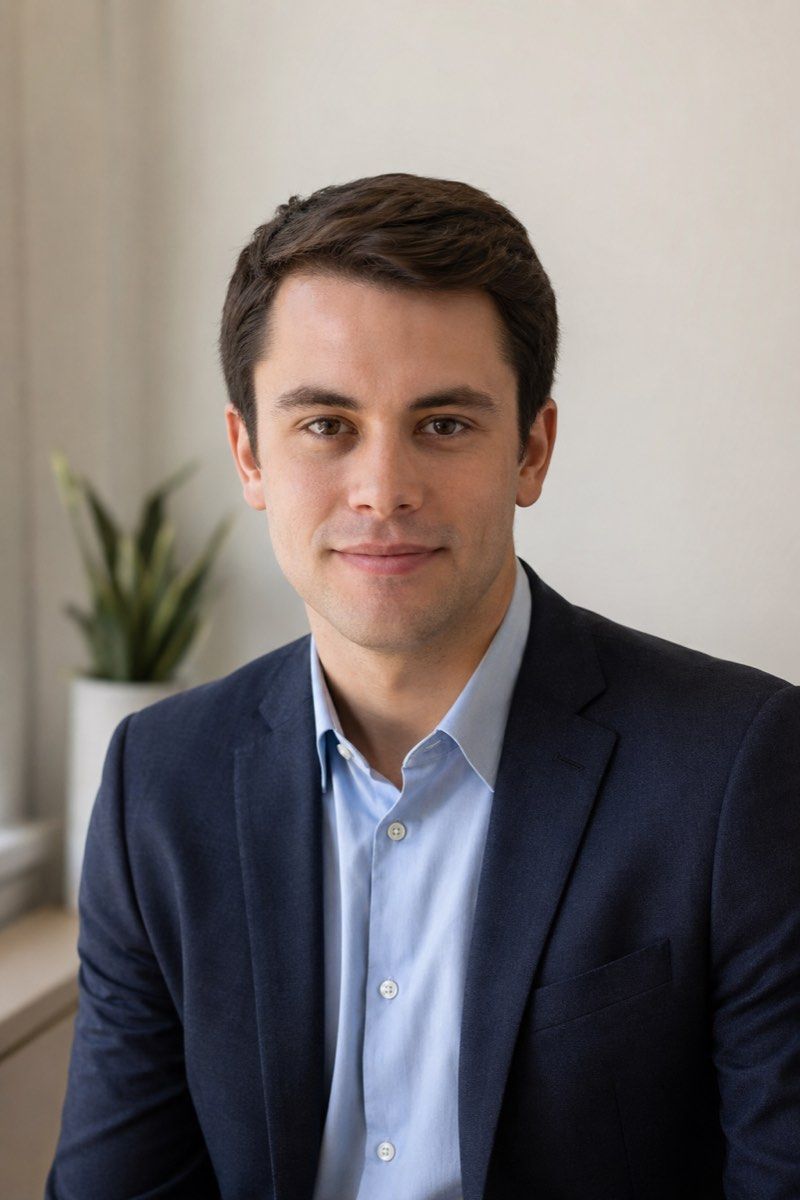
Same person, same room, same window. The difference is live direction, better framing, cleaner lighting, and a final edit that turns a simple remote setup into a professional profile image.
Where LinkedIn fits
Client-facing professions have their own conventions — see headshots for real estate agents and brokerages.
A full individual session with crops for LinkedIn, resume files, email signatures, company bios, and professional profiles.
A more polished path for leaders who need headshots for LinkedIn, press, board profiles, investor materials, and company websites.
A consistent LinkedIn-ready standard for remote teams, with shared crop, background direction, editing, and usage rights.
Common questions
LinkedIn headshots need a specific crop because the image appears in small search thumbnails, message previews, and the larger profile view. A good LinkedIn crop keeps the face clear, the eyes visible, and the background quiet even after LinkedIn compresses the image.
Yes. The final headshot is based on a real photo captured during a live remote session. A photographer guides your lighting, framing, posture, expression, and background before the selected image is naturally retouched.
Yes. The session is designed for LinkedIn first, but the final files can also support resumes, email signatures, company bios, speaker profiles, personal websites, and internal directories.
No. Most sessions can work with a phone or laptop, a quiet spot, a clean lens, and decent light. The photographer will help refine your camera height, background, and framing during the session.
An AI LinkedIn headshot is generated from uploaded images. This service creates a real photo during a live session with photographer direction. The result keeps your actual likeness while improving light, crop, expression, and polish.
No. Individuals can book one online LinkedIn headshot session, and companies can use the same workflow for remote teams, new hires, executives, or distributed employees who need consistent profile images.
Final delivery includes a retouched LinkedIn-ready image, a square profile crop, additional useful crops, high-resolution files, and unlimited usage rights for professional use. Retouched, web-ready final images arrive within two business days of your selection.
Book the session
Create a professional LinkedIn headshot through a real online session with live direction, natural retouching, and final files you can use across your profile, resume, company bio, and other professional channels.