Individual remote headshots
$180 Per person
- Fully remote session
- Live posing and lighting guidance
- One retouched final image
- Digital background option
- Private gallery
- Unlimited usage rights
Global employee headshots
Plan a shared visual brief, regional time blocks, participant guidance, approval ownership, and later additions for a distributed workforce.
Which one applies
Need headshots for two people? Request a custom quote.
The short answer
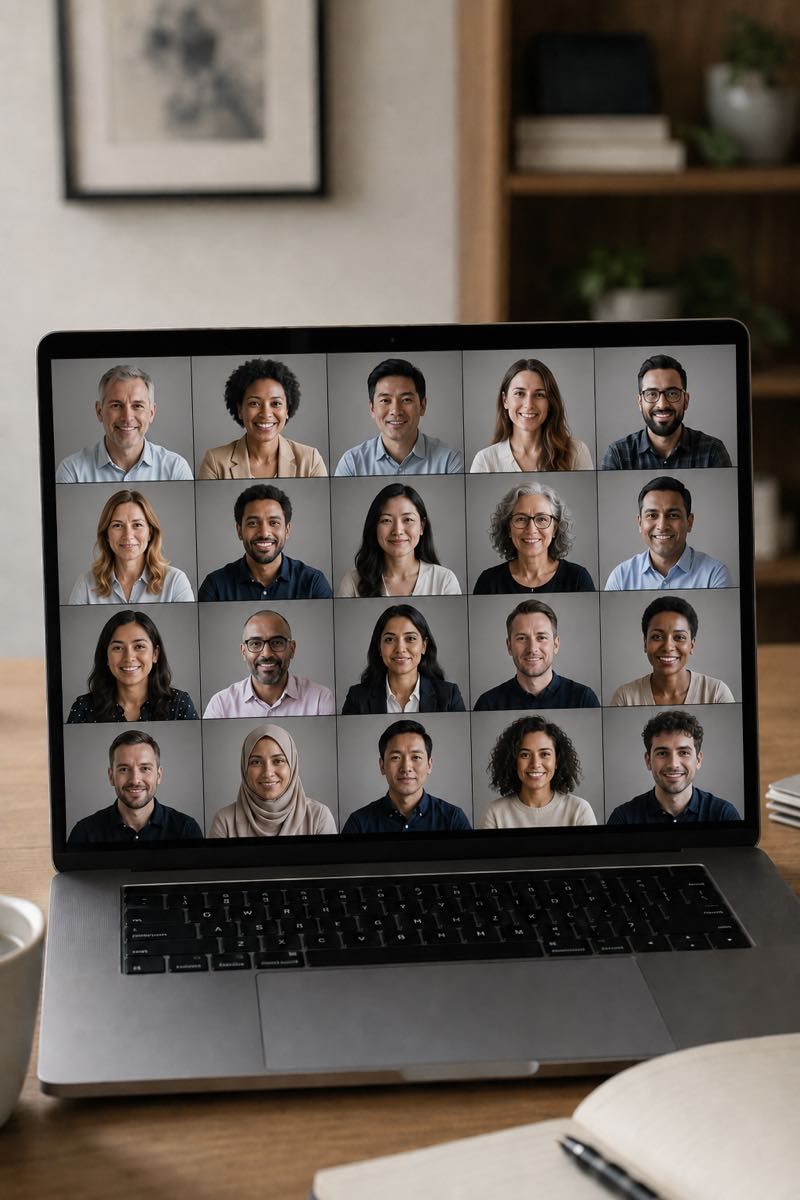
A global employee headshot plan should start with one visual brief, one approval owner, regional time blocks, a participant checklist, and a rule for later additions. The plan should separate shared image rules from regional clothing, room, and calendar differences.
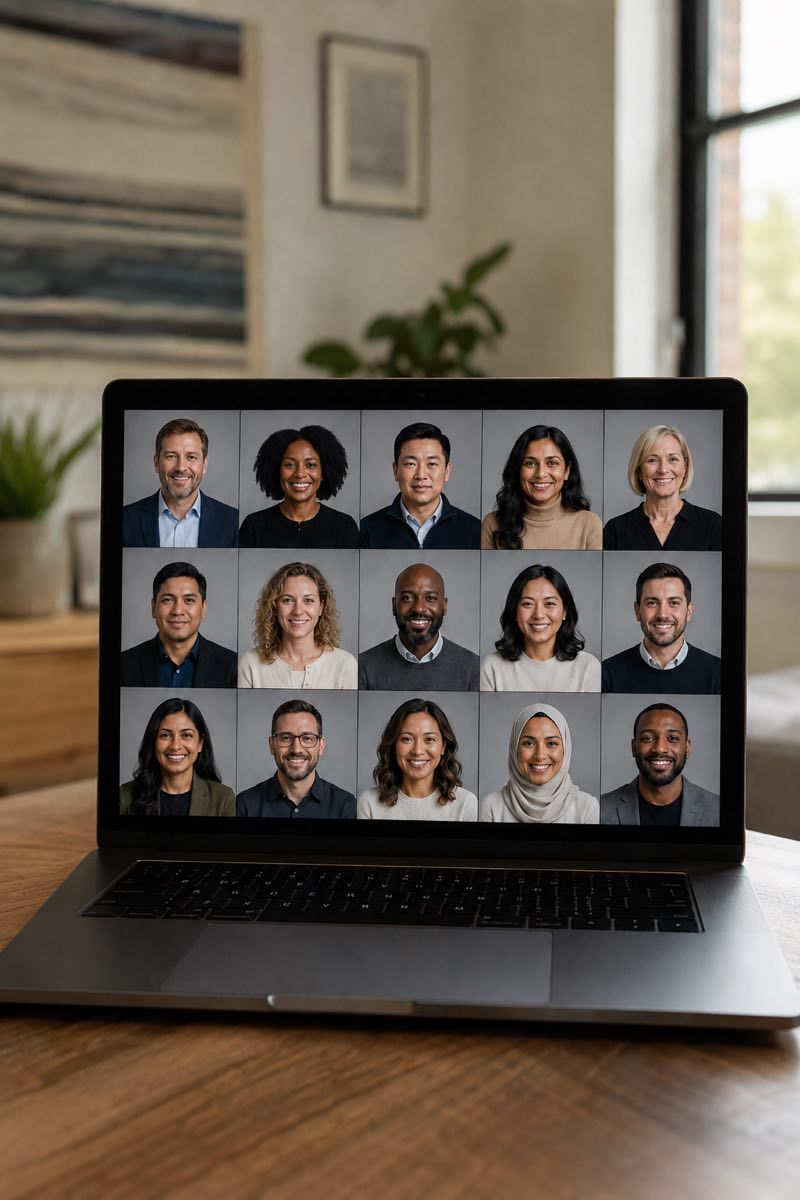
Each person joins from their own location.
A photographer gives live direction on lighting, framing, posture, expression, and background.
The global brief
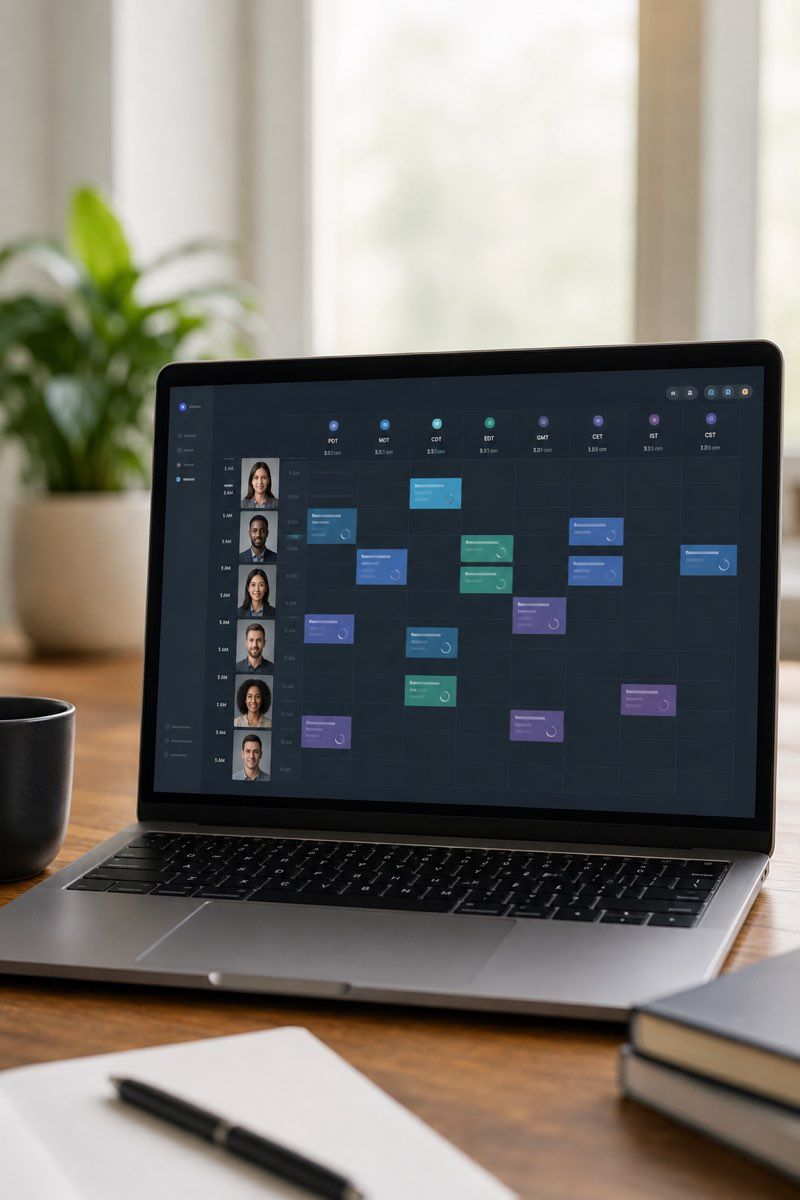
Begin with the receiving pages. Record the crop, face position, background direction, color range, expression range, and image shape already visible. If a redesign is underway, use the approved layout.
Choose one owner who can close the global choices. Regional stakeholders may explain local clothing norms, room constraints, or calendar limits, but the shared image rules need one final source of truth.
Write down what is global and what is regional. Crop and background direction may belong to the global brief. Clothing guidance or time blocks may need regional notes. Keep those layers in one document so a local note does not become a competing visual system.
The goal is not to erase personality.
The goal is to let people feel like themselves while making the whole team page feel intentional.
Regions and time zones
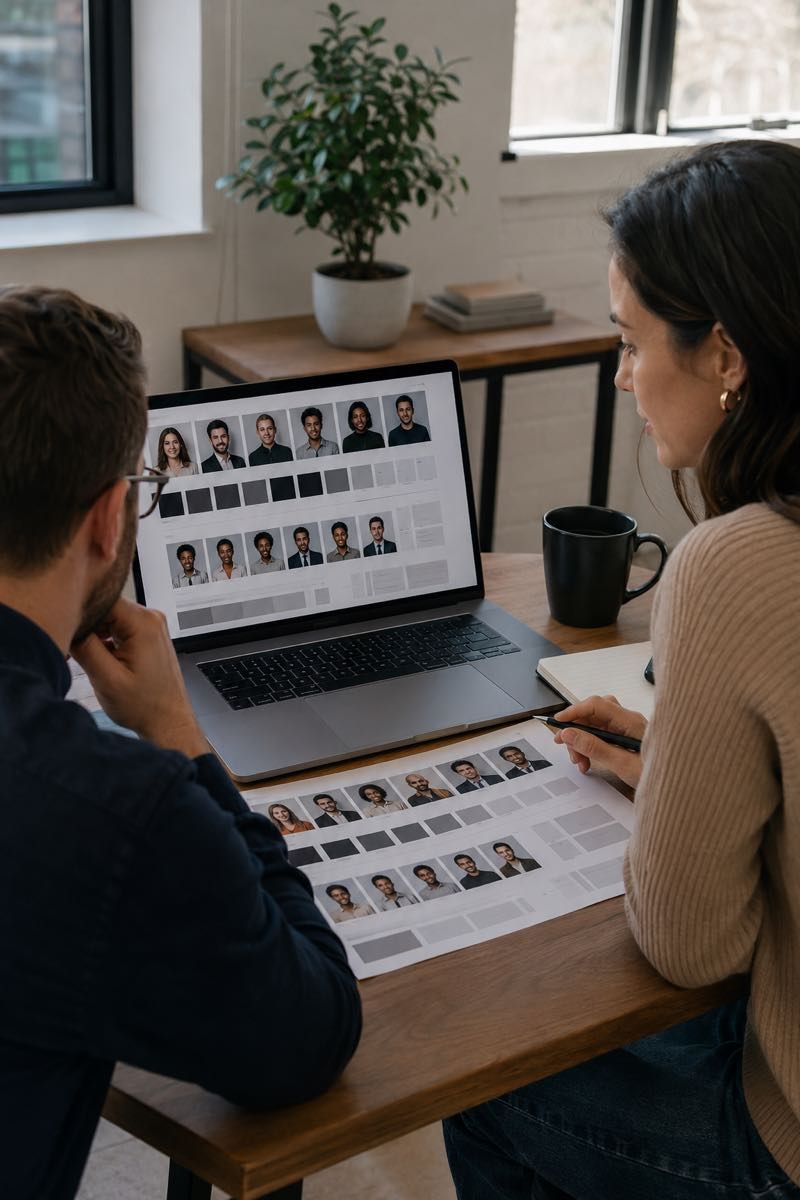
Employees choose a session in their own time zone while your team follows progress in one company roster. The portal calendar shows each person the times that are available to them, with their own time zone already applied, so no one converts a shared block by hand. Availability is what the programme has open, not round-the-clock booking.
One shared brief travels with every invitation, so a session photographed in Singapore follows the same background, crop and finish as one photographed in Dublin. See what an employee sees.
List the regions represented in the group and the time zones participants actually use. Identify shared deadlines that need explicit labels, and avoid shorthand that can be read differently in another country.
Identify holidays, travel periods, and internal events that may affect participation. Keep those notes with the region, not in the visual brief. The brief explains how the images should look; the region map explains when and where people can take part.
Scheduling is per person, not per company.
No shared date is needed, and people hired later book into the same flow.
Use the global route when region mapping and later additions are central. Use remote team headshots when one shared group brief is enough.
Regional differences
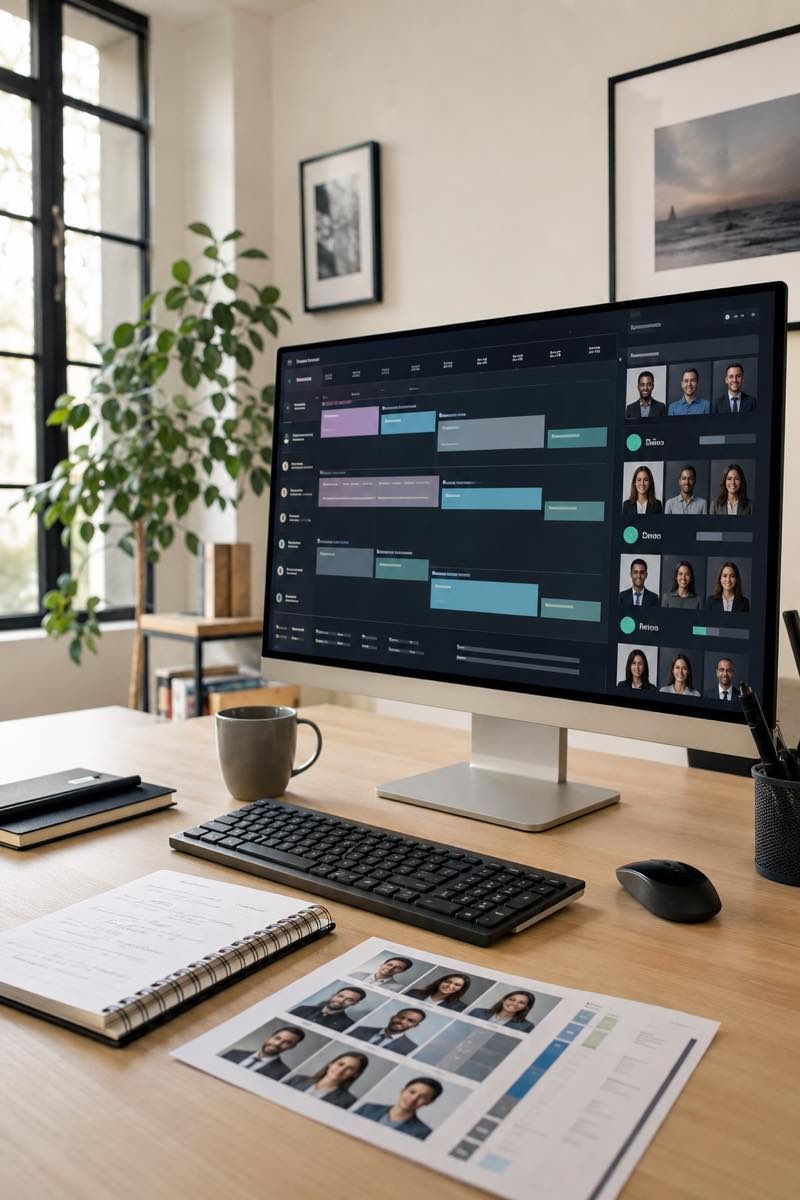
Ask regional stakeholders for constraints that affect the visible brief or participant note. Clothing formality, room access, workable light, device policy, and working hours may vary.
Do not create a different style for every region by default. Start with the shared brief, then document only the variation that has a clear reason. State whether that variation may appear on the same public page and who approves it.
The important thing is not that every employee stands in the same room.
The important thing is that the final images belong to the same visual system.
Keep an exception log. A named exception with an owner is easier to manage than an undocumented regional habit.

Participants and owners
Create a participant note that can be localized without changing the visual brief. Keep device, light, background, clothing, and space checks in the note. Keep crop, color, and image destination in the brief.
Create a separate owner tracker. Use clear states for invitation, time choice, completion, approval, and exception. Keep private participant details out of anything shared more widely than the tracker itself.
For every exception, record the region, reason, owner, and next action. If the exception changes the shared visual direction, send it to the global approval owner. If it affects only one participant’s room or calendar, resolve it in the participant path.
The preparation guide covers what each participant needs on the day, and new hire headshots covers the people who join after the rollout is finished.
After launch
Store the approved brief, region map, participant note, approval checklist, and file map together. When a person joins later, check whether the destination page or brand direction has changed.
If the shared direction is unchanged, start from the stored brief and add only the new participant record. If the direction changed, document the change before adding the image. Do not let an old brief silently control a redesigned page.
At each regional handoff, compare the localized participant note with the shared brief. Local wording may adapt to language and cultural context, but the visual rules should remain explicit. Keep the region name, time-zone label, exception owner, and next action together. Agree on shared words for crop, background, expression, and clothing so the same visual choice does not come back translated into two different instructions.
Before a later addition, inspect the destination page and the stored exception log. Remove obsolete regional notes, retain decisions that still apply, and record any new variation before the participant receives the note.
About Remote Headshots covers who photographs and edits the work, and how remote headshots work walks through a single session from booking to final files.
The core workflow does not depend on local photographers.
Pricing
Start with an individual session, a small team rollout, or a larger company program. Each option is based on real photo capture, live direction, consistent editing, and organized delivery across locations.
$180 Per person
Popular
$100 Per person for teams of 3+
From $80* Per person for 10+
Need headshots for two people? Request a custom quote.
Retouched, web-ready final files arrive within two business days of your selection.
Portfolio
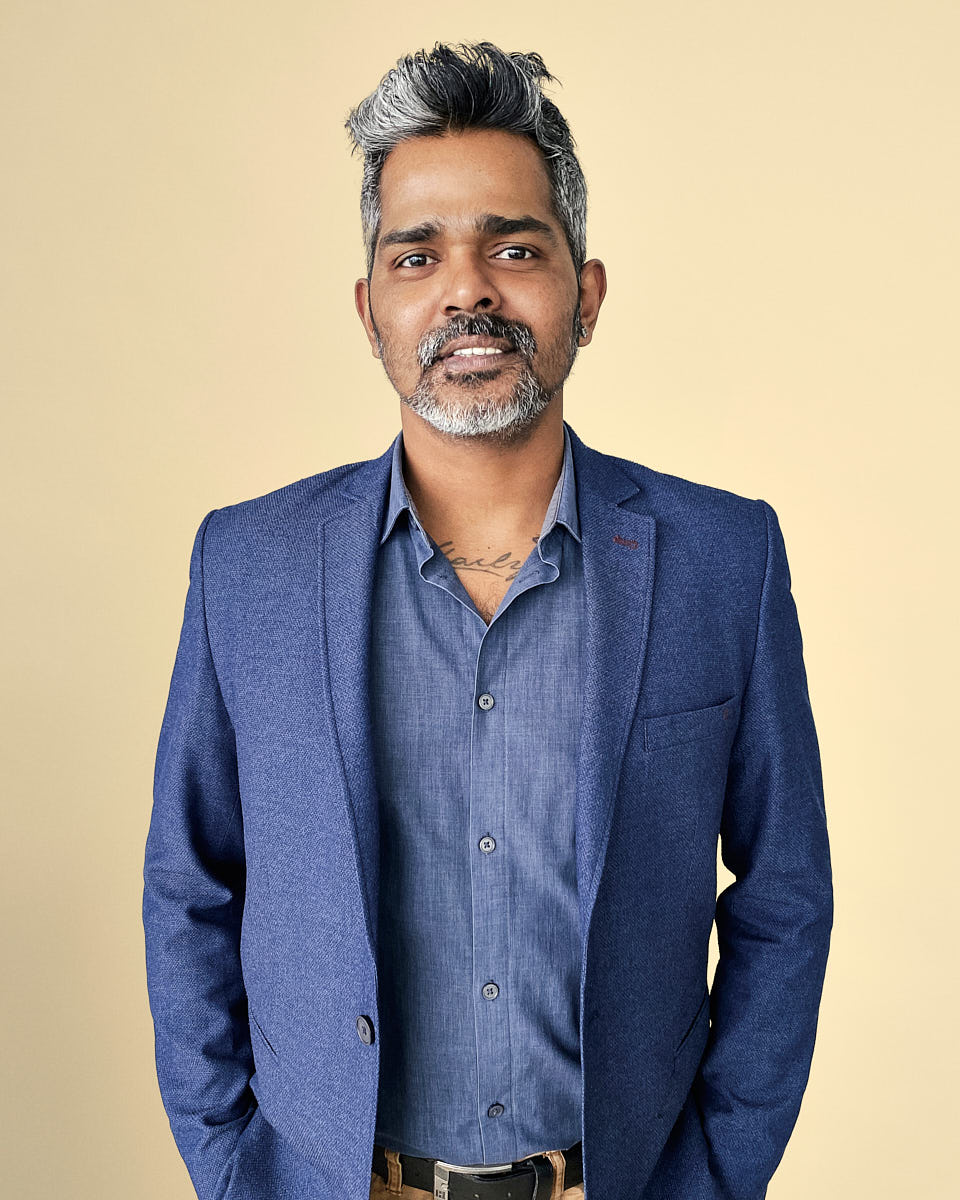
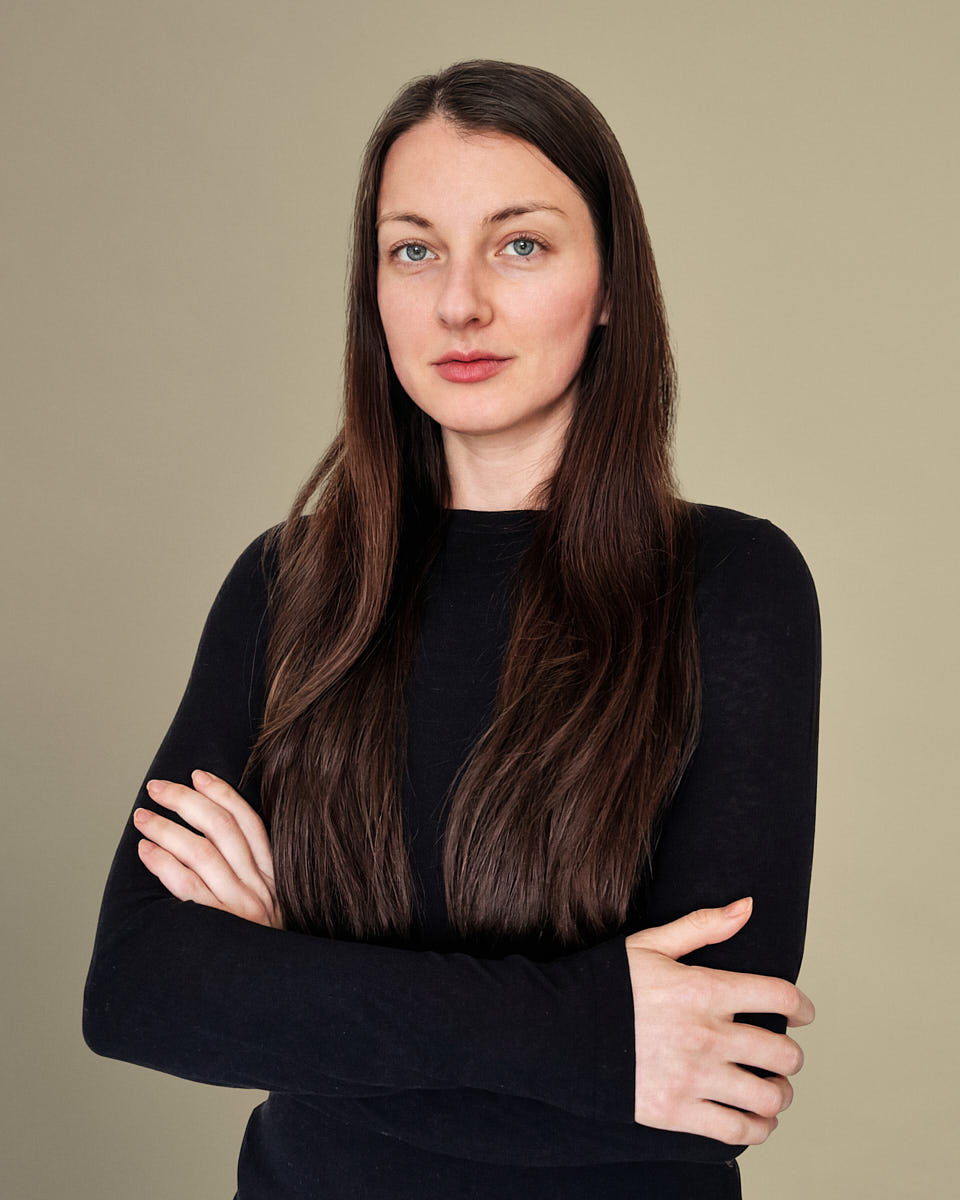
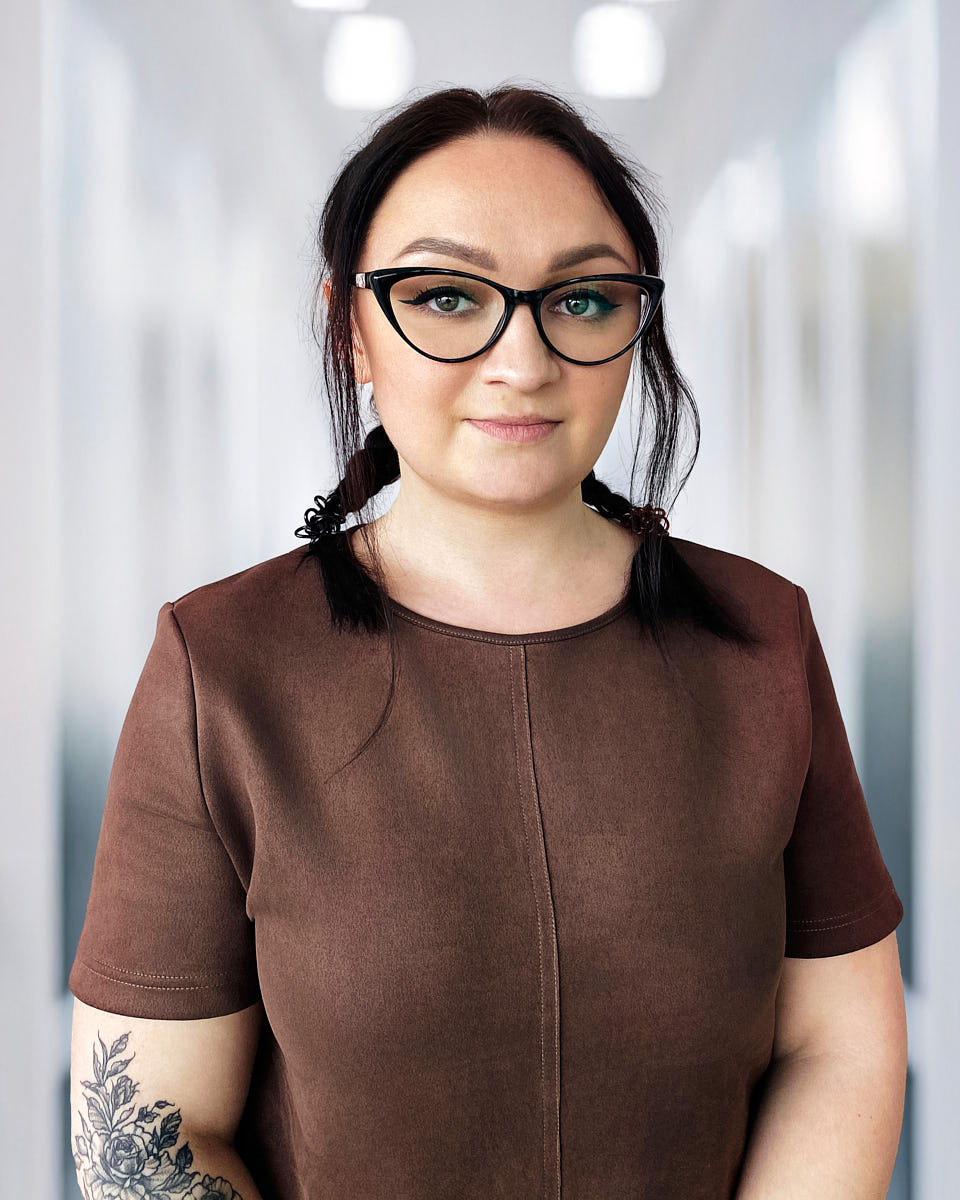
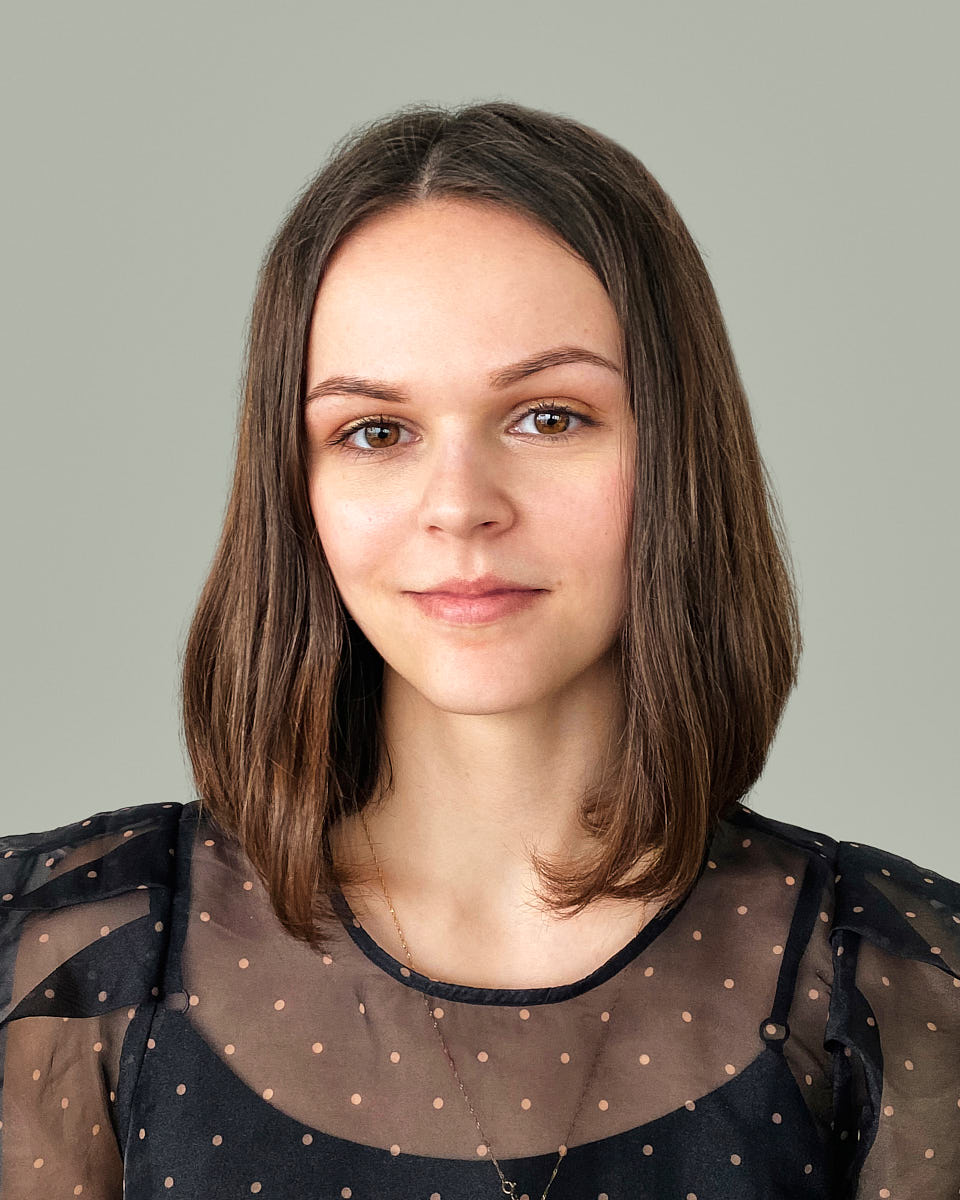
The final images should look clean, current, and professional across LinkedIn, company bios, recruiting pages, press materials, internal directories, and HR platforms. The goal is not to make every person look identical. The goal is to keep crop, background, color, expression, and retouching consistent enough that the team feels connected across regions.
















Where global programs grow
Set the company-wide visual base, with optional department or role-specific variants.
Create an onboarding workflow that keeps the team page updated as employees join in any region.
Add stakeholder controls, brand review, procurement support, and more formal rollout operations.
FAQ
No. The core workflow does not depend on local photographers. Each employee joins remotely, and a photographer directs lighting, framing, posture, expression, and background during the live session. This keeps the visual standard centralized instead of changing from country to country.
We organize sessions into regional scheduling blocks. A global rollout may include APAC, EMEA, and Americas windows, plus dedicated executive slots when needed. The goal is to make participation practical for employees without requiring late-night sessions or studio travel.
Yes. The visual standard is set before the rollout begins and applied across each session. Crop, background direction, lighting approach, color, retouching, and delivery format are managed centrally so the final set feels like one company.
Different environments can still work when the session is directed properly. Employees can join from a home office, coworking room, hotel room, or company office. The photographer adjusts the setup during the session, and the editing team helps keep the final images aligned.
Yes. Once the visual standard is approved, new employees can book into the same workflow later. This makes headshots easier to add to onboarding and keeps the team page from becoming inconsistent as the company grows.
Yes. The style guide can define one shared visual standard while allowing wardrobe guidance to respect local norms around formality. The images should feel consistent, but employees should still look natural within their role, region, and culture.
Final images can be used for company websites, leadership pages, team directories, HR platforms, LinkedIn profiles, recruiting pages, speaker bios, press materials, and internal tools.
Scheduling is per person, not per company. Each employee books a 25-to-45-minute session in their own time zone, on their own working day, and sessions can run across days or weeks. No shared date is needed, and people hired later book into the same flow.
Plan your rollout
Tell us how many employees you need to photograph, where they are located, and what the images need to support. We will help you choose the right rollout structure.