Individual remote headshots
$180 Per person
- Fully remote session
- Live posing and lighting guidance
- One retouched final image
- Digital background option
- Private gallery
- Unlimited usage rights
Individual remote headshots
Get a professional headshot without coming into a studio. A real photographer joins you live, helps adjust your light, camera height, background, posture, and expression, then captures images that are finished with natural retouching.
$180 one person
This is built for one person who needs a credible image for LinkedIn, a company bio, a speaker profile, press use, a personal website, or a new professional chapter.
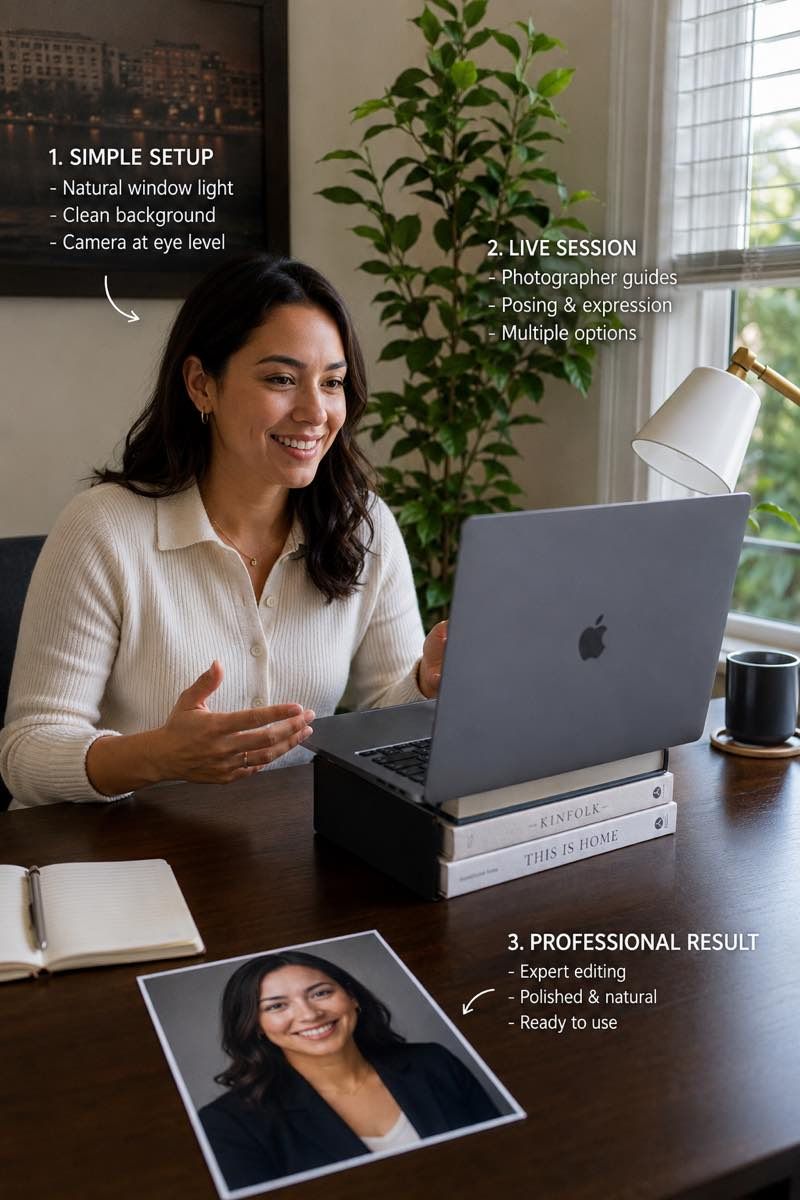
This page is for one person who needs a polished professional headshot without arranging a studio visit. It works especially well when the image needs to feel current, accurate, and ready for real business use.
For profile-specific framing, see LinkedIn headshots online. For leadership use, see executive headshots. For speaking and conference bios, see speaker headshots.
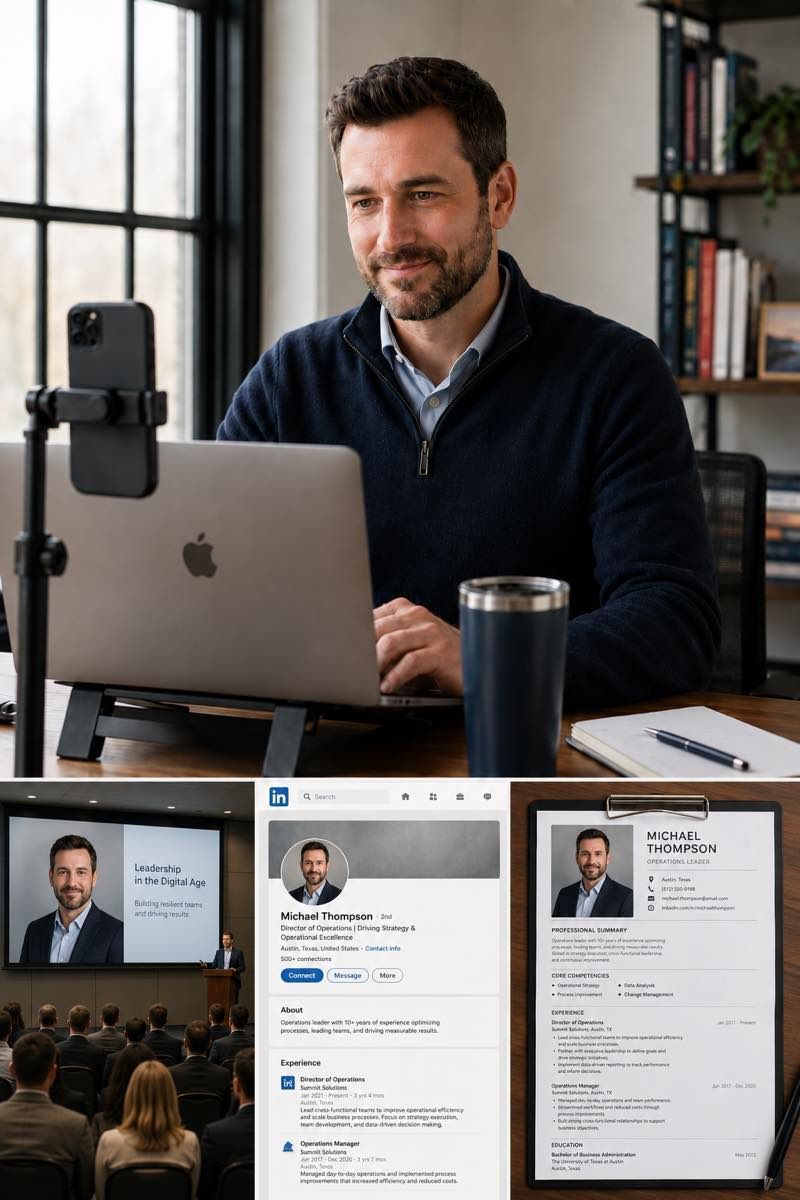
Pricing
Start with an individual session, a small team rollout, or a larger company program. Each option is based on real photo capture, live direction, and edited final files.
$180 Per person
Popular
$100 Per person for teams of 3+
From $80* Per person for 10+
Need headshots for two people? Request a custom quote.
Simple session flow
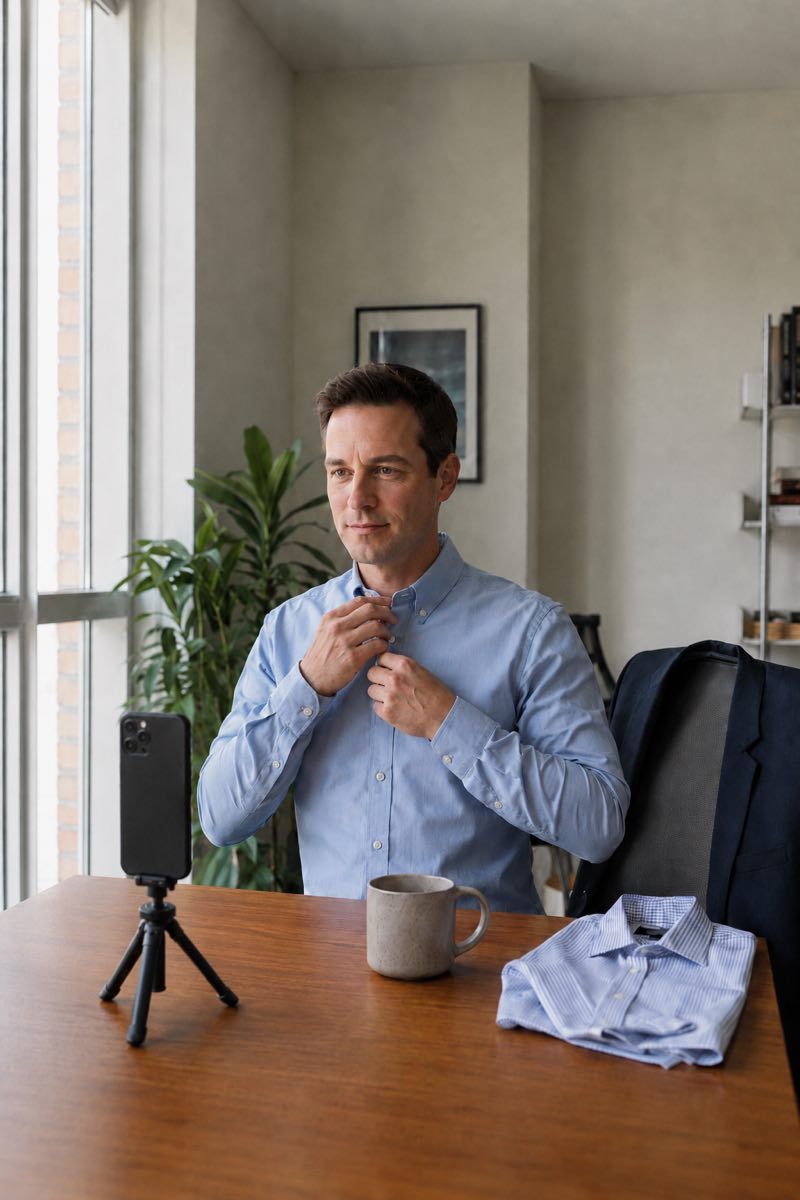
The process is designed to be simple for the participant. You book a time, receive preparation notes and the session link, join from your phone at the scheduled time, choose your preferred image, and receive polished final files after editing.
Choose a time that works in your time zone. Before the session, you receive simple preparation notes for clothing, light, camera position, background, and the session link and joining instructions for your appointment.
At the scheduled time, the photographer connects live, reviews your light, camera height, and background, then helps make small adjustments before capture begins.
Posture, framing, expression, and eye line are guided in real time. The photographer captures multiple frames during the session so you have options.
Selected images are retouched for skin, color, small distractions, and overall polish while keeping the result natural and recognizable.
Most people can sense when a headshot is not working, but it is hard to fix the image while you are also being photographed. Live direction solves that problem. The photographer can see the frame, notice small issues, and guide the details that make the final image feel more natural.
You do not need to figure this out alone. That is the point of the session.
You do not need special equipment. Most sessions only require a working camera, steady internet, and a little time to choose the right spot before the photographer joins.
The full breakdown lives in the preparation guide.
Where it gets used
A strong individual headshot has to work across small profile thumbnails, company pages, press bios, decks, and internal tools. The final files should feel consistent enough to use everywhere, without looking overly retouched or generic.
Cropped and toned for a profile that holds up at thumbnail size and full screen.
A polished image for team pages, leadership pages, about pages, and contributor profiles.
Sized for event pages, conference agendas, podcast bios, press kits, and promotional materials.
Files prepared for tools like Slack, Teams, Workday, Lattice, ATS systems, and internal people pages.
A consistent identity image for consultants, founders, creatives, advisors, and independent professionals.
A clean professional image for fundraising, sales, partnership, and about-the-team slides.
Some AI headshot tools create a polished image by generating or heavily altering your likeness. That can be useful for low-stakes experiments, but professional profiles often need a photo that still feels like the real person someone will meet on a call, in a meeting, or at an event.
This session is based on real capture. The photographer guides the image live, and the editing is used to clean and polish the result, not to make you look like someone else.
For a broader comparison, see AI headshots alternative. For how final images are finished, see retouching standards.
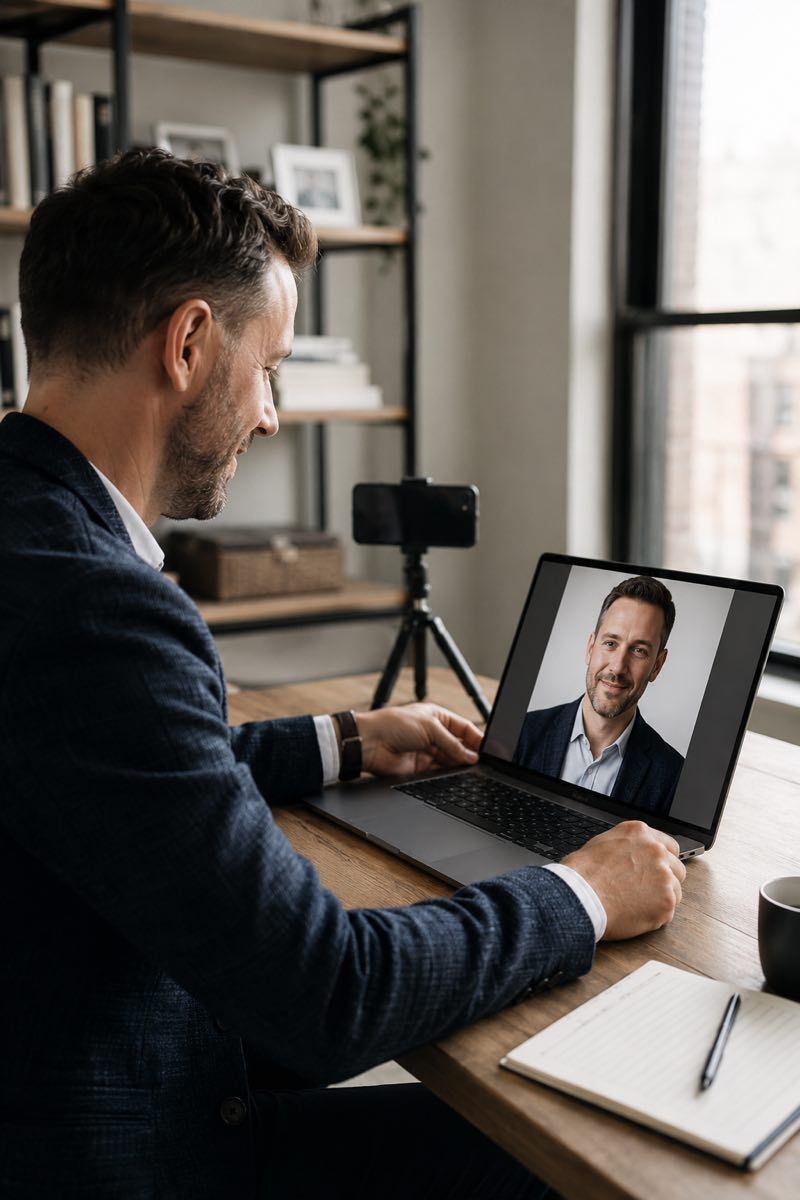
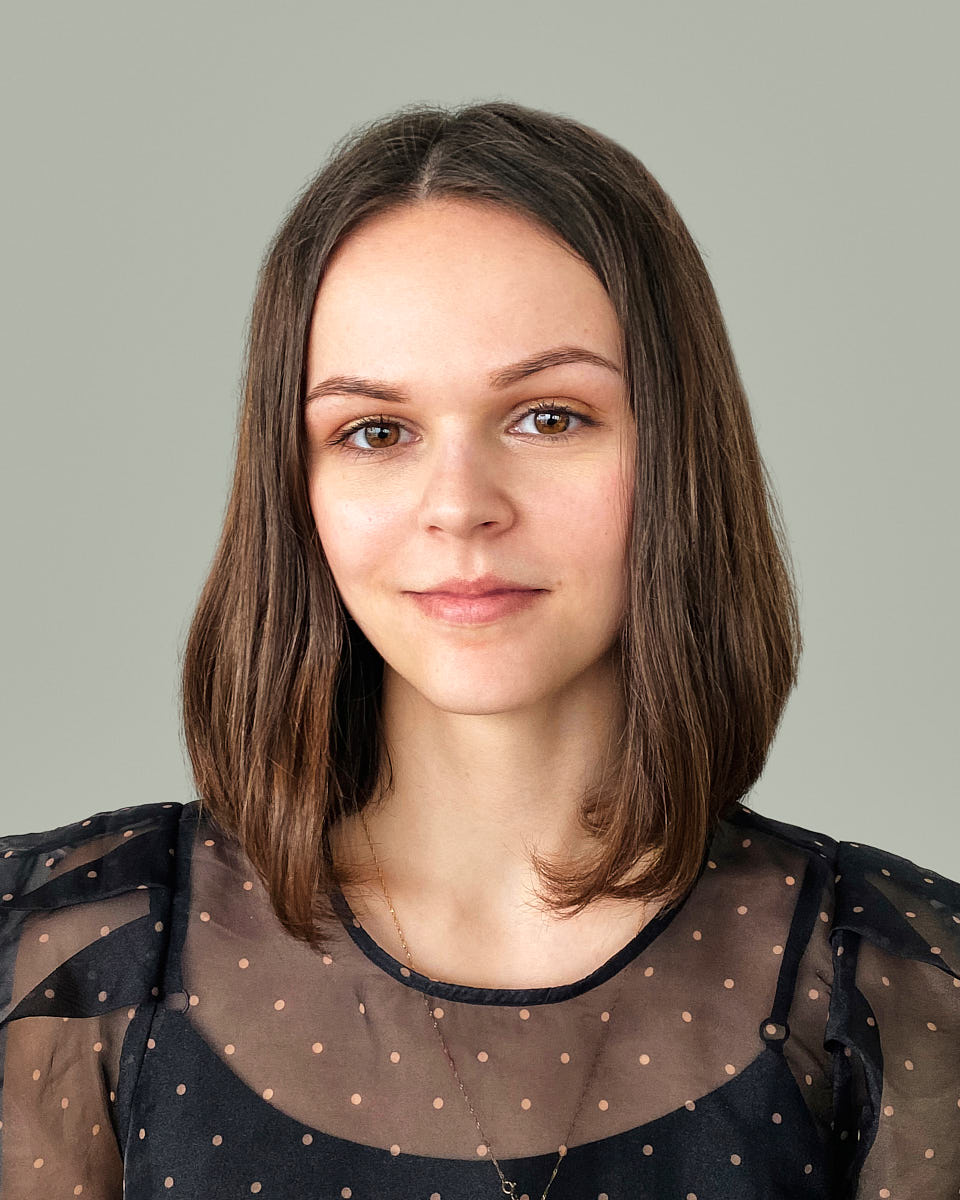
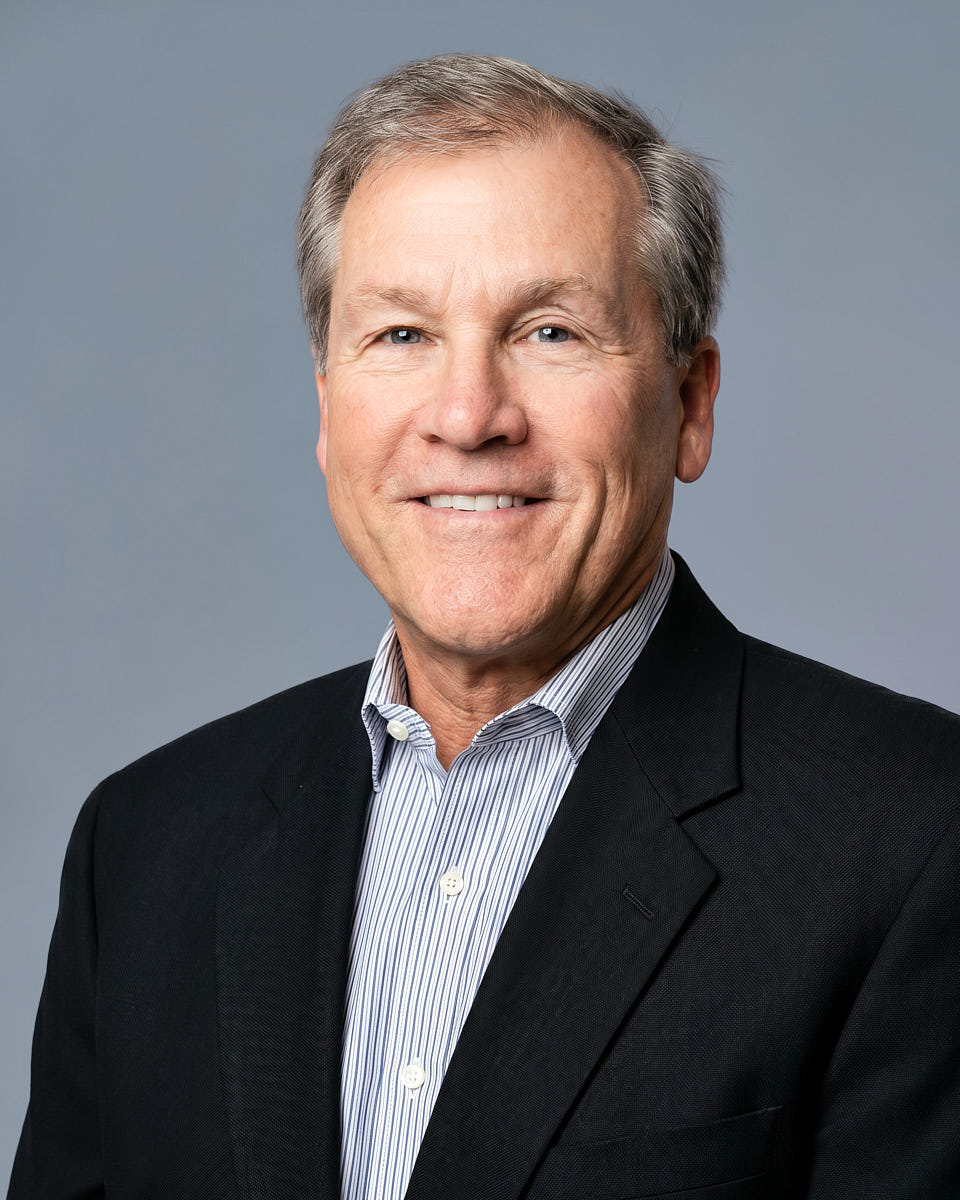
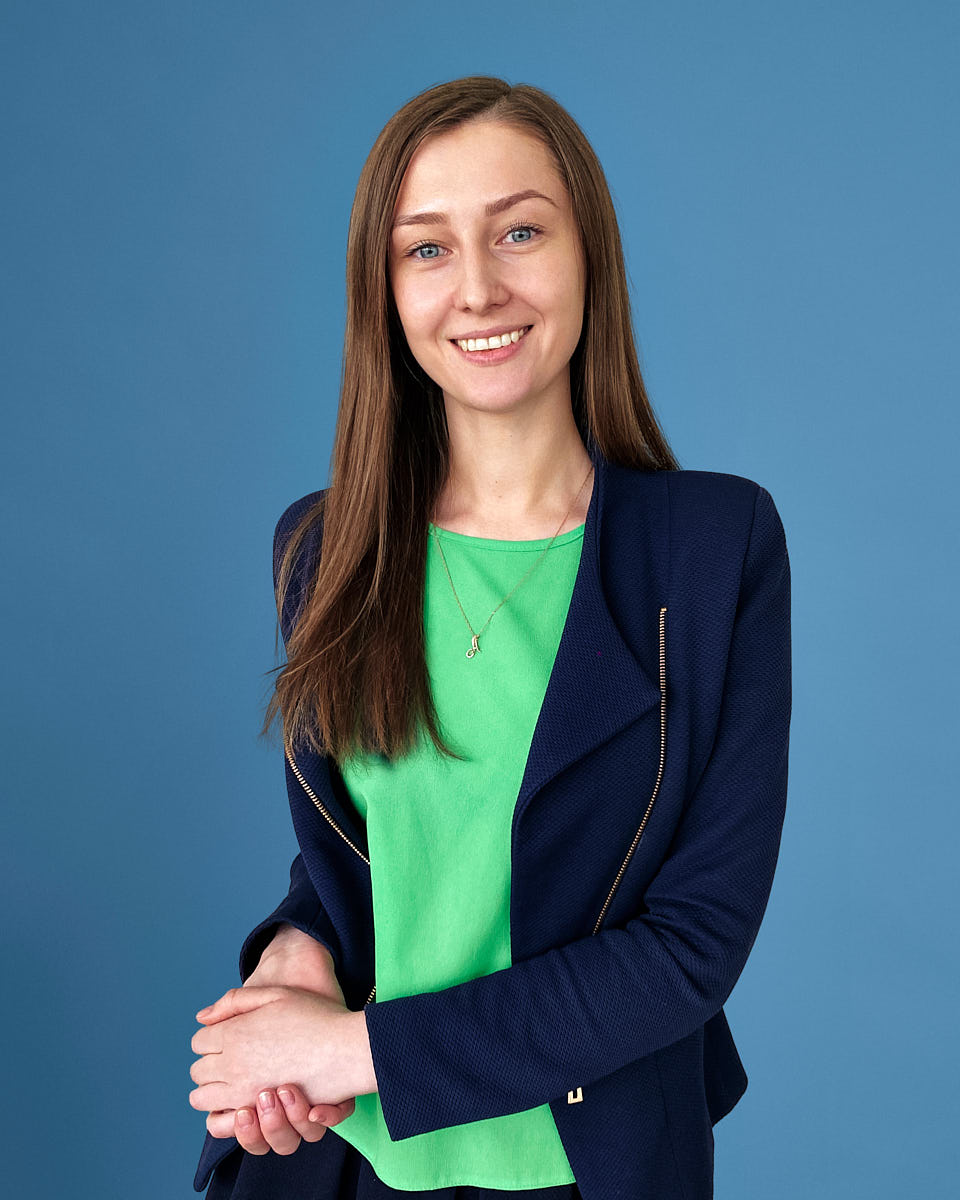
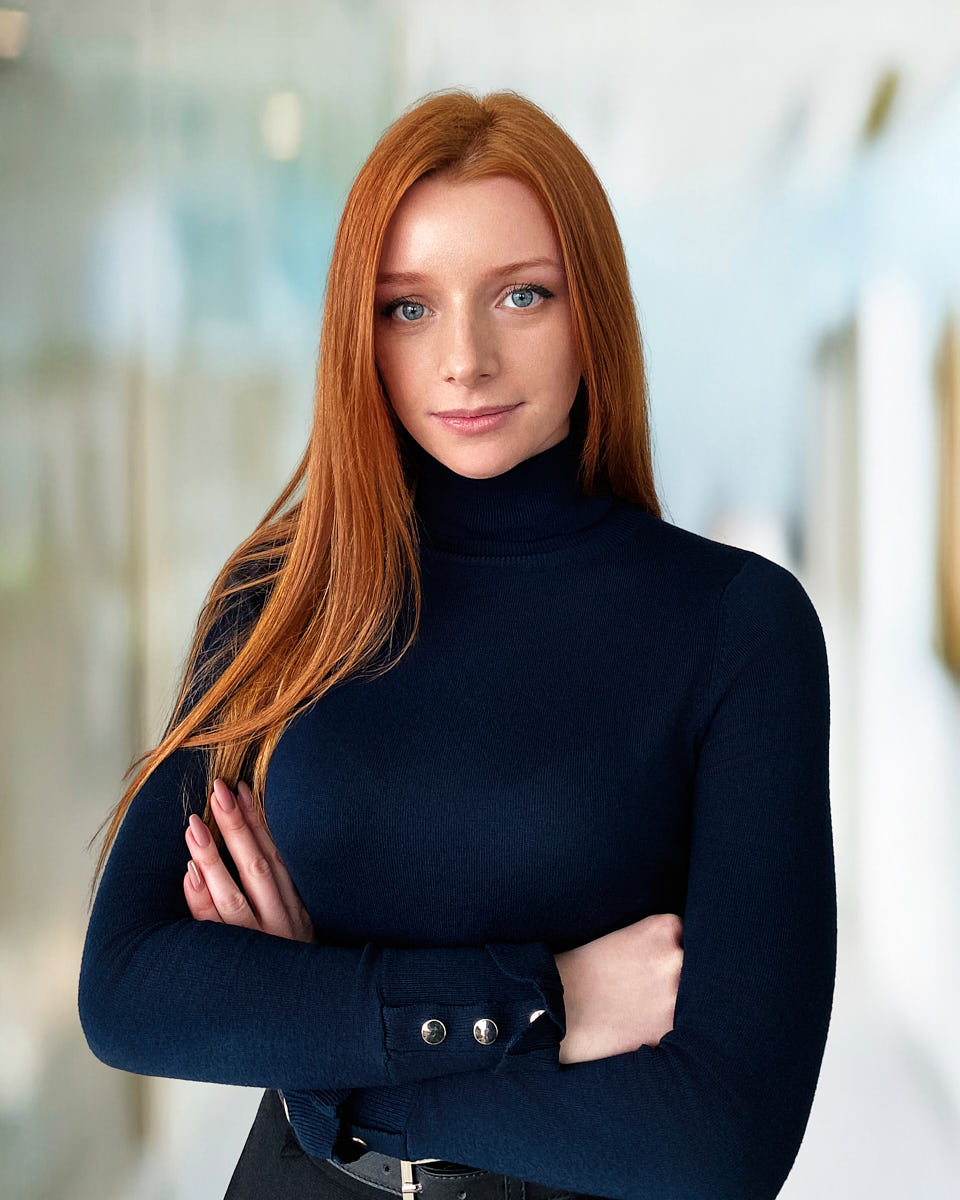
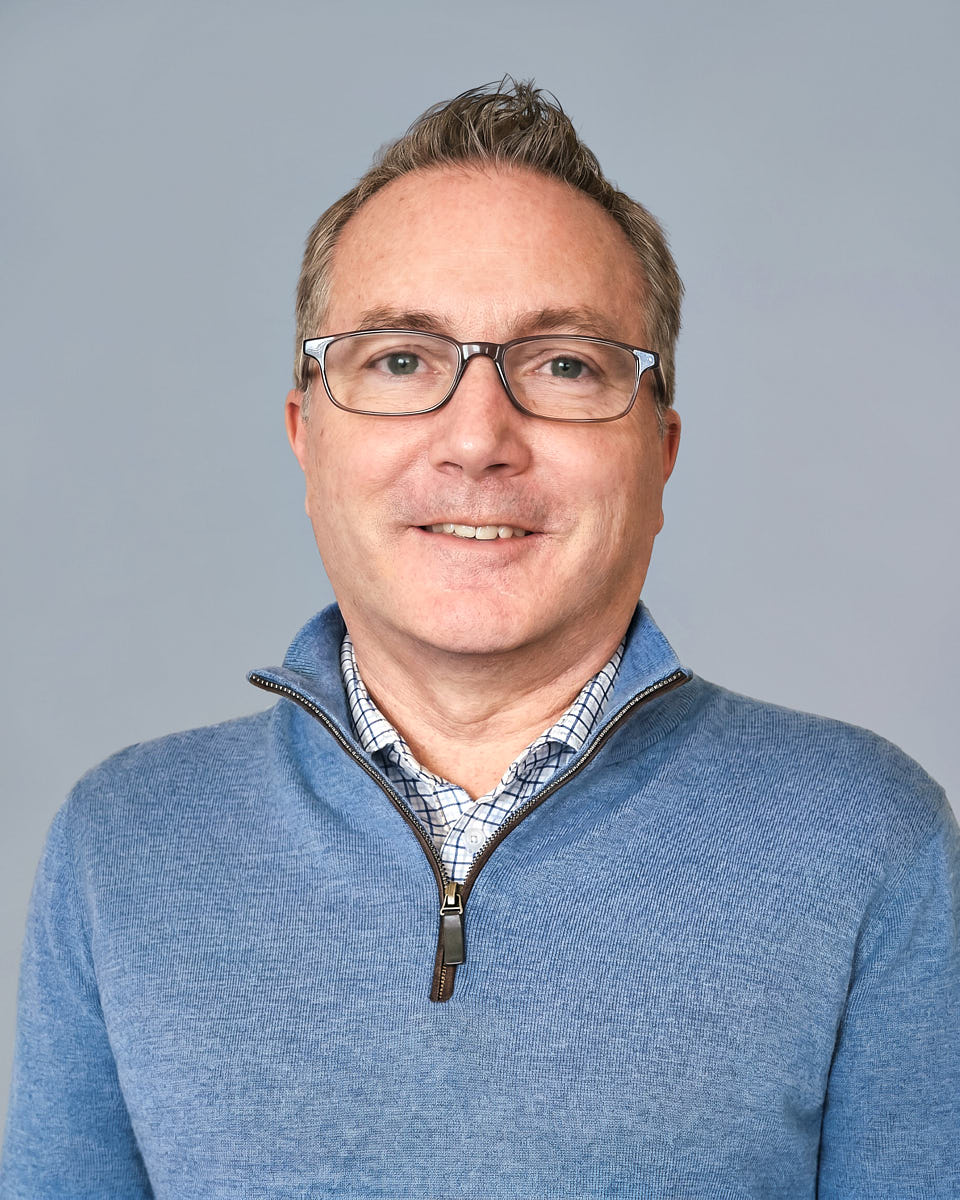
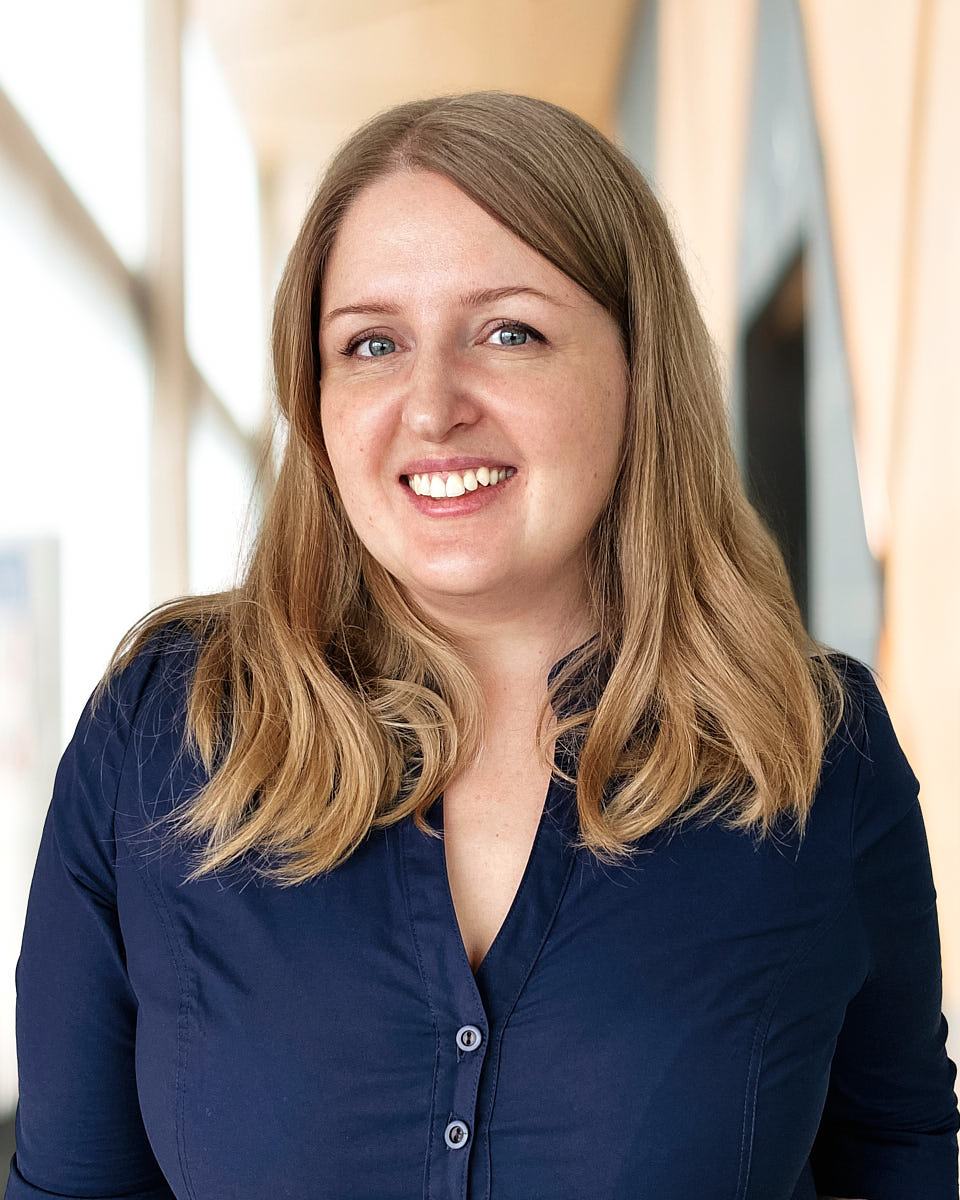
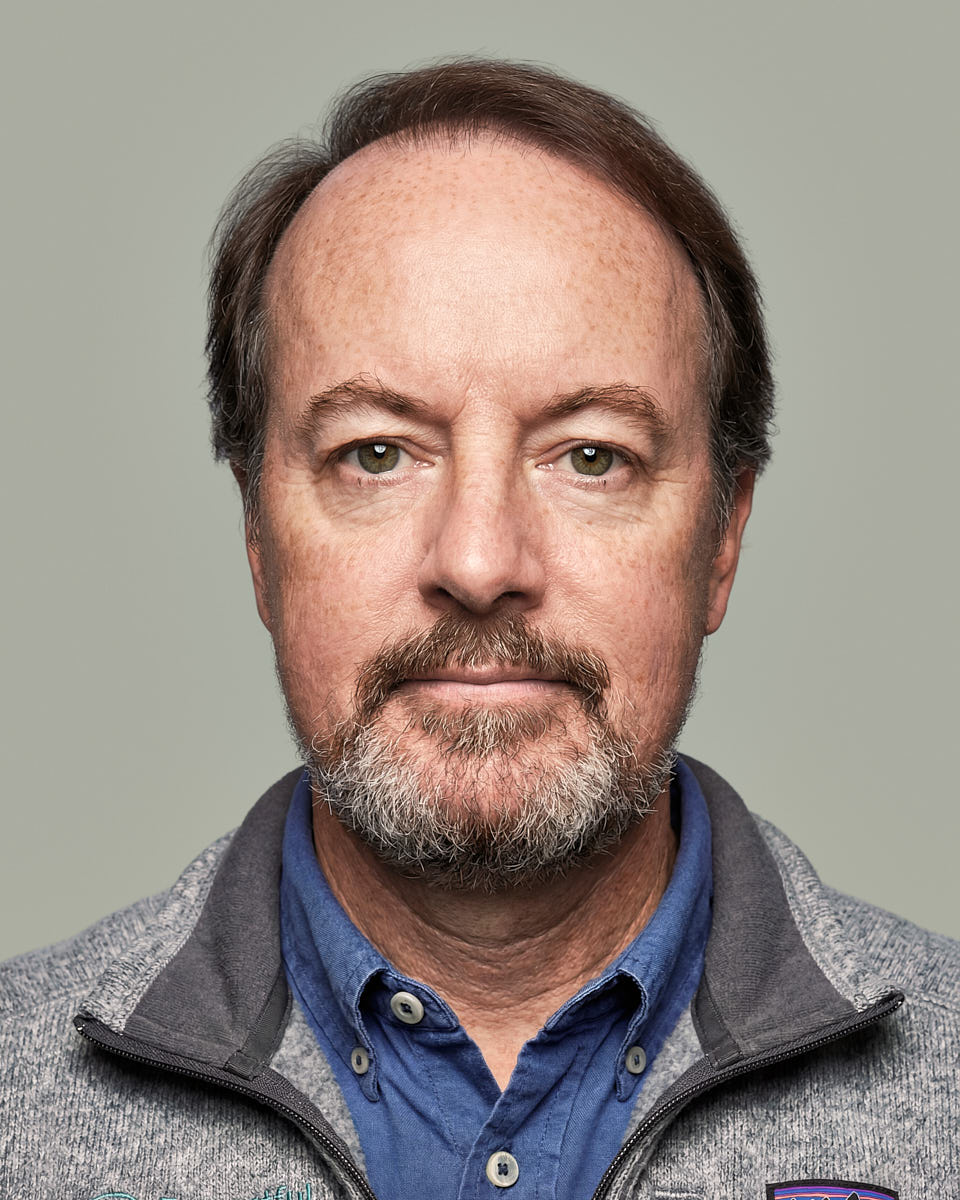
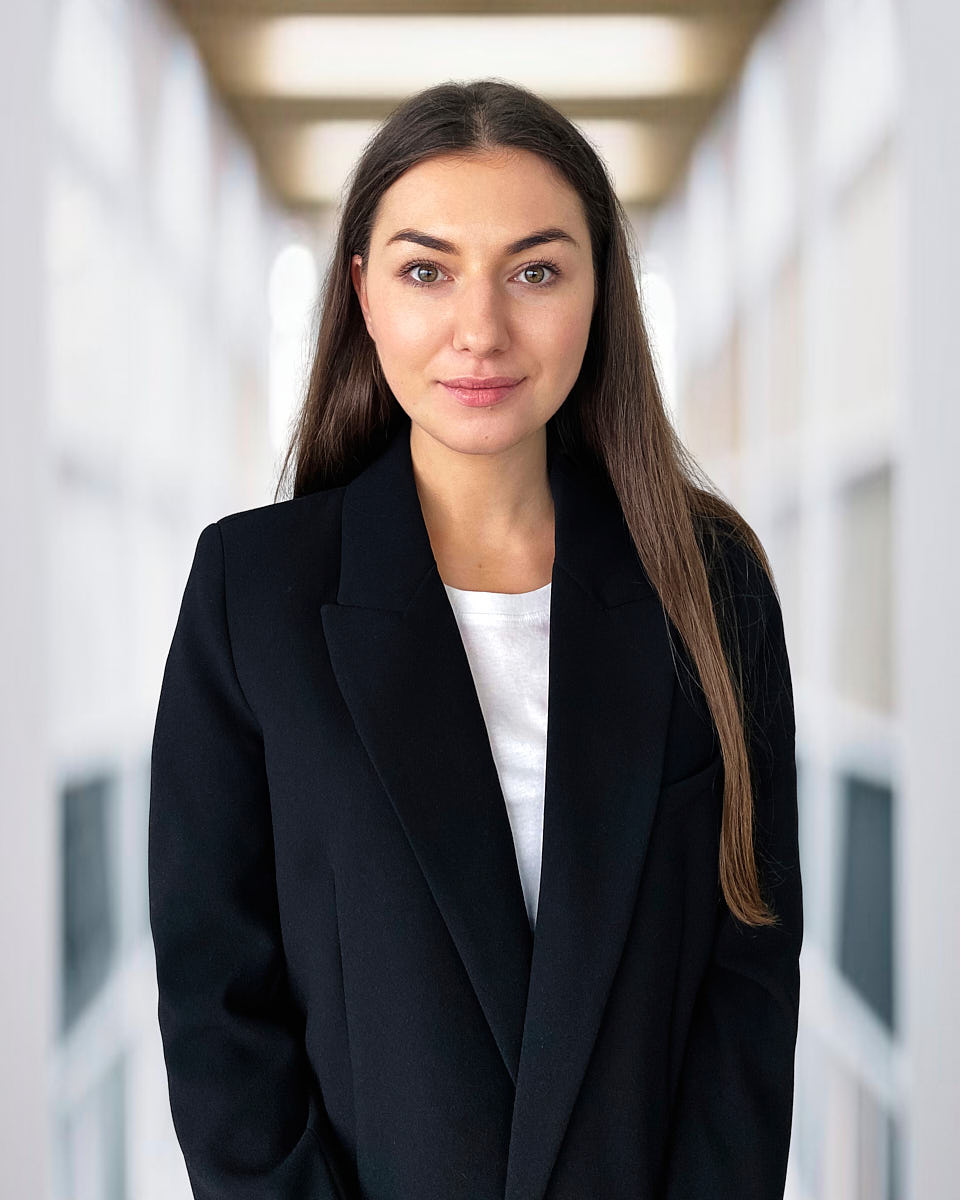
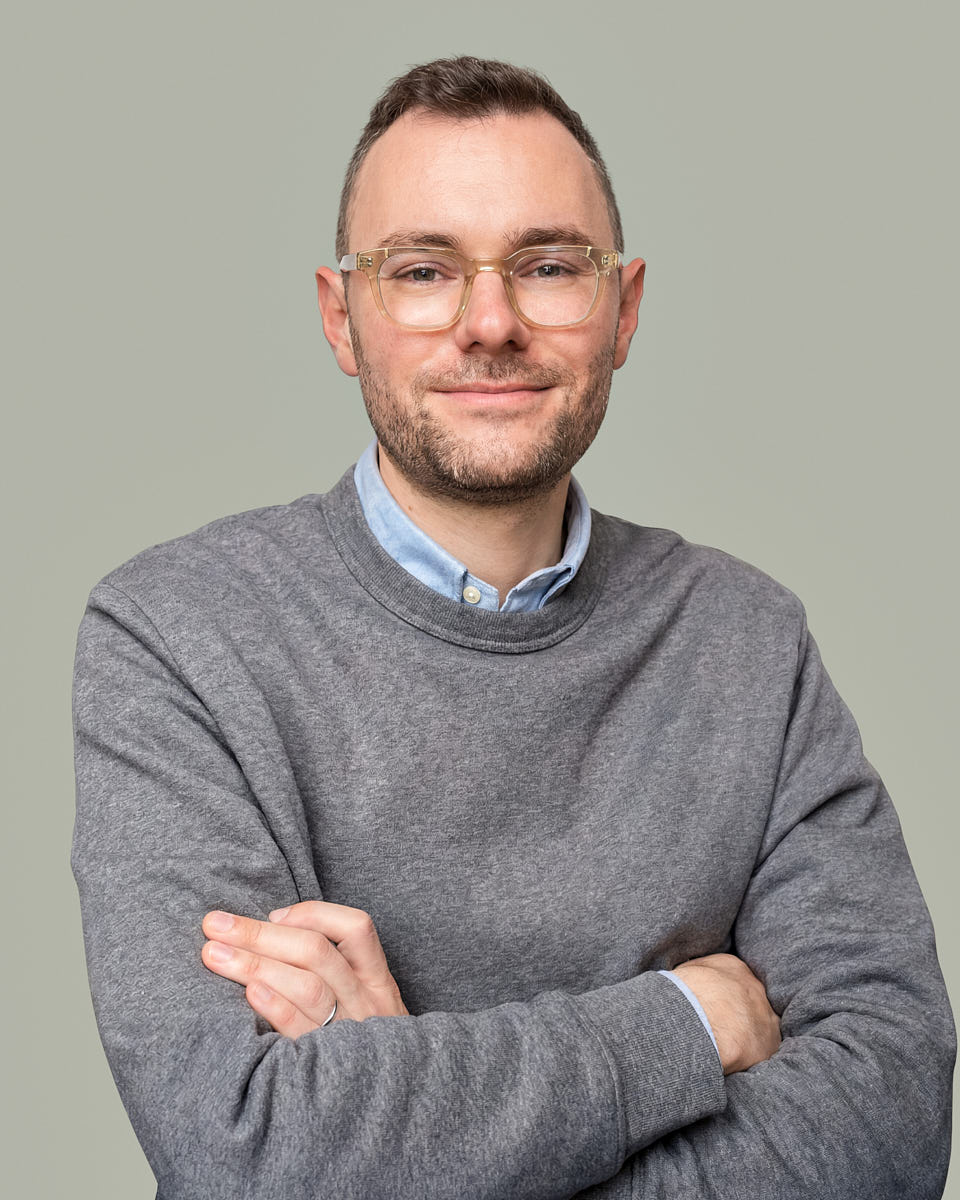
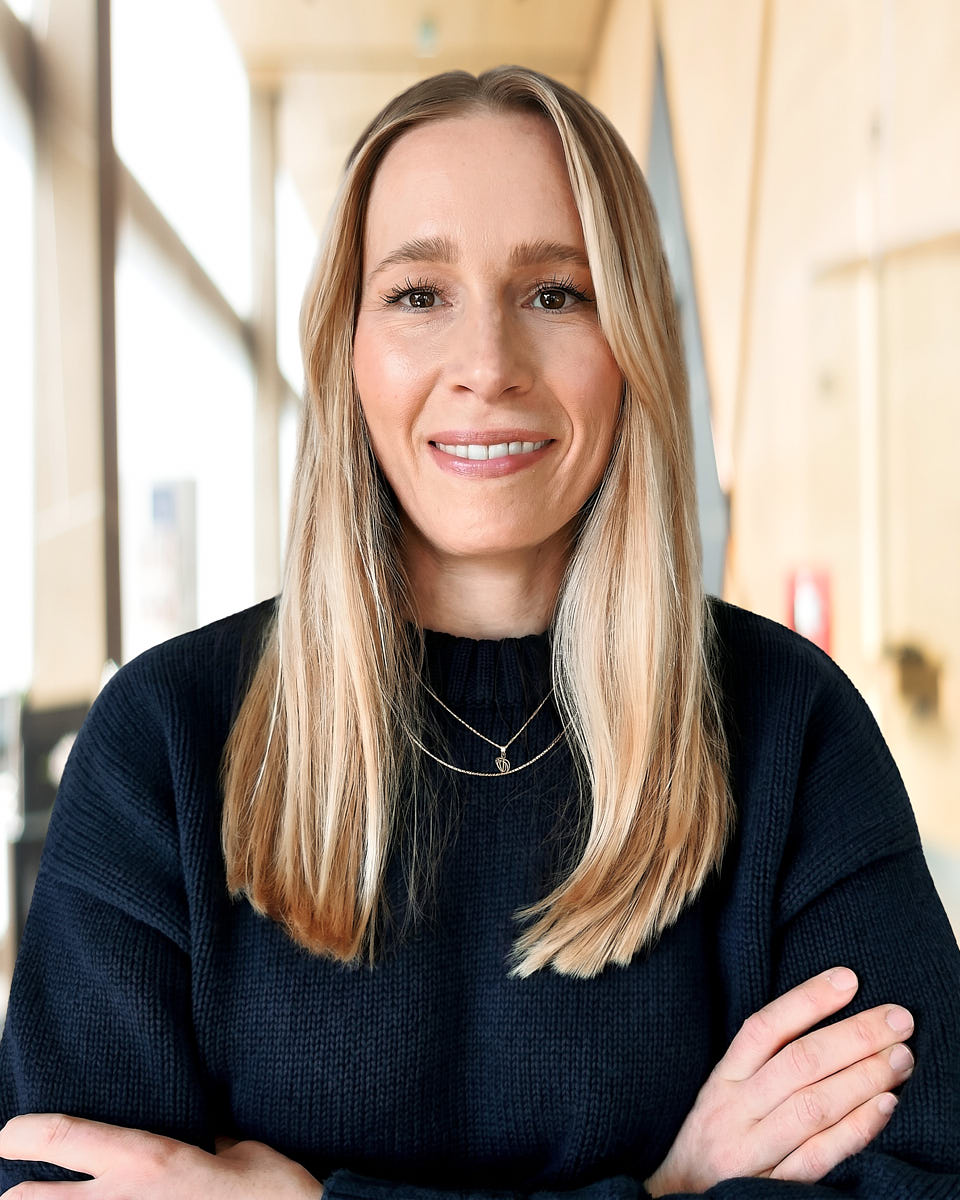
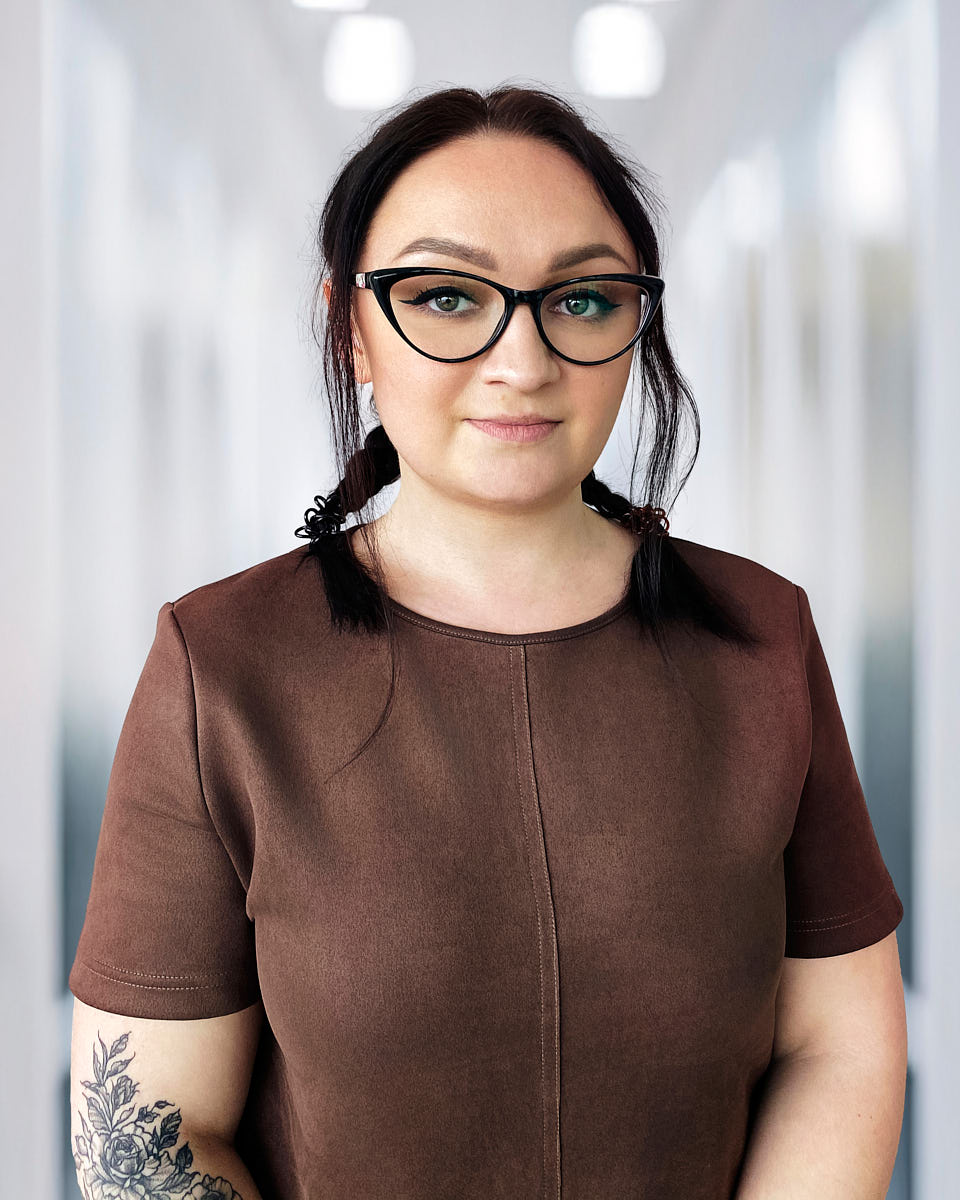
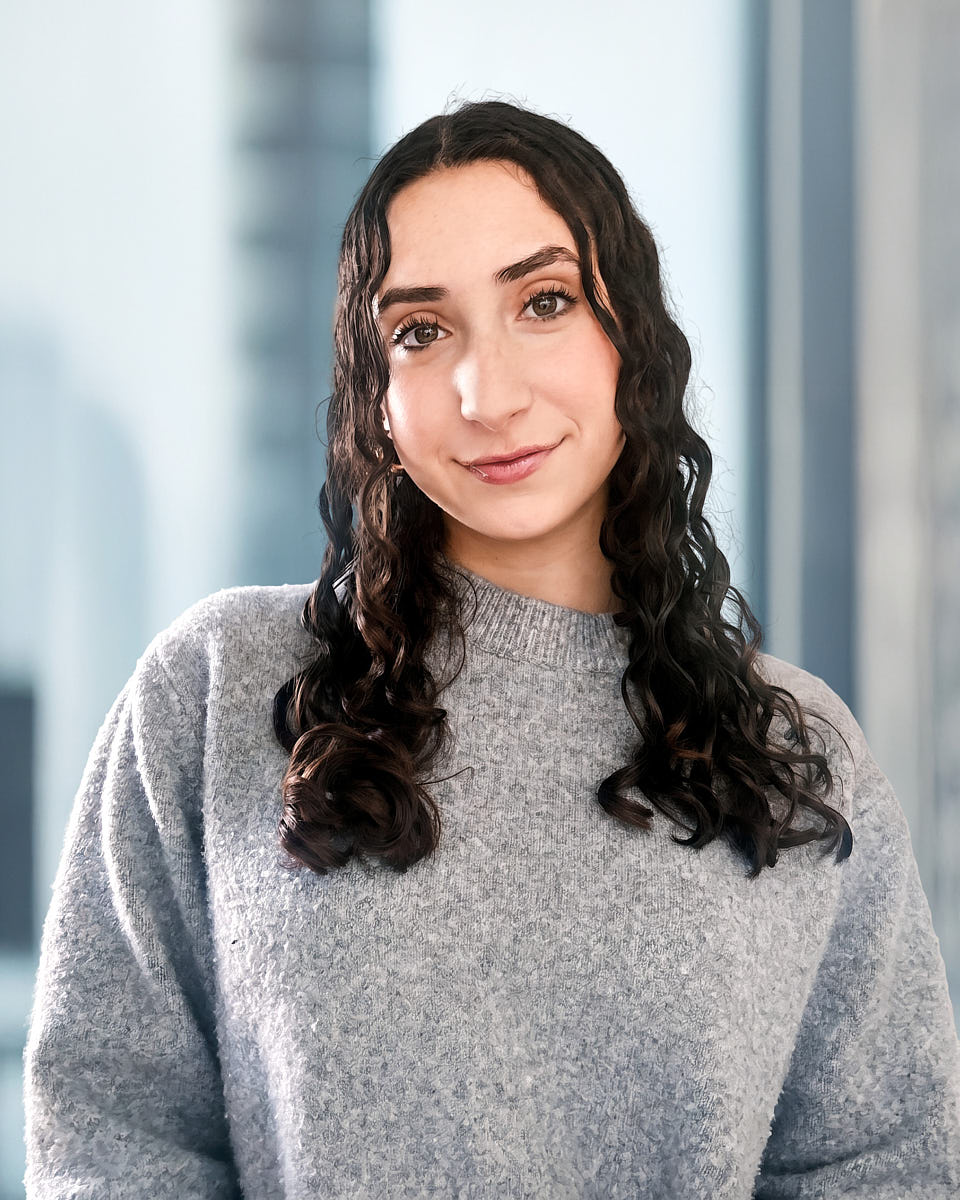
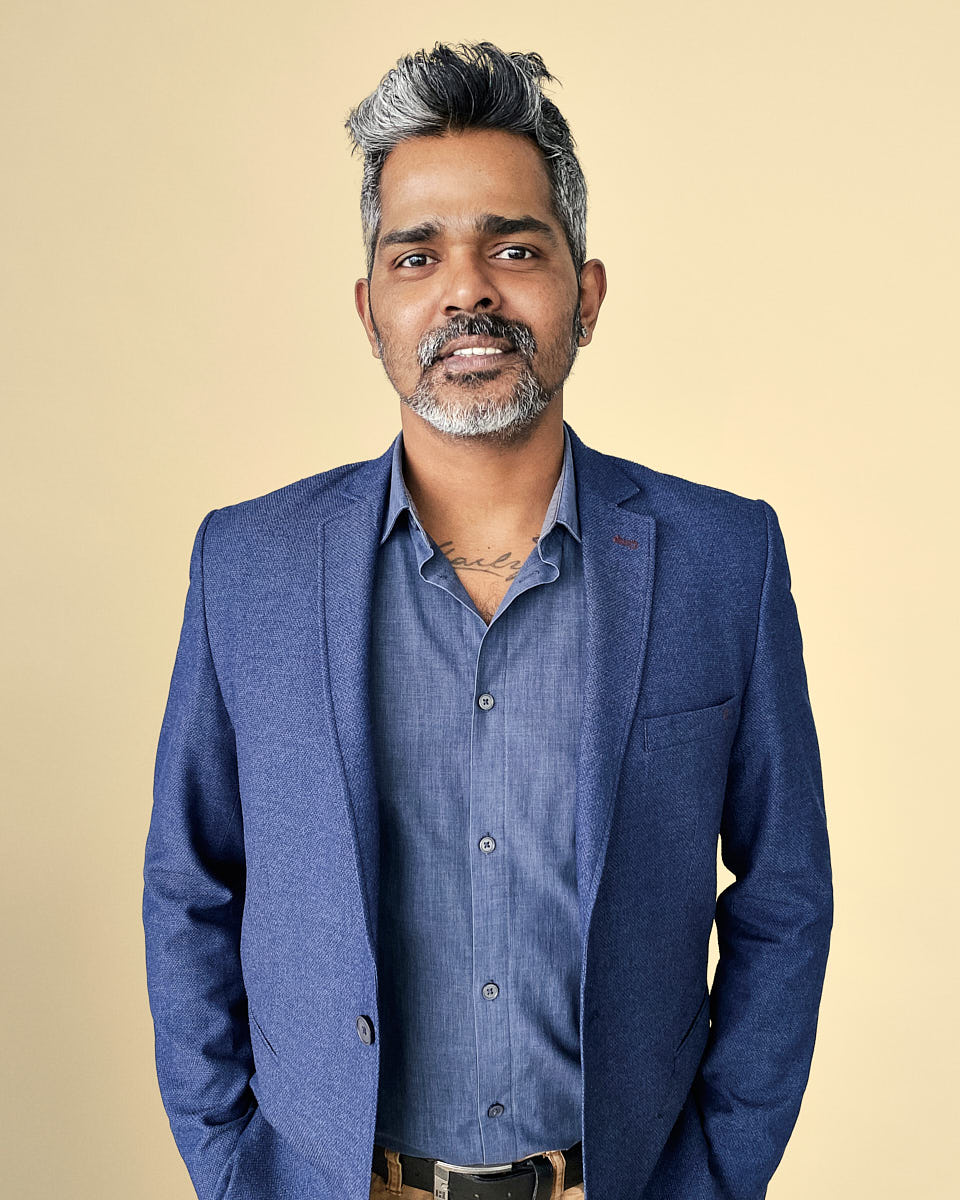
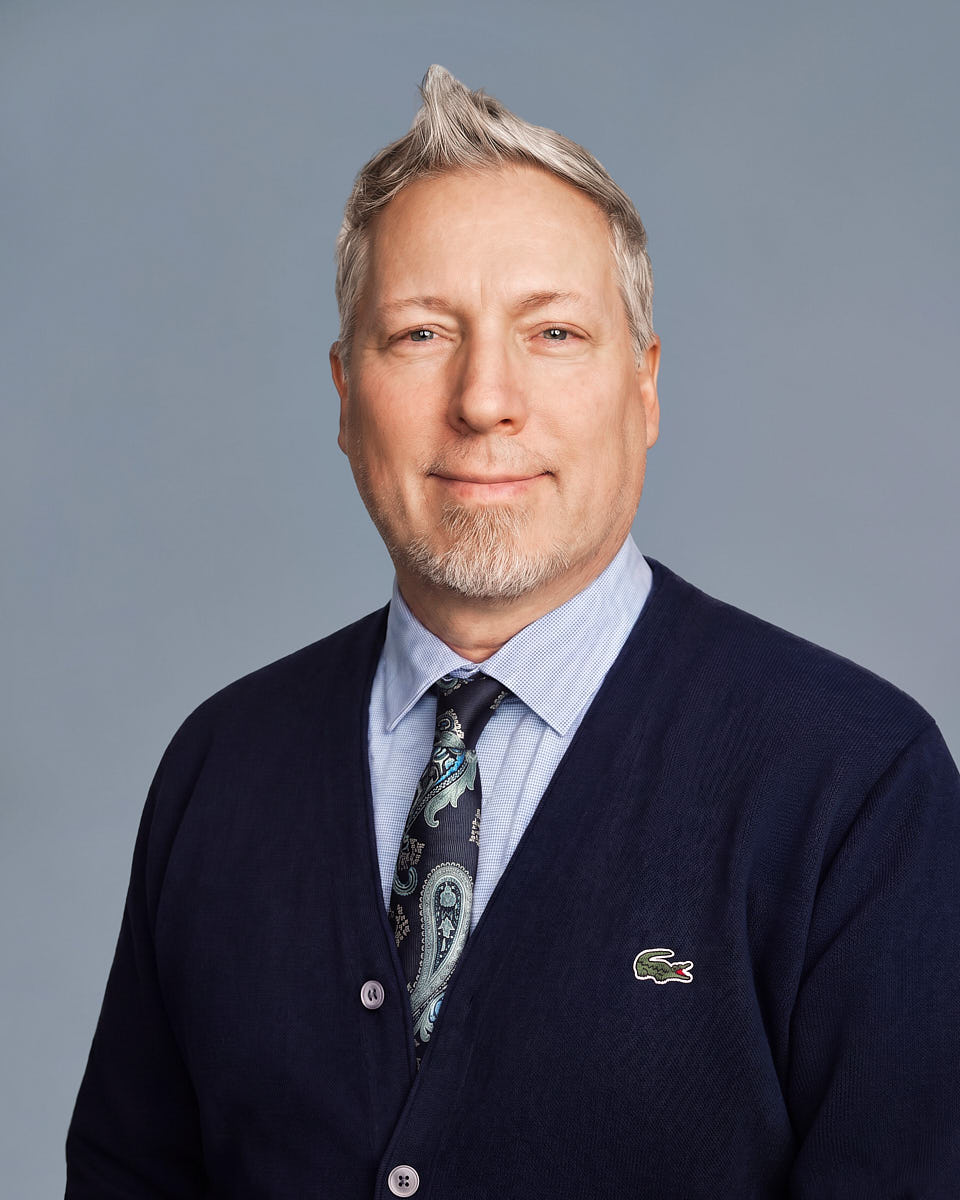
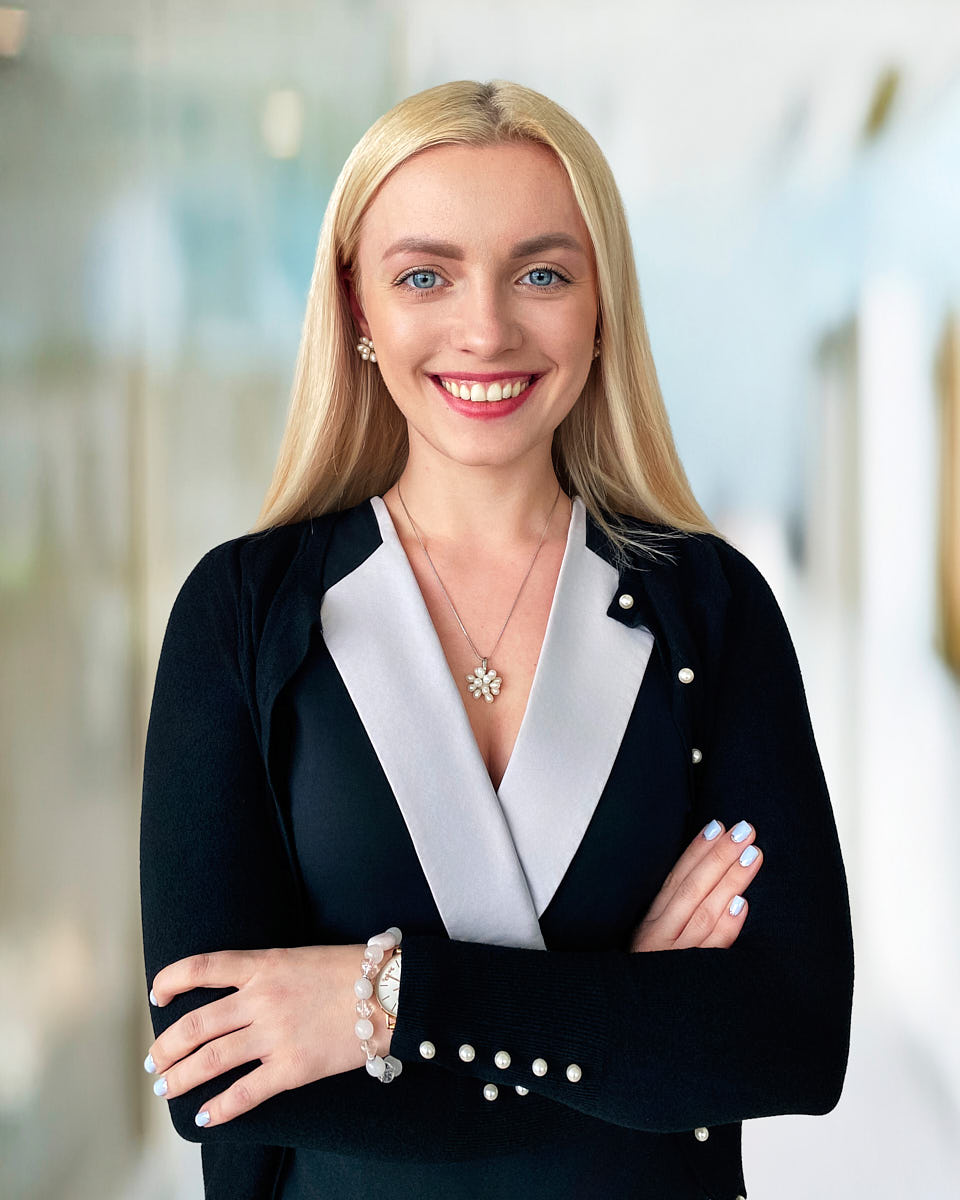
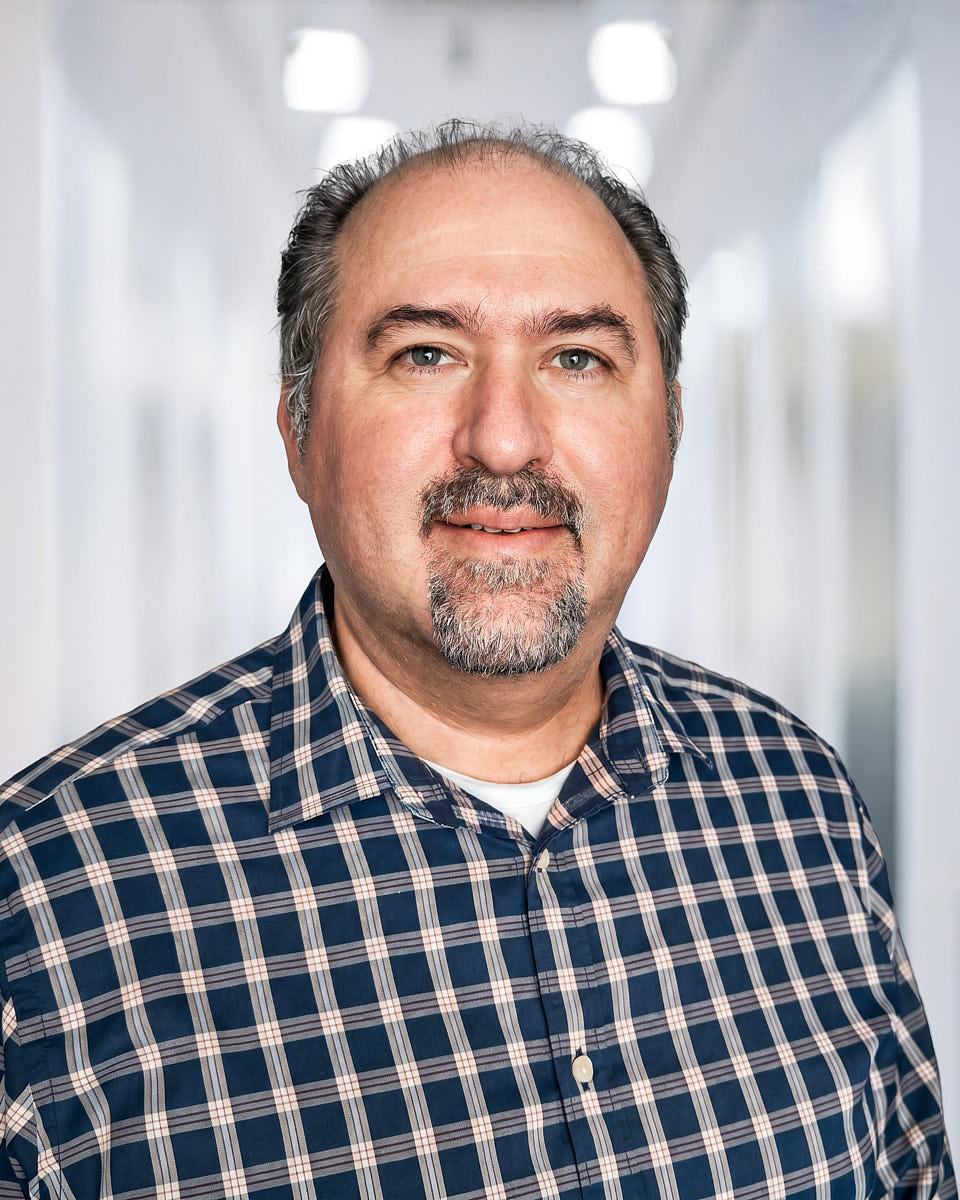
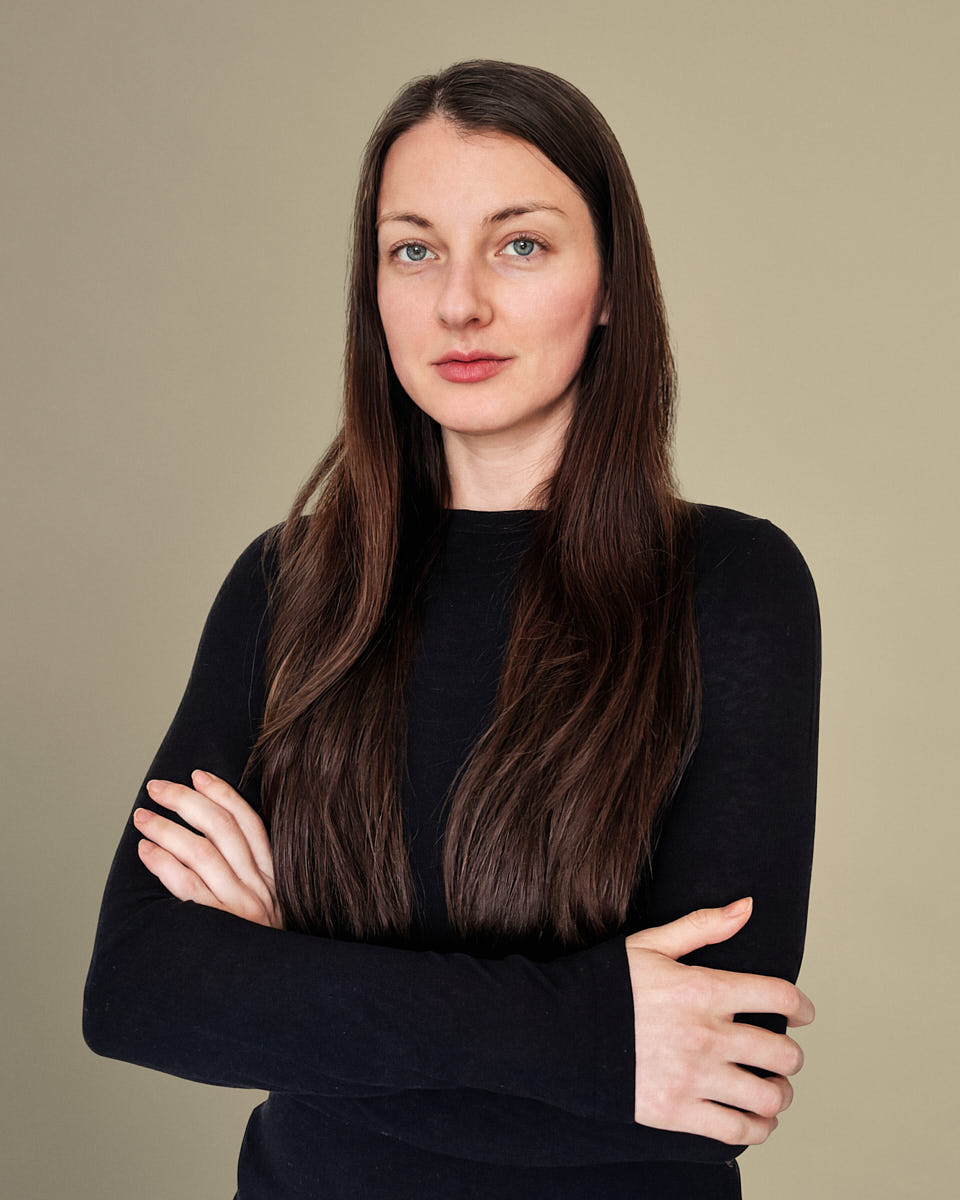
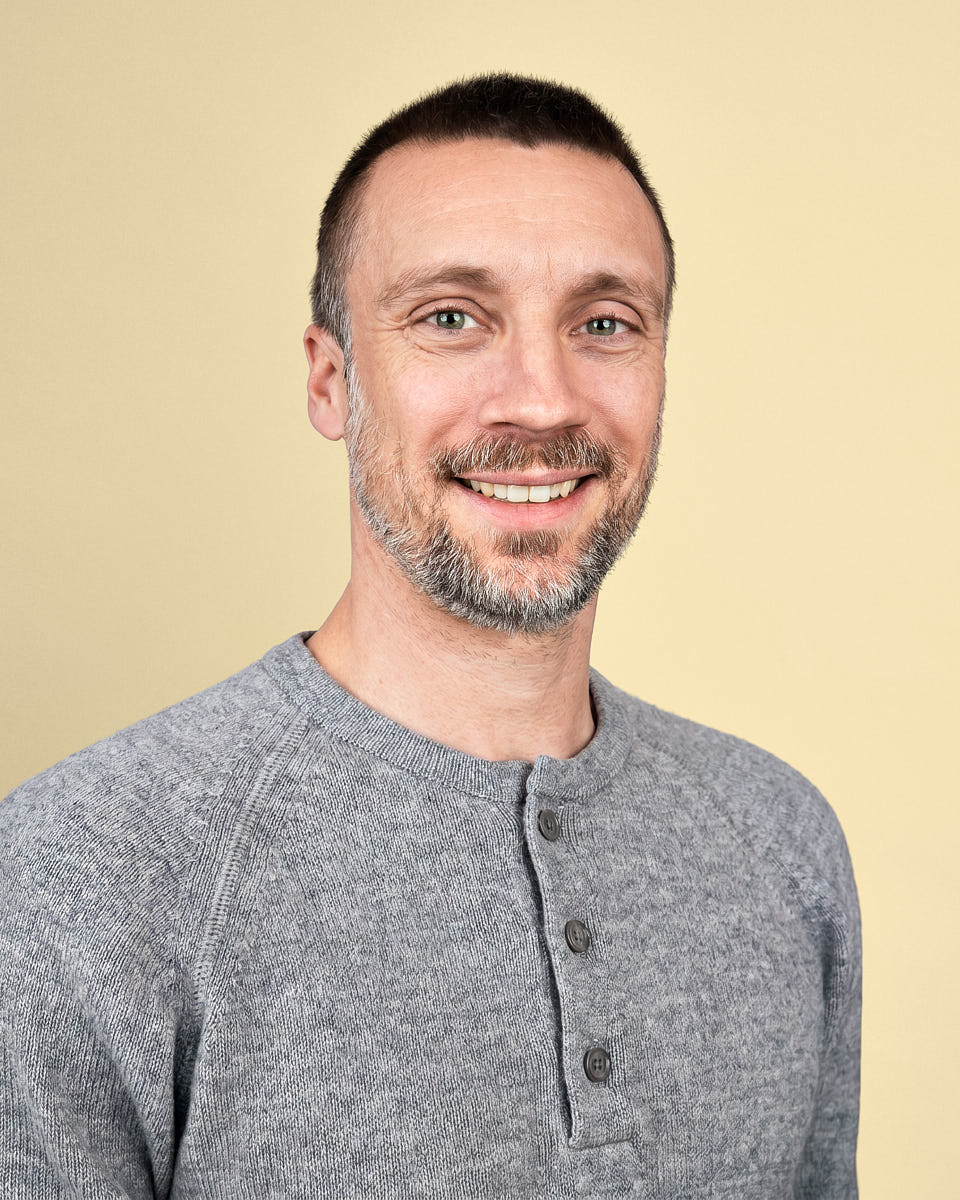
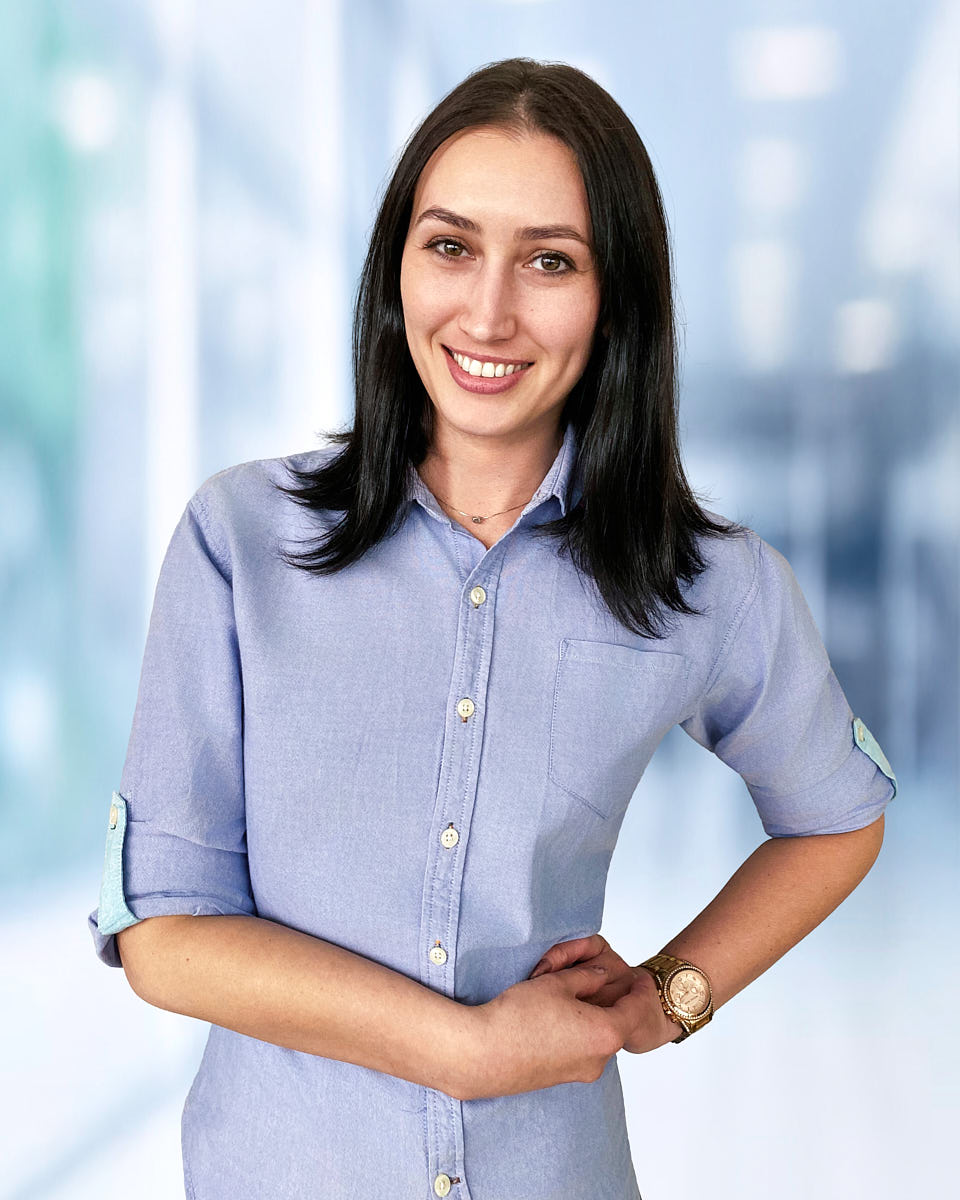
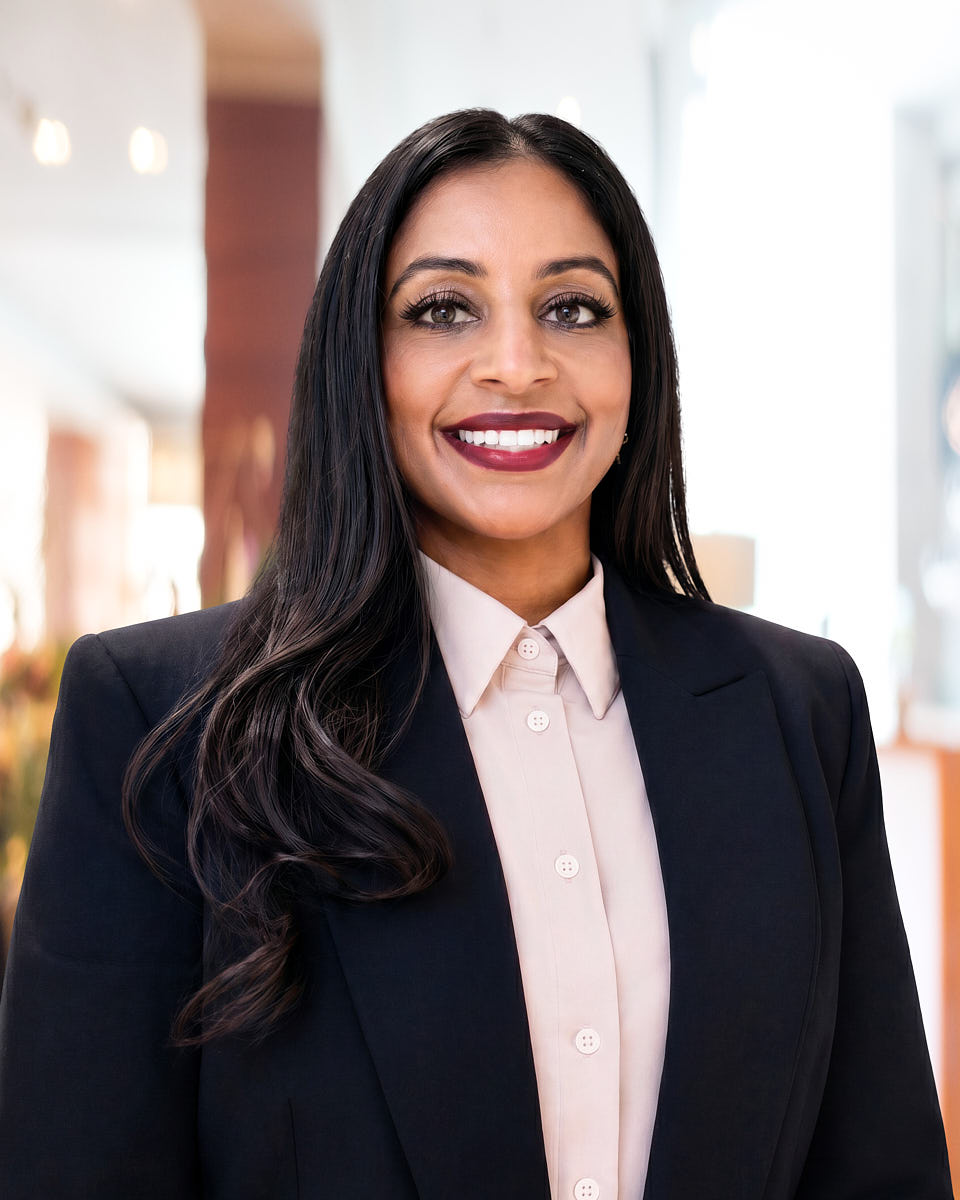
Remote headshot examples
The final image should look clean, current, and professional without feeling artificial. The goal is not to erase personality. It is to use better light, framing, expression, and natural editing so the headshot feels accurate and ready for real professional use.
Related paths
For bio pages, directory profiles, and firm-wide consistency across partners and associates.
For listing pages, referral sites, and brokerage rosters that need one look.
Profile-specific framing, background, and tone for LinkedIn search, recruiter visibility, and professional outreach.
Polished, discreet portraits for leadership bios, investor pages, board profiles, and press materials.
Professional images sized for event pages, conference agendas, webinars, podcasts, and promotional rounds.
Common questions
Individual remote headshots are professional headshots created during a live remote session with a real photographer. The photographer guides your light, camera position, background, posture, and expression, then the selected image is retouched for a polished final result.
No. This is not an AI-generated headshot or a selfie upload tool. Your headshot is based on a real photo captured during a guided remote session, with editing used to polish the image while keeping your real likeness.
No. A modern smartphone or laptop is usually enough. The photographer helps you position the camera, use available light, and adjust the background so the image works for professional use.
Most individual sessions take about 25 to 45 minutes, including setup, live direction, capture, and a quick review. The setup is part of the process because small adjustments often make the biggest difference. Retouched, web-ready final images arrive within two business days of your selection.
The individual remote headshot package includes a fully remote session, live posing and lighting guidance, one retouched final image, a digital background option, a private gallery, and unlimited usage rights.
Yes. The final image can be used for LinkedIn, company bios, personal websites, speaker profiles, press materials, decks, and internal directories.
That is exactly why live direction helps. The photographer guides small changes in posture, angle, expression, and framing so the final headshot feels natural, professional, and still recognizably you.
Next step
Four short questions cover the package, your timing, how the photograph will be used, and how to reach you. Sending the request is a message, not a booking: no time is held and no price is fixed until it is confirmed in writing.